You’ve just got your new flat screen TV, and it looks amazing. But have you thought about how to keep it safe and secure on your wall?
Anchoring your TV properly isn’t just about style—it’s about protecting your investment and keeping your space safe. If your TV isn’t anchored right, it could fall, causing damage or even injury. In this guide, you’ll learn exactly how to anchor your flat screen TV to the wall step-by-step.
By the end, you’ll feel confident that your TV is both stable and stylish. Ready to make your TV setup safer and smarter? Let’s dive in.

Credit: www.amazon.com
Choosing The Right Wall
Choosing the right wall is key to safely mounting a flat screen TV. The wall must support the TV’s weight and hold the mount firmly. Picking the correct wall ensures stability and prevents damage. Here is how to choose the best wall for your TV.
Identifying Wall Types
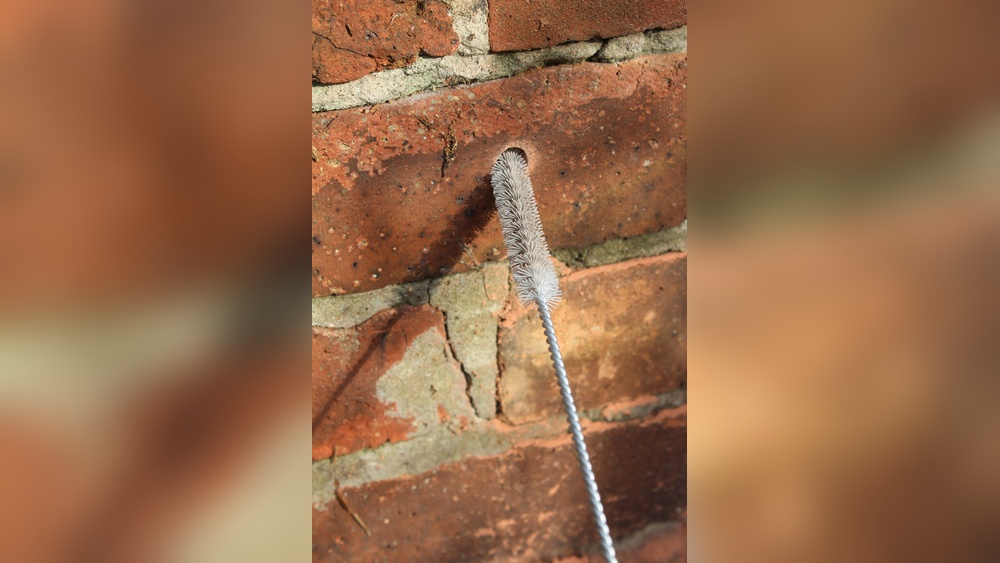
First, know your wall type. Walls can be drywall, plaster, brick, or concrete. Drywall is common in many homes but needs support behind it. Brick and concrete walls are strong but require special tools. Choose a wall type that fits your mounting hardware.
Checking For Studs
Studs are wooden or metal beams behind drywall. They provide the best support for heavy items. Use a stud finder tool to locate studs. Mount the TV bracket directly into studs for a secure hold. Avoid just attaching to drywall, as it may fail under weight.
Avoiding Hazardous Areas
Look out for pipes, electrical wires, or vents inside the wall. Drilling into these can cause damage or danger. Use a wire detector or consult building plans to find safe spots. Pick a wall area free from hazards to protect your home and TV.
Gathering Necessary Tools
Before you start anchoring your flat screen TV to the wall, gather all the necessary tools. Having the right tools makes the job easier and safer. It also helps avoid mistakes and saves time. Organize everything in one place to keep the process smooth.
Essential Hardware
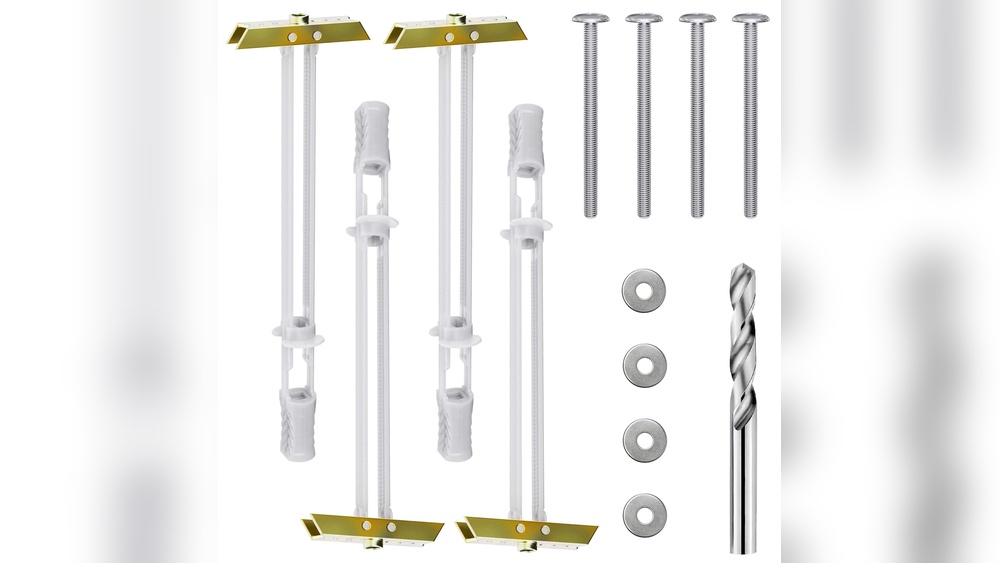
First, collect the hardware needed for mounting the TV. This includes the wall mount bracket designed for your TV size. Use screws and anchors that fit your wall type. Usually, lag bolts and toggle bolts work well for wood and drywall. Also, get washers to keep screws tight and secure.
Recommended Tools
Next, gather the tools that help with installation. A power drill with drill bits will make holes quickly. Use a stud finder to locate wall studs for strong support. A level keeps the TV straight on the wall. A tape measure helps with precise placement. Screwdrivers and a wrench may be needed for tightening bolts. Finally, have a pencil to mark drilling spots on the wall.
Preparing The Tv And Mount
Preparing the TV and mount is the first step to a safe and secure installation. This step ensures the TV fits well on the wall and stays stable. Take your time to check all parts and tools before starting.
Attaching Mounting Brackets
Find the mounting brackets that came with your TV mount. Align them with the holes on the back of your TV. Use the screws provided to fix the brackets tightly. Check if the brackets are secure by gently pulling on them. Loose brackets can cause the TV to fall.
Measuring For Proper Placement
Measure the height and width of your TV and wall space. Mark the points on the wall where the mount will go. Use a level to make sure the marks are straight. Double-check measurements before drilling any holes. Proper placement keeps your TV stable and easy to view.
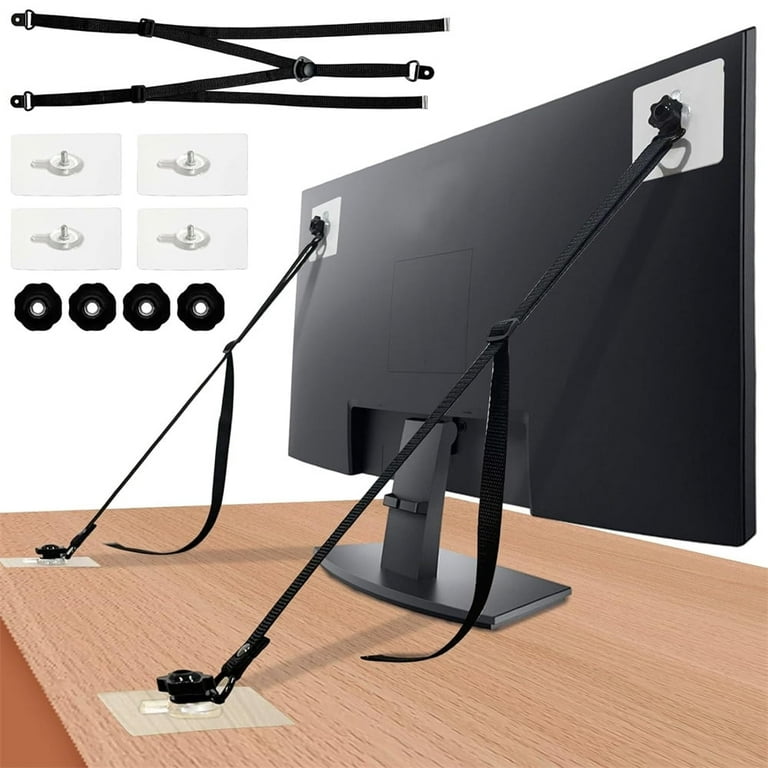
Credit: www.walmart.com
Marking And Drilling
Marking and drilling are important steps for mounting a flat screen TV on the wall. These steps make sure the TV stays secure and safe. Taking time to mark the drill points correctly helps avoid mistakes. Drilling with care protects your walls and tools from damage.
Marking Drill Points
First, find the right height for your TV. Use a pencil to mark the wall where the mount will go. Measure the distance between the holes on the TV mount. Transfer these measurements to the wall carefully. Check the marks twice before drilling. Use a level to keep the marks straight and even.
Drilling Safely
Wear safety glasses to protect your eyes from dust. Use a drill bit that matches the wall anchors or screws. Drill slowly and steadily to avoid cracking the wall. Stop and clear dust from the hole often. Avoid drilling near electrical wires or pipes inside the wall. Use a stud finder to locate safe drilling spots.
Securing The Mount To The Wall
Securing the mount to the wall is a key step in anchoring your flat screen TV. This step ensures the TV stays safe and stable. Use the right tools and techniques to attach the mount firmly. This will prevent the TV from falling or shifting over time. Pay close attention to the wall type and the weight of your TV.
Using Anchors And Screws
Select anchors and screws made for your wall type. Drywall needs special anchors to hold heavy loads. Use a drill to make holes that fit your anchors perfectly. Insert anchors firmly into the wall before placing screws. Screws must be long and strong enough to support your TV. Tighten screws but avoid over-tightening to prevent damage.
Ensuring Stability
Check the mount for any wobbling or loose parts. Pull gently on the mount to test its hold. Use a level to make sure the mount sits straight on the wall. Secure all bolts and screws again if you find any loose spots. Stability keeps your TV safe and your viewing experience smooth. A stable mount protects your TV and your wall.

Credit: babysecure.ca
Mounting The Tv
Mounting the TV on the wall requires careful steps to ensure safety and stability. This process involves lifting the TV and aligning it with the wall bracket. Proper alignment helps avoid damage to the TV and the wall mount. After positioning, locking the TV in place secures it firmly. Follow these steps to mount your flat screen TV correctly.
Lifting And Aligning
Lift the TV carefully with two people to avoid dropping it. Hold the TV close to the wall mount bracket. Align the mounting holes on the TV with the bracket hooks. Make small adjustments to fit the TV smoothly onto the bracket. Ensure the TV is level before moving to the next step.
Locking The Tv In Place
Once aligned, secure the TV by locking it to the wall bracket. Use screws or locking mechanisms provided with the mount. Tighten all screws firmly but avoid over-tightening. Double-check that the TV does not move or wobble. This step guarantees your TV stays safely anchored on the wall.
Final Safety Checks
Final safety checks are vital after mounting your flat screen TV. They make sure the TV stays secure and prevents accidents. Taking a few extra minutes here keeps your home safe.
Testing Stability
Gently push the TV side to side and up and down. It should not wobble or move. Double-check that all screws and anchors are tight. Use a level to confirm the TV is straight. A stable TV means no risk of falling.
Cable Management Tips
Keep cables organized and out of reach. Use cable clips or sleeves to bundle wires neatly. Avoid hanging cables loosely to stop tripping hazards. Label cables if needed for easy identification later. Neat cables improve safety and look better.
Frequently Asked Questions
What Tools Do I Need To Anchor A Flat Screen Tv?
You need a stud finder, drill, screwdriver, level, tape measure, and mounting bracket. These tools ensure secure and accurate TV installation.
How Do I Find The Best Wall Studs For Mounting?
Use a stud finder to locate solid studs behind drywall. Mark their positions clearly for safe and stable TV anchoring.
Can I Mount A Flat Screen Tv On Drywall Alone?
No, drywall alone can’t support a TV’s weight. Always anchor the TV bracket into wall studs for safety and stability.
What Is The Ideal Height To Mount A Flat Screen Tv?
Mount the TV at eye level when seated, typically 42-48 inches from the floor. This ensures comfortable and optimal viewing angles.
Conclusion
Anchoring your flat screen TV to the wall keeps it safe and stable. It saves space and gives your room a neat look. Follow the right steps for a secure mount. Use the proper tools and check the wall type.
Double-check your work to avoid accidents. A well-anchored TV stays in place for years. Enjoy your viewing without worry or hassle. Simple care makes a big difference.