Are you wondering if the Wemo Light Switch can dim your lights to create the perfect mood? You’re not alone.
Many people want more control over their home lighting but aren’t sure if this popular smart switch offers dimming features. You’ll discover exactly what the Wemo Light Switch can do, how it works, and whether it fits your needs. Keep reading to find out if this smart switch is the right choice to brighten—or soften—your space just the way you want.
Wemo Light Switch Features
The Wemo Light Switch offers several helpful features for home lighting control. It aims to improve convenience and energy savings. Understanding these features helps decide if this switch fits your needs.
Below, we explore the main functions, bulb compatibility, and smart home integration of the Wemo Light Switch.
Basic Functions
The Wemo Light Switch lets you turn lights on and off remotely. It supports scheduling so lights can follow your daily routine. The switch also includes an auto-off timer to save energy. It responds to manual control on the wall as well.
Compatibility With Bulbs
This switch works with many types of bulbs. It supports LED, CFL, and incandescent bulbs. It handles standard 120V wiring found in most homes. Note: The switch itself does not dim lights; it only turns them on or off.
Smart Home Integration
The Wemo Light Switch connects to Wi-Fi for remote access. It works with Amazon Alexa, Google Assistant, and Apple HomeKit. Voice control lets you operate lights hands-free. The Wemo app allows easy control from anywhere.
Credit: expercom.com
Dimmer Capabilities
The Wemo Light Switch offers smart control for your home lighting. One key feature is its dimmer capability. Dimming lets you adjust light brightness to fit your mood or task. It saves energy and extends bulb life. Not all Wemo switches have this feature. Understanding which models support dimming helps make the right choice for your needs.
Below, we explore Wemo models with dimming, how dimming works, and limits you should know.
Models With Dimming Support
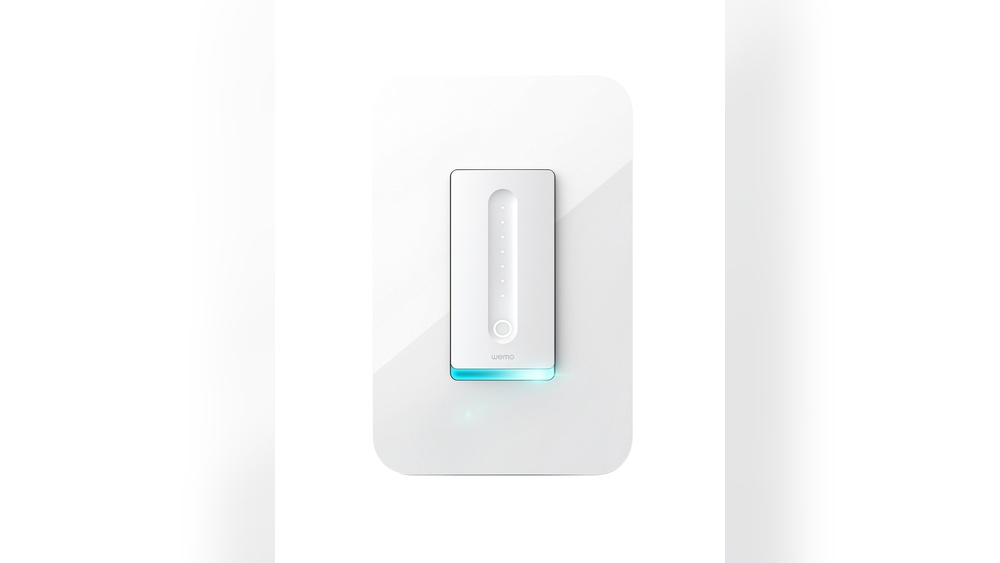
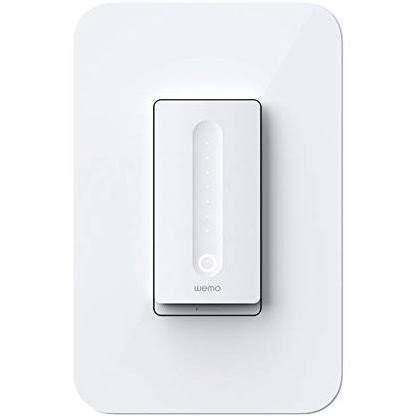
Wemo offers specific switches that support dimming. The Wemo Dimmer Switch is the main model with this feature. It lets you control brightness through the app or voice commands. Other Wemo switches, like the basic on/off model, do not have dimming. Check the product details before buying to confirm dimming support.
How Dimming Works
Dimming adjusts the voltage sent to your light bulb. Lower voltage means less brightness. The Wemo Dimmer uses this to change light levels smoothly. You can set dim levels using the Wemo app or smart assistants. The switch communicates wirelessly for easy control. This gives flexible lighting without manual adjustment.
Limitations To Consider
Dimming depends on the type of bulb you use. Incandescent and dimmable LEDs work best. Non-dimmable bulbs may flicker or not dim at all. The Wemo Dimmer switch needs a neutral wire for installation. Some older homes lack this wire, limiting use. Also, very low dim levels might cause flickering. Be sure to test compatibility before installation.
Setting Up Wemo Dimmer
Setting up the Wemo Dimmer is simple and quick. This smart device lets you control light brightness with ease. It fits well in most homes and works with many bulbs. Follow these steps to install and configure your Wemo Dimmer. Troubleshooting tips help solve common problems fast.
Installation Steps
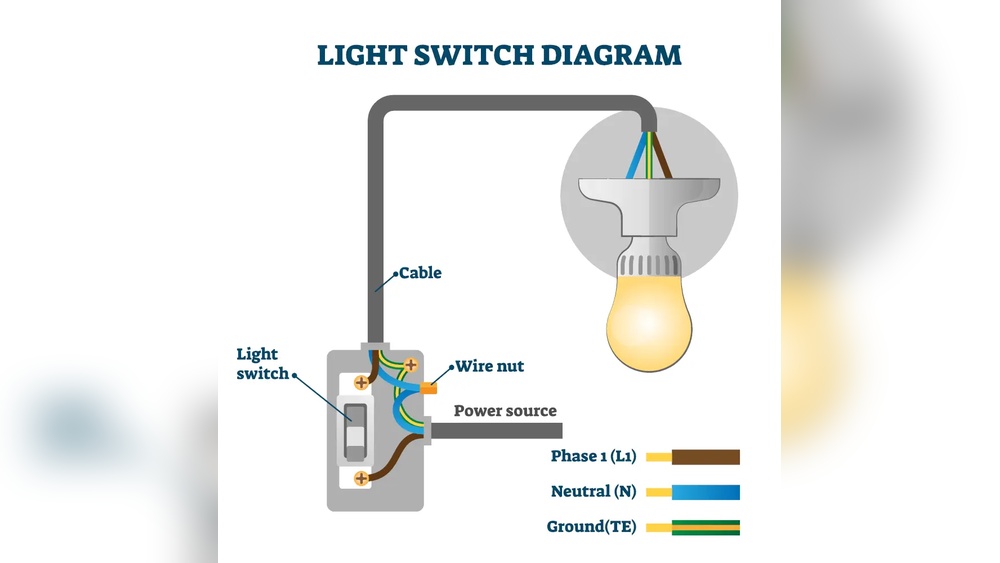
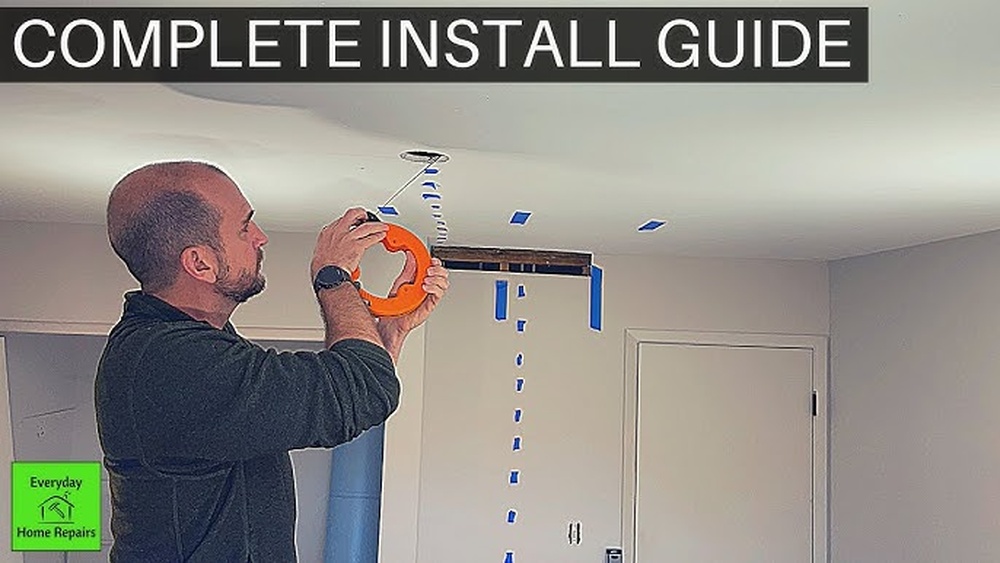
Turn off power at the circuit breaker. Remove the old switch from the wall. Connect Wemo Dimmer wires to the house wires. Match colors: black to black, white to white, green to ground. Secure the dimmer in the wall box. Attach the faceplate and turn power back on.
App Configuration
Download the Wemo app on your smartphone. Open the app and create an account. Follow prompts to add a new device. Choose your Wemo Dimmer from the list. Connect it to your Wi-Fi network. Name your dimmer for easy control. Test dimming features through the app.
Troubleshooting Tips
Check power is on if the dimmer does not work. Ensure wires are connected tightly and correctly. Restart the Wemo app and your phone. Reset the dimmer by holding the button for 10 seconds. Update the app and dimmer firmware regularly. Contact support if problems persist.
Alternatives For Dimming
Wemo Light Switch does not support dimming. This can limit your control over lighting ambiance. There are other ways to add dimming features to your smart home setup. These options include other Wemo devices, third-party dimmers, and manual dimming tools. Each choice has different benefits and fits different needs.
Other Wemo Devices
Wemo offers smart dimmer switches that work with most bulbs. These devices let you adjust brightness directly from your phone or voice assistant. They also integrate smoothly with Wemo’s app and ecosystem. Choosing a Wemo dimmer switch keeps your smart home setup consistent. It is a simple way to add dimming without extra hubs or complicated setups.
Third-party Smart Dimmers
Many brands make smart dimmer switches compatible with Wemo systems. These can work with Alexa, Google Home, or Apple HomeKit. Third-party dimmers often support a wider range of bulbs. Some offer advanced features like scheduling and scene settings. Check compatibility before buying to ensure smooth operation. These dimmers often cost less and offer more options.
Manual Dimming Options
Manual dimmer switches are a low-tech option for dimming lights. These switches connect directly to your existing wiring. They allow you to adjust brightness by turning a knob or sliding a lever. Manual dimmers do not need Wi-Fi or apps. They work well with dimmable bulbs and are easy to install. This option is best for those who want simple and reliable dimming.
Benefits Of Smart Lighting
Smart lighting offers many benefits for homes and offices. It changes how people use light every day. Smart lights make life easier and save energy. They also add style and comfort to any space.
Smart lighting helps control brightness and color. This creates the perfect mood for any moment. It also helps reduce electricity bills and is good for the planet.
Energy Savings
Smart lights use less power than regular bulbs. They turn off automatically when no one is in the room. Dimming lights also lowers energy use. This reduces electricity costs and saves money.
Convenience And Control
Control smart lights with a phone or voice commands. No need to get up to change settings. You can switch lights on or off from anywhere. This adds comfort and saves time every day.
Customization Options
Smart lights offer many ways to change colors and brightness. Adjust lights to match your mood or activity. Create scenes for reading, relaxing, or working. Personalize lighting to fit your style and needs.

Credit: www.techhive.com

Credit: www.amazon.com
Frequently Asked Questions
Does The Wemo Light Switch Support Dimming?
No, the standard Wemo Light Switch does not support dimming. It only turns lights on or off without brightness control.
Can I Use A Wemo Dimmer Switch Instead?
Yes, Wemo offers a Dimmer Switch model that allows you to adjust light brightness levels easily.
Is The Wemo Light Switch Compatible With Dimmable Bulbs?
The Wemo Light Switch works with dimmable bulbs, but it cannot control their brightness. Use a Wemo Dimmer Switch for dimming.
How Do I Dim Lights Using Wemo Devices?
To dim lights, use the Wemo Dimmer Switch or compatible smart bulbs with brightness control features.
Conclusion
The Wemo Light Switch does not support dimming features. It works well for simple on and off control. For dimming, consider a different smart switch model. Many smart switches offer easy dimming options. Choose one that fits your lighting needs best.
Wemo switches are great for basic smart home setups. Knowing this helps you pick the right device. Simple and clear choices make smart homes better.