If you want to boost your home’s security and enjoy the convenience of keyless entry, learning how to program a Schlage electronic deadbolt is a smart move. Imagine never fumbling for your keys again or worrying about lost copies.
This guide will walk you through the simple steps to set up your lock quickly and easily. By the end, you’ll have full control over who can enter your home—and when. Ready to take charge of your door’s security? Let’s get started.
Choosing The Right Schlage Deadbolt
Choosing the right Schlage deadbolt is key to securing your home. You want a lock that fits your needs and works well with your door. This makes programming easier and ensures reliable performance. Understanding different types, key features, and door compatibility helps you pick the best option.
Types Of Schlage Electronic Deadbolts
Schlage offers several electronic deadbolt models. The Schlage Encode connects directly to your Wi-Fi for remote access. The Schlage Sense works with Apple HomeKit for smart home control. The Schlage Touch lets you unlock with a simple touch or code. Each type suits different security needs and tech preferences.
Features To Consider
Look for features that match your lifestyle. Keyless entry saves time and avoids lost keys. Some models allow multiple user codes for family or guests. Check if the lock has an alarm for forced entry alerts. Battery life matters to avoid lockouts. Easy programming and app control add convenience.
Compatibility With Your Door
Measure your door thickness and backset before buying. Most Schlage deadbolts fit standard doors between 1 3/8” and 1 3/4” thick. Also, check if your door swings left or right. Some locks offer adjustable latch directions. Proper fit ensures smooth installation and reliable locking.

Credit: www.schlage.com
Preparing For Installation
Preparing for the installation of a Schlage electronic deadbolt sets the stage for a smooth process. Proper preparation saves time and reduces mistakes. It helps ensure the lock works correctly and fits well on your door. Follow these steps carefully before you start the installation.
Gathering Required Tools
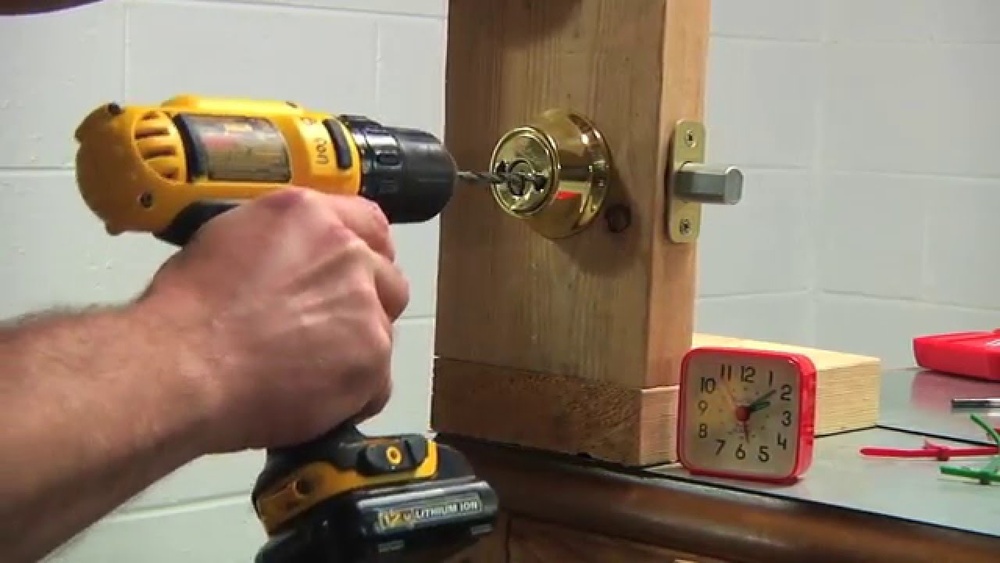
Start by collecting all the tools you will need. Usually, a screwdriver, drill, measuring tape, and pencil are essential. Having these tools ready keeps you from stopping in the middle of the job. Check the lock package for any special tools or parts included.
Checking Door Alignment
Verify that your door fits well in its frame. The door must close and latch smoothly. Misaligned doors can cause the lock to fail. Adjust the hinges or frame if needed to ensure proper alignment before installing the deadbolt.
Removing Existing Hardware
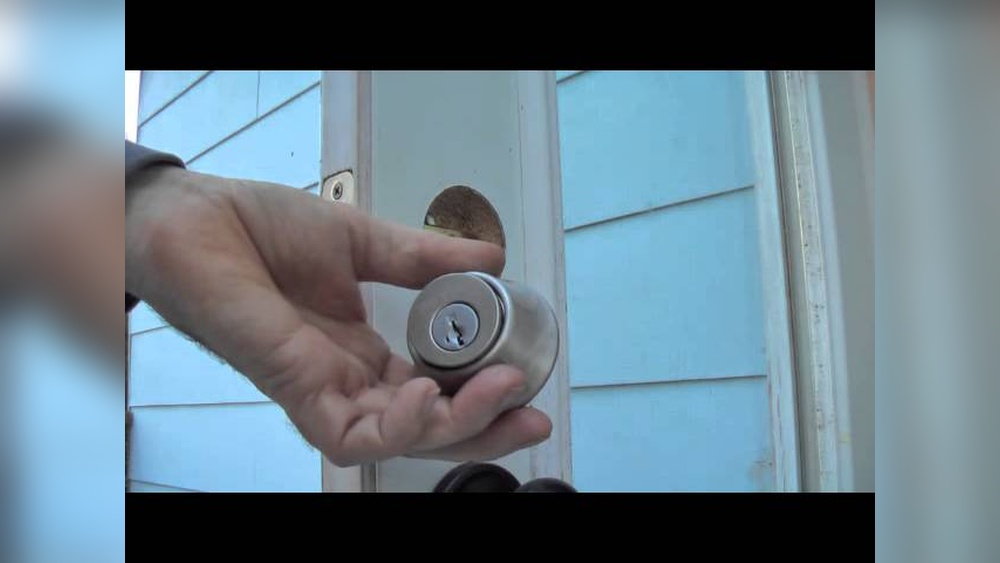
Take off the old lock and any other hardware on the door. Use a screwdriver to remove screws carefully. Keep all parts until the new lock is fully installed. Clean the door surface to remove dirt or paint that may block the new lock.
Installing The Deadbolt
Installing the Schlage electronic deadbolt is a straightforward process. This section guides you through the key steps to fit the lock securely on your door. Follow each part carefully for a perfect fit and smooth operation.
Mounting The Exterior Assembly
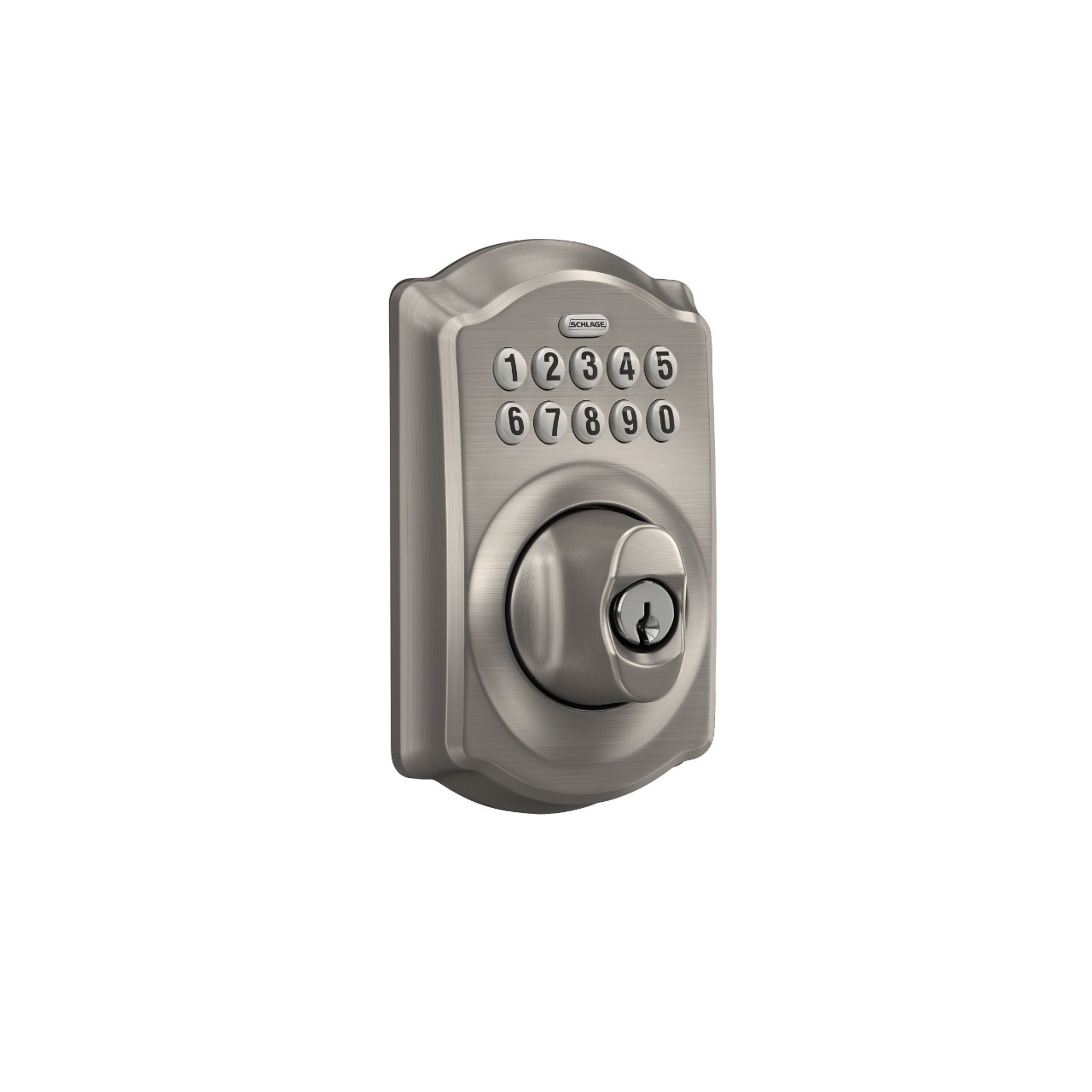
Start by placing the exterior part of the lock on the outside of your door. Align the keypad and deadbolt with the holes. Make sure the tailpiece goes through the latch mechanism. Hold it steady for the next step.
Attaching The Interior Assembly
Next, position the interior assembly on the inside of the door. Connect the tailpiece to the interior part. Align the screw holes on both sides. Check that the lock fits flush and is not loose.
Securing With Screws
Use the provided screws to fasten both assemblies together. Tighten screws evenly to avoid misalignment. Do not over-tighten; this can damage the lock. Test the lock’s movement before finishing.
Credit: www.schlage.com
Programming The Lock
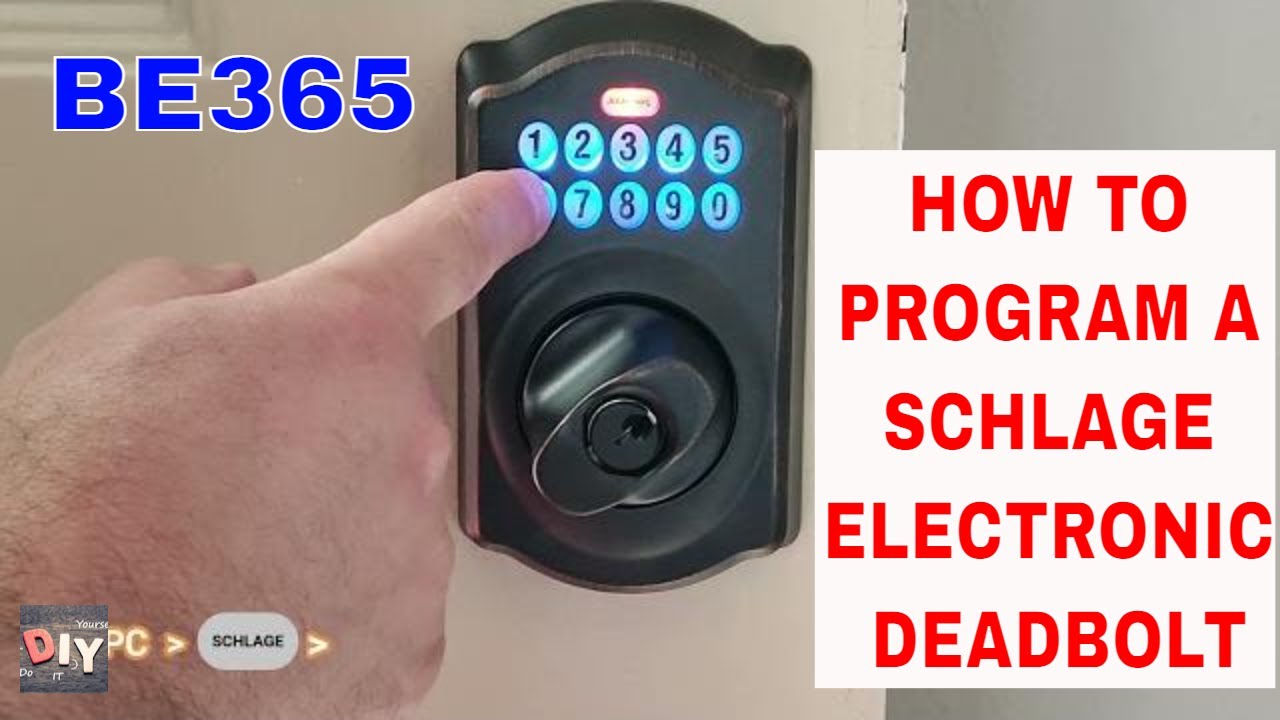
Programming the Schlage electronic deadbolt allows you to control who can access your home. This process is simple and quick to learn. You can set a master code, add user codes, and delete or change codes anytime. Each step helps keep your lock secure and easy to manage.
Setting The Master Code
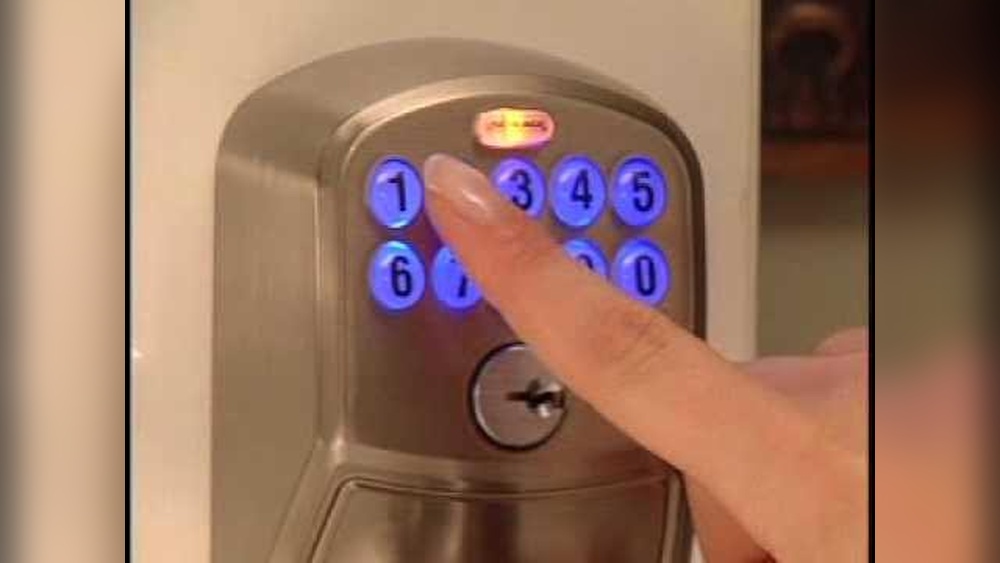
The master code controls the lock’s programming features. Start by pressing the Schlage button on the keypad. Enter the default programming code found in your manual. Then, press the Schlage button again. Enter your new master code and press the Schlage button one last time. Make sure your new code is easy to remember but hard to guess.
Adding User Codes
To add user codes, press the Schlage button first. Enter the master code. Press the Schlage button again. Choose a user code slot by entering a number between 1 and 19. Press the Schlage button. Enter the new user code. Press the Schlage button to save it. Each user code can be 4 to 8 digits long.
Deleting Or Changing Codes
Delete or change codes by pressing the Schlage button. Enter your master code. Press the Schlage button again. To delete, enter the user code number and press the Schlage button twice. To change, delete the old code first, then add a new code in the same slot. Always test the lock after changes to confirm they work.
Using Advanced Features
Using advanced features on your Schlage electronic deadbolt helps improve security and convenience. These features make your lock more flexible to use. You can control how the lock behaves and who can enter your home. The following sections explain some useful options.
Auto-lock Settings
Auto-lock lets the door lock itself after a set time. This keeps your home secure without needing to check the door. You can set the timer from 5 seconds to 4 minutes. This feature is perfect for busy households. It stops you from forgetting to lock the door.
Temporary Access Codes
Temporary codes allow visitors to enter without a permanent code. You can create codes that work for a few hours or days. Great for guests, repair workers, or delivery people. After the set time, the code stops working automatically. This keeps your home safer and controls who enters.
Battery Replacement Tips
Keep your deadbolt working by changing batteries on time. The lock will warn you when the battery is low. Use four AA alkaline batteries for best performance. Replace all batteries at once to avoid errors. Test the lock after replacement to ensure it works well.
Troubleshooting Common Issues
Troubleshooting common issues with your Schlage electronic deadbolt can save time and frustration. Problems may arise during programming or daily use. Understanding basic fixes helps keep your lock working smoothly. Below are common problems and easy solutions to try.
Lock Not Responding
Check the battery first. Low battery power often causes no response. Replace batteries with fresh, high-quality ones. Make sure battery contacts are clean and secure. If the lock still doesn’t respond, reset it by removing the battery for a minute. Reinstall and test the lock again.
Programming Errors
Programming errors happen if codes are entered too fast or with mistakes. Enter codes slowly and clearly. Double-check each number before pressing buttons. Use the correct programming code from the manual. If errors persist, reset the lock to factory settings and start fresh.
Mechanical Jamming
Mechanical jamming can block the deadbolt from moving. Check for dirt, debris, or misalignment in the lock and door frame. Lubricate the bolt with graphite powder, not oil. Tighten any loose screws on the lock and strike plate. If jamming continues, adjust the door alignment or call a locksmith.
Credit: www.youtube.com
Frequently Asked Questions
How Do I Program A Schlage Electronic Deadbolt?
To program a Schlage electronic deadbolt, first enter the programming code. Then follow the steps to add or delete user codes via the keypad. Always consult your model’s manual for exact instructions.
Can I Add Multiple User Codes To One Lock?
Yes, Schlage electronic deadbolts allow multiple user codes. This feature lets you share access securely with family or guests. You can add or remove codes anytime through the programming mode.
What If I Forget My Schlage Programming Code?
If you forget your programming code, you must reset the lock to factory settings. This erases all user codes and restores the default programming code. Refer to your manual for the reset process.
How Do I Change The Battery In A Schlage Deadbolt?
To change the battery, remove the interior cover of the deadbolt. Replace with fresh batteries, usually AA alkaline. Low battery warnings appear on the keypad before power runs out.
Conclusion
Programming a Schlage electronic deadbolt is simple and quick. Follow the steps carefully, and you will set your codes with ease. Double-check the instructions to avoid mistakes. Remember to keep your new code safe and share it only with trusted people.
Regularly update the code for better security. Enjoy the convenience and safety your electronic deadbolt provides. This small task can greatly improve your home’s security. Give it a try today!