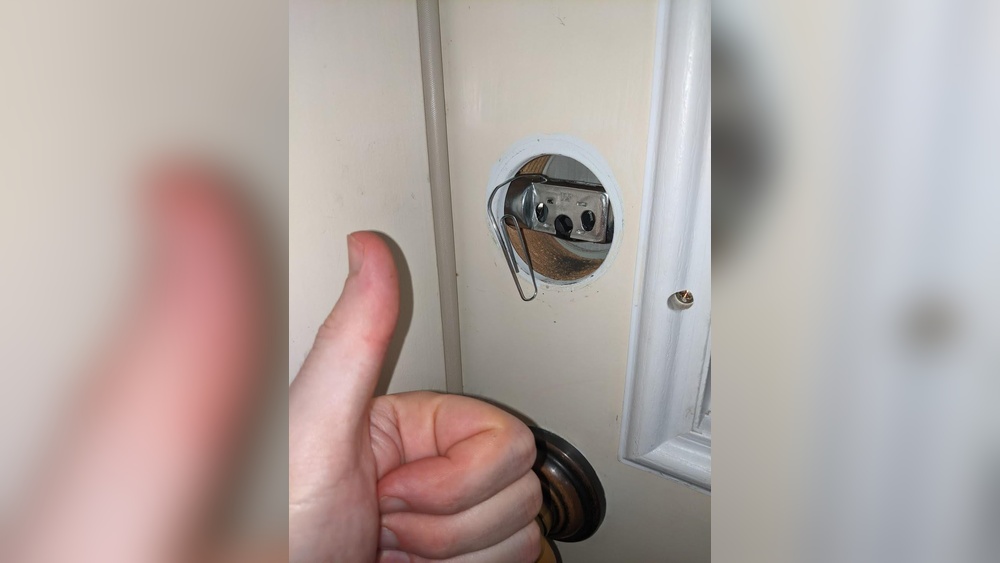
Changing the code on your Schlage keypad deadbolt might seem tricky, but it’s easier than you think. If you want to boost your home’s security or just need a fresh code, this guide is for you.
You’ll learn simple steps to update your lock quickly and confidently. Keep reading, and you’ll have your keypad working with your new code in no time—no frustration, no guesswork.
Tools Needed
Changing the code on a Schlage keypad deadbolt needs a small screwdriver and the lock’s user manual. Keep the new code ready before starting the process. A fresh battery helps ensure smooth operation during the change.
What Is The Programming Code?
The programming code is a special number used to set or change your Schlage keypad deadbolt. It allows you to add or delete user codes safely. Without this code, you cannot change any settings on the lock.
Where To Find The Programming Code
Look for a sticker on the inside of the lock’s keypad assembly. The code is usually a six-digit number. You might find it behind the battery cover or on the back of the lock.
Check The User Manual
If the sticker is missing, check the user manual that came with the lock. The manual often lists the default programming code. Use this code to start changing settings.
Resetting The Programming Code
If you lost the original code, you may need to reset the lock. This clears all codes, including the programming code. Follow the reset instructions in the manual carefully.
Locate The Programming Code
Removing the battery cover is the first step to change the code on your Schlage keypad deadbolt. This step gives you access to the battery compartment and the programming button inside. Take your time to do it carefully to avoid damage.
The battery cover is usually located on the interior side of the lock. It keeps the batteries safe and hidden from view. Opening it allows you to replace batteries or reach the programming button needed to change the code.
Locate The Battery Cover
Look for a small panel on the inside part of the lock. It may have a small tab or slot. This is the battery cover that you need to remove.
Slide Or Lift The Cover
Use your fingers to slide the cover down or lift it up. The design depends on your Schlage model. Apply gentle pressure to avoid breaking it.
Set The Cover Aside
Place the cover on a flat surface. Keep it safe to avoid losing it while you change the code or batteries.
Remove The Battery Cover
Entering programming mode is the first step to change the code on your Schlage keypad deadbolt. It allows you to make new settings and update your lock codes safely. Without entering this mode, the lock will not accept any code changes.
Follow these steps carefully to enter programming mode. Each step is simple and clear to help you avoid mistakes.
The programming code is a unique 6-digit number. It comes with your lock in the user manual or on the back of the keypad. You need this code to enter programming mode.
Press The Schlage Button
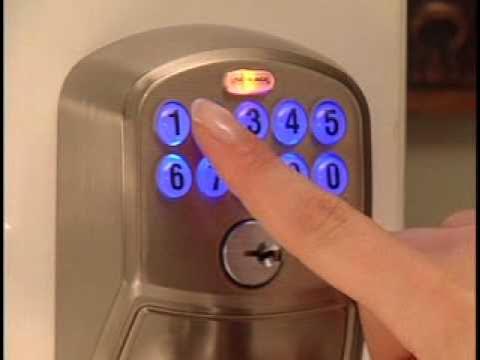
Press the large Schlage button on the keypad. It will light up, indicating the lock is ready for the code. This button starts the process.
Enter The Programming Code
Type the 6-digit programming code using the keypad. Enter it carefully to avoid errors. The lock will beep twice if the code is correct.
Wait For Confirmation
After entering the code, wait for the lock to beep and the Schlage button to flash. This confirms you are now in programming mode. You can now change user codes or settings.
Credit: www.youtube.com
Enter Programming Mode
Changing the access code on your Schlage keypad deadbolt keeps your home safe. It is important to update the code regularly. This prevents others from gaining unwanted entry. The process is simple and quick. Follow these steps to set a new code.
Enter New Code
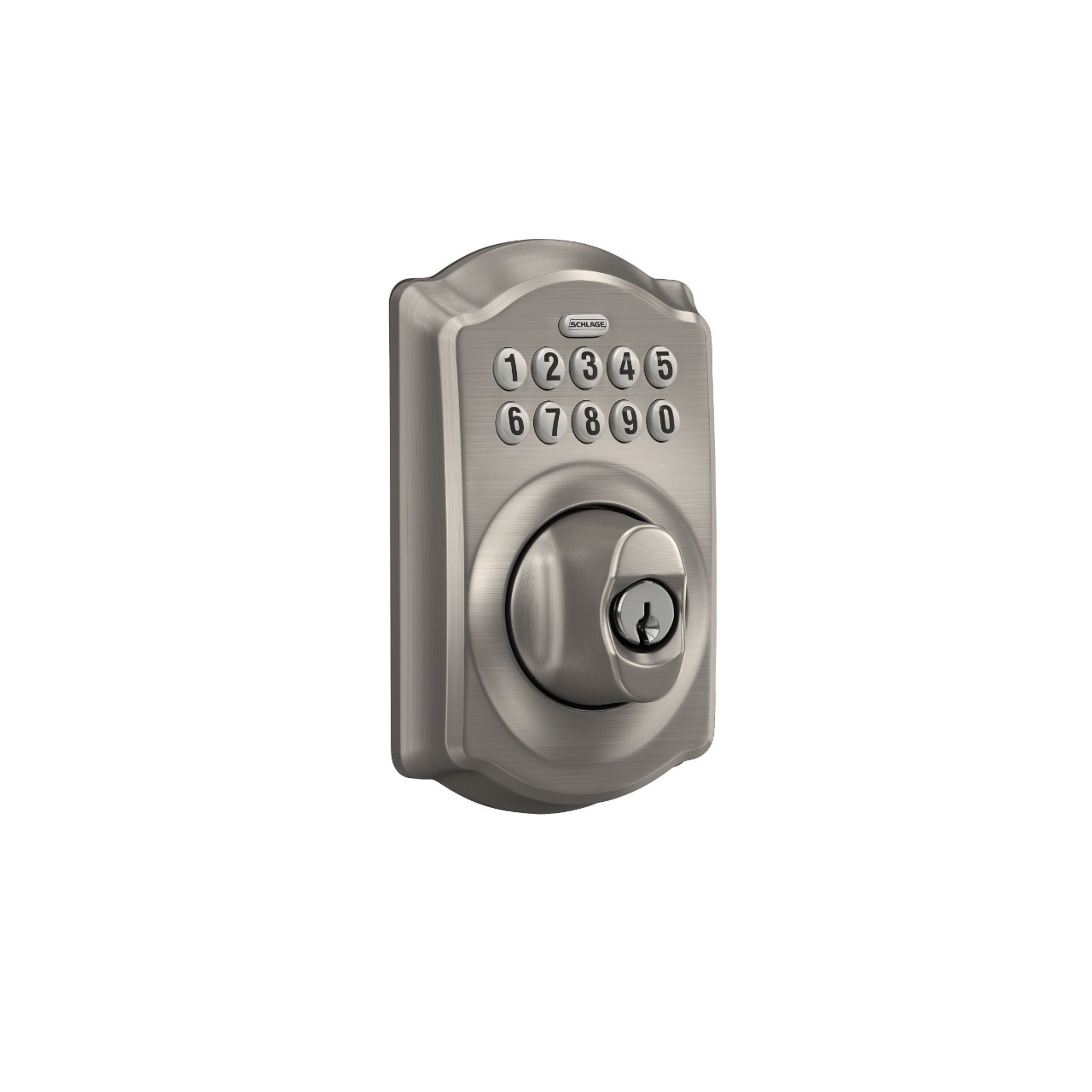
Start by pressing the Schlage button. Then enter your current code to unlock the keypad. Press the “Schlage” button again to begin the code change mode. Enter your new access code. Choose a code that is easy for you to remember. The code must be 4 to 8 digits long. After entering the new code, press the “Schlage” button once more.
Confirm New Code
Re-enter the new access code to confirm it. This step ensures you typed the code correctly. The keypad will beep to show the code is accepted. If the code does not match, you must start again. After confirmation, your new code is active. Test the new code to ensure it works properly.
Change The Access Code
Testing the new code on your Schlage keypad deadbolt is a key step. It confirms the lock works with the new settings. This step avoids lockouts and ensures security.
Take your time during testing. Try the new code several times. Make sure the lock opens and closes smoothly. Check for any delay or errors.
Enter The New Code Carefully
Stand in front of the door. Press the buttons for the new code slowly. Watch the lock’s response. The keypad should light up and the lock should click.
Test Multiple Times
Repeat the code entry three to five times. This confirms the code is saved correctly. It also helps you remember the code better.
Try The Old Code
Try the old code after testing the new one. The old code should no longer work. If it still works, reset the code again.
Test From Outside And Inside
Check the lock from both sides. Enter the code from outside. Use the thumb turn or inside lock to open from inside. Both should work smoothly.
Check Battery And Power
Make sure the lock’s batteries are fresh. Low power can cause code entry problems. Replace batteries if the lock is slow or unresponsive.
Credit: www.schlage.com
Test The New Code
Resetting your Schlage keypad deadbolt might be needed if the lock is not responding or if you forget the existing code. This process clears all previous settings and restores the lock to its factory defaults. After resetting, you can set a new programming code and user codes as if the lock is new.
Keep in mind that resetting will erase all saved codes. Make sure you have your lock’s manual or model number ready. This helps to follow the correct steps for your specific lock type.
Locate The Reset Button
Open the battery cover on the inside part of the lock. You will find a small reset button near the batteries. Use a small tool like a paperclip to press the button. Hold it for about 5 seconds until you hear a beep or see the lights flash.
Remove And Reinstall The Batteries
Take out the batteries to power down the lock. Wait at least 10 seconds before putting them back. This step ensures the lock fully resets before restarting. After reinstalling, the lock will be ready for new setup steps.
Test The Reset
Try entering the default programming code listed in the user manual. If the lock responds, it has reset properly. You can then add your new codes. If not, repeat the reset steps or check the manual for help.
Resetting The Lock (if Needed)
Keeping your Schlage keypad deadbolt code secure is very important. A strong code protects your home from unwanted access. Changing the code is only the first step. Follow these tips to keep your code safe and your home secure.
Choose A Unique Code
Pick a code that is hard to guess. Avoid common numbers like 1234 or 0000. Do not use birthdays or simple patterns. A random code increases security.
Change Your Code Regularly
Update your code every few months. This reduces the chance someone else knows it. Regular changes keep your lock safer over time.
Keep Your Code Private
Do not share your code with many people. Only trusted family or friends should know it. Avoid writing the code on notes near the door.
Test Your Code After Changing
Always test the new code before leaving the house. Make sure it works correctly every time. Testing prevents lockouts and ensures safety.

Credit: www.wikihow.com
Frequently Asked Questions
How Do I Reset My Schlage Keypad Deadbolt Code?
To reset your Schlage keypad code, locate the interior programming button. Press and hold it until the light flashes. Enter a new 4-8 digit code, then press the lock button to save. This process ensures only authorized users can access your door.
Can I Change The Schlage Keypad Code Without Removing The Lock?
Yes, you can change the code without removing the lock. Use the keypad and programming button inside. Follow the manufacturer’s instructions to enter programming mode and set a new code. This method is quick and does not require tools or lock removal.
What If I Forget My Schlage Keypad Deadbolt Code?
If you forget your code, use the factory default code printed inside the battery compartment. Reset the lock by pressing the programming button and entering the default code. Then create a new personalized code to regain access and secure your lock.
How Often Should I Change My Schlage Keypad Code?
It’s recommended to change your Schlage keypad code every 3-6 months. Regular updates enhance security and prevent unauthorized access. Always choose a unique and hard-to-guess code to keep your property safe from intruders.
Conclusion
Changing the code on your Schlage keypad deadbolt keeps your home safe. The process is simple and takes just a few minutes. Always test the new code before locking the door. Keep your code easy to remember but hard to guess.
Regularly changing your code adds extra security. Now, you have control over who can enter your home. Stay safe and confident with your keypad deadbolt.