Are you tired of messy wires and complicated setups just to watch your favorite shows? Mounting your indoor digital HDTV antenna doesn’t have to be a hassle.
With a simple strip of tape, you can easily place your antenna in the perfect spot for clear, crisp channels. In this guide, you’ll learn how to mount your antenna quickly and securely without drilling holes or using tools. Keep reading to discover the easy steps that will have your TV ready in minutes—no stress, no fuss.
Choosing The Right Antenna
Choosing the right indoor digital HDTV antenna is important for clear TV signals. The right antenna helps you get many channels without extra costs. It also fits your home and mounts easily with tape. Understanding types and features makes the choice simple.
Types Of Indoor Digital Hdtv Antennas
There are several types of indoor antennas. Flat antennas are thin and easy to hide. They work well near TV or window. Rabbit ear antennas have adjustable rods. They help catch signals from different directions. Amplified antennas have a built-in signal booster. They are good for areas far from broadcast towers.
Factors To Consider Before Buying
Check the distance from TV towers. Farther distance needs stronger or amplified antennas. Look at your wall or window space for mounting. Choose light antennas that tape can hold well. Consider the channels you want to watch. Some antennas work better for specific channels or frequencies.
Best Antennas For Tape Mounting
Flat, lightweight antennas are best for tape mounting. They stick well on smooth surfaces like walls or windows. Amplified flat antennas with a slim design also work. Avoid heavy or bulky antennas; tape may not hold them. Pick antennas with smooth backs for better tape grip.

Credit: all-u-re.com
Preparing For Installation
Preparing your indoor digital HDTV antenna for installation is a key step. It makes the mounting process smooth and fast. Taking time to plan saves effort and avoids mistakes.
Follow simple steps to get ready. These steps help ensure good signal and secure placement. Proper preparation means better TV reception and a neat setup.
Gathering Necessary Tools And Materials
Collect all tools before starting. You will need double-sided tape, the antenna, and a measuring tape. Keep a cleaning cloth handy to wipe surfaces.
Make sure the tape is strong and suitable for your wall type. Avoid weak tape that may fail to hold the antenna securely. Having everything ready avoids interruptions.
Selecting The Ideal Mounting Spot
Choose a spot with clear access to windows or open space. Walls near windows often receive better signals. Avoid placing the antenna behind thick furniture or metal objects.
Pick a spot high enough to avoid signal blockages. Check the space for easy reach and cable connection. A good spot ensures stable and clear TV reception.
Checking Signal Strength And Direction
Use your TV or a signal meter to test signal strength first. Move the antenna around near the chosen spot. Note the position that gives the strongest signal.
Point the antenna toward the broadcast towers. Direction affects the quality of the channels you receive. Adjust until you find the best reception before mounting.
Mounting With Tape
Mounting an indoor digital HDTV antenna with tape is simple and fast. Tape keeps the antenna in place without drilling holes or using extra tools. It also lets you adjust the antenna’s position easily. Follow these easy steps to mount your antenna securely with tape.
Choosing The Right Tape
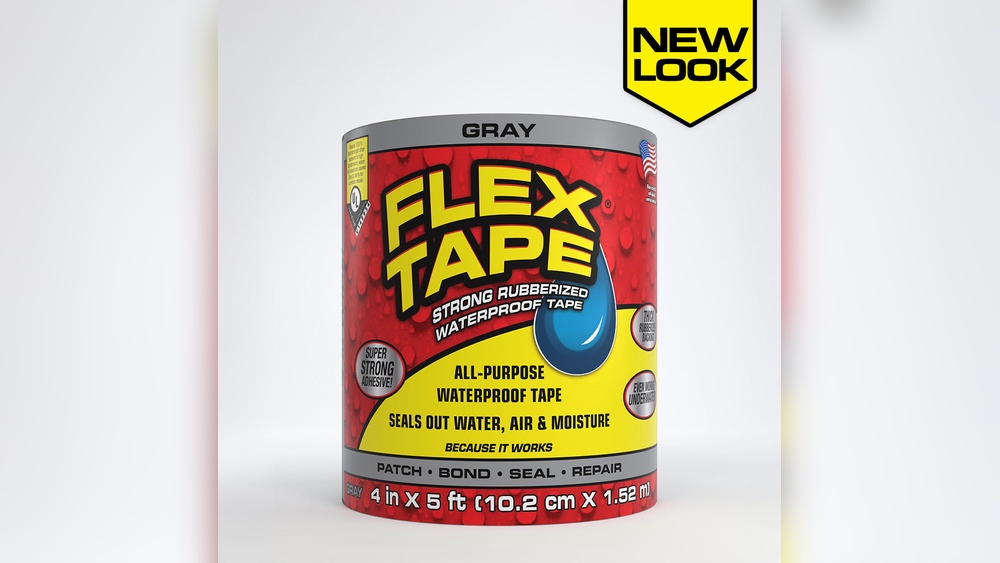
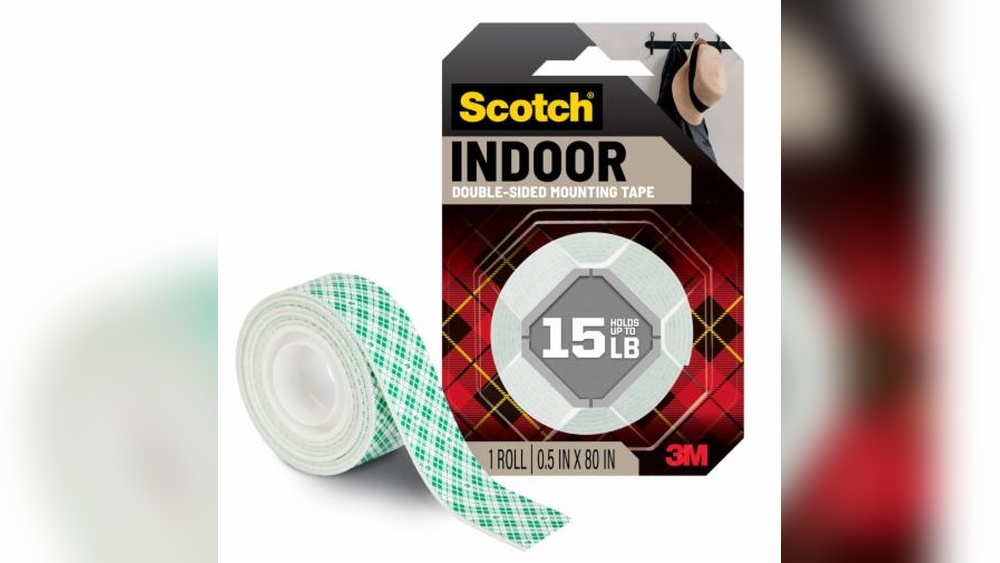
Pick tape that sticks well to walls and plastic. Double-sided foam tape works best. It holds the antenna firmly and absorbs small vibrations. Avoid weak tapes like scotch tape or masking tape. Strong tape prevents the antenna from falling.
Cleaning The Mounting Surface
Clean the wall or window where you want to mount the antenna. Use rubbing alcohol or soapy water to remove dust and grease. Dry the surface completely before applying tape. A clean surface helps the tape stick tightly and last longer.
Attaching The Antenna Securely
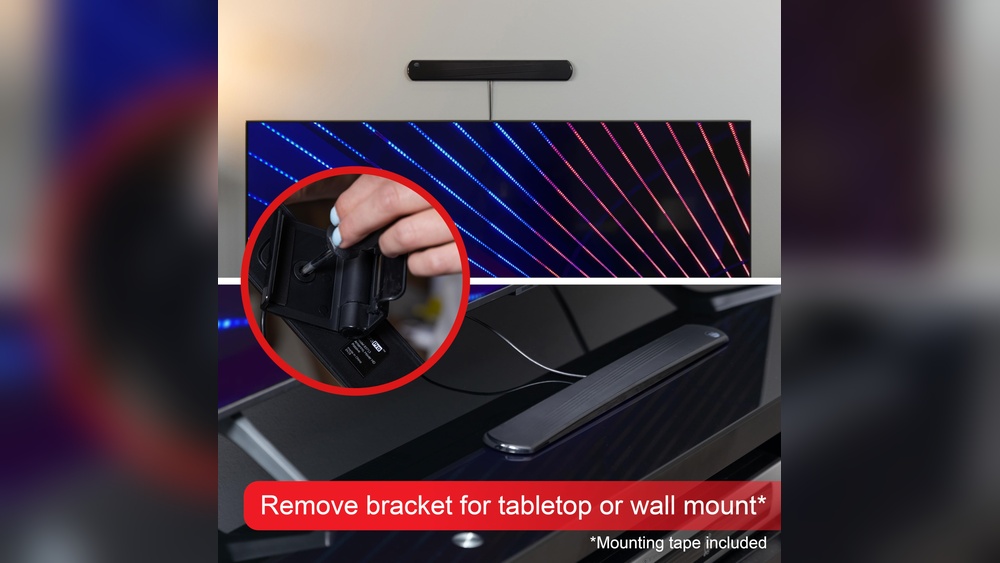
Cut the tape into small pieces that fit the antenna base. Press the tape firmly on the antenna and then on the wall. Hold for 30 seconds to ensure good contact. Check if the antenna feels stable before releasing it. Adjust if needed for the best signal.

Credit: www.amazon.com
Connecting The Antenna
Connecting your indoor digital HDTV antenna is a key step for clear TV reception. Proper connections help avoid signal loss and ensure your channels come in sharp and clear. Follow simple steps to connect and adjust your antenna.
Connecting To The Tv
First, find the coaxial cable from your antenna. Plug it into the TV’s “Antenna In” or “RF In” port. Make sure the connection is tight. Loose cables cause poor signal and interruptions.
Adjusting The Antenna For Best Reception
Place the antenna near a window or a high spot. Move it slowly while watching the signal strength on your TV. Small adjustments can improve the picture. Avoid placing the antenna near metal objects or electronics that cause interference.
Running A Channel Scan
Turn on your TV and access the menu. Find the “Channel Scan” or “Auto Tune” option. Start the scan to search for available channels. This step saves all channels your antenna can receive. After scanning, check the channel list and enjoy watching.
Troubleshooting Common Issues
Troubleshooting common problems can save time and frustration when mounting your indoor digital HDTV antenna with tape. Small issues might block your signal or cause the antenna to fall. Fixing these problems helps you enjoy clear TV channels without extra cost or effort.
Weak Or No Signal
Check the antenna’s direction. Move it toward a window or higher spot. Walls and furniture can block signals. Make sure the tape holds the antenna firmly in place. Try adjusting the antenna slowly while watching the signal strength on your TV. Avoid placing the antenna near metal objects. These can reduce signal quality.
Antenna Falling Off
Clean the surface before applying tape. Dust and dirt stop tape from sticking well. Use strong double-sided tape or mounting strips. Press the antenna firmly on the wall or window. Hold it for 30 seconds to improve adhesion. Avoid heavy tapes that might damage walls. Check the tape condition after some days and replace if needed.
Interference And How To Reduce It
Electronic devices can cause signal interference. Keep the antenna away from routers, microwaves, and cordless phones. Use shielded cables to connect the antenna to your TV. Try changing the antenna’s location if interference stays. Avoid placing it near large metal objects. These can reflect and weaken signals. Test different spots for the best picture quality.
Maintenance Tips
Maintaining your indoor digital HDTV antenna is simple. Proper care keeps your signal strong and your setup secure. Small steps help avoid common issues like falling or poor reception. Follow these easy maintenance tips to enjoy clear TV signals every day.
Regular Cleaning
Dust and dirt can block signals. Clean your antenna gently every few weeks. Use a soft cloth or a small brush to remove dust. Avoid water or harsh cleaners that can damage the tape or antenna. Clean surroundings too, so no dust builds up on the surface where the antenna sticks.
Tape Replacement Schedule
Sticky tape loses strength over time. Check the tape every month to see if it still holds well. Replace the tape every 3 to 6 months for best results. Use strong double-sided tape made for walls and electronics. This prevents the antenna from falling and losing signal.
Upgrading The Antenna Setup
Technology changes fast. Upgrade your antenna or tape if the signal weakens. Try better-quality tape or a newer antenna model. Adjust the antenna position to improve reception. Small changes make a big difference in signal quality and stability.
Credit: www.homedepot.com
Frequently Asked Questions
How Do I Mount An Indoor Hdtv Antenna With Tape?
Clean the mounting surface first. Use strong double-sided tape for secure adhesion. Press firmly to attach the antenna. Avoid heavy or bulky antennas for tape mounting. This method is quick, damage-free, and suitable for smooth walls or windows.
What Type Of Tape Is Best For Hdtv Antennas?
Use high-quality double-sided mounting tape or foam tape. It offers strong grip and cushions the antenna. Avoid regular adhesive tapes as they may not hold well. Choose tape rated for indoor use and easy removal without residue.
Can Tape Mounting Affect Antenna Signal Quality?
No, tape mounting does not interfere with signal reception. Proper placement matters more for signal strength. Ensure the antenna faces the broadcast towers and is away from metal objects. Tape simply holds the antenna in place without blocking signals.
Where Is The Best Spot To Tape Mount An Indoor Antenna?
Place the antenna near a window or high on a wall. Choose a location with minimal obstructions like furniture or electronics. Avoid areas with thick walls or metal surfaces. Proper placement improves reception while tape keeps the antenna securely mounted.
Conclusion
Mounting your indoor digital HDTV antenna with tape is quick and simple. No need for tools or extra help. Just clean the surface, stick the tape, and place the antenna where the signal is best. This method keeps your space neat and your TV signal strong.
Enjoy clear channels without hassle. Give it a try and see the difference in your TV viewing experience. Easy, fast, and effective.