Have you ever wanted to add a light switch but dreaded the thought of dealing with complicated wiring? You’re not alone.
Adding a light switch without wiring might sound impossible, but it’s easier than you think. Imagine controlling your lights with a simple device—no mess, no stress, and no need for an electrician. You’ll discover step-by-step how to make this happen quickly and safely.
Keep reading, and you’ll have your new light switch working in no time.

Credit: www.amazon.com
Tools And Materials Needed
Adding a light switch without wiring is easier than you think. It needs some tools and materials. These will help you complete the job quickly and safely.
Knowing what you need before starting can save time. It also prevents mistakes and frustration. Below are the main items you must have.
Wireless Light Switch Kits
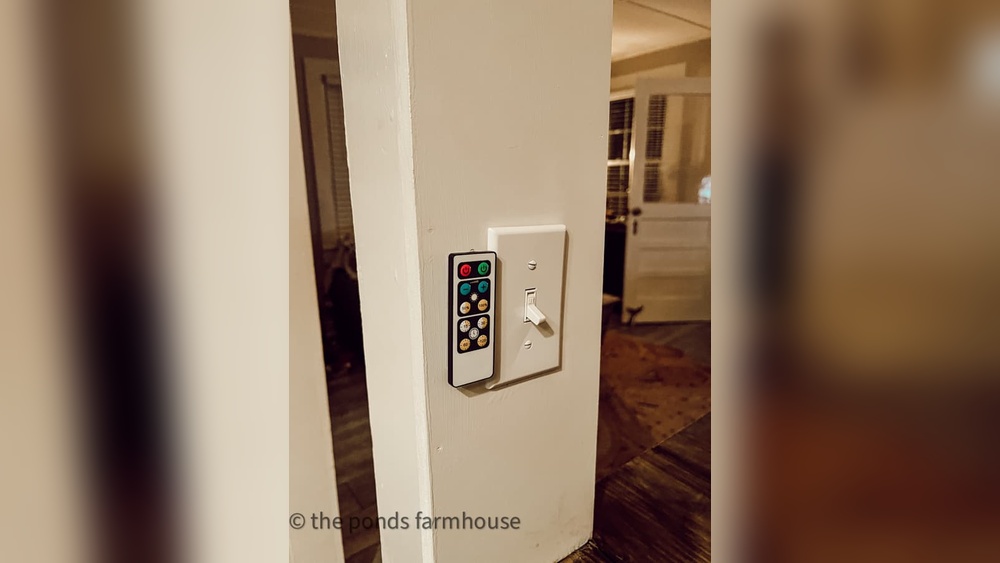
Wireless light switch kits let you control lights without wires. They include a remote switch and a receiver. The receiver connects to your light fixture or power source. The switch sends signals wirelessly to turn lights on or off. These kits are easy to install and work well in many rooms.
Batteries And Mounting Accessories
Batteries power the wireless switch. Most kits use AA or AAA batteries. Check the kit for the right type. Mounting accessories help you fix the switch on walls or surfaces. These may include adhesive pads, screws, or clips. Choose the mounting method that fits your wall type.
Basic Tools Checklist
Basic tools make the job smoother. You will need a screwdriver to open battery compartments or mount parts. A drill can help if you use screws. A level ensures the switch is straight on the wall. Finally, a tape measure helps place the switch at the right height.

Credit: www.amazon.com
Choosing The Right Wireless Switch
Choosing the right wireless switch is important for a smooth and easy lighting setup. Wireless switches let you control lights without any hard wiring. This saves time and effort while keeping your space neat. Picking the best switch depends on a few key factors. These include the type of switch, how well it works with your lights, and how far the signal can reach.
Types Of Wireless Switches
Wireless switches come in many forms. Some use radio frequency (RF) signals, while others use Wi-Fi or Bluetooth. RF switches are common and work well through walls. Wi-Fi switches connect directly to your home network. Bluetooth switches work best in small areas. Each type suits different needs. Choose based on your home setup and device preferences.
Compatibility With Your Lights
Not all wireless switches work with every light. Check if the switch matches your light bulbs or fixtures. Some switches support smart bulbs only. Others work with standard bulbs via a hub. Confirm compatibility to avoid extra costs. A compatible switch ensures easy control and good performance.
Range And Signal Strength
Range matters a lot for wireless switches. The signal must reach from the switch to the light receiver. Walls and furniture can weaken signals. Look for switches with strong signal power. Test the range in your room size. A good range keeps your lights responsive and reliable.
Preparing Your Space
Preparing your space is the first step to add a light switch without wiring. This step ensures a smooth and safe installation. A neat and ready area helps avoid problems later. It also speeds up the process and keeps your space tidy.
Selecting The Location
Choose a spot that is easy to reach. Near the light or on a wall that makes sense. Avoid places with moisture or direct sunlight. Pick a location free from furniture or obstacles. Make sure the surface is flat and stable for the switch.
Surface Cleaning And Preparation
Clean the chosen area well. Remove dust, dirt, and grease with a cloth. Use mild soap and water for stubborn grime. Let the surface dry completely before proceeding. A clean surface helps the switch stick firmly.
Safety Precautions
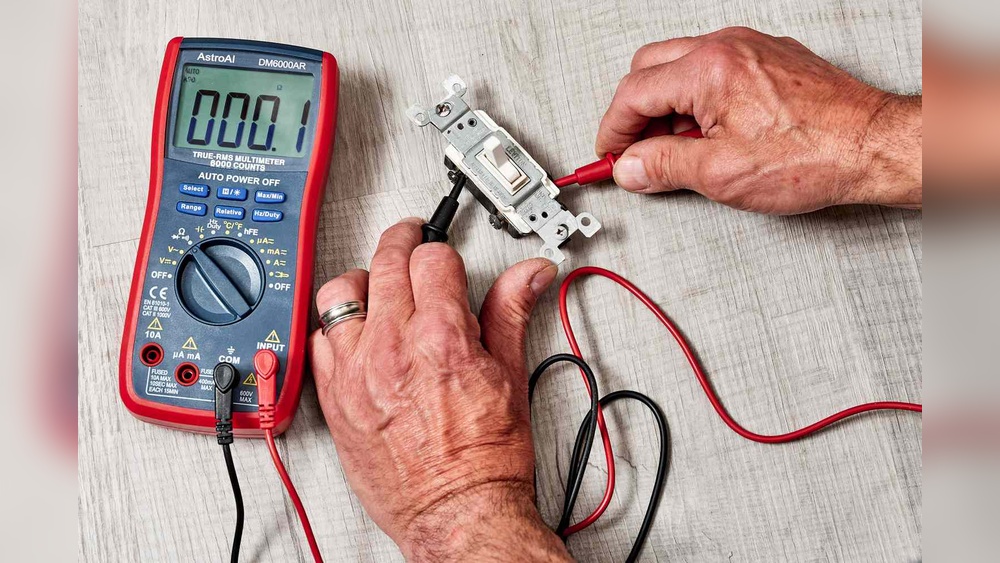
Turn off power to the light at the breaker box. Double-check with a voltage tester to confirm no electricity flows. Wear gloves to protect your hands. Use a sturdy ladder if you need height. Keep children and pets away during work.
Step-by-step Installation
Adding a light switch without wiring is simple and quick. This step-by-step guide helps you install a wireless switch easily. Follow each step carefully to ensure a smooth setup.
Mounting The Switch
Choose a spot near the light or where it is easy to reach. Clean the surface to ensure good stickiness. Peel off the backing from the adhesive tape on the switch. Press the switch firmly against the wall. Hold it for a few seconds to secure it well.
Pairing With The Light Fixture
Turn on the power to the light fixture. Put the switch in pairing mode by pressing its button. Follow the light’s instructions to enter pairing mode too. Wait a few moments for the devices to connect. The light will blink or change to show success.
Testing The Connection
Press the switch to check if the light turns on or off. Try pressing it several times to confirm a stable link. Move the switch slightly to see if it still works. If the light responds every time, installation is complete. If not, repeat the pairing step carefully.
Troubleshooting Common Issues
Adding a light switch without wiring is simple but may face some issues. Troubleshooting helps fix problems quickly. Understanding common issues saves time and effort. This section covers common problems and easy fixes.
Connection Problems
Check if the switch and receiver are paired correctly. Loose or wrong connections cause the switch to fail. Restart the devices to refresh the link. Keep the switch close to the receiver for a strong connection.
Battery Replacement Tips
Use the right battery type for the switch. Old batteries lower performance or stop the switch. Replace batteries regularly to keep the switch working well. Clean battery contacts to avoid poor power flow.
Signal Interference Solutions
Other wireless devices may block the switch signal. Move the switch or receiver away from metal or thick walls. Avoid placing the switch near routers or microwaves. Use devices with different signal channels to reduce interference.
Enhancing Your Setup
Enhancing your setup means making your light switch work better and fit your space. You can add more switches, connect them to smart devices, or change how they look. These ideas help you create a setup that suits your needs and style.
Adding Multiple Switches
Use wireless switches to control one light from different places. This works well for big rooms or hallways. Each switch talks to the same light without extra wiring. It makes turning lights on and off easier and more convenient.
Integrating With Smart Home Systems
Connect your no-wire switch to smart home hubs. It lets you control lights with voice commands or apps. You can set schedules or timers for automatic lighting. This adds comfort and saves energy in your home.
Customizing Switch Appearance
Choose switch covers and buttons that match your decor. Many wireless switches come in different colors and styles. Personalize your switch to blend with your walls or stand out as a design feature. This small change improves your room’s look.

Credit: www.thepondsfarmhouse.com
Frequently Asked Questions
How Can I Add A Light Switch Without Wiring?
You can use wireless or battery-operated smart switches. These devices connect via Wi-Fi or Bluetooth and control lights without new wiring. Installation is simple and doesn’t require electrical skills.
Are Wireless Light Switches Reliable For Home Use?
Yes, wireless switches are reliable and safe for home use. They offer convenient control and often include battery backup. Ensure you choose a reputable brand for consistent performance.
What Tools Are Needed To Install A Wireless Light Switch?
Typically, no special tools are required. You may need a screwdriver to mount the switch and batteries for power. Most installations are quick and tool-light.
Can I Control Multiple Lights With One Wireless Switch?
Yes, many wireless switches allow control of multiple lights or devices. You can group lights or use compatible smart bulbs for synchronized control.
Conclusion
Adding a light switch without wiring is easier than you think. You can use battery-powered or smart switches. These options save time and avoid electrical work. Always follow safety steps and read instructions carefully. This way, you get control over your lights quickly and safely.
Try these simple methods to improve your space today. No need for complex tools or skills. Just a few steps, and your room feels brighter and smarter.