Have you ever wondered how a simple flip of a switch can automatically light up a room without you lifting a finger? Automatic light switches do more than just turn lights on and off—they make your life easier and safer.
If you want to understand the magic behind these smart devices and how they work to brighten your space exactly when you need it, keep reading. By the end, you’ll know exactly what’s happening behind the scenes every time your lights come on by themselves.

Credit: www.youtube.com
Types Of Automatic Light Switches
Automatic light switches come in several types. Each type works in a unique way. They help save energy and add convenience. Knowing the different types helps pick the right one for your needs.
Motion Sensors
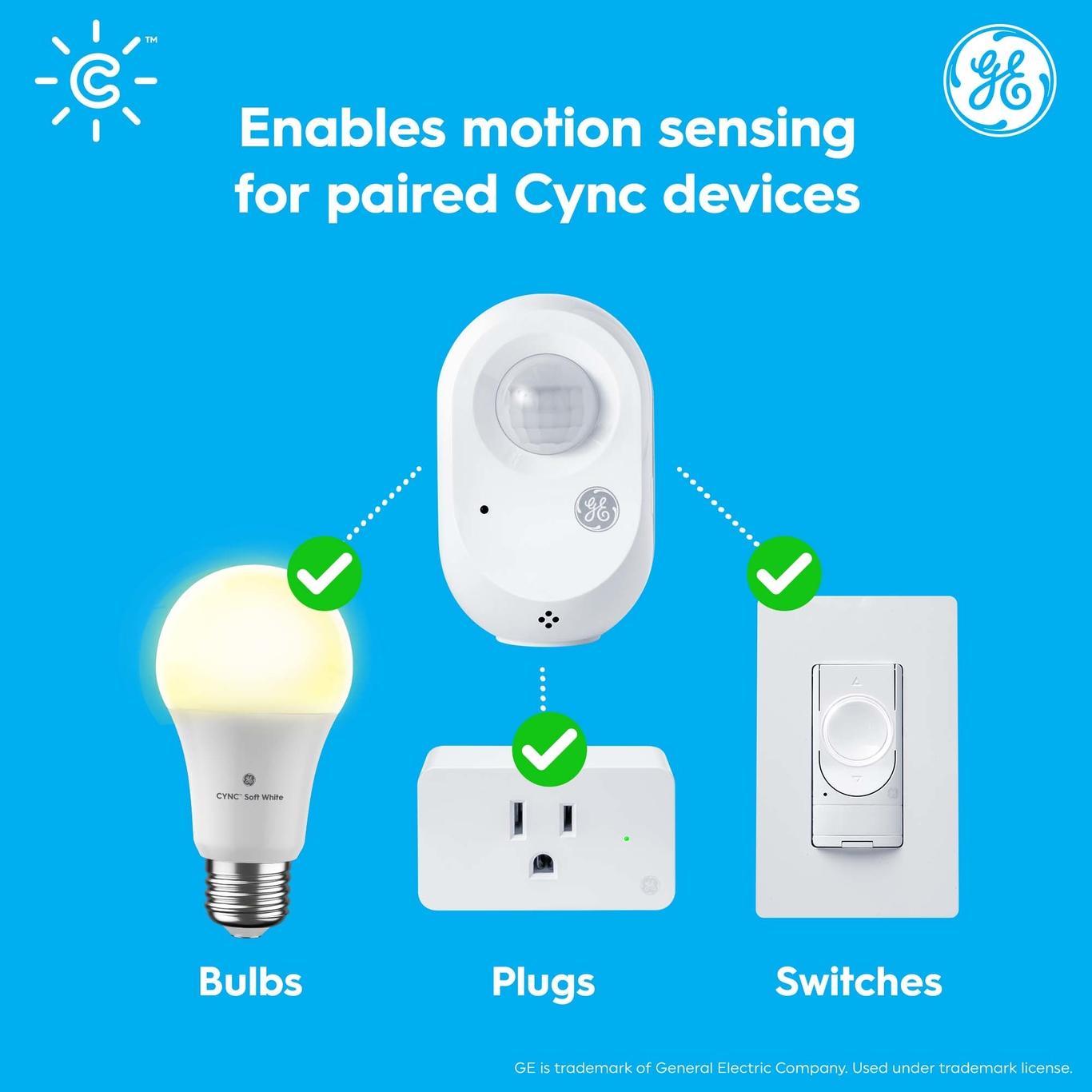
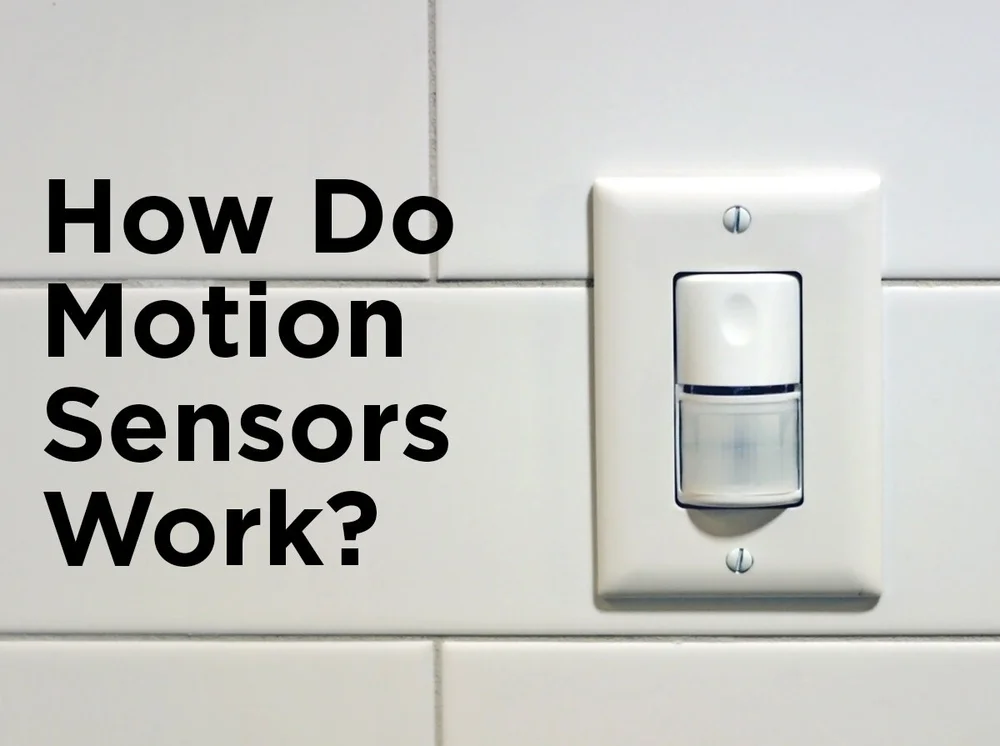
Motion sensors detect movement in a room or area. Lights turn on when motion is sensed. They turn off after no motion is detected for some time. These switches work well in hallways and bathrooms.
Photoelectric Sensors
Photoelectric sensors detect light levels. They turn lights on when it gets dark. Lights turn off during the day or in bright areas. These sensors are useful for outdoor lighting and street lamps.
Timer Switches
Timer switches turn lights on or off at set times. You can program the timer to fit your schedule. They are perfect for security or routine lighting needs. Timers help avoid leaving lights on by mistake.
Smart Light Switches
Smart switches connect to Wi-Fi or smart home systems. You control them with a phone app or voice commands. They offer features like scheduling and remote control. Smart switches make lighting flexible and easy to manage.
Credit: www.gelighting.com
Core Components
Automatic light switches have several key parts that help them work. Each part plays a special role. Together, they detect movement or light and control the light switch. Understanding these core components shows how the system operates smoothly and saves energy.
Sensors And Detectors
Sensors detect changes in the environment. Motion sensors sense movement in a room or hallway. Light sensors measure the brightness level. These sensors send signals to the control system. They help decide when to turn the lights on or off.
Control Circuitry
The control circuitry acts like the brain of the switch. It receives signals from the sensors. Then, it processes the information quickly. The circuitry decides if the light should change state. It ensures the lights only operate when needed.
Switch Mechanism
The switch mechanism physically turns the light on or off. It works based on commands from the control circuitry. This part connects or breaks the electrical circuit. It controls the flow of electricity to the light fixture. The mechanism makes the final action happen.
How Motion Sensors Activate Lights
Motion sensors play a key role in automatic light switches. They detect movement and send signals to turn lights on. This process saves energy and adds convenience. Understanding how motion sensors activate lights helps appreciate their smart design.
Detecting Movement
Motion sensors use different technologies to detect movement. Infrared sensors pick up heat from bodies. Ultrasonic sensors send sound waves and listen for echoes. When something moves in the sensor’s range, it notices the change immediately.
Signal Processing
The sensor converts the detected movement into an electrical signal. A small processor inside analyzes this signal. It checks if the movement is strong enough to trigger the light. This step avoids false alarms from small or distant motions.
Triggering The Switch
Once the sensor confirms movement, it sends a command to the switch. The switch activates the light, turning it on. The light stays on for a preset time or until no motion is detected anymore. This method ensures lights are only on when needed.
Role Of Light Sensors In Automation
Light sensors play a key role in automatic light switches. They help control when lights turn on or off based on the light around us. These sensors detect natural light levels to save energy and create comfort.
By sensing light, automatic switches adjust indoor lighting. This smart adjustment helps reduce electricity use. It also makes rooms brighter or dimmer as needed, without manual effort.
Measuring Ambient Light
Light sensors measure the amount of natural light in a room. They use photodiodes or photoresistors to sense light intensity. This data tells the switch if the space is bright or dark. The sensor constantly checks light levels to react quickly to changes.
Adjusting Light Based On Conditions
The sensor sends light level information to the switch. The switch then decides to turn lights on or off. It can also dim lights to match the room’s brightness. This keeps lighting comfortable and saves power. The system adjusts automatically as sunlight changes throughout the day.
Integration With Smart Home Systems
Automatic light switches fit well with smart home systems. They offer easy control and improve home comfort. These switches connect with other smart devices, making daily tasks simpler. Smart home integration allows users to manage lighting from anywhere.
This integration also helps save energy by adjusting lights based on your habits. The technology behind these switches supports wireless communication, app control, and voice commands. This makes managing your home lighting smooth and flexible.
Wireless Connectivity
Automatic light switches use wireless signals to link with smart home hubs. Wi-Fi and Bluetooth are common ways to connect. This wireless setup removes the need for extra wiring. It allows switches to communicate with other devices instantly.
With wireless links, you can control lights remotely. This means turning lights on or off from outside the home. The connection also lets switches respond to sensors and timers easily.
App Control And Scheduling
Apps give full control over automatic light switches. You can turn lights on or off using a smartphone. These apps often show real-time status of your lights. Scheduling features let you set lights to work at certain times.
Schedules help keep lights on only when needed. This reduces electricity waste and lowers bills. The app may also offer custom scenes for different moods or activities. All controls are simple and user-friendly.
Voice Command Features
Voice control works with smart assistants like Alexa, Google Assistant, or Siri. You speak commands to turn lights on or off. This hands-free option adds convenience and speed. Voice commands also support dimming or changing light colors.
Automatic light switches respond quickly to voice instructions. This helps users with limited mobility or busy hands. Voice features improve the overall smart home experience.
Installation And Setup Tips
Installing an automatic light switch needs care and attention. Proper setup ensures the switch works well and saves energy. Follow clear steps to avoid problems and enjoy smart lighting.
Choosing The Right Location
Pick a spot where the sensor can easily detect motion or light changes. Avoid placing it near heat sources or direct sunlight. High traffic areas like hallways or entrances work best. Make sure nothing blocks the sensor’s view.
Wiring Basics
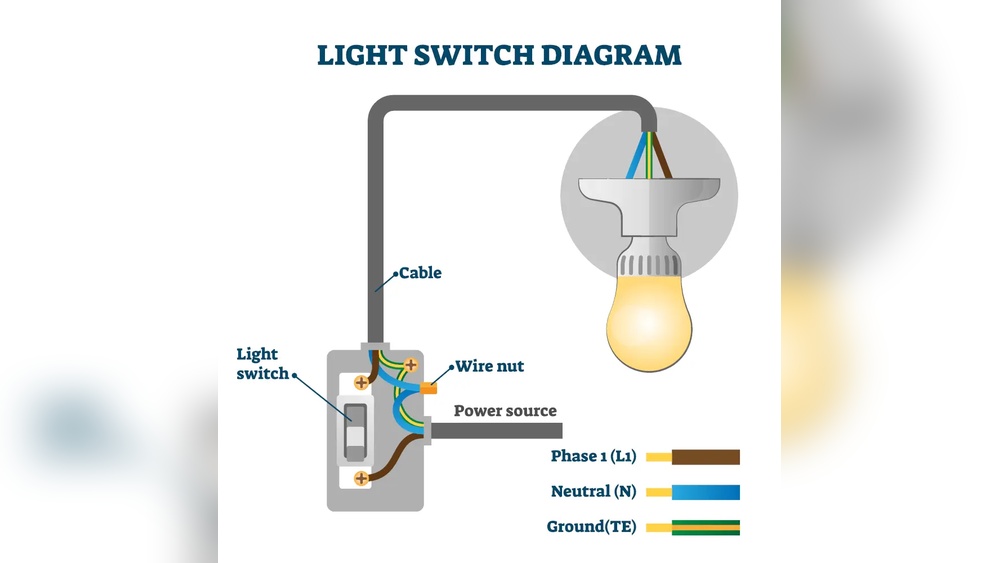
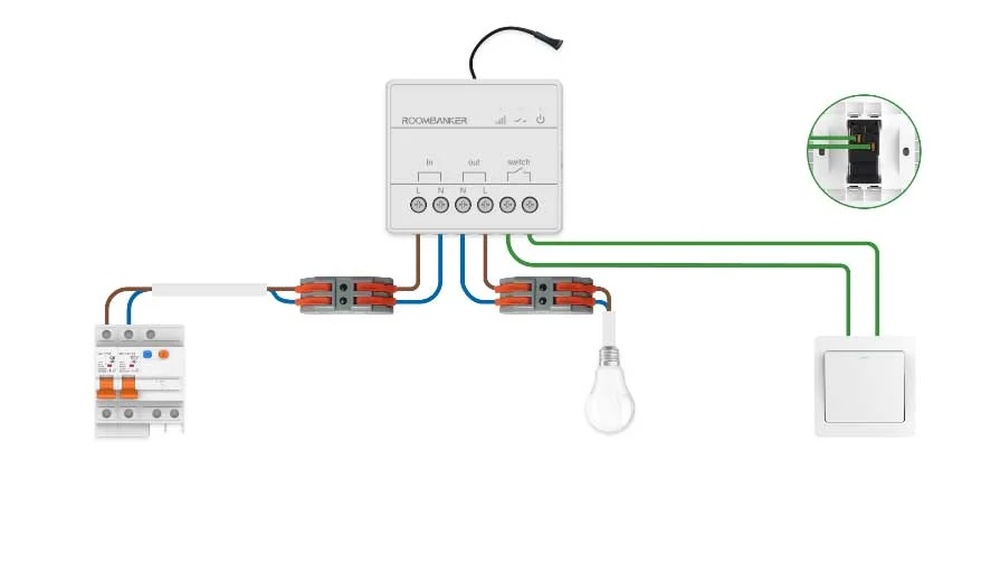
Turn off the power before starting any wiring work. Connect the wires according to the instructions in the manual. Usually, you will connect live, neutral, and load wires. Use wire nuts and electrical tape to secure connections. If unsure, ask an electrician for help.
Calibration And Testing
After installation, calibrate the sensor for correct sensitivity. Adjust settings to match the room’s lighting and movement. Test the switch by walking in and out of the sensor range. Make changes until the lights turn on and off as expected.
Benefits Of Automatic Light Switches
Automatic light switches offer many benefits for homes and offices. They help save energy, improve safety, and protect your bulbs. These switches make life easier by controlling lights without manual effort. Understanding their benefits shows why they are a smart choice for any space.
Energy Efficiency
Automatic light switches turn off lights when no one is in the room. This stops wasting electricity and lowers energy bills. They use sensors to detect movement or light levels. Lights only stay on when needed. This simple feature helps reduce power consumption every day.
Convenience And Safety
These switches turn lights on and off without touching a switch. This is useful in dark rooms or when hands are full. They improve safety by lighting paths automatically. No more fumbling in the dark. They can also prevent accidents and falls in homes.
Extending Bulb Life
Lights that turn off automatically last longer. Automatic switches prevent bulbs from staying on too long. Less time on means less wear on bulbs. This reduces the need for frequent bulb replacements. It saves money and effort in the long run.
Credit: blog.1000bulbs.com
Common Issues And Troubleshooting
Automatic light switches bring ease and energy savings. Still, they can face some common problems. Knowing these issues helps in fixing them quickly. Troubleshooting keeps your lights working well without extra cost.
Sensor Malfunctions
Sensors detect movement or light to switch lights on or off. Dust, dirt, or spider webs can block sensors. This blockage stops the sensor from working right. Cleaning the sensor gently can solve this problem. Sometimes, sensors fail because of bad wiring. Check connections and tighten loose wires for better function.
False Activations
Lights may turn on without real movement. Small animals or shadows can cause false triggers. Moving curtains or fans also confuse the sensor. Adjust the sensor angle to avoid these triggers. Lower the sensor sensitivity to reduce false activations. This change stops lights from turning on too often.
Power Supply Problems
Automatic switches need steady power to work well. Power surges or low voltage can damage the switch. Loose power connections cause flickering or no light at all. Check the power source and wiring for damage. Replace damaged parts to restore proper power flow. Use a voltage tester to find power issues easily.
Frequently Asked Questions
How Do Automatic Light Switches Detect Motion?
Automatic light switches use sensors like infrared or ultrasonic to detect movement. When motion is sensed, they trigger the light to turn on instantly.
What Powers An Automatic Light Switch?
Most automatic light switches are powered by the home’s electrical wiring. Some models use batteries for wireless installation or backup power.
Can Automatic Light Switches Save Energy?
Yes, they reduce energy waste by turning lights off when no motion is detected. This helps lower electricity bills and environmental impact.
Are Automatic Light Switches Easy To Install?
Many models are designed for simple installation, often replacing existing switches. Basic electrical knowledge or professional help may be needed for safety.
Conclusion
Automatic light switches save energy and add convenience to daily life. They detect movement or light changes to turn lights on or off. This simple technology makes homes safer and more efficient. Understanding how these switches work helps you choose the right one.
They fit easily into most rooms and require little maintenance. Using automatic light switches can reduce electricity bills over time. A smart choice for anyone wanting comfort without extra effort. Small change, big difference.