Are you struggling with a Legrand light switch that’s not working the way it should? Maybe it’s flickering, unresponsive, or just acting weird.
Resetting your Legrand light switch might be the simple fix you need. In this guide, you’ll learn exactly how to reset your switch quickly and safely, so you can get your lights back to working perfectly. Keep reading—your solution is easier than you think!
Credit: www.beeslighting.com
Identify Your Legrand Switch Model
Before resetting your Legrand light switch, you need to know its model. Different models have different reset methods. Identifying the exact model ensures you follow the right steps. It also helps avoid damage to the switch.
Finding the model number is simple. It is usually on the switch or its packaging. Knowing the model helps you get accurate instructions and support.
Check The Switch Faceplate
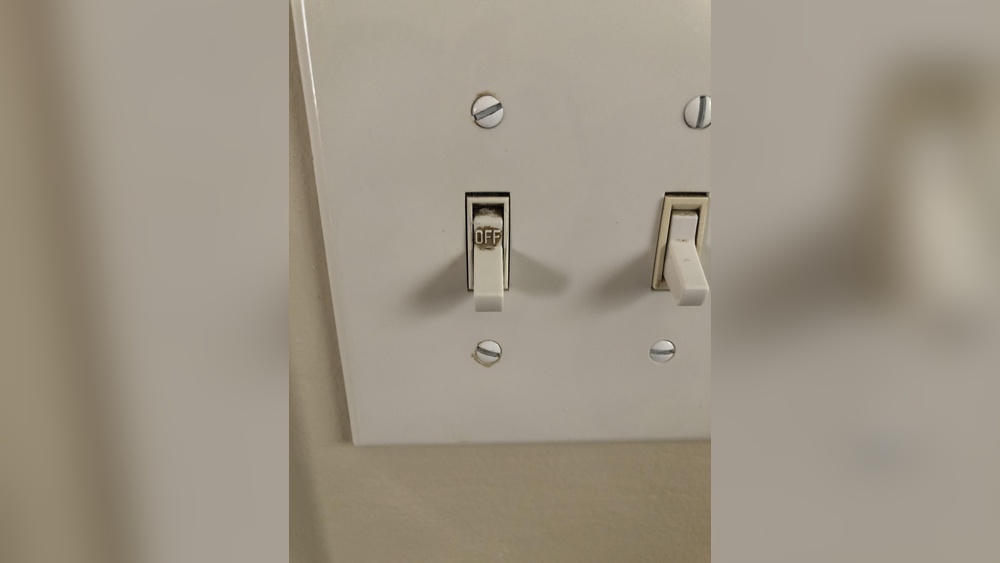
Look closely at the switch faceplate. Many Legrand switches have the model number printed or embossed there. It might be small and require a flashlight. Note the numbers and letters exactly as they appear.
Inspect The Back Of The Switch
Turn off the power before removing the switch from the wall. The model number often appears on the back of the switch. This label includes other useful information like voltage and certifications.
Look At The Packaging Or Manual
If you kept the original box or manual, check them next. The model number is clearly printed on the packaging. Manuals also list the model and provide detailed reset instructions.
Use The Legrand Website Or App
Legrand offers tools to identify your switch model. Their website or mobile app can guide you. Enter any numbers or features you know. This helps confirm the exact model quickly.
Safety Precautions Before Reset
Resetting your Legrand light switch requires careful attention to safety. Electrical devices can be dangerous without proper precautions. Taking safety steps protects you from shocks and damage.
Before starting the reset process, prepare your workspace and tools. Work calmly and follow clear instructions. Safety is the top priority in every step.
Turn Off The Power Supply
Switch off the circuit breaker connected to the light switch. Confirm power is off by testing the switch or nearby lights. Never reset the switch with power on.
Use Insulated Tools
Choose tools with insulated handles to avoid electric shocks. Avoid metal objects without insulation. Proper tools keep you safe during the reset.
Wear Protective Gear
Wear rubber gloves and safety glasses before touching the switch. Protective gear shields you from accidental shocks and debris. Always prepare before handling electrical parts.
Check For Water Or Moisture
Ensure the switch and surrounding area are dry. Water increases the risk of electric shock. Never work on wet switches or damp walls.
Manual Reset Steps
Resetting your Legrand light switch manually can fix many common issues. The process is simple and safe when done carefully. Follow these steps to reset the switch and restore normal function.
Turn Off Power Supply
Start by turning off the power to the light switch. Find the circuit breaker in your electrical panel. Flip the switch to the off position. This stops electricity flow and protects you from shocks.
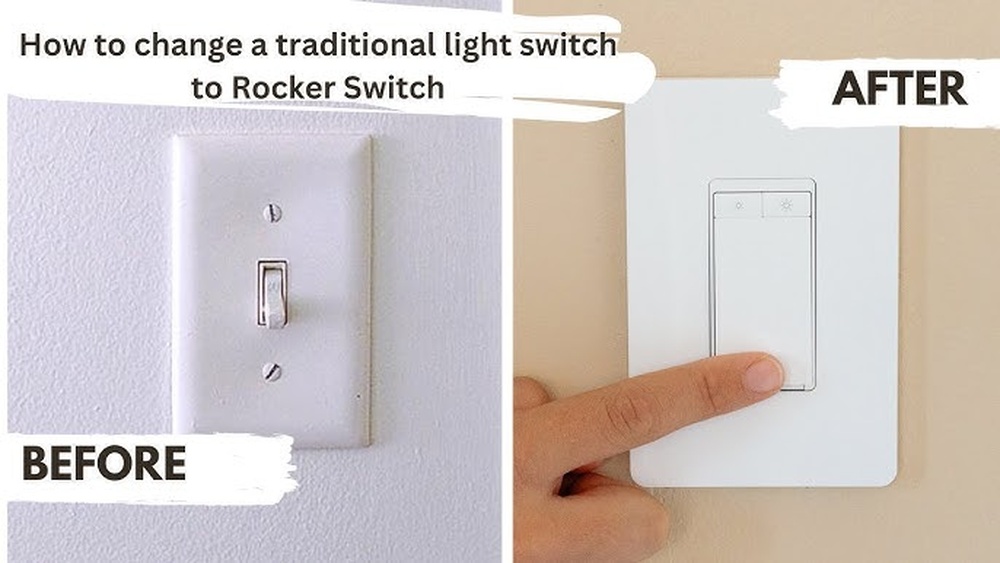
Remove Switch Cover
Use a screwdriver to remove the screws holding the switch cover. Gently pull the cover away from the wall. Be careful not to damage the wires behind the switch. This exposes the switch’s inner parts.
Locate Reset Button
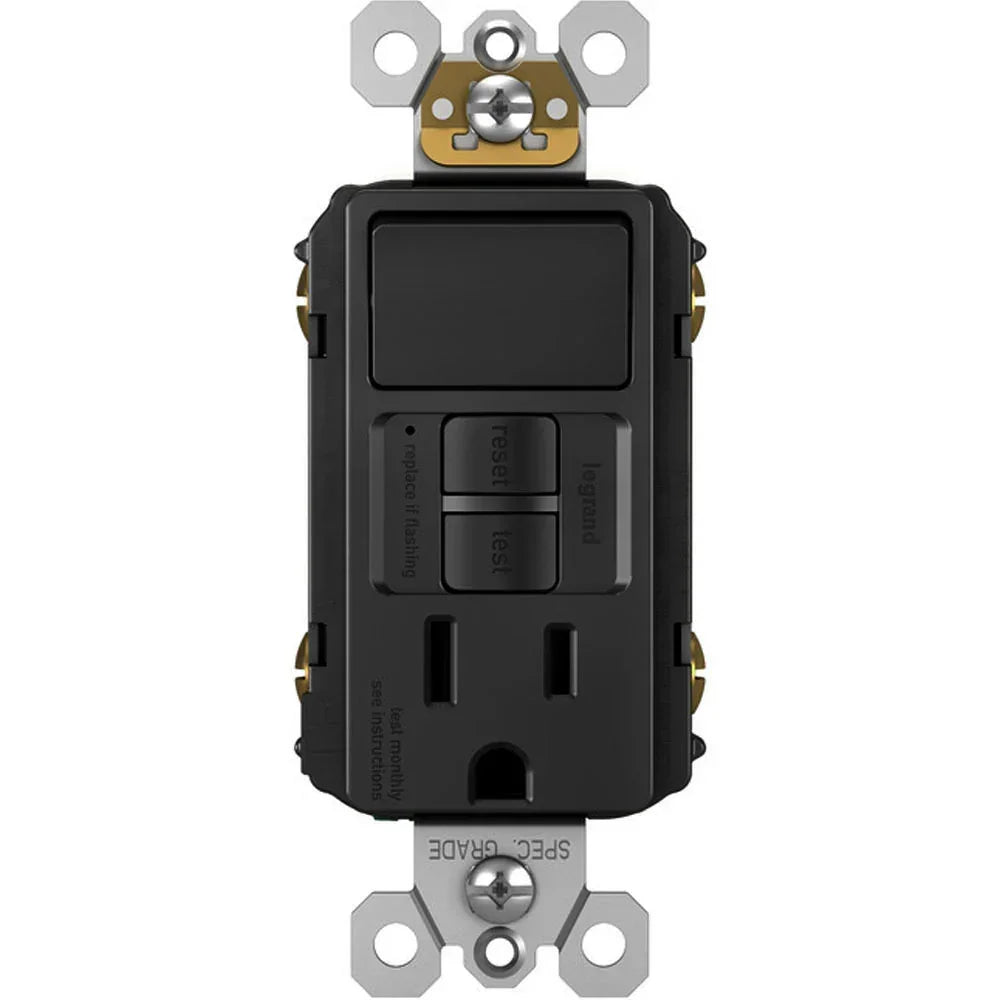
Look for a small reset button on the switch’s body. It may be recessed or marked clearly. Use a flashlight if needed to see better. This button resets the switch’s internal settings.
Perform The Reset
Press and hold the reset button for about 10 seconds. You may hear a click or see a light blink. This means the switch has reset. Release the button and wait a few seconds.
Reassemble And Restore Power
Put the switch cover back in place. Secure it with the screws you removed. Return to the electrical panel and turn the breaker on. Test your switch to ensure it works properly.

Credit: legrand.my.site.com
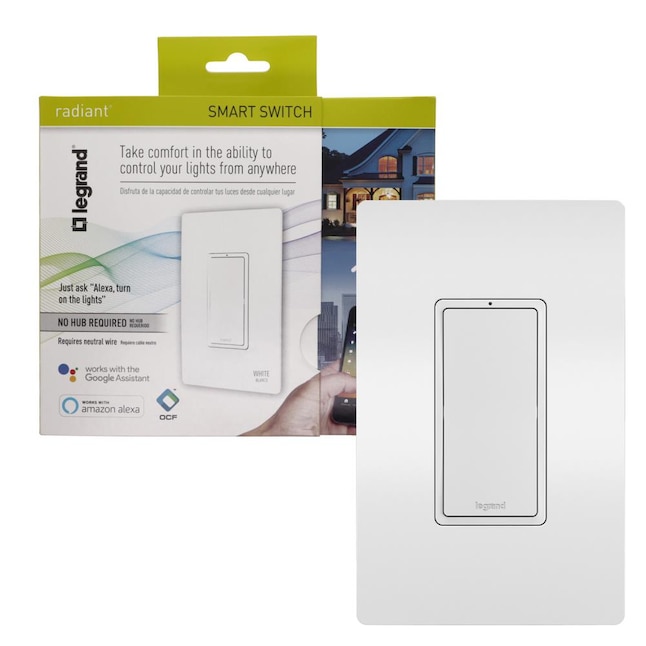
Resetting Smart Legrand Switches
Resetting smart Legrand switches can solve many common issues. It helps restore the device to its original settings. This process is useful if the switch is not responding or has connection problems.
Smart switches connect to your home Wi-Fi and apps. Resetting them can clear errors and improve performance. The reset process can be done through the app or manually on the device.
Using The App
Open the Legrand app on your smartphone. Find the device list and select your switch. Look for the reset option in the device settings. Tap the reset button and confirm your choice. The app will send a reset command to the switch. Wait a few moments for the process to complete. After reset, you must set up the switch again in the app.
Physical Reset Procedure
Locate the physical reset button on the switch. Usually, it is a small hole or button on the device. Use a paperclip or similar tool to press and hold the button. Hold it for about 10 seconds until the light blinks. Release the button when the blinking stops. The switch will restart and reset to factory settings. Reconnect the switch to your network and app after reset.
Troubleshooting Common Reset Issues
Resetting a Legrand light switch usually works smoothly. Sometimes, issues can block the reset process. This section helps you fix common problems fast. Follow easy steps to get your switch working again.
Switch Not Responding
Check if the switch feels stuck or hard to press. Dirt or debris can block it. Clean the switch gently with a dry cloth. Try pressing it firmly but not too hard. If it still does not respond, power might be off. Check your circuit breaker next.
Power Issues
Make sure the power to the switch is on. Look at the breaker box and reset any tripped breakers. A loose wire can also cause power failure. Turn off power at the breaker before checking wires. Tighten any loose connections carefully. After that, try the reset again.
Connectivity Problems
Legrand smart switches need Wi-Fi to reset properly. Confirm your phone or hub connects to the same network. Restart your router to clear network issues. Place the switch closer to the router if the signal is weak. Try resetting the switch again after these steps.
Credit: www.lowes.com
When To Contact Support
Knowing when to contact support for your Legrand light switch is important. Some problems need expert help beyond a simple reset. Recognizing these signs can save time and prevent damage.
Support can guide you through complex issues or warranty claims. They have the tools and knowledge to fix tough problems safely. Do not hesitate to reach out when needed.
Persistent Malfunctions After Reset
If your light switch keeps acting up after several resets, contact support. This could mean a deeper electrical or hardware problem. Experts can diagnose and provide proper solutions quickly.
Switch Does Not Respond At All
A completely unresponsive switch needs professional attention. It might be a wiring fault or a device failure. Support can help identify the issue and suggest repairs or replacements.
Issues With Smart Features
Smart switches sometimes face connectivity or software glitches. If your Legrand switch won’t connect to your app or home system, ask support. They can assist with updates or network troubleshooting.
Physical Damage Or Safety Concerns
Any cracks, burns, or unusual smells require immediate support contact. These signs indicate a safety hazard. Avoid using the switch until a professional checks it.
Frequently Asked Questions
How Do I Reset My Legrand Light Switch?
To reset your Legrand light switch, press and hold the reset button for 10 seconds. The LED will blink, indicating a successful reset.
Can I Reset Legrand Switch Without Power Interruption?
Yes, you can reset the switch without cutting power. Use the built-in reset button or app controls if available.
Why Won’t My Legrand Switch Reset Properly?
Improper reset may be due to power issues or faulty wiring. Ensure stable power and follow reset steps carefully.
How Long Does Legrand Switch Reset Take?
The reset process usually takes about 10 seconds. Hold the reset button until the LED blinks to confirm.
Conclusion
Resetting your Legrand light switch is simple and quick. Follow the steps carefully to avoid any issues. This process helps fix common problems without extra tools. Keep your switch working smoothly by resetting it when needed. Enjoy reliable lighting control every time you use your switch.
Trust these easy tips to maintain your home’s lighting system. Don’t hesitate to try the reset steps again if needed. Your Legrand switch will be back to normal in no time.