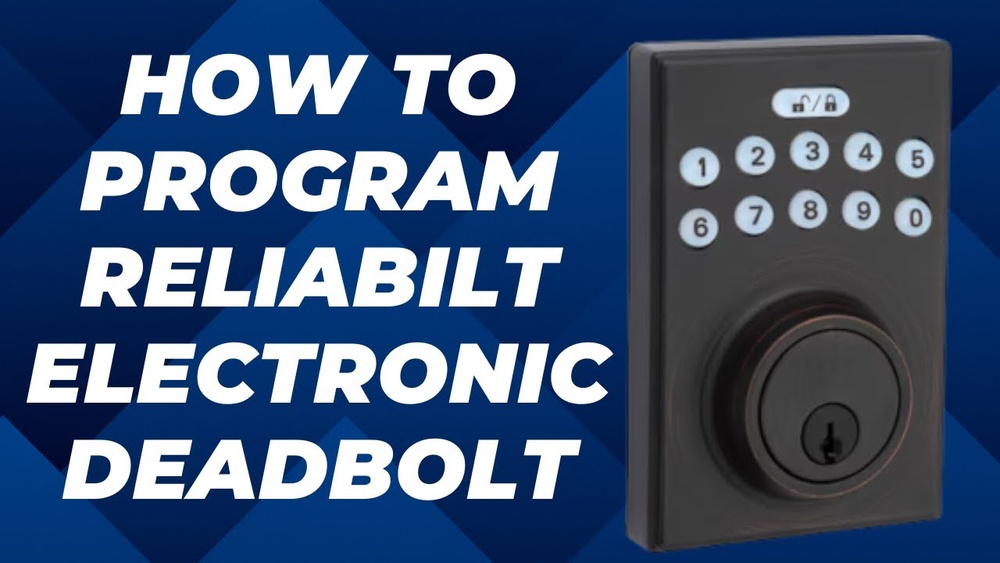
Are you looking to secure your home with the Rb Reliabilt Electronic Deadbolt but unsure how to program it? You’re in the right place.
This guide will walk you through each simple step to get your deadbolt working just the way you want. Imagine having full control over your door’s security at your fingertips—no more fumbling with keys or worrying about lost copies. Keep reading, and you’ll have your electronic deadbolt programmed quickly and easily, giving you peace of mind and convenience every day.

Credit: www.youtube.com
Preparing The Deadbolt
Preparing the RB Reliabilt electronic deadbolt is an important step before programming it. This step ensures the lock works smoothly and avoids issues later. Take your time to prepare everything carefully. A well-prepared deadbolt makes programming easier and faster.
Gathering Necessary Tools
Start by collecting all tools needed for the job. Usually, a screwdriver and batteries are required. Check the deadbolt package for specific tool needs. Having tools ready saves time and prevents interruptions during setup.
Checking Battery Levels
Battery power affects the deadbolt’s performance. Check the battery level before programming. Use fresh batteries for the best results. Low batteries may cause errors or failed programming. Replace old batteries to avoid problems.
Understanding Deadbolt Components
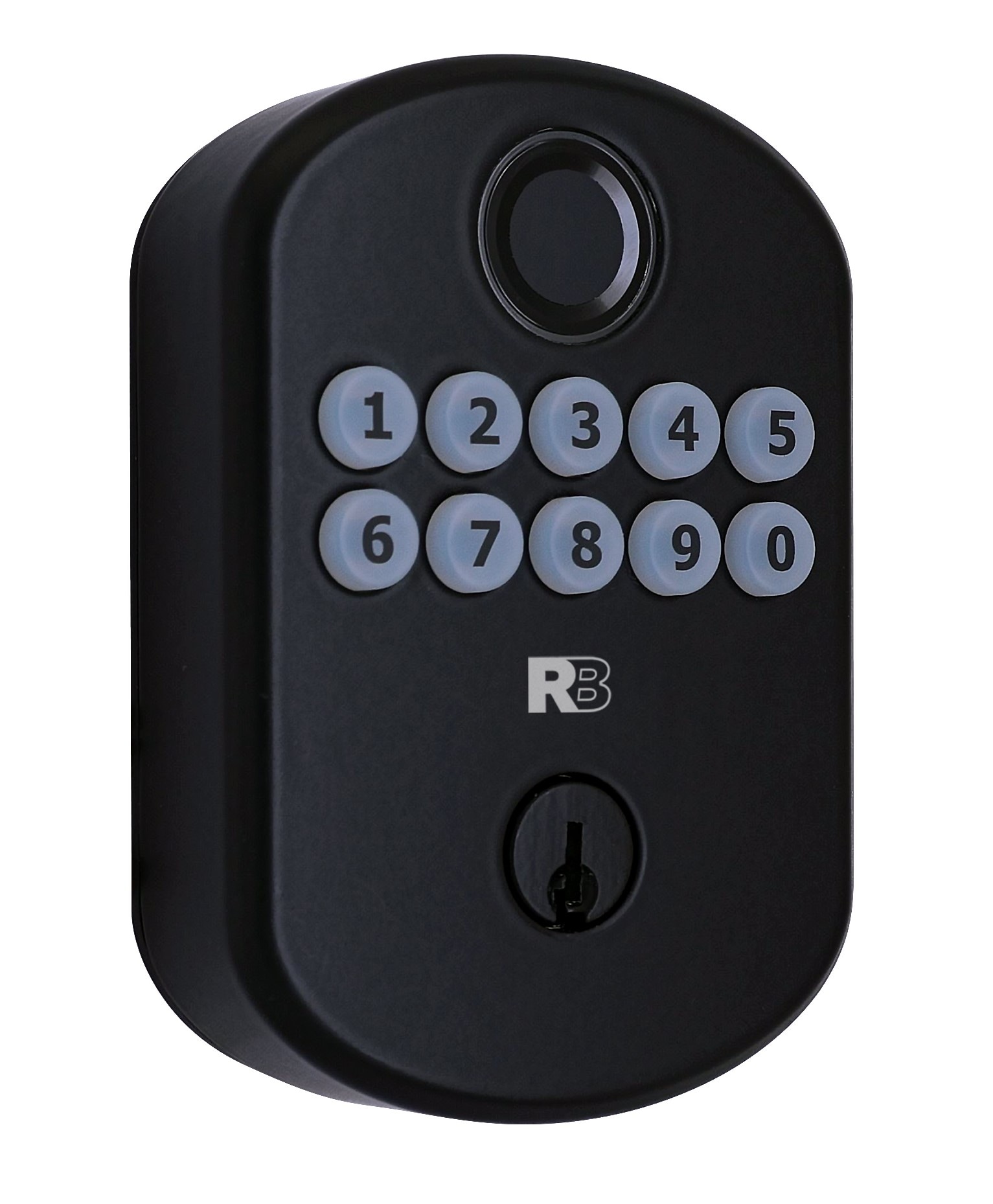
Know the parts of your electronic deadbolt. This includes the keypad, battery compartment, and locking mechanism. Learning these parts helps during programming. It also helps in troubleshooting if any issues occur. Familiarity makes the process smoother and clearer.
Credit: www.lowes.com
Installing The Deadbolt
Installing the RB Reliabilt electronic deadbolt is a simple process. It requires careful steps to ensure the lock works correctly. This section guides you through the key parts of installation.
Positioning The Lock On The Door
Start by placing the deadbolt on the door. Align it with the existing holes or mark new spots. The lock must sit flat and straight. Check the edge of the door to match the bolt position. Proper placement avoids problems later.
Securing The Lock Components
Next, fix the lock parts to the door. Use the screws supplied with the deadbolt. Tighten them firmly but do not over-tighten. Attach the interior and exterior assemblies carefully. Make sure wires are not pinched or damaged.
Testing Mechanical Function
After securing, test the lock’s mechanical function. Turn the thumb turn or key to move the bolt. The bolt should slide smoothly without sticking. Check the deadbolt locks and unlocks fully. Fix any issues before programming the lock.
Programming The Deadbolt
Programming the RB Reliabilt Electronic Deadbolt is simple. It lets you control who can enter your home. You can add or remove codes easily. This section explains how to program the lock step by step.
Entering Programming Mode
First, press the programming button inside the lock. Hold it for a few seconds. The lock will beep to show it is ready. Enter the current master code on the keypad. Press the “” key to confirm. Now, the deadbolt is in programming mode.
Setting Master Code
In programming mode, choose to set a new master code. Enter your new code using the keypad. It should be 4 to 8 digits long. Press “” to save the new master code. The lock will beep twice to confirm. The master code controls all other codes.
Adding User Codes
To add a new user code, enter programming mode. Select the option to add user codes. Enter the new user code with 4 to 8 digits. Press “” to save the code. The lock will beep once for success. You can add multiple user codes this way.
Deleting User Codes
Enter programming mode to delete user codes. Choose the delete code option on the keypad. Enter the user code you want to remove. Press “” to confirm deletion. The lock will beep twice to confirm. The user code is now erased from the lock.

Credit: manuals.plus
Using Advanced Features
The RB Reliabilt Electronic Deadbolt offers several advanced features. These features help you customize your lock’s behavior. They make your home safer and more convenient. Learning how to use them is easy. This section explains three key features.
Enabling Auto Lock
Auto Lock automatically locks the door after a set time. It prevents leaving the door unlocked by mistake. To enable, enter programming mode on the keypad. Find the Auto Lock option in the menu. Set the delay time from 5 to 60 seconds. Save your settings and exit programming mode. Your door will now lock itself after the set time.
Adjusting Lock Sensitivity
Lock sensitivity controls how easily the deadbolt detects a lock or unlock action. Higher sensitivity means quicker response. Lower sensitivity prevents accidental triggers. Access programming mode and select sensitivity settings. Choose from low, medium, or high sensitivity. Test the lock by locking and unlocking. Adjust again if needed. This helps avoid false alarms or missed entries.
Activating Temporary Codes
Temporary codes allow visitors to enter without a permanent code. These codes expire after a set time or use count. Enter programming mode and select the Temporary Codes menu. Create a code and set its expiration time or uses. Share this code with guests or workers. The code stops working after expiration. This keeps your home secure and flexible.
Troubleshooting Common Issues
Troubleshooting common issues with your RB Reliabilt electronic deadbolt is simple. This section helps solve frequent problems fast. Clear steps guide you through fixing the deadbolt without stress.
Resetting The Deadbolt
Resetting the deadbolt can fix many problems. Start by removing the battery cover. Press and hold the reset button for 10 seconds. Release the button once the LED light flashes. This resets the lock to factory settings. You must reprogram the lock after reset.
Dealing With Unresponsive Keypad
An unresponsive keypad often means power issues. Check the batteries first. Clean the keypad gently with a dry cloth. Dirt or moisture can cause problems. Avoid pressing buttons too hard. Try pressing each button slowly and firmly.
Replacing Batteries Safely
Always use fresh, high-quality batteries. Remove the battery cover carefully. Take out old batteries and dispose of them properly. Insert new batteries with correct polarity. Close the cover tightly to protect from moisture. Test the lock after battery replacement.
Maintaining Your Deadbolt
Maintaining your RB Reliabilt Electronic Deadbolt is key for long-lasting security. Regular care helps the lock work smoothly and prevents future problems. Simple steps keep your deadbolt reliable every day.
Regular Cleaning Tips
Dust and dirt can block the lock’s mechanism. Use a soft cloth to wipe the surface gently. Avoid harsh chemicals that might damage the finish. Clean the keypad with a dry cloth to keep buttons working well.
Updating Firmware
Firmware controls the lock’s software functions. Check for updates to improve security and fix bugs. Follow the manufacturer’s guide to install updates safely. Keep your deadbolt’s system current for best performance.
Scheduling Routine Checks
Set a schedule to inspect your deadbolt regularly. Test the lock and keypad for any issues. Check battery levels and replace them when needed. Early detection of problems saves time and money.
Frequently Asked Questions
How Do I Program The Rb Reliabilt Electronic Deadbolt?
To program the Rb Reliabilt deadbolt, enter programming mode by pressing the programming button. Then, follow on-screen prompts to add or delete user codes. Consult the manual for detailed step-by-step instructions to ensure proper setup and security.
Can I Add Multiple User Codes To The Deadbolt?
Yes, the Rb Reliabilt electronic deadbolt supports multiple user codes. You can add several codes for family members or trusted individuals, allowing personalized access without sharing a single code.
What Should I Do If I Forget The Master Code?
If you forget the master code, reset the deadbolt to factory settings. Press and hold the reset button for a few seconds. After resetting, reprogram the master code and user codes as needed.
How Often Should I Change The Electronic Deadbolt Codes?
For optimal security, change your deadbolt codes every 3 to 6 months. Regular updates reduce the risk of unauthorized access and keep your home secure.
Conclusion
Programming your RB Reliabilt electronic deadbolt is simple and quick. Follow each step carefully for best results. Test the lock after programming to ensure it works properly. Keep your code safe and change it regularly for security. With these easy instructions, your home stays secure and convenient.
Enjoy the peace of mind that comes with a reliable lock.