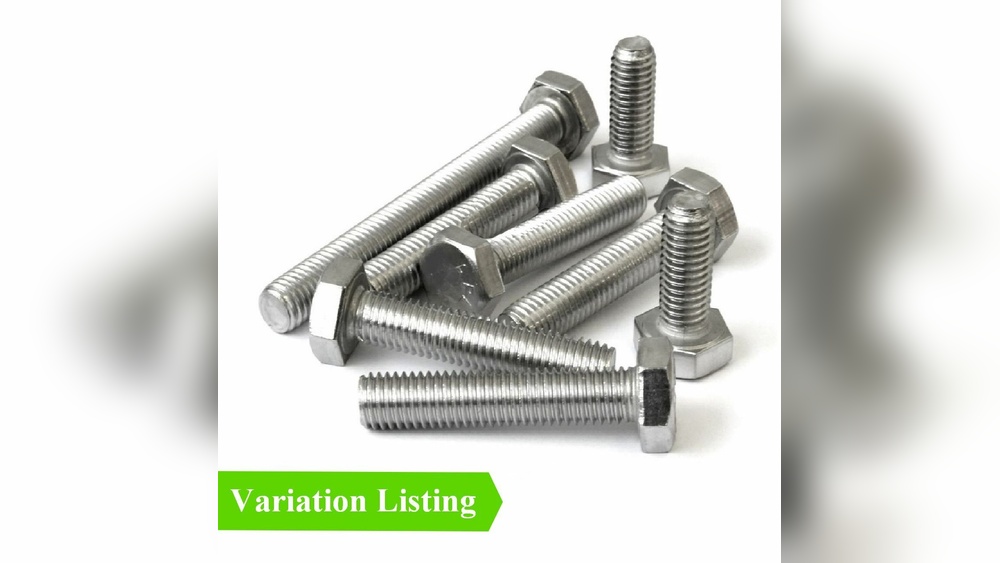
Are you struggling to organize your fastener listings and make them easier for customers to find? Creating a variation listing for fastener sizes can solve this problem quickly.
When done right, it not only saves you time but also boosts your sales by letting buyers choose exactly what they need without confusion. You’ll learn simple steps to set up clear and effective variation listings that match your products perfectly.
Keep reading, and discover how to turn your fastener sizes into a smooth shopping experience your customers will appreciate.
Choosing The Right Fastener Variations
Choosing the right fastener variations is key to creating a clear and useful listing. It helps customers find the exact size and type they need quickly. This also reduces confusion and returns. Organizing fastener options by size, material, and thread type makes the buying process smooth. Let’s explore how to select these variations effectively.
Common Fastener Sizes
Fasteners come in many sizes. The most common sizes include small screws, medium bolts, and large nuts. Sizes are usually measured by diameter and length. Use standard measurements like millimeters or inches. Showing popular sizes first helps buyers find what they want faster. Offer a range of sizes to cover different needs.
Material And Finish Options
Materials affect strength and use. Common materials are steel, stainless steel, and brass. Each material suits different environments. Finishes like zinc, black oxide, or chrome protect against rust. List material and finish options clearly. Buyers can pick the best fit for their project’s conditions.
Thread Types And Pitch
Thread type is important for fit and function. Common thread types include coarse and fine threads. Pitch means the distance between thread peaks. It must match the mating part. Include thread type and pitch in your variations. This helps buyers get the right fastener every time.
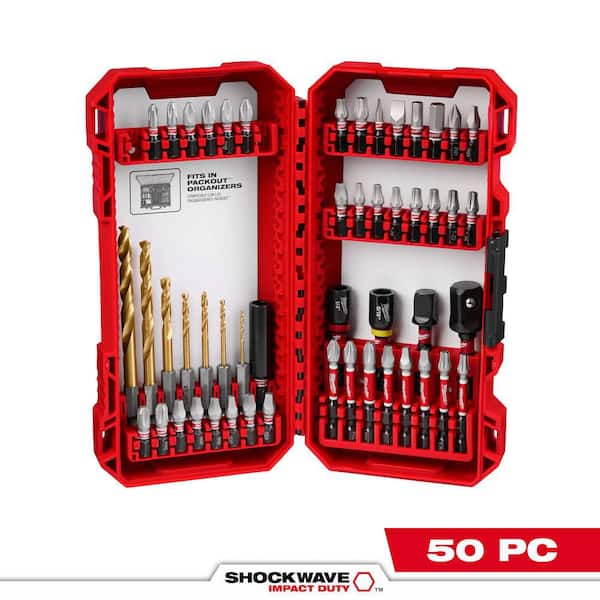
Credit: www.homedepot.com
Setting Up Your Product Listing
Setting up your product listing correctly is key to selling fasteners with multiple size options. A clear and organized listing helps customers find the right size easily. It also keeps your inventory neat and manageable. Follow these steps to create an effective variation listing.
Selecting A Parent Sku
The parent SKU acts as the main product listing. It does not represent a specific size but groups all variations. Choose a simple, clear SKU that fits your catalog system. Avoid using size details in the parent SKU. This keeps it general and easy to find.
The parent SKU should describe the product type clearly. For example, use “FASTENER-SET” instead of “FASTENER-SET-10MM”. This helps customers see all size options under one listing.
Creating Child Skus For Each Variation
Child SKUs represent each size variation of the fastener. Create a unique SKU for every size option you sell. Include size details in each child SKU to avoid confusion.
For example, use “FASTENER-SET-6MM” for the 6mm size and “FASTENER-SET-8MM” for the 8mm size. This method helps you track stock accurately and improves the shopping experience.
Using Variation Themes Effectively
Using variation themes effectively helps organize fastener listings clearly. It groups similar products with different sizes or features. This makes it easier for customers to find the exact fastener they need. A well-chosen theme improves shopping experience and boosts sales.
Variation Theme Options For Fasteners
Common variation themes for fasteners include size, length, and thread type. Size variations group products by diameter or width. Length variations show different fastener lengths under one listing. Thread type variations separate coarse and fine threads. Choose themes that highlight key differences customers care about.
Matching Variations To Customer Needs
Think about what details customers check before buying fasteners. Size and length often matter most. Group these clearly in your listing. Use easy labels like “Diameter” or “Length” to avoid confusion. Clear variation options help customers quickly pick the right fastener. This reduces returns and improves satisfaction.

Credit: www.ebay.com
Optimizing Titles And Descriptions
Optimizing titles and descriptions is key for variation listings of fastener sizes. Clear, concise titles help buyers find the exact size and type. Descriptions provide important details, making the choice easier. Good optimization increases clicks and sales. It also improves search engine rankings. Focus on including size, type, and key features in both titles and descriptions.
Including Size And Type Information
Always add the fastener size in the title. Use simple terms like length, diameter, or thread count. Mention the type of fastener, such as bolt, screw, or nut. This helps customers quickly spot the right product. In descriptions, repeat size details for clarity. Avoid complex measurements or jargon. Keep it straightforward and easy to read.
Highlighting Key Features
Include the main features that matter to buyers. For example, material type like stainless steel or zinc-coated. Note special qualities like corrosion resistance or extra strength. Highlight uses or compatible equipment briefly. Use bullet points in descriptions to improve readability. Clear features build trust and reduce confusion.
Managing Inventory And Pricing
Managing inventory and pricing for fastener size variations is key to running a smooth online store. Clear tracking helps avoid stockouts or overselling. Proper pricing ensures each variation stays competitive and profitable. Focus on these two areas to keep your listings accurate and attractive.
Tracking Stock By Variation
Track inventory for each fastener size separately. Use your platform’s tools to assign stock levels per variation. This prevents confusion about what is available. Update stock numbers regularly to reflect sales and new arrivals. Knowing exact quantities helps you reorder on time. It also stops selling items that are out of stock. Accurate tracking improves customer trust and satisfaction.
Setting Competitive Prices
Price each fastener size based on cost and market demand. Check competitor prices to stay competitive. Adjust prices for larger or rare sizes if needed. Avoid pricing all variations the same. Small price changes can attract different buyers. Use pricing strategies that match your business goals. Clear prices help customers choose the right size quickly.
Uploading And Editing Listings
Uploading and editing listings for fastener sizes is a key step in managing your product catalog. Proper handling ensures customers find the right size quickly. This process helps keep your inventory organized and sales smooth.
By efficiently uploading and editing listings, you save time and reduce errors. It also improves the shopping experience for buyers who need specific fastener sizes. Let’s explore how to upload listings in bulk and edit variations after they go live.
Using Bulk Upload Tools
Bulk upload tools allow you to add many fastener size listings at once. This method saves hours compared to manual entry. You start by preparing a spreadsheet with all product details.
Include columns for size, material, price, and SKU. Make sure data is clean and consistent. Upload the file through your selling platform’s bulk upload feature. The system processes the information and creates the listings automatically.
Check for any errors or warnings after upload. Fix issues like missing fields or format mistakes. Correct uploads mean your fastener size variations appear correctly for buyers.
Editing Variations Post-listing
After listings are live, editing variations is simple. Use the platform’s editing tools to update sizes, prices, or stock levels. This keeps your catalog current and accurate.
Change information directly on the product page or in your inventory manager. Save changes to apply updates immediately. This helps prevent customer confusion and lost sales.
Track changes carefully, especially for size options. Clear, accurate listings lead to faster purchases and fewer returns. Regular editing keeps your fastener size listings competitive and trustworthy.
Avoiding Common Listing Mistakes
Avoiding common mistakes in variation listings helps keep your fastener sizes clear and easy to find. Mistakes can confuse buyers and lower your sales. Simple errors like wrong size details or duplicate entries cause frustration. Fixing these issues saves time and improves your listing’s performance.
Ensuring Accurate Variation Attributes
Always double-check size details before listing. Use exact measurements for length, diameter, and thread pitch. Avoid vague terms like “small” or “large.” Clear attributes help buyers find the right fastener quickly. Consistent units, such as millimeters or inches, reduce confusion. Correct variation attributes improve search results and customer trust.
Preventing Duplicate Listings
Duplicate listings clutter your store and lower visibility. Check your inventory before adding new variations. Use one listing with multiple size options instead of many single-size listings. This keeps your store organized and easier to browse. Duplicate listings also waste your seller account space. Proper listing structure helps maintain a professional store appearance.
Leveraging Customer Feedback
Customer feedback is a valuable tool when creating variation listings for fastener sizes. It helps sellers understand what buyers like or dislike about each option. Listening to customers improves product offerings and boosts sales. Feedback also builds trust and shows buyers their opinions matter.
Using feedback correctly can make your listings clearer and more helpful. It guides you to highlight the right features. You can fix common issues and answer questions before they arise. This creates a better shopping experience for everyone.
Incorporating Reviews For Each Variation
Include customer reviews under each size variation. This allows buyers to see specific opinions about the size they want. Reviews often mention fit, strength, or usability. These details help new buyers choose the right fastener size.
Show star ratings and comments for each variation separately. Avoid mixing feedback from different sizes. Clear, size-specific reviews reduce confusion and increase confidence. They also make the listing more trustworthy and user-friendly.
Adjusting Listings Based On Feedback
Use customer comments to improve your listing details. Update descriptions to fix unclear parts or add missing info. For example, note if a size runs smaller or larger than expected.
Change images or add new ones if buyers report difficulties. Highlight key features that customers praise. Remove sizes that get many negative reviews or low demand. This keeps your listing relevant and easy to navigate.
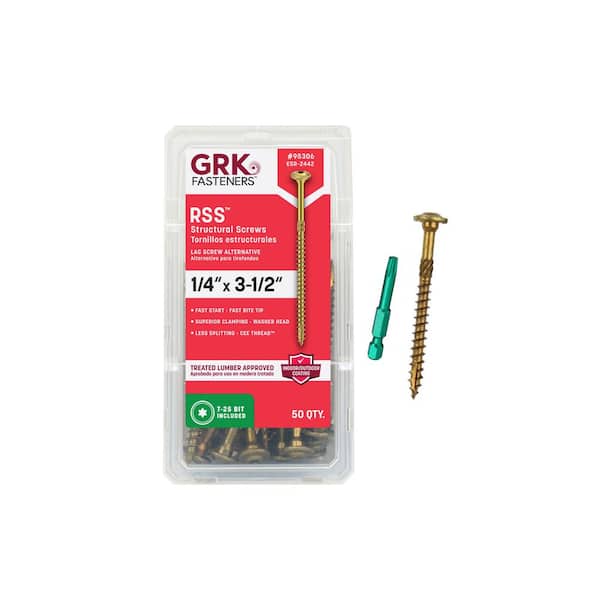
Credit: www.homedepot.com
Frequently Asked Questions
What Is A Variation Listing For Fastener Sizes?
A variation listing groups multiple fastener sizes under one product page. It simplifies shopping by showing all size options together. This improves user experience and boosts sales for sellers.
How Do I Set Up Size Variations On Marketplaces?
To set up size variations, select the parent product first. Then add each fastener size as a child variation. Input size details and SKU for each child product to complete the listing.
Why Use Variation Listings For Fasteners?
Variation listings reduce clutter by combining sizes in one spot. They help buyers quickly find the right fastener size. This increases conversion rates and makes inventory management easier.
Can I Update Fastener Size Variations Later?
Yes, you can add or edit fastener size variations anytime. Update details like dimensions, stock, or pricing. Changes reflect instantly, keeping your listing accurate and current.
Conclusion
Creating a variation listing for fastener sizes helps organize your products clearly. It makes shopping easier for buyers by showing all size options in one place. This saves time and reduces confusion. Keep your listings simple and accurate to attract more customers.
Regularly update your listings to reflect stock changes. Clear variation listings improve customer trust and boost sales. Start applying these steps today to manage your fastener products better.