Imagine controlling your home’s lighting with just your voice. Sounds convenient, right?
If you’ve ever wondered how to connect Alexa to your light switch, you’re in the right place. This simple setup can transform your daily routine, making it easier to set the mood, save energy, and add a touch of smart tech to your living space.
Keep reading, and you’ll discover easy steps that anyone can follow to make your home smarter and your life more comfortable.
Credit: sageuae.com
Choose Compatible Light Switches
Choosing the right light switch is key to connect Alexa smoothly. Not all switches work with Alexa. Some fit better in your home setup. Knowing the types helps in picking the best one. Compatibility also matters for easy control. Learn about the switch types, Alexa compatibility, and wired versus wireless options here.
Smart Switch Types
Smart switches come in different kinds. Some replace your old switches completely. Others fit over existing switches. Some models control multiple lights at once. Choose based on your room size and lighting needs. Popular types include toggle, rocker, and dimmer switches. Each has unique features for smart control.
Compatibility With Alexa
Not all smart switches work with Alexa. Look for switches that say “Alexa compatible” on the box. They connect easily to Alexa devices. This lets you use voice commands for lights. Some switches need a hub for Alexa to control them. Others connect directly through Wi-Fi. Check product details for Alexa support.
Wired Vs. Wireless Options
Smart switches come as wired or wireless. Wired switches connect to your home’s electrical system. They often need professional installation. Wireless switches use batteries and connect via Wi-Fi or Bluetooth. They are easier to install. Choose wired for stable power and wireless for flexibility. Both types can work well with Alexa.
Prepare Your Alexa Device
Preparing your Alexa device is the first step to control your light switch with ease. A well-prepared Alexa ensures smooth setup and reliable operation. Follow these simple steps to get your device ready.
Set Up The Alexa App
Download the Alexa app from the App Store or Google Play. Open the app and sign in with your Amazon account. The app guides you through the initial setup. Follow each instruction carefully to link your device.
Connect To Wi-fi Network
Connect Alexa to a strong Wi-Fi network. This connection lets Alexa communicate with your smart light switch. Enter your Wi-Fi password in the app when prompted. Avoid weak or unstable networks for best performance.
Update Device Firmware
Check for any available updates for your Alexa device. Updates improve performance and add new features. In the Alexa app, go to device settings and select “Check for Updates.” Install any updates before continuing.
Install The Smart Light Switch
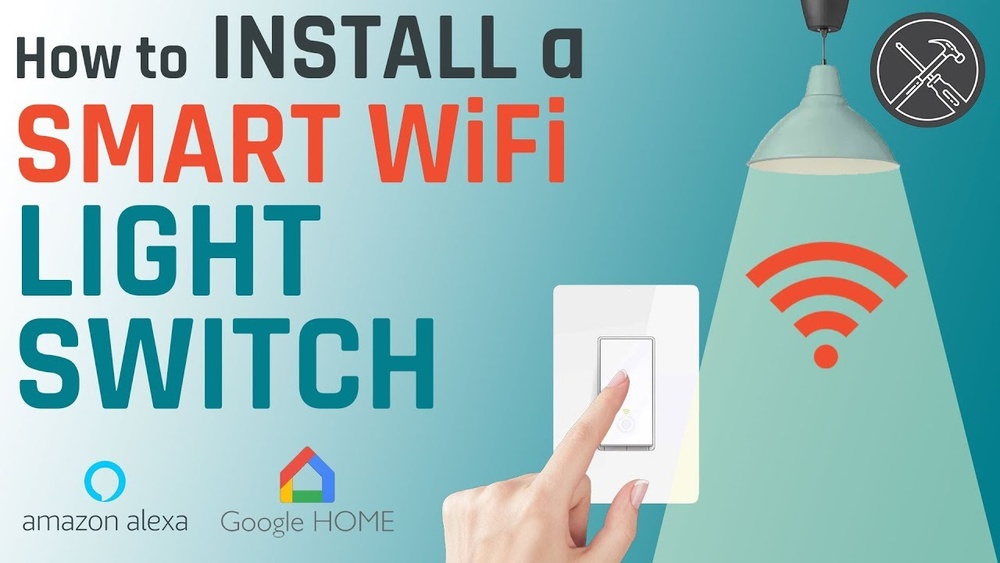
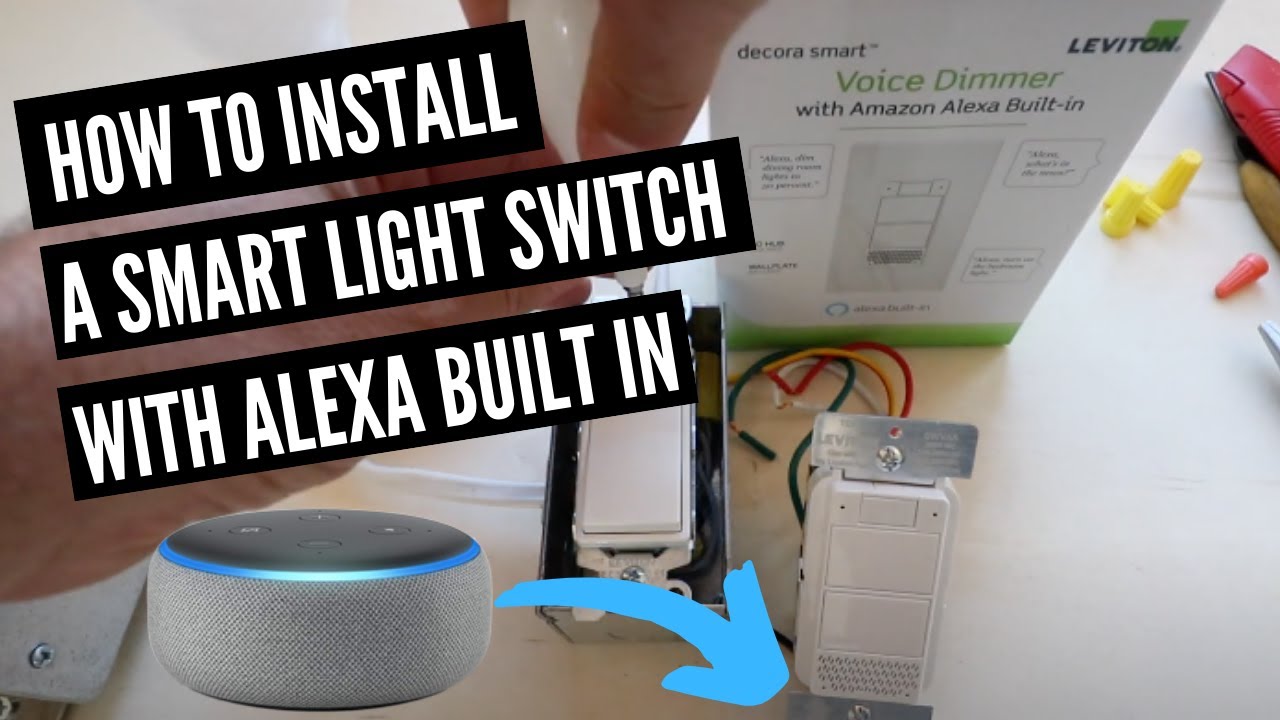
Installing a smart light switch is the key step to control your lights with Alexa. This process requires care and attention to safety. Follow each step closely to ensure a successful setup. The installation includes turning off power, removing the old switch, wiring the new one, and testing it.
Turn Off Power Safely
Start by turning off the power at your home’s circuit breaker. This step prevents electric shock during installation. Use a voltage tester on the switch to confirm no power flows. Never skip this step.
Remove Existing Switch
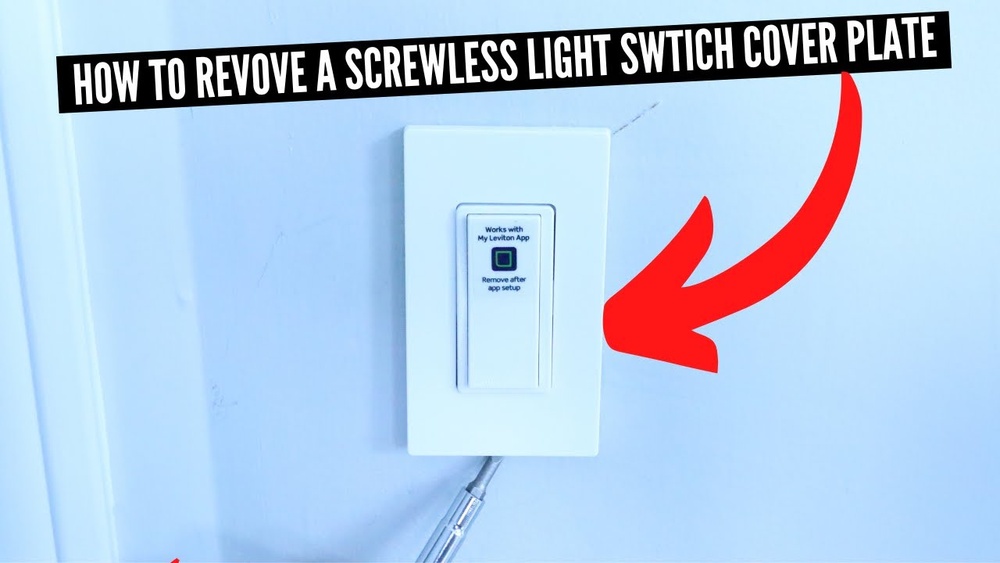
Remove the switch cover by unscrewing it. Unscrew the old switch from the wall box carefully. Gently pull it out to expose the wires. Take a picture of the wiring for reference. This helps during the new switch wiring.
Wire The New Smart Switch
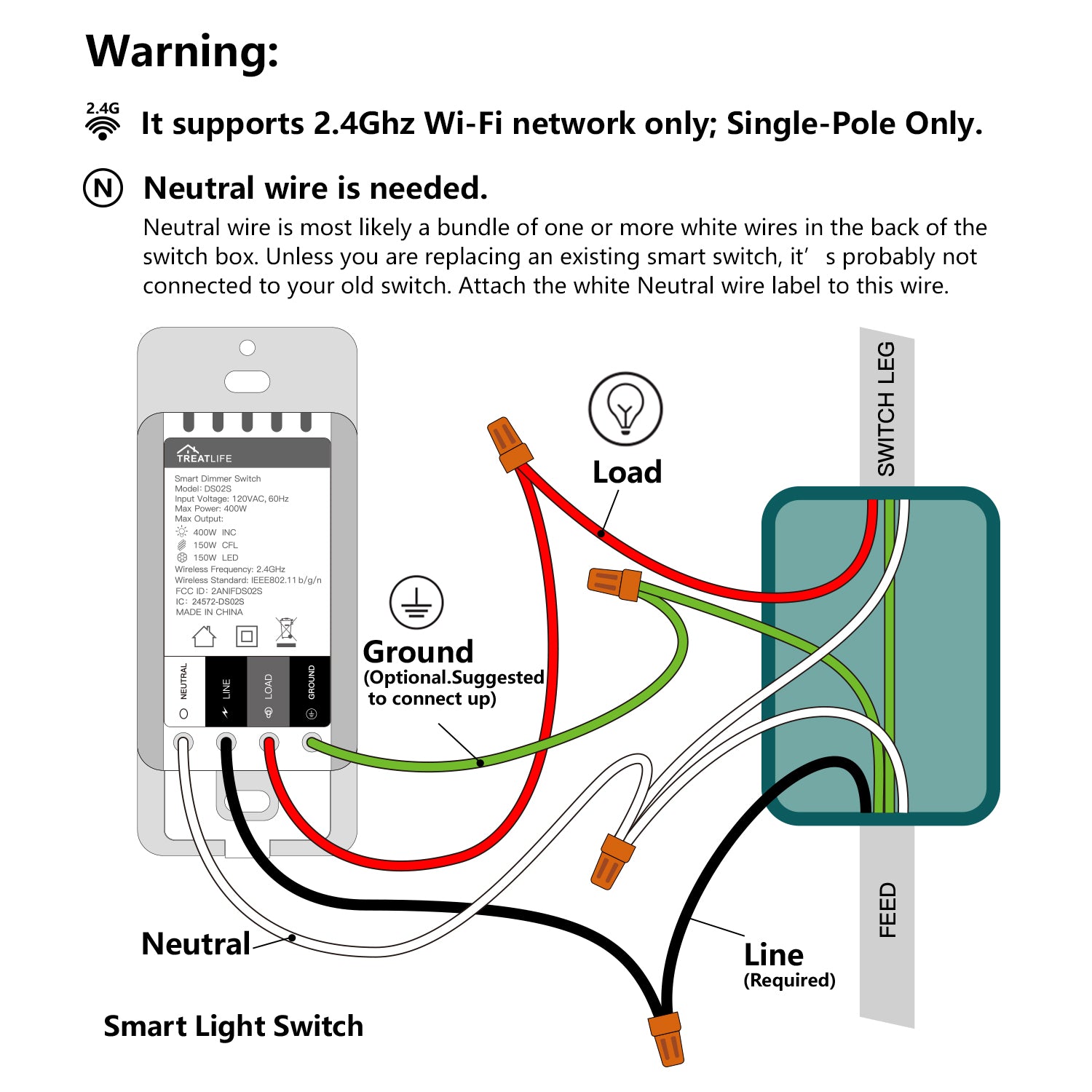
Connect the wires from the wall to the smart switch terminals. Match the wires by color or labels. Use a screwdriver to tighten the terminal screws firmly. Attach the ground wire to the switch’s green screw. Push the switch back into the wall box carefully.
Test The Installation
Turn the power back on at the circuit breaker. Check if the smart switch powers up correctly. Use the physical switch to turn the lights on and off. If the lights respond, the wiring is correct. Now, your smart switch is ready to connect with Alexa.

Credit: www.amazon.com
Link Smart Switch To Alexa
Connecting your smart switch to Alexa makes controlling lights easier. Voice commands replace manual switches. This link boosts convenience and modernizes your home setup.
The process involves a few simple steps inside the Alexa app. Each step helps Alexa recognize and control your smart switch smoothly.
Enable Relevant Skills
Open the Alexa app on your phone. Tap the menu and choose “Skills & Games.”
Search for the brand of your smart switch. Select the matching skill from the list.
Tap “Enable to Use” and sign in with your switch account. This lets Alexa communicate with your device.
Discover Devices
After enabling the skill, go back to the main Alexa screen. Tap “Devices” and then “Add Device.”
Choose the device type and brand. Alexa will start searching for your smart switch.
Wait until Alexa finds your switch. This may take a minute or two.
Rename Switch For Voice Control
Once the device is added, find it in the device list. Tap on the switch name to edit it.
Give the switch a clear, simple name. This helps Alexa understand your commands better.
Use names like “Living Room Light” or “Kitchen Switch” for easy recognition.
Control Your Lights With Alexa
Controlling your lights with Alexa makes your home smarter and easier to manage. You can turn lights on or off without moving a finger. Alexa listens and acts fast. It works with many smart light switches. This control adds comfort and convenience to daily life.
Setting up Alexa to manage your lights is simple. Once connected, you can use voice commands or create routines. These options save time and add fun to home automation. Let’s explore how to control your lights with Alexa effectively.
Voice Commands Examples
Speak to Alexa to control your lights instantly. Use short commands like “Alexa, turn on the living room light.” Try “Alexa, dim the bedroom light to 50%.” You can also say “Alexa, turn off all the lights.” Alexa understands many phrases. Simple words work best for quick action.
Creating Routines
Routines automate your light control. Open the Alexa app and go to Routines. Tap “Create Routine” and add actions. For example, set lights to turn on at sunset. Or, make lights dim when you say “Good night.” Routines run automatically or by voice. They make your daily life easier.
Troubleshooting Common Issues
Sometimes Alexa may not control lights correctly. Check if your light switch is connected to Wi-Fi. Make sure Alexa and the light switch are on the same network. Restart Alexa and the light switch if needed. Confirm the light switch supports Alexa control. These steps fix most problems quickly.
Credit: www.youtube.com
Enhance Your Smart Home Setup
Enhancing your smart home setup by connecting Alexa to your light switch brings convenience and control. It lets you manage lighting with simple voice commands. This setup creates a seamless experience, making daily routines easier and more efficient.
Integrate With Other Devices
Linking Alexa to your light switch allows smooth integration with other smart gadgets. Control lights along with thermostats, cameras, and speakers. Set your devices to work together for better home automation.
For example, turn on lights and play music at the same time. Alexa can trigger multiple devices with one command. This integration saves time and enhances comfort.
Use Alexa Groups
Create groups in the Alexa app to control several lights together. Group rooms or areas for quick commands. Say “Alexa, turn off the living room lights” to switch off all lights in that group.
Groups simplify managing many switches. They provide easy control over your home’s lighting. This feature suits families and busy households.
Optimize Energy Efficiency
Use Alexa to reduce energy use by scheduling lights. Set lights to turn off automatically when not needed. Voice commands help avoid leaving lights on by mistake.
Monitor usage and adjust settings for better energy savings. Alexa’s routines support eco-friendly habits. Save money and protect the environment at the same time.
Frequently Asked Questions
How Do I Connect Alexa To A Smart Light Switch?
To connect Alexa, first install a compatible smart light switch. Then, enable the switch’s skill in the Alexa app. Finally, discover devices to link Alexa with your light switch.
Can Alexa Control Regular Light Switches?
Alexa cannot control regular switches directly. You need smart light switches or smart bulbs compatible with Alexa for voice control.
What Smart Switches Work Best With Alexa?
Popular Alexa-compatible switches include brands like Lutron Caséta, TP-Link Kasa, and Leviton Decora. Choose based on compatibility and features.
Do I Need A Hub To Connect Alexa To Switches?
Some smart switches require a hub, like Lutron Caséta. Others, like TP-Link Kasa, connect directly via Wi-Fi without a hub.
Conclusion
Connecting Alexa to your light switch makes home control simple. Just follow the steps carefully and take your time. You can turn lights on or off with just your voice. This small change adds comfort and saves effort every day.
Enjoy the convenience of smart living without any hassle. Start with one light switch and expand as you like. Alexa helps make your home smarter and easier to manage. Give it a try and see how it fits your lifestyle.