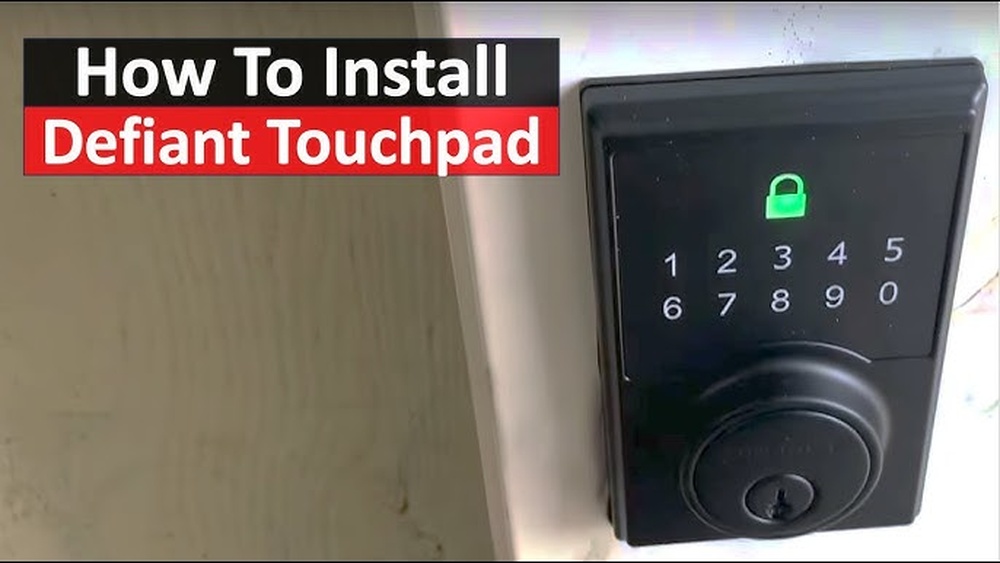
Looking to upgrade your home security with a Defiant Touchpad Deadbolt? You’re in the right place.
Installing this smart lock might seem tricky, but with the right steps, you can do it yourself quickly and easily. Imagine controlling your door with just a touch—no more fumbling for keys or worrying about lost copies. In this guide, you’ll find clear, simple instructions that anyone can follow.
Ready to make your home safer and more convenient? Keep reading to learn how to install your Defiant Touchpad Deadbolt like a pro.
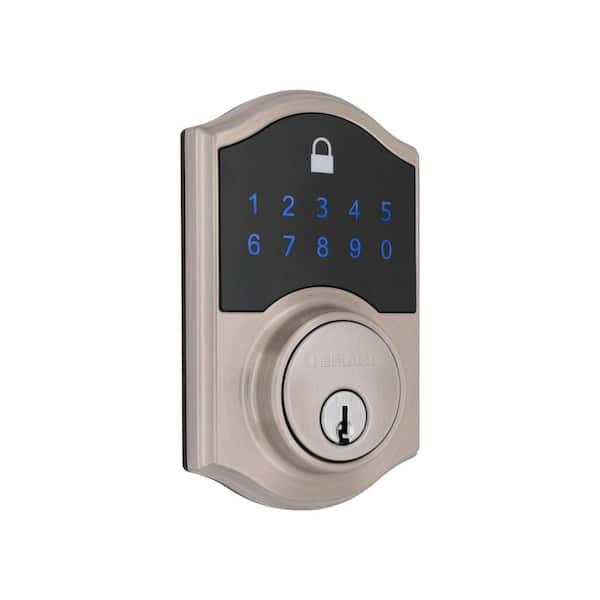
Credit: www.homedepot.com
Tools And Materials Needed
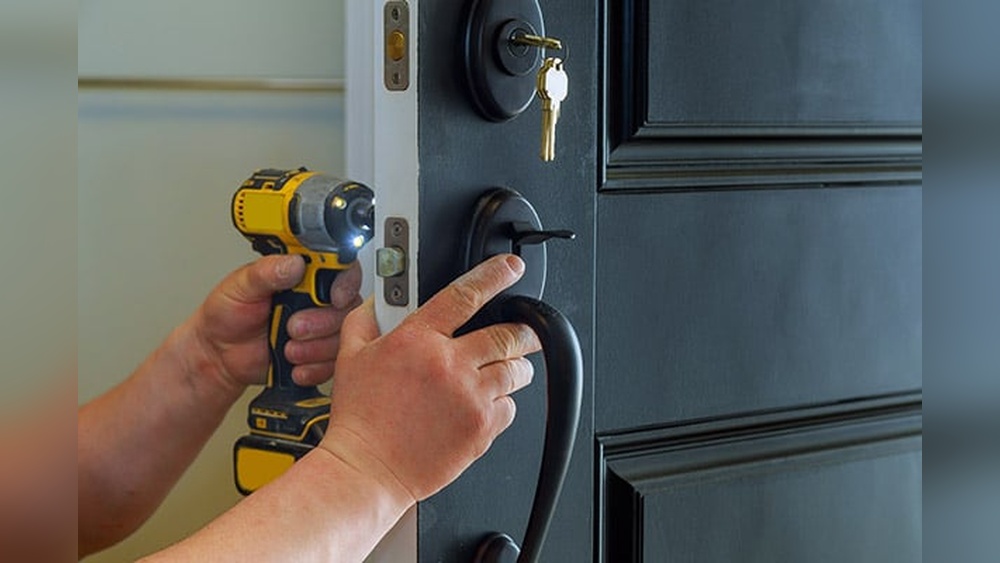
Before installing a Defiant Touchpad Deadbolt, gather the right tools and materials. This step makes the process smoother and faster. Having everything ready helps avoid stops and delays during installation.
List Of Required Tools
- Phillips screwdriver
- Flathead screwdriver
- Drill with drill bits
- Measuring tape
- Pencil or marker
- Chisel (for wood doors)
- Hammer
- Battery (usually 9V for the keypad)
- Safety glasses
Checking The Deadbolt Package
Start by opening the deadbolt package carefully. Check if all parts are included. The package should have the keypad, interior assembly, latch, strike plate, screws, and batteries.
Look for the installation manual. It guides you step-by-step. Missing parts can delay your work. Contact the seller if anything is missing.
Preparing The Door
Preparing the door is the first step to install a Defiant Touchpad Deadbolt. This ensures the new lock fits perfectly and works well. Careful preparation saves time and avoids mistakes during installation.
Start by removing the old deadbolt. This clears the way for the new lock. After that, measure and mark the door carefully. Accurate markings help place the new deadbolt in the right spot.
Removing The Old Deadbolt
Find the screws on the inside part of the old deadbolt. Use a screwdriver to remove them. Pull the interior and exterior parts of the lock away from the door.
Next, remove the latch from the edge of the door. Pull it out gently. Check the hole to see if it is clean and smooth.
Measuring And Marking
Use a tape measure to check the size of the holes on the door. Compare these with the new deadbolt’s instructions. Mark the correct spots with a pencil.
Measure the backset—the distance from the door edge to the center of the hole. Common backset sizes are 2 3/8 inches or 2 3/4 inches. Mark this clearly to place the latch properly.
Double-check all marks. Correct measurements make the installation easier and the lock secure.
Installing The Deadbolt Components
Installing the deadbolt components is a key step in securing your door. Each part must fit well for smooth operation and strong security. Follow clear steps to mount the exterior touchpad, attach the interior assembly, and secure the deadbolt properly.
Mounting The Exterior Touchpad
Start by placing the exterior touchpad on the door’s outside. Align it with the pre-drilled holes. Make sure the keypad faces outward and fits snugly. Insert the spindle through the door hole, connecting it to the lock mechanism inside. Tighten screws evenly to keep the touchpad stable. Avoid over-tightening to prevent damage.
Attaching The Interior Assembly
Next, position the interior assembly on the door’s inside. Align it with the spindle and screw holes. Connect the wiring from the touchpad to the interior unit carefully. Secure the assembly with screws. Check that the battery compartment is accessible for future changes. The interior part should sit flush and firm on the door.
Securing The Deadbolt
Insert the deadbolt into the door edge. Make sure it slides smoothly into the door frame. Fasten the screws that hold the deadbolt in place. Test the lock by turning the thumb turn on the interior side. The deadbolt should extend and retract without resistance. Tighten all screws firmly for maximum security.

Credit: www.youtube.com
Programming The Touchpad
Programming the touchpad is the key step to secure your Defiant deadbolt. It lets you control who can enter your home. You can set a main code and add extra codes for family or friends. This section guides you through setting up these codes easily.
Setting The Master Code
Start by opening the battery cover on the lock. Press the program button inside once. Enter the default code, usually found in the manual. Then, press the lock button. Now, enter your new master code. Make sure it is easy to remember but hard to guess. Press the lock button again to save it. The lock will beep to confirm the change.
Adding User Codes
Press the program button inside the lock again. Enter the master code you just created. Press the lock button to enter user code mode. Type in the new user code you want to add. Press the lock button to save it. You can add multiple user codes this way. Each code can be different for each person. The lock will beep after each new code is saved.
Testing The Deadbolt
Testing the Defiant Touchpad Deadbolt is a key step after installation. This step ensures the lock works correctly and keeps your home safe. It helps find any problems early. Proper testing saves time and avoids frustration later.
Checking Lock And Unlock Functions
Start by locking the deadbolt using the touchpad. Enter your code and press the lock button. The deadbolt should move smoothly and lock the door fully. Next, try unlocking with the same code. The deadbolt must retract easily. Test the manual key as well. Turn it to lock and unlock. Make sure the door opens without force.
Troubleshooting Common Issues
If the deadbolt does not lock or unlock, check the battery first. Weak batteries can cause problems. Replace them if needed. Ensure the touchpad is clean and dry. Dirt or moisture can block signals. Check if the lock is aligned with the door frame. Misalignment stops the deadbolt from moving. Adjust the strike plate if necessary. Reset the lock if codes do not work. Follow the manual’s reset instructions carefully. Test again after each fix to confirm success.
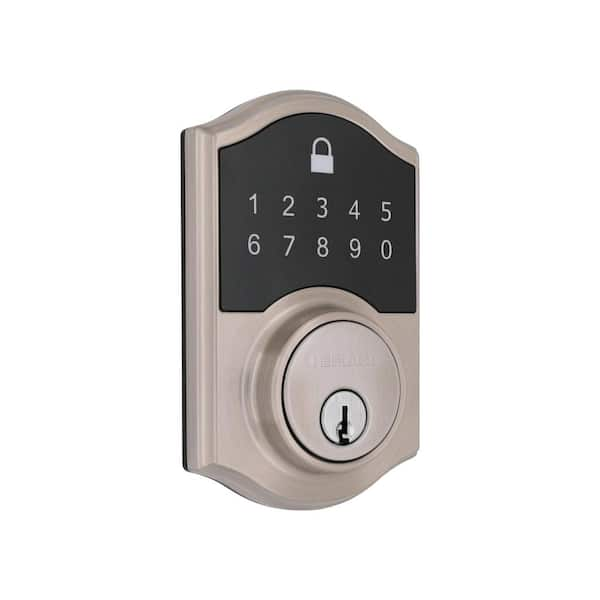
Credit: www.homedepot.com
Maintenance Tips
Proper maintenance keeps your Defiant Touchpad Deadbolt working well. Small efforts can extend its life and keep it secure. Follow easy steps to maintain your lock and avoid problems.
Battery Replacement
Check the battery regularly to ensure the lock works smoothly. Replace the batteries when the keypad lights dim or the lock responds slowly. Use fresh, high-quality batteries for best results. Open the battery cover on the inside part of the lock. Remove old batteries and insert new ones, matching the correct polarity. Close the cover firmly to protect the batteries from dust and moisture.
Cleaning And Care
Clean the touchpad and lock surface gently with a soft cloth. Avoid using harsh chemicals or abrasive materials that can damage the finish. Wipe off dirt and fingerprints regularly to keep the keypad clear. Check the deadbolt for dust or debris that might block movement. Lubricate the bolt with graphite powder or a silicone-based spray to keep it sliding smoothly. Do not use oil-based lubricants as they attract dirt and grime.
Frequently Asked Questions
How Do I Install A Defiant Touchpad Deadbolt?
Start by removing the old deadbolt. Align the new deadbolt with the door holes. Secure it with screws and test the lock function. Follow the manufacturer’s instructions for programming the touchpad.
What Tools Are Needed For Installation?
You will need a screwdriver, measuring tape, and a drill. A pencil for marking and a chisel may be necessary. Always check the installation manual for any additional tools.
How To Program The Defiant Touchpad Deadbolt?
After installation, press the reset button inside the lock. Enter your desired code following the manual’s steps. Confirm the code and test the lock to ensure proper programming.
Can I Install It On Any Door Type?
The Defiant Touchpad Deadbolt fits standard door thicknesses from 1-3/8 to 1-3/4 inches. It works on wood and metal doors. Verify your door’s specifications before purchase.
Conclusion
Installing a Defiant Touchpad Deadbolt is simple with clear steps. Follow instructions carefully to ensure the lock fits well. Test the touchpad and key to confirm they work. Enjoy the added security and convenience it brings to your home. Small effort, big difference.
Keep your home safe and easy to access.