Have you ever needed to change the code on your deadbolt but didn’t know where to start? Whether you just moved into a new home or want to boost your security, updating your lock’s code is easier than you think.
In this guide, you’ll discover simple steps to change your deadbolt code quickly and safely. Keep reading, and by the end, you’ll feel confident taking control of your home’s security with just a few easy moves.
Tools You’ll Need
Changing the code on a deadbolt requires a few simple tools. These tools help you remove the lock and set a new code easily. Having the right tools ready saves time and avoids frustration.
Prepare these tools before starting. They are common and easy to find in most homes or hardware stores.
Phillips Head Screwdriver
This screwdriver is essential for removing screws on the deadbolt. Most deadbolts use Phillips screws, which have a cross shape. A good fit prevents stripping the screws.
Flathead Screwdriver
A flathead screwdriver helps pry off covers or small parts. It also assists in adjusting some lock components. Keep it handy for tasks where a Phillips screwdriver won’t work.
New Code Or Combination Manual
Some deadbolts come with a manual or instructions for changing the code. This guide is useful to follow the exact steps. If lost, look up the lock model online for instructions.
Replacement Batteries (for Electronic Deadbolts)
Electronic deadbolts need power to work. Fresh batteries ensure the lock functions during and after code change. Check battery type before starting.
Small Flashlight
A flashlight helps you see small parts inside the lock. Good lighting makes the job easier and more precise. Use it to avoid mistakes.
Locate The Reset Mechanism
Locating the reset mechanism is the first step to change a deadbolt code. This part lets you set a new code safely. Every deadbolt model has a different place for it. Finding it quickly saves time and effort.
Usually, the reset mechanism is inside the lock or on the back. You may need to remove the deadbolt from the door to see it. Keep a screwdriver handy for this task.
Check The Interior Side Of The Deadbolt
The reset mechanism often sits on the inside part of the lock. Look behind the thumb turn or the interior cover plate. Remove any covers carefully to avoid damage.
Look For A Small Button Or Pin
This mechanism usually looks like a small button or pin. It may be red, black, or the same color as the lock. Pressing or sliding it starts the reset mode.
Consult The Lock’s Manual
The user manual shows where the reset mechanism is. If lost, search online using the lock’s model number. Manuals often provide pictures and step-by-step guides.
Inspect The Lock’s Back Plate
Some deadbolts hide the reset mechanism under the back plate. Remove screws and carefully take off the plate. Look closely for a small switch or button inside.
Remove The Deadbolt Cover
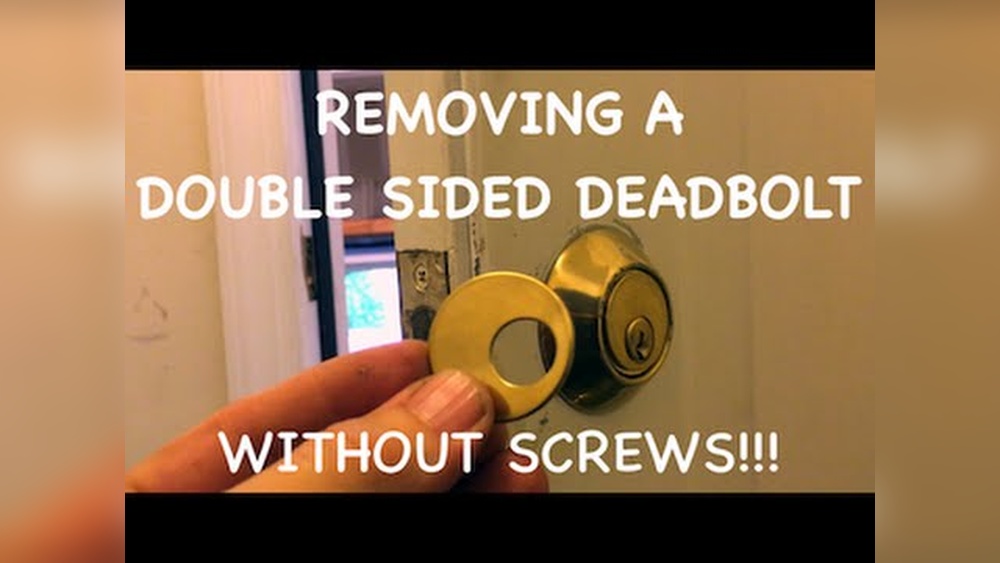
Removing the deadbolt cover is the first step in changing a deadbolt code. This part protects the internal mechanism of the lock. Taking it off allows access to the screws and parts inside. It is a simple task but needs care to avoid damage.
Start by locating the screws on the inside of the door. These screws hold the deadbolt cover firmly in place. Use the right screwdriver to loosen them slowly. Keep the screws safe for reassembly later.
Once the screws are removed, gently pull the cover away from the door. Some covers may need a slight wiggle to come off easily. Avoid using force that could break the cover or the lock.
After removing the cover, you can see the lock’s internal components clearly. This access is necessary to change or reset the deadbolt code. Clean the area if needed before proceeding to the next step.
Gather The Right Tools
Prepare a screwdriver that fits the deadbolt screws perfectly. Having the correct tool makes removal easier and safer. Avoid using tools that can strip the screws or slip.
Locate And Remove Screws
Find all screws holding the deadbolt cover in place. Use your screwdriver to unscrew them carefully. Place the screws in a small container to prevent loss.
Detach The Deadbolt Cover
Hold the cover firmly and pull it away from the door. Wiggle gently if it feels stuck. Remove it completely to expose the lock’s inner parts.
Enter The Current Code
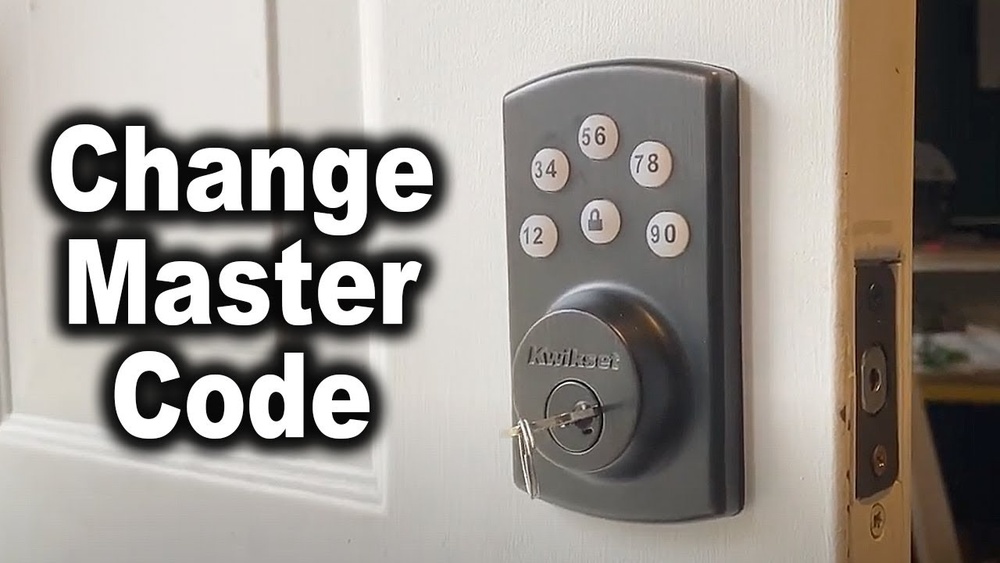
Changing the code on a deadbolt starts with entering the current code. This step confirms you have the right to make changes. It also helps the lock prepare for a new code.
Without entering the current code, the lock stays secure and will not accept changes. This protects your home or office from unauthorized access.
Locate The Keypad Or Combination Panel
Find the keypad or combination panel on the deadbolt. It is usually on the outside of the door.
Make sure the panel is clean and the buttons work well. This helps avoid mistakes when entering the code.
Enter The Existing Code Carefully
Press the buttons to type the current code. Do this slowly and carefully.
Double-check each number before moving to the next. A wrong number can cause the lock to reject the code.
Confirm The Code Entry
After entering the code, press the confirm button if there is one.
Some locks beep or flash lights to show the code was accepted. Watch for these signs.
Press The Reset Button
Pressing the reset button is a key step to change the code on a deadbolt. This button resets the lock’s memory. It clears the old code so you can enter a new one. The reset process is quick and simple. You do not need special tools for this step.
Most electronic deadbolts have a small reset button. It is usually inside the battery compartment or on the lock’s interior side. Pressing it helps the lock prepare for a new code. This makes sure the old code stops working immediately.
Locate The Reset Button
First, find the reset button on your deadbolt. Check inside the battery cover or the back panel. The button is often small and red or black. Use a small tool like a pen tip to press it. Be gentle to avoid damage.
Press And Hold The Reset Button
Press the reset button firmly. Hold it down for about 5 to 10 seconds. You might hear a beep or see a light flash. This signal means the lock is resetting. Release the button once you get the signal.
Ready To Enter A New Code
After pressing reset, the lock waits for a new code. Enter the new code carefully. Follow your lock’s instructions for code length and format. Press the lock or check button to save the new code. The lock now uses this new code to open.
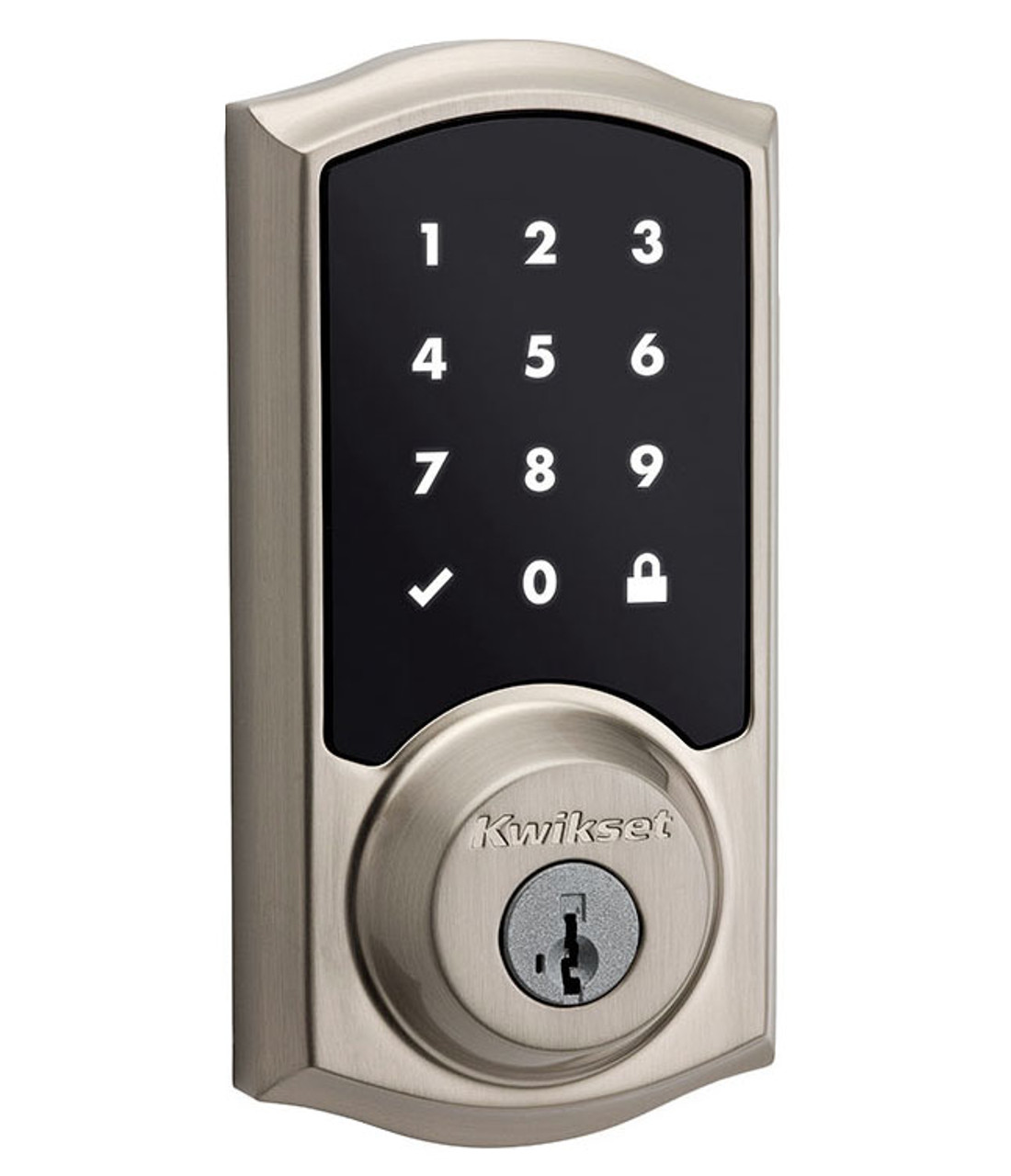
Credit: doorlocksdirect.com
Set The New Code
Setting a new code on a deadbolt is a key step in securing your home. This process lets you choose a code that you can remember easily. It also helps keep your property safe from unwanted access. Follow these steps carefully to set your new code correctly.
Locate The Programming Button
First, find the programming button on the inside part of the lock. This button is often small and may be hidden under a cover. Press and hold this button until you hear a beep or see a light flash.
Enter Your New Code
After pressing the programming button, enter the new code you want to use. Make sure the code is easy to remember but hard for others to guess. Most locks accept codes between 4 to 8 digits.
Confirm The New Code
Once you enter the new code, press the programming button again or the lock’s “enter” key. This saves the new code in the lock’s memory. Test the code by locking and unlocking the deadbolt to ensure it works.
Test The New Code
Testing the new code on your deadbolt is the final step. It ensures your lock works correctly and keeps your home safe.
Without testing, the new code might not function as expected. This can leave you locked out or your door unsecured.
Check The Code Multiple Times
Enter the new code slowly and carefully. Try it at least three times to confirm it works every time.
Try slight pauses between numbers to mimic real use. This helps verify the lock accepts the code under normal conditions.
Test From Both Sides Of The Door
Use the new code on the outside keypad. Then check the inside lock to make sure it also operates smoothly.
Some deadbolts behave differently on each side. Testing both sides avoids surprises later.
Try Locking And Unlocking
After entering the new code, turn the lock to secure the door. Then unlock it using the same code.
This confirms the deadbolt locks and unlocks properly with the new code.
Have Someone Else Test The Code
Ask a family member or friend to try the new code. A fresh set of hands can catch mistakes you might miss.
They may spot issues with speed or button pressing that you overlooked.

Credit: www.youtube.com
Troubleshooting Tips
Changing the code on a deadbolt can sometimes be tricky. Small problems may stop the process. These troubleshooting tips help solve common issues quickly. Follow the steps to get your lock working right again.
Check The Lock Type
Different deadbolts have different ways to change codes. Identify your lock model first. Look for a brand name or model number on the lock. This helps find the right instructions. Using the wrong method can cause problems.
Remove The Battery Cover
Some electronic deadbolts need the battery cover removed. Without this, you cannot access the reset button. Make sure the batteries are fresh. Weak batteries can stop the lock from working.
Locate The Reset Button
The reset button is often small and hidden. It may be inside the lock or on the back plate. Press and hold it as per your lock’s manual. Releasing too soon can fail the reset process.
Use The Correct Tools
Some deadbolts need a small screwdriver or pin to press buttons. Using fingers might not work. Keep the right tools ready before starting. This saves time and avoids damage.
Follow The Timing Exactly
Timing matters during code change steps. Press buttons for the exact seconds stated. Moving too fast or slow can cause errors. Practice the sequence a few times if needed.
Always test the new code multiple times. Make sure the door locks and unlocks smoothly. If it fails, repeat the reset steps carefully. Double-check for any missed details.
When To Call A Locksmith
Changing the code on a deadbolt can be simple for some. Yet, some situations need expert help. Knowing when to call a locksmith saves time and stress. Locksmiths have the right tools and skills to change codes safely.
Signs Of A Jammed Or Broken Lock
A deadbolt that does not turn or feels stuck might be broken. Trying to force it can cause more damage. A locksmith can fix or replace the lock quickly and safely.
Lost Or Forgotten Code
Forgetting the code means you cannot change it yourself. A locksmith can reset the code without damaging the lock. This service keeps your home secure without hassle.
Complex Lock Systems
Some deadbolts have advanced features or electronic parts. These require special knowledge and tools. A locksmith knows how to handle these complex locks correctly.
Security Concerns After A Break-in
After a break-in, the lock might be compromised. Changing the code alone might not be enough. A locksmith can assess and improve your home’s security.

Credit: www.gokeyless.com
Frequently Asked Questions
How Do I Reset A Deadbolt Code Quickly?
To reset a deadbolt code, remove the lock’s cover first. Press the reset button or switch inside. Enter your new code, then test to ensure it works correctly.
Can I Change A Deadbolt Code Without A Key?
Yes, some electronic deadbolts allow code changes without a key. Use the keypad or follow the manufacturer’s reset instructions. Traditional deadbolts usually require the key to change the code.
What Tools Do I Need To Change A Deadbolt Code?
Typically, you only need a screwdriver to remove the lock cover. Some models may require batteries or a reset tool. Always consult the lock’s manual for specific instructions.
How Often Should I Change My Deadbolt Code?
It’s best to change your deadbolt code every 3 to 6 months. Change it immediately if you suspect unauthorized access. Regular updates improve your home’s security.
Conclusion
Changing a deadbolt code is simple with the right steps. Start by removing the lock cover carefully. Then, press the reset button or use the reset lever. Enter your new code clearly and test it twice. Keep your code easy to remember but hard for others.
Regularly changing your code helps keep your home safe. Now, you can change your deadbolt code anytime you want. Stay secure and confident with your lock settings.