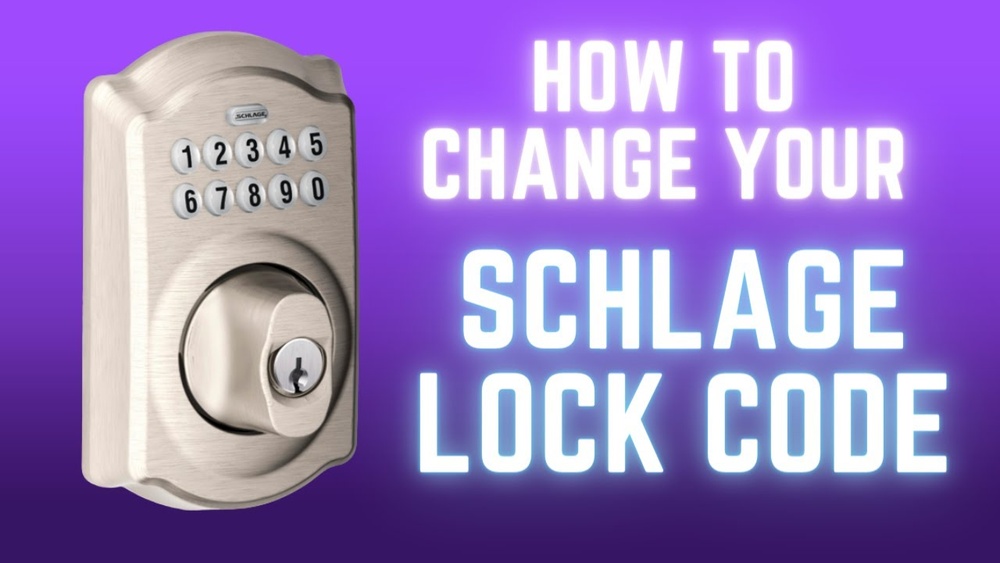
Changing the code for your Schlage keypad deadbolt is easier than you might think. Whether you want to improve your home’s security or simply update your access code, you can do it yourself in just a few simple steps.
Imagine having full control over who can enter your home, without the hassle of keys. In this guide, you’ll learn exactly how to change your Schlage keypad deadbolt code quickly and safely. Keep reading, and take the first step toward smarter, more secure access for your home.
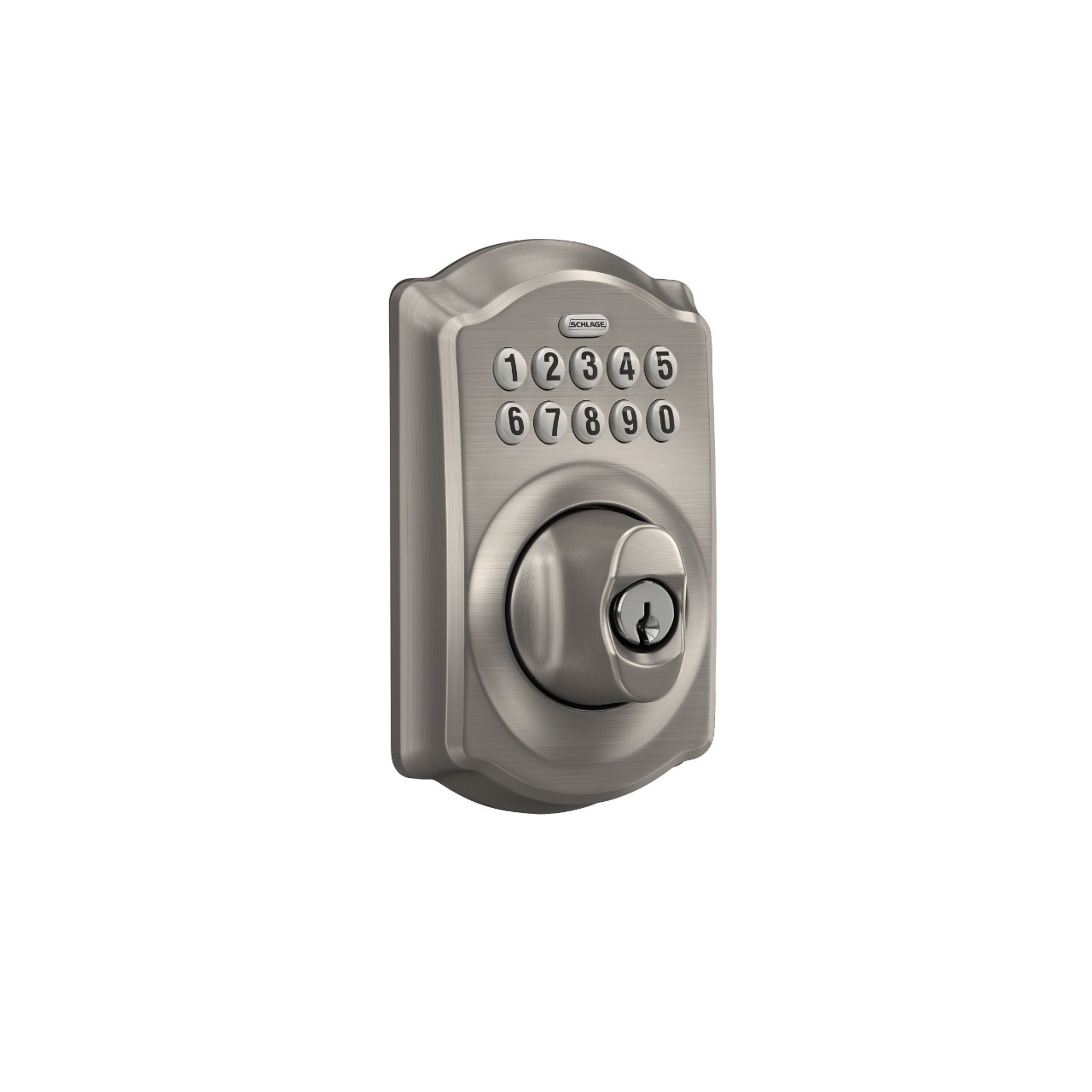
Credit: www.schlage.com
Prepare For Code Change
Preparing to change the code on your Schlage keypad deadbolt is an important first step. This process makes sure you have everything ready before you start. It helps avoid mistakes and saves time. Follow these steps to prepare properly and make the code change smooth and easy.
Gather Necessary Tools
Before changing the code, collect all tools you need. Usually, a small screwdriver works best. Some models may need a Phillips head screwdriver. Check your lock’s manual to be sure. Having tools ready helps you work quickly and safely.
Locate The Programming Code
The programming code is essential to change the lock’s code. Find this code in the user manual or on a sticker inside the lock. You may need to remove the battery cover to see it. Keep this code private and safe. Without it, you cannot change the keypad code.
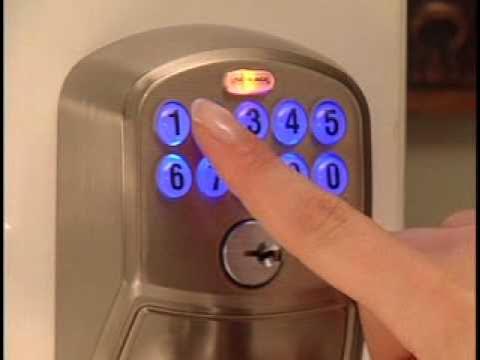
Credit: www.youtube.com
Access Programming Mode
Accessing programming mode lets you change the code on your Schlage keypad deadbolt. Enter the current code, then follow simple steps to set a new one. This process keeps your lock secure and easy to update.
Open The Battery Cover
Accessing the programming mode starts by opening the battery cover. Locate the battery compartment on the interior side of the lock. Gently slide or lift the cover to remove it. This step reveals the keypad and the programming button inside. Take care not to damage the cover or the lock during this process.
Enter The Programming Code
Press the programming button inside the battery compartment. The keypad will light up, indicating it is ready for input. Enter the current programming code using the keypad. This code is usually found in the lock’s manual or on a sticker inside the battery cover. If the code is correct, the lock will confirm with a sound or light.
Delete Existing Codes
Deleting existing codes from your Schlage keypad deadbolt is a key step for security. Removing old or unused codes stops unwanted access. This process helps keep your lock safe and controlled. Follow these easy steps to clear user codes or reset your lock.
Clear User Codes
Start by entering your current programming code on the keypad. Press the Schlage button. Select the option to delete user codes. Choose the specific code number you want to remove. Confirm the deletion by pressing the Schlage button again. Repeat for any other codes you want to clear. This method keeps the programming code intact.
Reset To Factory Settings
Resetting your lock erases all stored codes, including the programming code. Find the reset button inside the lock. Press and hold it for about 10 seconds. Release the button when the lock beeps or flashes. The lock now returns to its original factory state. Set a new programming code to start fresh. Use this option only if you want to remove all codes at once.

Credit: www.wikihow.com
Add New User Codes
Adding new user codes to your Schlage keypad deadbolt gives you control over who can enter your home. It lets you share access without handing out physical keys. You can create codes for family, friends, or service workers. Each code is unique and easy to manage. Follow these steps to add user codes safely and quickly.
Create A New Master Code
The master code controls all other codes on your keypad. Start by setting a new master code to keep your lock secure. Press the Schlage button on your keypad. Enter the current master code followed by the Schlage button again. Choose a new master code between 4 and 8 digits. Enter the new code twice to confirm. The keypad will beep to show the new master code is set.
Program User Codes
After setting the master code, you can add user codes. Press the Schlage button once. Enter the master code. Press the Schlage button again. Select a user code slot from 1 to 30. Enter the new user code, 4 to 8 digits long. Press the Schlage button to save. The lock will beep to confirm the new code works. Repeat to add more users.
Test New Codes
Testing new codes on your Schlage keypad deadbolt is essential after changing them. This step ensures your lock works properly with the new codes. It prevents lockouts and confirms that the changes saved correctly.
Take time to test each code several times. This helps avoid issues later and keeps your home secure.
Verify Code Functionality
Enter the new code on the keypad. The deadbolt should unlock immediately. Try locking the door with the keypad as well. Make sure the lock responds every time.
Test each code you programmed. Check that all users can open the lock. Testing in different conditions, like night or rain, is helpful too.
Troubleshoot Common Issues
If the lock does not respond, first check the battery. Weak batteries often cause problems. Replace them if needed.
Ensure you entered the code correctly. Mistakes can block access. Reset the code and try again.
Look for any dirt or damage on the keypad. Clean it gently with a soft cloth. Physical issues might stop the lock from working.
Maintain Your Deadbolt
Maintaining your Schlage keypad deadbolt helps it work well for years. Simple care keeps the lock secure and reliable. Regular upkeep prevents problems and extends battery life.
Change Batteries Regularly
Check the battery level often. Low batteries cause the keypad to fail or respond slowly. Replace batteries at least once a year. Use fresh, high-quality alkaline batteries for best results. Doing this avoids lockouts and keeps your deadbolt active.
Keep The Keypad Clean
Dirt and dust can block the buttons and sensors. Wipe the keypad with a soft, dry cloth regularly. Avoid using water or harsh chemicals on the lock. Clean buttons make it easier to enter your code. This simple step keeps the deadbolt working smoothly.
Frequently Asked Questions
How Do I Reset The Schlage Keypad Deadbolt Code?
To reset, enter the programming code, press the Schlage button, and follow prompts. Enter a new user code and confirm. This secures your lock with a fresh code.
Can I Change The Code Without The Programming Code?
No, the programming code is required to change user codes. It acts as a master key to prevent unauthorized changes. Always keep it safe.
How Long Does It Take To Change The Schlage Code?
Changing the code takes less than 5 minutes. The process is simple and guided by keypad prompts. Quick changes improve your home security.
What If I Forget The Programming Code?
If lost, you must perform a factory reset. This erases all user codes and restores defaults. Reprogramming is necessary to secure your lock again.
Conclusion
Changing the code on your Schlage keypad deadbolt is simple and quick. Follow the steps carefully to keep your home secure. Remember to write down your new code and test it before locking the door. Regularly changing your code adds safety.
You can do this without needing special tools or help. Keep your keypad clean and batteries fresh for best use. Stay safe and confident with your Schlage deadbolt.