Are you looking to take control of your home security by reprogramming your Schlage Touch Deadbolt? Whether you want to add a new access code, delete old ones, or reset the lock, knowing how to reprogram it is key to keeping your home safe.
In this guide, you’ll discover simple, step-by-step instructions that anyone can follow—no technical skills needed. Keep reading to unlock the full potential of your Schlage Touch Deadbolt and make your home security smarter and more convenient.
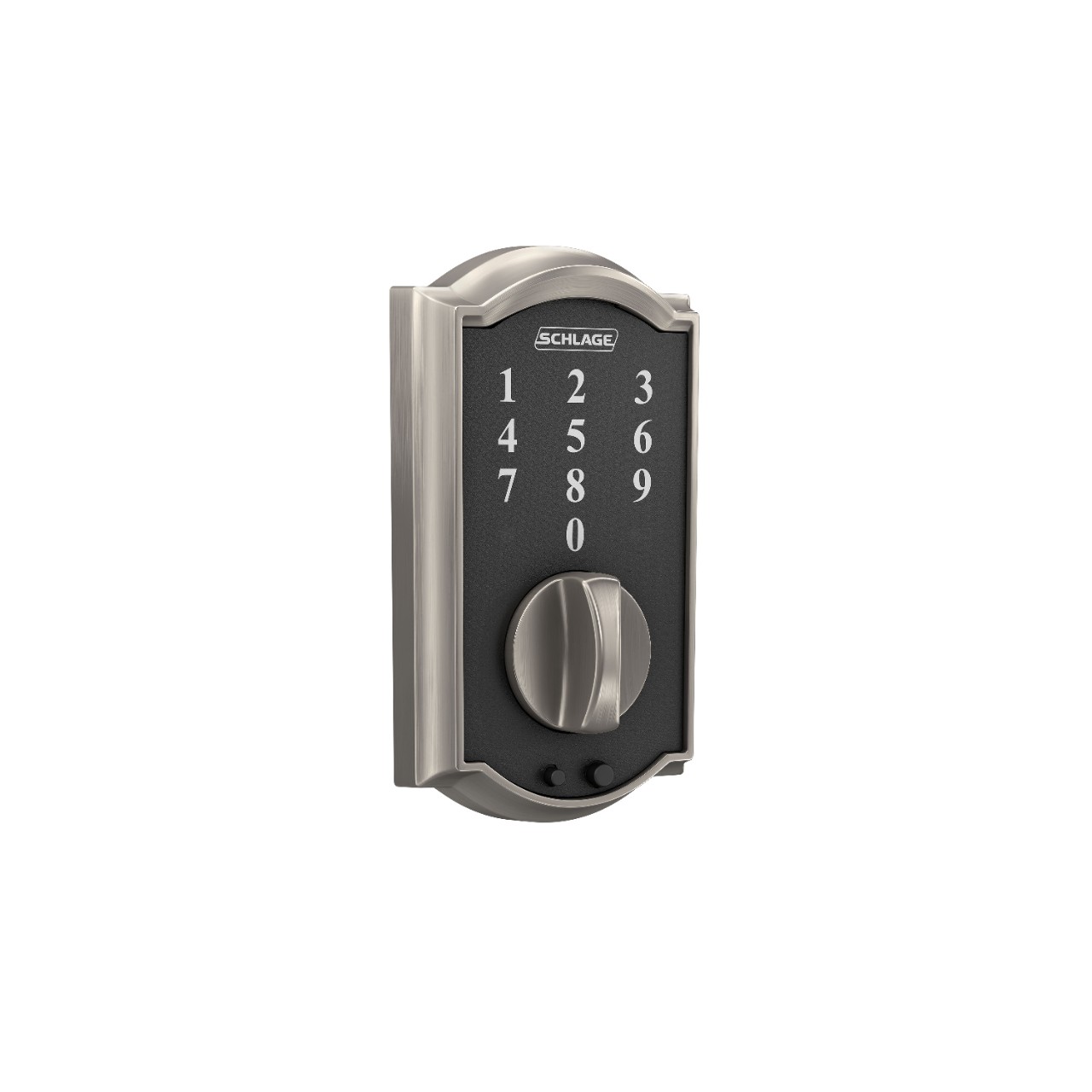
Credit: www.schlage.com
Tools Needed
Reprogramming a Schlage Touch Deadbolt requires a few simple tools. These tools help you complete the task quickly and safely. Having the right items ready makes the process smooth. You won’t need many tools, but each one is important.
Gathering these tools before starting saves time and avoids frustration. Most tools are common and easy to find at home or a local store. Let’s look at what you need.
Schlage Touch Deadbolt User Manual
The user manual guides you through the reprogramming steps. It includes specific instructions for your lock model. The manual helps avoid mistakes and makes the process clear.
Small Flathead Screwdriver
This screwdriver is useful for removing the cover of the deadbolt. It fits the small screws on the lock. A flathead screwdriver makes it easy to access the programming button.
New Batteries
Fresh batteries ensure the lock works during and after reprogramming. Weak batteries can cause errors or lock malfunctions. Always have new batteries on hand.
Pen And Paper
Write down your new codes and settings. This keeps your information safe and easy to find. Avoid losing or forgetting your new programming details.
Locate Programming Code
Locating the programming code is the first step to reprogram your Schlage Touch Deadbolt. This code allows you to add or delete user codes and change settings. Without it, you cannot make any changes to the lock’s programming.
The programming code is a unique number. It is different from your user access codes. You need this code to enter programming mode on the lock.
Check The User Manual
The programming code is usually in the user manual. Look for a section called “Programming Code” or “Master Code.” This code is often a six-digit number. Keep the manual handy during programming.
Look Inside The Battery Cover
Remove the battery cover on the inside of the lock. The programming code may be printed on a sticker there. It can be on the back of the cover or near the battery compartment.
Reset To Factory Defaults
If you cannot find the programming code, reset the lock. Resetting restores the original factory code. Be aware: this deletes all user codes and settings.
Contact Schlage Support
When you lose the programming code and reset is not an option, contact Schlage support. They can guide you on how to proceed safely. Have your lock model and purchase details ready.
Enter Programming Mode
Entering programming mode is the first step to reprogram a Schlage Touch Deadbolt. This mode allows you to change settings and add or remove user codes. You must access programming mode before making any changes to the lock.
Accessing programming mode is quick and simple. Follow the steps carefully to avoid mistakes. Once in programming mode, you can adjust your lock settings easily.
Locate The Programming Button
Open the interior cover of your Schlage Touch Deadbolt. Find the small black programming button. It is usually near the battery pack. This button is essential to enter programming mode.
Press The Programming Button
Press and release the programming button. The lock will beep once. The keypad lights will blink. This signals the lock is ready for programming.
Enter The Programming Code
Type the 6-digit programming code on the keypad. This code is on the user manual or inside the lock’s back cover. After entering, press the Schlage button. The lock will beep twice to confirm.
Add New User Codes
Adding new user codes to your Schlage Touch Deadbolt keeps your home secure. It lets you share access with family or friends. You control who can enter and when. This feature is simple to use and quick to set up.
Each user code is unique and can be changed anytime. You do not need special tools or skills. Just follow a few clear steps. This way, you keep your lock updated and safe.
Start by pressing the Schlage button on the keypad. Enter your current programming code. The lock will beep to confirm. You are now in programming mode and ready to add codes.
Choose A User Code Slot
Select an empty user code slot from 1 to 30. Each slot holds one unique code. Press the number for the slot you want to use. This tells the lock where to save the new code.
Input The New User Code
Type in the new user code. Codes are usually 4 to 8 digits long. Press the Schlage button again to save. The lock will beep twice to confirm the new code is stored.
Test The New Code
Exit programming mode by pressing the Schlage button. Wait a few seconds. Try unlocking the door using the new code. If the door opens, you added the code successfully.
Delete Existing Codes
Deleting existing codes from your Schlage Touch Deadbolt is an important step before adding new ones. This process clears old codes, keeping your lock secure. It prevents unauthorized access by removing unwanted users.
Follow simple steps to delete codes safely. You do not need special tools or skills. Just a few button presses can reset your lock’s codes.
Access The Programming Mode
Start by pressing the Schlage button on your lock. Enter your current programming code. This code is different from user codes. It lets you change settings on the lock.
Once accepted, the lock will beep and the Schlage button will flash. This means you are in programming mode. Now you can delete user codes.
Delete All User Codes
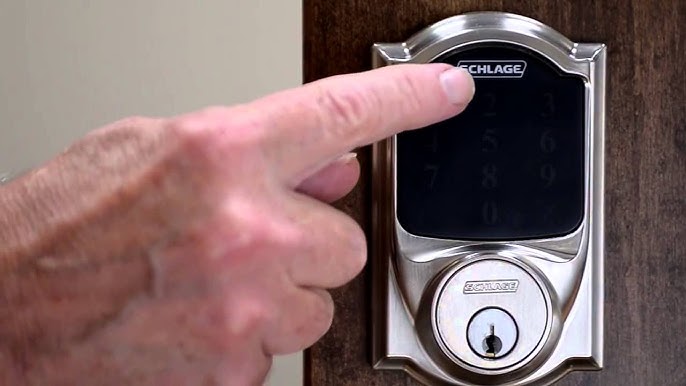
Press the number 7 on the keypad. Then press the Schlage button again. This command deletes all user codes stored in the lock.
The lock will beep twice. The Schlage button will flash twice too. This confirms all user codes are erased. Your lock now has no user codes saved.
Delete A Single User Code
To delete one user code, enter programming mode first. Press the number 2 on the keypad. Then press the Schlage button.
Enter the user code number you want to delete. For example, enter 1 for the first code. Press the Schlage button again to confirm.
The lock will beep once. This means the selected code is deleted. Repeat for any other codes you want to remove.
Credit: www.youtube.com
Test New Codes
Testing new codes on your Schlage Touch Deadbolt is crucial after reprogramming. This step ensures the lock accepts your new codes. It helps avoid lockouts and security issues. Follow these simple steps to test your new codes effectively.
Enter The New Code On The Keypad
Start by entering the new code on the lock’s touchscreen. Make sure to press each number clearly. Wait for the lock to respond. A green light or a beep usually means the code worked.
Check For Lock Activation
After entering the code, try turning the deadbolt. If it moves smoothly, the code is correct. If it stays locked, the code might not be programmed properly. Repeat the programming steps if needed.
Test All New Codes
If you added multiple new codes, test each one. Enter each code on the keypad and check if the lock opens. Confirm every code works before finishing.
Verify Old Codes Are Disabled
Try entering old codes to ensure they no longer work. This step confirms your lock is secure. If old codes still open the lock, reprogram again.
Reset To Factory Settings
Resetting your Schlage Touch Deadbolt to factory settings clears all codes and settings. This step is useful if you want to start fresh or fix programming issues. The process is simple and only takes a few minutes.
Locate The Programming Button
First, open the battery cover on the inside of the lock. Find the small black button labeled “Programming.”
Press And Hold The Programming Button
Press and hold this button for about 10 seconds. Release it when the lock beeps and the LED light flashes red.
Confirm The Reset
After releasing the button, the lock resets automatically. The keypad lights up, showing the reset is complete.
Test The Lock
Try entering your old codes. None will work. This means the reset was successful.
Troubleshooting Tips
Troubleshooting your Schlage Touch Deadbolt can solve many common problems. Simple checks often fix issues fast. This section helps with easy steps to get your lock working again.
Check The Battery Status
Low battery power causes many problems with the lock. Replace batteries if the lock does not respond. Use fresh alkaline batteries for best results. Avoid rechargeable batteries as they may not work well.
Reset The Lock Properly
A wrong reset can stop the lock from programming. Follow the reset steps carefully. Hold the reset button until the lock beeps. This clears old codes and allows new programming.
Confirm The User Code
Incorrect codes cause reprogramming failure. Double-check the new code before saving. Codes must be 4 to 8 digits long. Avoid easy codes like “1234” for security.
Test The Lock After Programming
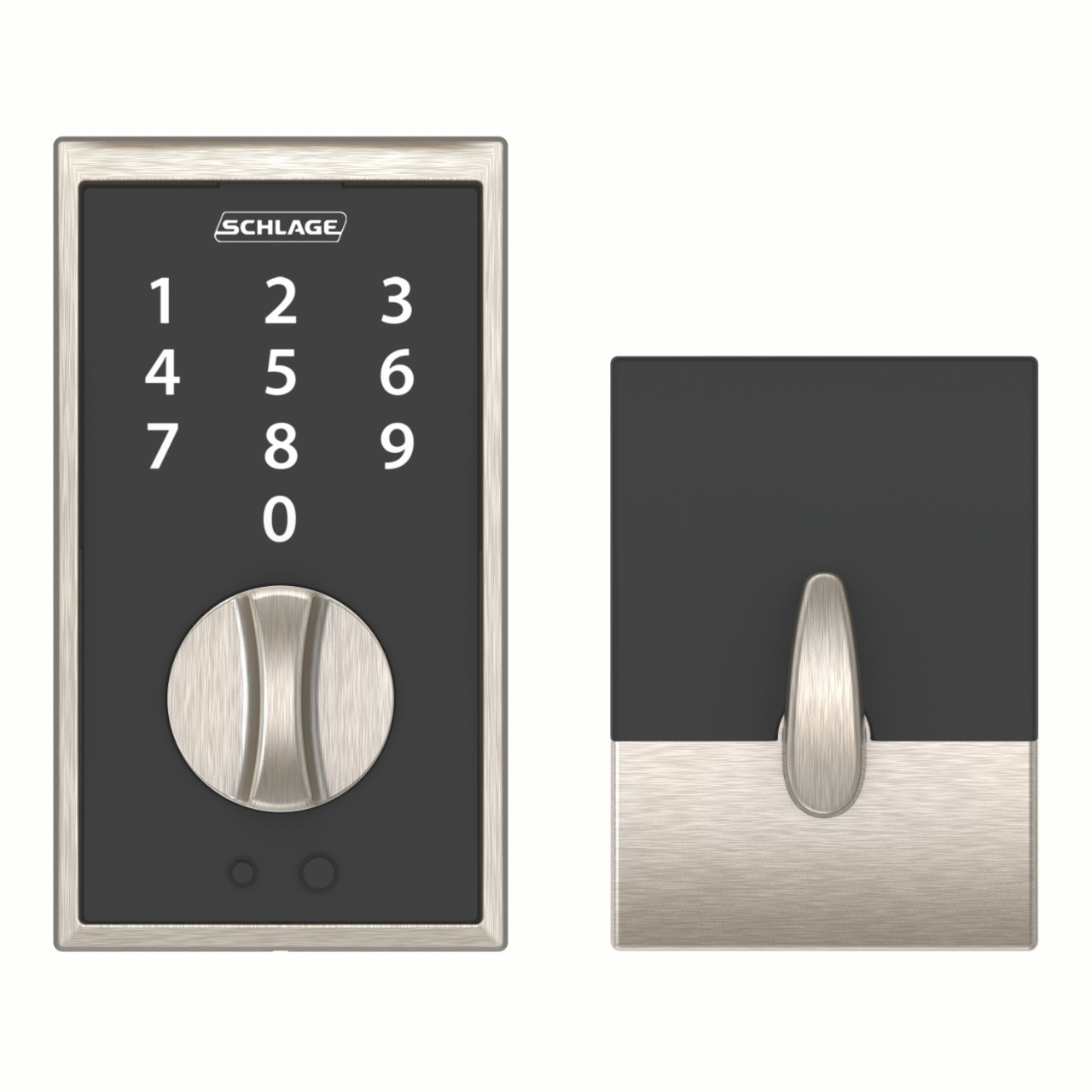
Always test the lock after changes. Try the new code several times. Check if the lock locks and unlocks smoothly. This confirms the programming worked correctly.
Credit: www.schlage.com
Frequently Asked Questions
How Do You Reset A Schlage Touch Deadbolt?
To reset, locate the reset button inside the lock. Press and hold it for 10 seconds until the LED flashes. This restores factory settings and clears all codes.
Can I Add Multiple User Codes On Schlage Touch?
Yes, the Schlage Touch Deadbolt supports multiple user codes. You can program up to 30 unique codes for different users.
What Tools Are Needed To Reprogram Schlage Touch Deadbolt?
No special tools are needed. Use the touchscreen keypad and follow the programming instructions in the user manual to reprogram codes.
How To Change The Master Code On Schlage Touch?
Enter the existing master code, then press the Schlage button. Follow prompts to enter and confirm a new master code.
Conclusion
Reprogramming a Schlage Touch Deadbolt is simple and quick. Follow the steps carefully for the best results. Double-check your new codes to avoid mistakes. Keep your codes private to protect your home. Regularly update your codes to stay secure. This process helps you control who enters your house.
Now, you can manage your lock with confidence. Practice a few times to feel comfortable. Your Schlage Touch Deadbolt will work just like new.