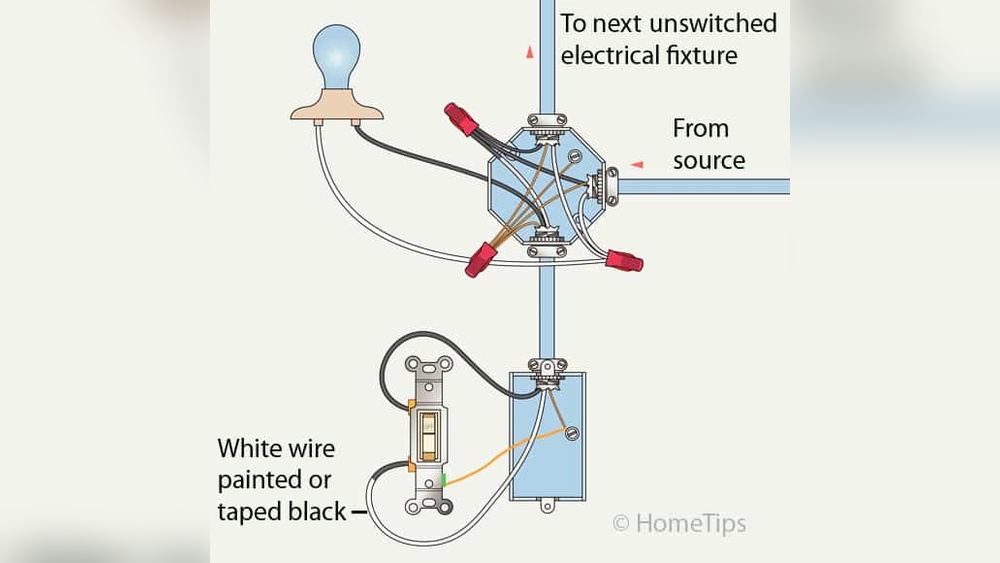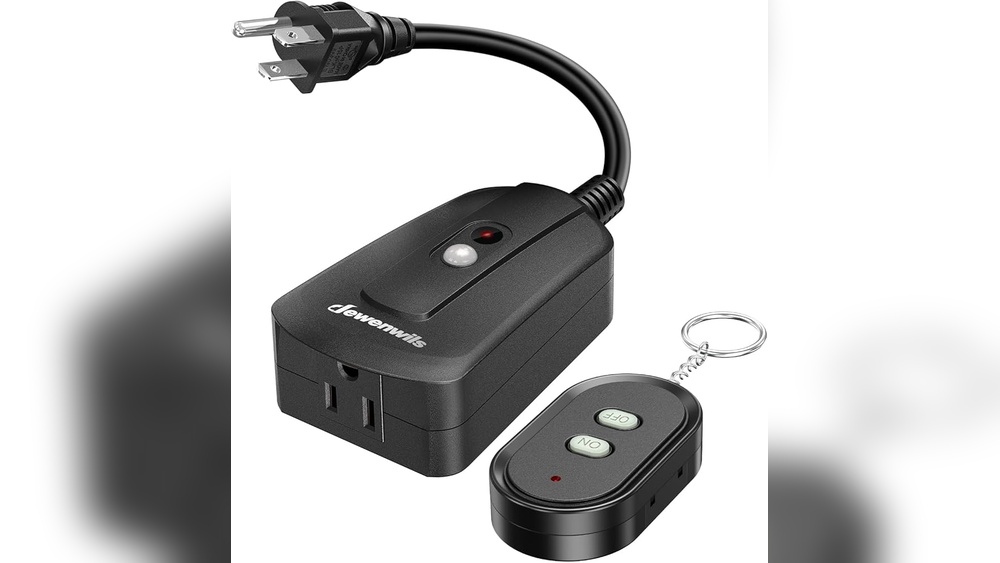
Imagine walking into a dark room and turning on the lights without moving a step. Sounds like magic, right?
But it’s not—it’s all about controlling your light switches remotely. If you’ve ever wished for an easier way to manage your home lighting, you’re in the right place. You’ll discover simple, practical ways to take full control of your lights from anywhere.
Ready to make your life more convenient and save energy at the same time? Keep reading, because what you’re about to learn will change the way you light up your space forever.
Benefits Of Remote Light Control
Remote light control brings many benefits to everyday life. It lets you manage your lights from anywhere using a phone or device. This modern way of controlling lights adds comfort, saves money, and helps keep your home safe. Understanding these benefits can help you see why remote light control is useful for any home.
Energy Savings
Remote light control helps reduce electricity use. You can turn off lights that are not needed. No more forgetting to switch off lights before leaving the house. This saves energy and lowers your electricity bills. Smart scheduling also allows lights to turn off automatically. This avoids wasting power during daylight or when rooms are empty.
Enhanced Convenience
Control your lights without moving from your seat. Use your phone or voice commands to switch lights on or off. This is helpful when you carry heavy bags or are far from a switch. Adjust brightness and color easily to match your mood. You can also set timers for lights to turn on or off at certain times. Life becomes simpler and more comfortable with remote light control.
Increased Security
Remote light control improves home security. Turn lights on to make it look like someone is home. This can scare away burglars and unwanted visitors. Schedule lights to switch on and off even when you are away. Keep your home well-lit during nighttime to avoid accidents. Remote control adds an extra layer of protection for your family and property.
Types Of Smart Light Switches
Smart light switches come in different types. Each type works with a specific technology. Understanding these types helps you choose the right switch for your home. You can control lights remotely and save energy. Here are the main types of smart light switches.
Wi-fi Enabled Switches
Wi-Fi enabled switches connect directly to your home Wi-Fi network. They allow control from anywhere using a smartphone app. No extra hub or bridge is needed. These switches often support voice assistants like Alexa or Google Assistant. They are easy to install and set up. Wi-Fi switches suit homes with strong internet signals.
Zigbee And Z-wave Switches
Zigbee and Z-Wave switches use special wireless protocols. They require a hub or bridge to connect to your home network. These switches create a mesh network, improving signal strength and reliability. They use less power than Wi-Fi switches. Many smart home systems support Zigbee and Z-Wave switches. These switches work well in large homes or with many devices.
Bluetooth Light Switches
Bluetooth light switches connect directly to your phone or tablet. They do not need Wi-Fi or a hub. Control range is limited, usually within the same room. These switches are simple and secure. Bluetooth switches are ideal for small spaces or single rooms. They often pair quickly and offer easy control.
Essential Tools And Equipment
Controlling light switches remotely needs the right tools. These tools help you manage your home lighting easily. They work together to create a smart lighting system that fits your needs.
Smart Switch Models
Smart switches replace regular light switches. They connect to your Wi-Fi or smart hub. Popular models include single-pole and multi-way switches. Some models offer dimming options. Choose a model that fits your home’s wiring.
Smartphone Apps
Apps control your smart switches from anywhere. They let you turn lights on or off remotely. You can set schedules and scenes too. Most apps are free and easy to use. They provide real-time control and notifications.
Voice Assistants
Voice assistants add hands-free control. Devices like Alexa, Google Assistant, and Siri work well. Just say a command to control lights. Voice control works with most smart switches. It adds convenience and quick access to lighting.

Credit: www.amazon.com
Step-by-step Installation Guide
Installing a smart light switch lets you control your lights from anywhere. Follow this simple guide to replace your old switch with a smart one. Each step is clear and easy to follow. Stay safe and enjoy smart lighting soon.
Turn Off Power Safely
First, find the circuit breaker for your light switch. Switch it off to cut power. Test the switch to make sure the power is off. Use a voltage tester for safety. Never touch wires when the power is on.
Remove Existing Switch
Unscrew the switch plate cover. Take out the screws holding the old switch. Gently pull the switch from the wall box. Note how wires connect to the switch. Keep the wires visible and organized.
Connect Smart Switch Wires
Match the smart switch wires to your home wires. Usually, black to black, white to white, and ground to ground. Use wire nuts to secure connections tightly. Follow the smart switch manual for exact wiring. Double-check all connections before moving on.
Secure Switch And Restore Power
Push the wires carefully into the wall box. Screw the smart switch into place. Attach the switch plate cover. Turn the circuit breaker back on. Test the switch to ensure it works properly.
Configure With App
Download the smart switch app on your phone. Create an account if needed. Follow the app instructions to connect the switch to Wi-Fi. Name your switch for easy control. Test remote control to confirm setup success.
Popular Apps For Remote Light Control
Controlling light switches remotely is easier with the right apps. These apps let you turn lights on or off from anywhere. They also offer features like scheduling and dimming. Choosing the best app depends on your devices and preferences. Below are popular apps that help you manage your lights remotely.
Manufacturer Apps
Many smart light brands have their own apps. These apps work well with their devices. They offer simple controls like on/off and brightness. Some popular manufacturer apps include Philips Hue, TP-Link Kasa, and LIFX. These apps update regularly to add new features. They also provide easy setup guides for beginners.
Third-party Automation Apps
Third-party apps connect different smart devices in one place. Apps like SmartThings and Home Assistant support many brands. They let you create automated routines for your lights. For example, lights can turn on at sunset automatically. These apps offer more control and customization. They are perfect for users with multiple smart home products.
Voice Assistant Integration
Voice assistants like Alexa, Google Assistant, and Siri control lights by voice. You can link your smart lights to these assistants through their apps. Say commands like “Turn off the living room lights” to control them hands-free. Voice integration works with many smart light brands. It adds convenience and helps when your hands are full.
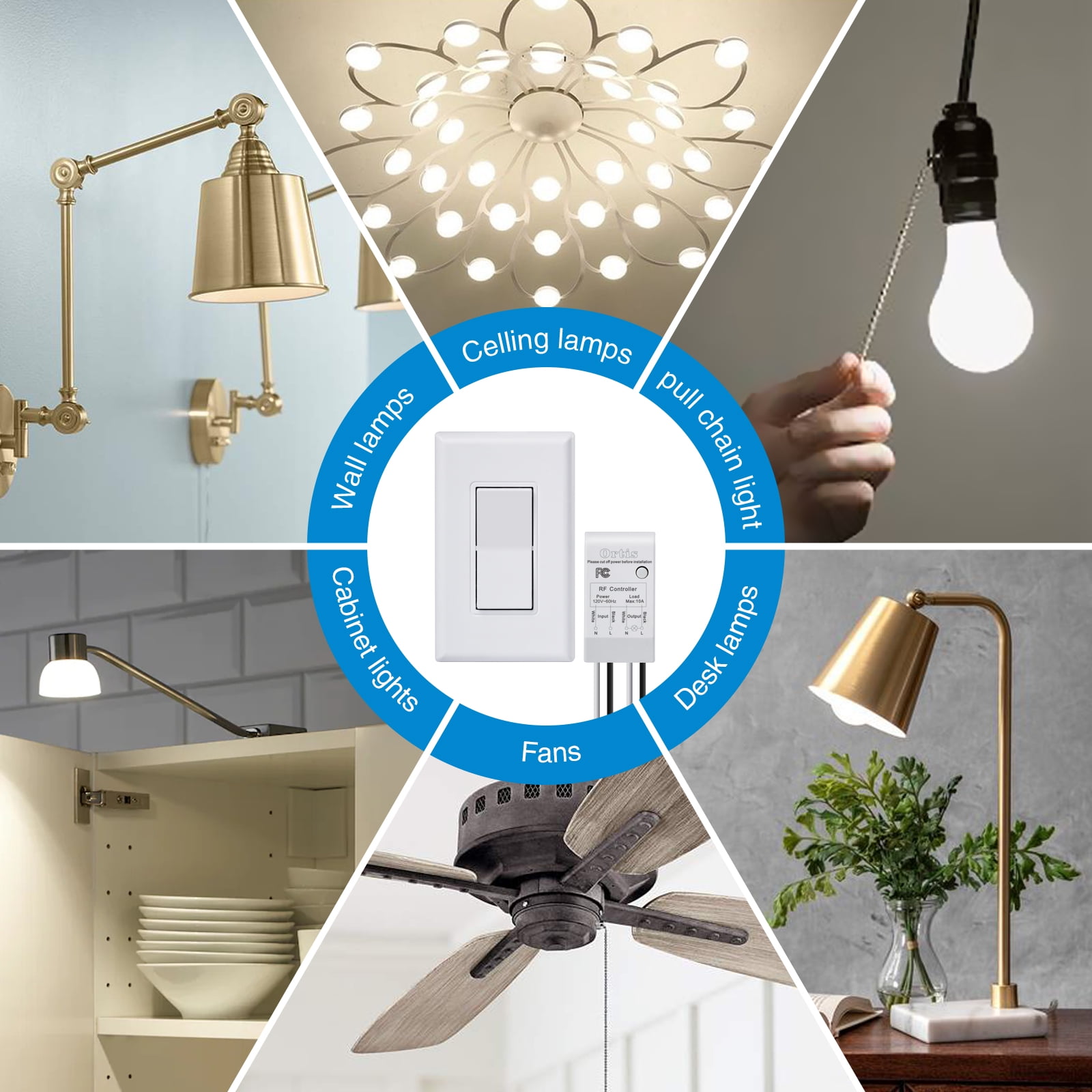
Credit: myfuse.education
Automation And Scheduling Tips
Automation and scheduling make remote control of light switches simple and useful. They help save energy, improve security, and add comfort to your home. Smart devices work best when you set clear rules for how and when lights turn on or off.
Setting Timers
Timers allow lights to turn on or off at specific times. You can set lights to switch on at sunset and off at bedtime. This helps keep a routine without manual effort. Timers are easy to adjust for weekdays or weekends. Use your smartphone app to change timing anytime.
Using Geofencing
Geofencing uses your phone’s location to control lights. Lights turn on when you arrive home and off when you leave. This saves energy and adds convenience. You do not need to touch any switches. The system works automatically based on your movements.
Creating Scenes And Routines
Scenes group several lights with one command. You can create a “movie night” scene that dims lights. Or a “morning” routine that turns on bright lights slowly. Routines combine actions and times for daily use. These settings make your home feel smart and responsive.
Troubleshooting Common Issues
Controlling light switches remotely is very convenient. Sometimes, issues may stop your switches from working right. Troubleshooting helps fix common problems fast. Understanding basic fixes saves time and frustration.
Connectivity Problems
Check your Wi-Fi signal strength near the switch. Weak signals cause connection drops. Restart your router to refresh the network. Make sure the light switch is within range. Avoid physical barriers like thick walls between devices. Try reconnecting the switch to the network. Confirm the router supports the switch’s frequency band.
Switch Not Responding
Power supply issues often stop the switch from working. Check the circuit breaker and wiring. Ensure the switch is properly installed and powered on. Test the switch manually to see if it responds. Reset the switch by turning it off and on. Update the switch firmware if available. Contact support if the switch still fails to respond.
App Configuration Errors
Make sure you use the correct app for your switch model. Check if the app is updated to the latest version. Verify your login details and account settings. Remove and re-add the switch in the app. Clear the app cache if it behaves strangely. Follow the app’s instructions carefully during setup. Restart your phone or device to fix temporary glitches.
Advanced Hacks For Smart Lighting
Advanced hacks for smart lighting make remote control more useful and fun. These tips help you get the most from your smart lights. They improve security, save energy, and add convenience to daily life.
Explore ways to connect your lights with other smart devices. Create settings that suit your needs perfectly. Use voice commands and sensors to automate lighting. These ideas bring smart lighting to the next level.
Integrating With Home Security
Link smart lights to your home security system. Lights can turn on when alarms activate. This scares away intruders and alerts neighbors. You can set lights to flash or change color during emergencies. This integration makes your home safer and smarter.
Using Motion Sensors
Motion sensors trigger lights only when needed. They save energy by turning lights off automatically. Place sensors in hallways, closets, or outdoor areas. Lights turn on as you move and off when you leave. This simple hack adds comfort and saves power.
Custom Voice Commands
Create your own voice commands for smart lights. Use easy phrases to control brightness and colors. Commands can switch lights on or off in specific rooms. Voice control lets you adjust lighting without touching switches. This makes life easier and more enjoyable.
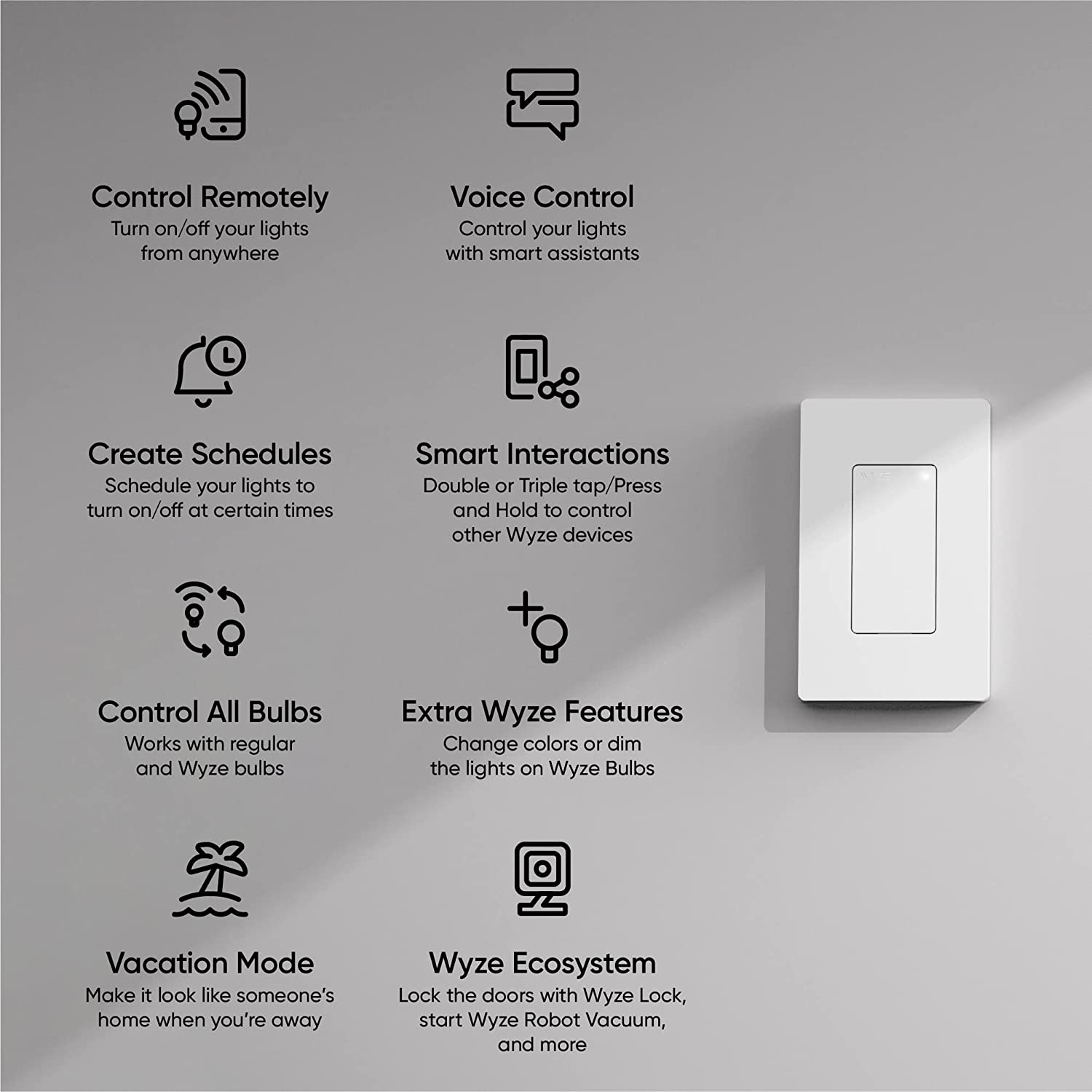
Credit: www.wyze.com
Frequently Asked Questions
How Can I Control Light Switches Remotely?
You can control light switches remotely using smart switches connected to Wi-Fi. Use smartphone apps or voice assistants for easy control from anywhere.
What Devices Are Needed For Remote Light Control?
Smart switches, a stable Wi-Fi network, and a compatible smartphone or tablet are required to control lights remotely.
Are Remote-controlled Light Switches Compatible With All Bulbs?
Most smart switches work with LED, CFL, and incandescent bulbs, but always check compatibility before installation.
Is It Difficult To Install Smart Light Switches?
Installation is usually straightforward with basic tools. Follow instructions carefully or hire a professional for safety and proper setup.
Conclusion
Controlling light switches remotely makes life easier and more convenient. You can save energy by turning lights off from anywhere. It also adds safety by allowing control without going to each switch. Setting up remote control is simple with the right tools.
Start with smart switches or adapters that fit your home. Use apps to manage your lights on your phone or voice commands. Small changes bring big benefits to daily living. Try it today and enjoy comfort and control at your fingertips.