
Setting up a new phone wall plate might seem tricky at first, but with the right steps, you can do it quickly and confidently. If you want clear calls and a neat connection without calling a technician, this guide is for you.
You’ll learn exactly what to do, avoid common mistakes, and have your phone working in no time. Keep reading to discover simple tips that make hooking up your new phone wall plate easier than you ever thought.
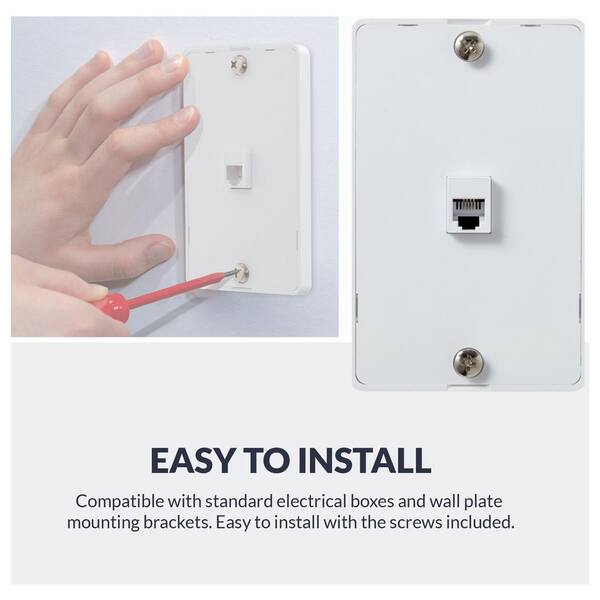
Credit: www.homedepot.com
Tools And Materials Needed
Setting up a new phone wall plate needs some basic tools and materials. Having the right items makes the job easier and faster. It also helps prevent mistakes and damage.
Each tool and material has a specific role. Knowing what to use and why helps you work safely and well. Below are the essential items for hooking up a phone wall plate.
Essential Tools For The Job
You need a screwdriver to open and close the wall plate. A flathead or Phillips screwdriver usually works. Wire strippers help remove the outer coating of the phone wires. Needle-nose pliers make handling and twisting wires easier. A voltage tester checks if the wires carry electricity, ensuring safety.
Materials Required
Get a new phone wall plate that fits your phone jack type. Use a phone cable with the right connectors for your system. Wire connectors or terminal blocks secure the wires to the wall plate. Electrical tape can wrap and protect wire connections. A small flashlight helps when working in dim areas.
Prepare The Work Area
Preparing your work area makes the phone wall plate installation easier and safer. A clean, organized space helps you find tools fast. It also prevents accidents and damage to wires or equipment.
Clear the area around the wall plate location. Remove any furniture or objects that block access. This gives you room to work comfortably and avoid distractions.
Good lighting is important. Use a bright lamp or natural light to see wires clearly. Dim light can cause mistakes or missed connections.
Gather all tools and materials before starting. This includes screwdrivers, wire strippers, and the new wall plate. Having everything ready saves time and keeps you focused.
Clear The Work Surface
Make sure the surface is flat and stable. A stable surface keeps tools steady and wires organized. Avoid clutter to reduce the chance of losing small parts.
Organize Tools And Materials
Place tools and parts within easy reach. Group similar items together. This setup speeds up your work and reduces frustration.
Ensure Proper Lighting
Set up a bright light source near the wall plate. Light helps you see wire colors and connections clearly. Avoid shadows that hide details.
Turn Off Power Supply
Switch off power to the phone line at the breaker or main panel. This step protects you from electrical shocks. Double-check that power is off before touching wires.
Turn Off The Phone Line
Turning off the phone line is the first step before hooking up a new phone wall plate. This action stops any electrical current flowing through the wires. It keeps you safe from shocks while working on the phone connections. Always take this step seriously to avoid accidents.
Switching off the phone line also prevents damage to your phone and wiring. It helps you work without interruptions or static noise. This step makes the installation process smoother and safer.
Locate The Main Phone Line Box
Find the main phone line box in your home or building. It is usually near where the phone line enters the house. The box is often on an outside wall or in a utility room. Look for a small, rectangular box with a door or cover.
Turn Off The Power To The Phone Line
Open the main phone line box carefully. Identify the switch or breaker for the phone line. Flip the switch to the off position or turn off the breaker. This stops the electrical current from reaching the phone wires.
Confirm The Phone Line Is Off
Pick up a phone connected to the line. Check if there is no dial tone. No dial tone means the phone line is off. This step ensures your safety before starting any work.
Remove The Old Wall Plate
Removing the old phone wall plate is the first step in installing a new one. This task is simple and takes only a few minutes. You need to be careful to avoid damaging the wires or the wall. Follow clear steps to make the process safe and easy.
Start by disconnecting the phone service. Unplug the phone from the wall jack. This prevents any electrical shock or damage while you work. Safety is very important before touching wires.
Unscrew The Wall Plate
Use a screwdriver to remove the screws holding the old plate. Place the screws somewhere safe for later use. Keep the plate steady as you remove the screws to avoid sudden pulls on wires.
Gently Pull The Plate Away
Slowly pull the wall plate away from the wall. Do this gently to prevent wire damage. The plate may be tight, so a gentle wiggle can help loosen it. Check the wires behind before fully removing the plate.
Inspect The Wiring
Look at the wires connected to the old plate. Notice their color and position. This helps in connecting the new plate correctly. If wires look damaged, consider calling a professional.
Identify The Phone Wires
Identifying the phone wires is the first step to hook up a new phone wall plate. Knowing which wires connect to what helps avoid mistakes. It also ensures your phone line works properly. This process needs attention and care, but it is simple with the right approach.
Color Coding Basics
Phone wires come in pairs with different colors. The most common colors are red, green, yellow, and black. Each color has a role in carrying the phone signal. Red and green usually carry the main phone line. Yellow and black may be for a second line or other features.
Understanding these colors helps you connect wires correctly. Keep in mind, colors might vary in some homes. Always check the wire pairs carefully before attaching them to the wall plate.
Testing The Wires
Testing the wires confirms which pair carries the phone signal. Use a simple phone line tester or a working phone. Connect the tester or phone to the wires. Listen for a dial tone to find the active line.
Test each wire pair to spot the correct one. Mark the active wires to avoid confusion. This step prevents errors and ensures your phone works well after installation.
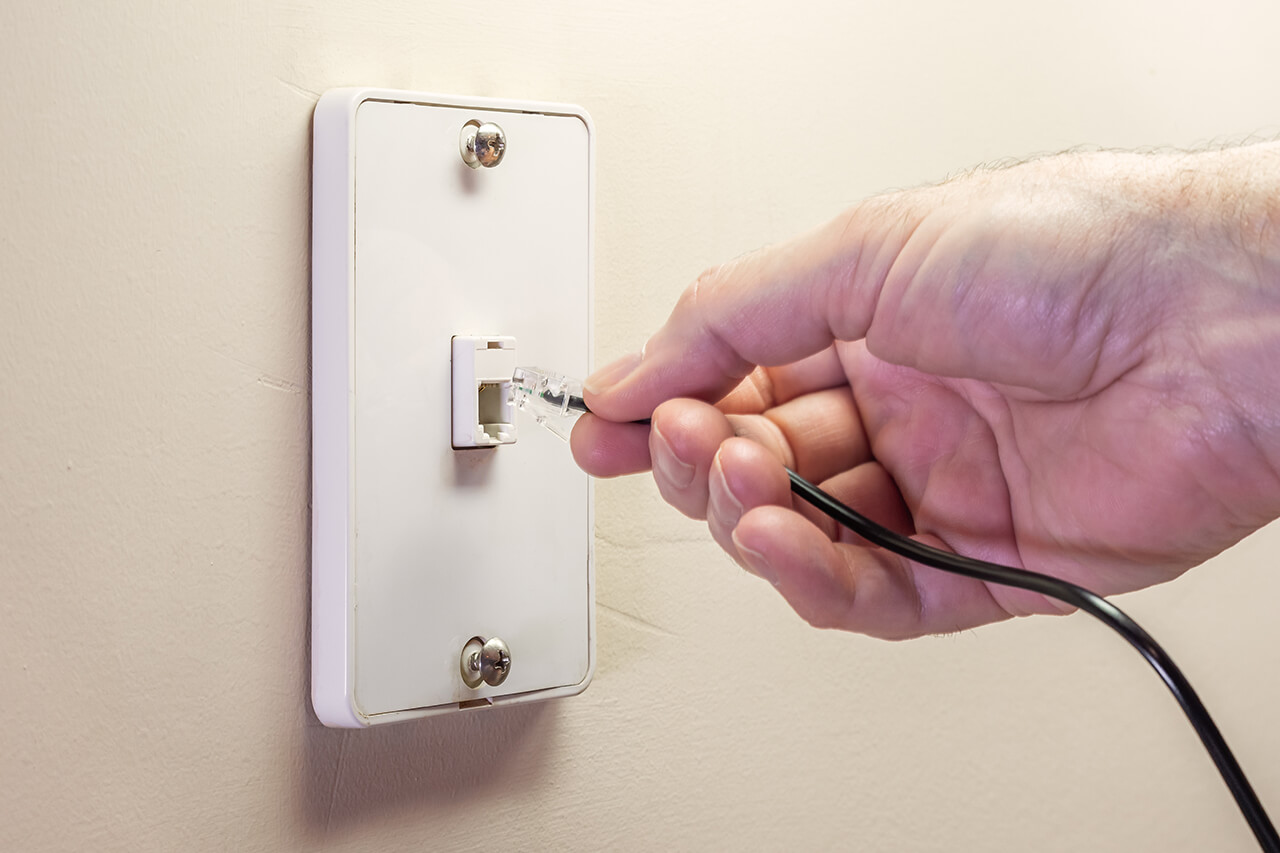
Credit: www.homeadvisor.com
Connect The Wires To The New Plate
Connecting the wires to the new phone wall plate is a key step. This step ensures your phone line works correctly. Proper wire connection avoids static and call issues. Take your time and follow instructions carefully. Organizing wires makes the process easier and safer.
Match Wire Colors To Terminals
Each wire color matches a specific terminal on the plate. Usually, red and green wires carry the main phone line signal. Black and yellow wires may be for a second line. Check the old plate or instructions for correct color matching. Attach each wire to its correct terminal. This prevents connection problems and keeps the phone working well.
Secure Wire Connections
After matching, tighten the screws on each terminal. Loose wires cause poor connection and noise. Use a small screwdriver to secure wires firmly. Avoid overtightening to prevent wire damage. Tug gently on each wire to check if it is tight. Properly secured wires guarantee clear phone calls and lasting performance.
Mount The New Wall Plate
Mounting the new phone wall plate is the next important step. This step secures the plate to the wall and ensures a clean look. A properly mounted plate keeps wires safe and organized.
Follow simple steps for a quick and neat installation. Use the right tools and take your time to avoid damage.
Prepare The Wall Area
Check the wall surface for dirt or dust. Clean the area to help the plate stick better. Make sure the opening fits the new wall plate snugly.
Align The Wall Plate
Hold the new plate against the wall. Line up the screw holes with the wall box. Keep the wires neat inside the box.
Secure The Plate With Screws
Insert screws into the holes by hand first. Tighten screws with a screwdriver, but do not over-tighten. Over-tightening may crack the plate or wall.
Check The Installation
Make sure the wall plate sits flat and firm. The plate should not wiggle or tilt. Test the phone jack to confirm proper connection.
Test The Phone Connection
Testing the phone connection is a key step after hooking up a new phone wall plate. This step ensures your phone line works properly. You avoid problems before using your phone. Testing is simple and quick. Follow these easy steps to check your connection.
Check For Dial Tone
Pick up the phone handset. Listen carefully for a dial tone. A steady tone means the connection is good. No tone or a weak tone shows a problem. If no dial tone, recheck the wiring on the wall plate.
Make A Test Call
Dial a number to test outgoing calls. Use a simple number like your mobile phone. Listen for ringing sounds. If the call connects, your line works fine. If the call fails, check wiring again or try another phone.
Check Incoming Calls
Ask someone to call your number. Make sure your phone rings. If it does not ring, the connection may be loose. Double-check the wall plate wiring. Confirm all connections are tight and secure.
Use A Phone Line Tester
A phone line tester helps find wiring faults. Plug the tester into the wall plate. The device shows if the line is active or damaged. This tool is useful for quick and accurate testing. It can save time in fixing issues.
Troubleshooting Common Issues
Troubleshooting common issues with a new phone wall plate helps keep your phone working. Small problems can stop calls or cause poor sound. Knowing simple fixes saves time and frustration.
No Dial Tone
Start by checking if the phone is plugged in correctly. Make sure the wall plate wires are tight and in the right place. Test the phone with another wall plate or phone line. If no dial tone still, the phone line outside might have a problem. Contact your phone service provider for help.
Static Or Interference
Static noise can come from loose wires or poor connections. Check the wires inside the wall plate for wear or damage. Use a different phone to see if the static stays. Keep the phone line away from electrical devices to reduce interference. Replace old cables if static continues.
Loose Connections
Loose wires cause many phone problems. Open the wall plate and press each wire firmly into place. Look for bent or broken wires and fix them. Tighten the screws holding the wires to the plate. Test the phone after fixing connections to ensure it works well.
:max_bytes(150000):strip_icc()/how-to-wire-a-telephone-jack-1152704_03_installmounting_31429-c8757875401f40388555e6ea52c0d6c3.jpg)
Credit: www.thespruce.com
Frequently Asked Questions
How Do I Connect Wires To A Phone Wall Plate?
Strip the wire ends about half an inch. Match colors to terminals. Insert and tighten screws securely to ensure proper connection.
What Tools Are Needed To Hook Up A Phone Wall Plate?
You need a screwdriver, wire stripper, and possibly a punch-down tool. These tools help connect wires neatly and securely.
How Can I Test If The Phone Wall Plate Works?
Plug a phone into the jack. Listen for a dial tone. If there’s no tone, recheck connections.
Can I Replace An Old Phone Wall Plate Myself?
Yes, it’s a simple task. Turn off the phone line first. Remove the old plate and connect the new one carefully.
Conclusion
Hooking up a new phone wall plate is easier than it seems. Follow each step carefully for a safe setup. Double-check all connections before closing the plate. A properly installed wall plate improves phone signal and reliability. Take your time and use the right tools.
Soon, your phone will work smoothly with the new wall plate. Simple tasks like this save money and boost confidence. Stay patient and ask for help if needed. Enjoy clear calls and steady connections every day.

