Are you tired of fumbling in the dark or wasting electricity by leaving lights on? Activating your motion sensor light switch is the simple fix you need.
With just a few easy steps, you can make your home smarter, safer, and more energy-efficient. Imagine walking into a room and having the light turn on automatically—no switches, no hassle. In this guide, you’ll learn exactly how to activate your motion sensor light switch quickly and confidently.
Keep reading to discover the secrets that will make your lighting work for you, every time.
Choosing The Right Sensor Switch
Choosing the right motion sensor switch is important for easy installation and good performance. The right switch saves energy and adds convenience. It also fits well with your home’s wiring and lighting needs.
Types Of Motion Sensor Switches
There are several types of motion sensor switches. Passive Infrared (PIR) sensors detect body heat and movement. Ultrasonic sensors send sound waves and sense changes in the echo. Dual-technology switches use both PIR and ultrasonic for better accuracy. Choose a type based on your room size and lighting needs.
Key Features To Consider
Look for adjustable sensitivity to control how far the sensor detects motion. Time delay settings let you decide how long the light stays on. Some switches have daylight sensors to avoid turning on lights in bright rooms. Choose switches with easy-to-use controls for simple setup.
Compatibility With Existing Wiring
Check if the switch works with your home’s wiring type. Most homes use either single-pole or three-way wiring. Some motion sensor switches need a neutral wire to function. Make sure your home wiring matches the switch requirements to avoid installation problems.
Preparing For Installation
Preparing for installation is the first step to a successful motion sensor light switch setup. This phase ensures you have everything ready and understand the safety steps before starting. Taking time here prevents mistakes and keeps you safe.
Gathering Necessary Tools
Collect all tools before you begin. You will need a screwdriver, wire stripper, voltage tester, and electrical tape. Having these tools ready saves time and avoids interruptions during installation.
Also, check the motion sensor light switch package. Make sure all parts are included. Missing parts can delay the project.
Safety Precautions
Safety is very important. Wear insulated gloves to protect yourself from electric shocks. Avoid working in wet or damp areas. Keep your workspace clear to prevent accidents.
Read the instruction manual carefully. It often contains important safety information specific to your device.
Turning Off Power Supply
Before touching any wires, turn off the power at the circuit breaker. This step prevents electric shocks. Use a voltage tester to confirm the power is off. Never skip this step.
Label the breaker if needed. This helps others know the power is off during your work.
Installing The Motion Sensor Switch
Installing a motion sensor light switch is a simple way to upgrade your home lighting. This device turns lights on automatically when it senses movement. It helps save energy and adds convenience.
The installation process involves a few clear steps. You will remove the old switch, connect the wires, and secure the new switch in place. Follow each step carefully for a safe and effective setup.
Removing The Old Switch
First, turn off the power at the circuit breaker. This prevents any electric shock. Use a screwdriver to remove the switch plate cover. Then, unscrew the old switch from the wall box. Gently pull it out to expose the wires behind it.
Connecting The Wires
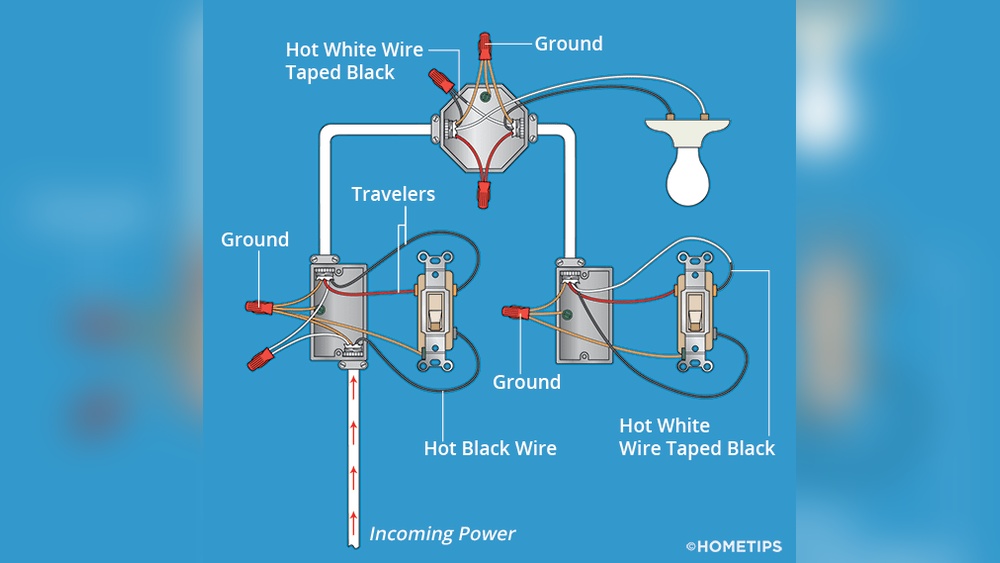
Identify the wires from the wall and the new switch. Usually, you will see a black (hot), white (neutral), and green or bare (ground) wire. Connect matching wires by twisting them together and using wire nuts. Make sure each connection is tight and secure.
Securing The New Switch
Push the connected wires back into the wall box carefully. Align the new motion sensor switch with the screw holes. Use screws to fasten the switch firmly to the wall. Finally, attach the switch plate cover. Turn the power back on to test the switch.

Credit: www.reddit.com
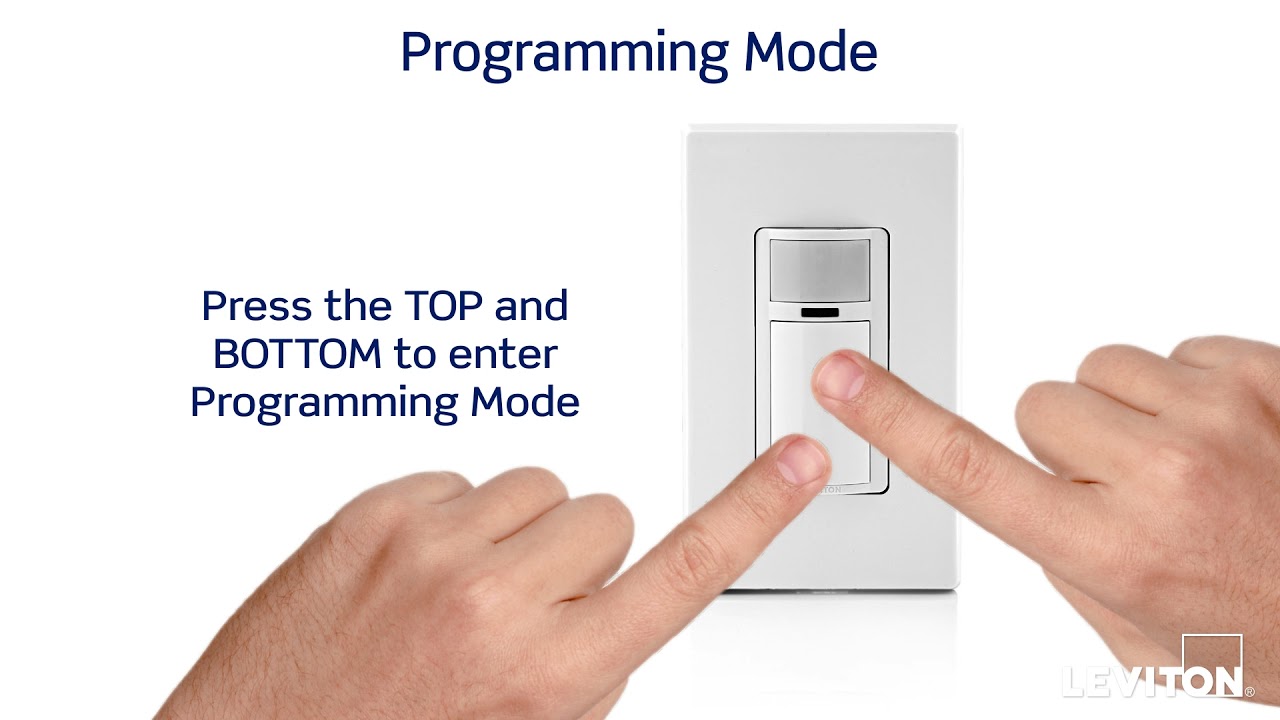
Activating The Sensor Function
Activating the sensor function on your motion sensor light switch is simple. It lets the light turn on automatically when it detects movement. This feature saves energy and adds convenience to your space.
To get the best results, you must adjust the sensor settings carefully. These settings control how the sensor reacts to motion and how long the light stays on. Each step is important for proper activation.
Adjusting Sensitivity Settings
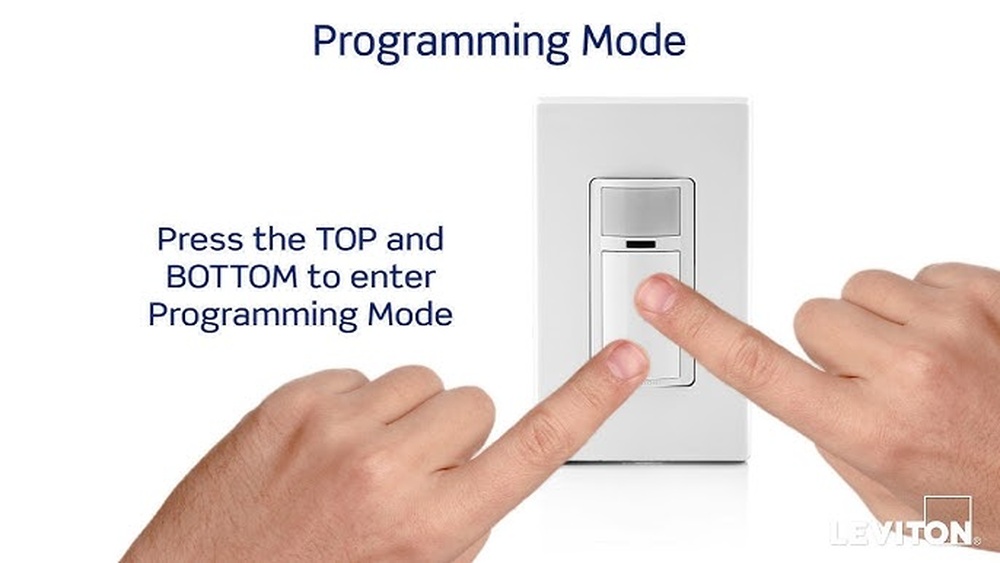
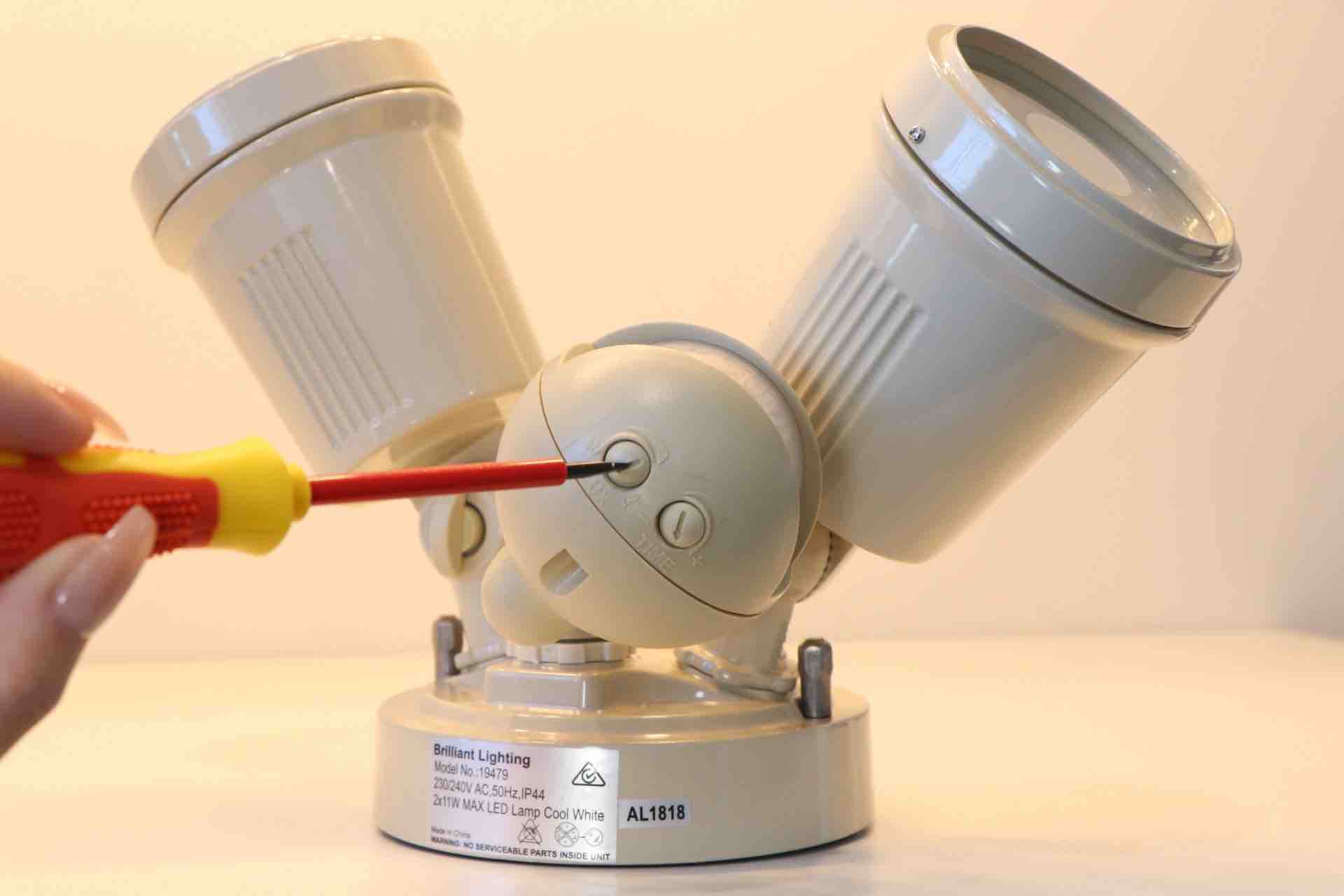
Find the sensitivity dial or button on the switch. Turn it to set how much motion triggers the light. Higher sensitivity catches small movements. Lower sensitivity avoids false triggers from pets or wind. Test different levels to find the best one.
Setting Timer Duration
Set the timer to choose how long the light stays on after detecting motion. Options usually range from a few seconds to several minutes. Pick a time that fits your needs. Shorter times save energy. Longer times keep areas lit longer for safety.
Testing Motion Detection
Walk in front of the sensor to see if the light turns on. Move at different speeds and distances. This checks if the sensor catches motion correctly. Adjust sensitivity and timer again if needed. Repeat testing until the light works as you want.
Troubleshooting Common Issues
Troubleshooting common issues helps keep your motion sensor light switch working well. Problems can stop the light from turning on or off correctly. Fixing these issues is often simple. Understanding the main problems saves time and effort.
Check the sensor and settings first. Sometimes small changes make a big difference. Read on for easy tips to solve common problems.
Sensor Not Detecting Motion
Check if the sensor lens is clean. Dirt and dust block motion detection. Clean it gently with a soft cloth. Make sure the sensor faces the area where motion happens. Adjust the angle if needed. Avoid placing objects in front of the sensor. These can stop it from seeing movement.
Test the sensor by moving within its range. The light should respond quickly. If not, check the sensitivity setting. Increase it to detect smaller movements. Replace batteries if your sensor uses them. Weak batteries reduce sensor power.
Light Staying On Or Off
Check the timer setting on the switch. It controls how long the light stays on. Set it too long, the light stays on too much. Set it too short, the light turns off too fast. Adjust the timer to fit your needs. Make sure the switch wiring is correct. Loose or wrong wiring causes power issues. Turn off power before checking wires for safety.
Look for nearby heat sources. Heat can trigger the sensor to stay on. Move the sensor away from heaters or vents. If the light stays off, check the power supply. Ensure the switch receives electricity properly.
Interference From Other Devices
Other electronics can affect the sensor’s function. Wireless routers, cordless phones, and microwaves cause interference. Keep the sensor away from these devices. Use shielded cables if possible. Avoid installing the sensor near metal surfaces. Metal blocks the sensor signal.
Try turning off nearby devices one at a time. See if the light switch works better. If interference is the problem, change the sensor location. Find a spot with fewer electronic devices.
Credit: metro-electrical.com.au
Optimizing Motion Sensor Performance
Optimizing motion sensor performance is key to getting the most from your light switch. Proper setup helps the sensor detect movement accurately. This reduces false triggers and saves energy. Small adjustments can improve how well the sensor works in your space.
Ideal Placement Tips
Place the motion sensor where it can see the main walking paths. Avoid pointing it at windows or heating vents. These can cause false alarms. Keep the sensor away from objects that block its view. Mount it at about 6 to 8 feet high for best coverage.
Maintaining The Sensor
Clean the sensor lens regularly to remove dust and dirt. Use a soft cloth and mild cleaner. Check the sensor for damage or loose wiring. Test the sensor often to ensure it reacts to movement correctly. Replace batteries or parts as needed to keep it working well.
Energy Saving Benefits
Motion sensor lights turn off when no one is around. This reduces wasted electricity. It lowers your energy bills and helps the environment. Using sensors means lights only come on when needed. This simple step saves power without losing safety or comfort.
Credit: www.youtube.com
Frequently Asked Questions
How Do I Activate A Motion Sensor Light Switch?
To activate, turn off the power at the circuit breaker first. Connect the wires as per the instructions. Restore power and test the sensor by moving in front of it. Adjust sensitivity and timer settings if needed for optimal performance.
Can I Install A Motion Sensor Light Switch Myself?
Yes, if you have basic electrical knowledge and follow safety guidelines. Always switch off power before installation. Use a voltage tester to confirm power is off. Follow the manufacturer’s wiring instructions carefully to avoid mistakes or hazards.
Why Is My Motion Sensor Light Switch Not Working?
Common reasons include incorrect wiring, dead batteries (if battery-powered), or improper sensor settings. Check connections, reset the device, and adjust sensitivity or timer settings. Ensure the sensor has an unobstructed view and sufficient lighting conditions to detect motion.
How Do I Adjust The Motion Sensor Light Switch Settings?
Most switches have sensitivity and timer dials or buttons. Adjust sensitivity to detect smaller or larger movements. Set the timer to control how long the light stays on after motion stops. Refer to your manual for specific instructions.
Conclusion
Activating a motion sensor light switch is simple and quick. Follow each step carefully for safety and success. Test the switch after installation to ensure it works properly. This upgrade saves energy and adds convenience to your home. Enjoy automatic lighting that turns on only when needed.
Keep your space bright and secure without lifting a finger. A small change can make a big difference in daily life. Try it yourself and see how easy it is to use.