Looking to upgrade your home security with a smart lock? Installing the Schlage Connect Smart Deadbolt is easier than you might think.
You don’t need to be a tech expert or a handyman to get it done. In this guide, you’ll find simple, step-by-step instructions that walk you through the entire process. By the end, you’ll have a secure, convenient lock that you control right from your phone.
Keep reading to discover how to make your home smarter and safer—quickly and hassle-free.
Prepare For Installation
Preparing for the installation of your Schlage Connect Smart Deadbolt makes the process smooth and fast. Taking a few steps before you start helps avoid mistakes and saves time. This section guides you through the basic preparation needed.
Gather Necessary Tools
Collect all tools before beginning. You will need a screwdriver, tape measure, and a pencil. A drill might help if new holes are required. Having tools ready keeps work steady and simple.
Check Door Compatibility
Ensure your door fits the lock size and type. The deadbolt works best with standard doors. Measure thickness and backset of your door. Check for any obstacles around the lock area.
Review Package Contents
Open the box and check all parts. Confirm the lock, keypad, batteries, and screws are included. Read the instruction manual carefully. Understanding parts helps avoid missing items during installation.

Credit: www.youtube.com
Remove Existing Deadbolt
Removing the old deadbolt is the first step to install your new Schlage Connect Smart Deadbolt. This process is simple and requires only a few tools. Prepare to clear the door surface to make space for the new lock. Follow these steps carefully to avoid damage.
Unscrew Exterior And Interior Components
Start by unscrewing the screws on the inside part of the door. These screws hold the interior and exterior lock parts together. Use a screwdriver that fits well to avoid stripping the screws. Keep the screws in a safe place; you might need them later.
Once the screws are out, gently pull the exterior lock from the door. Do the same with the interior part. Both pieces should come off easily if all screws are removed.
Take Out Old Deadbolt
Next, remove the old deadbolt from the door edge. Look for the screws on the side of the door that hold the bolt in place. Unscrew them carefully. Then, slide the deadbolt out of the door.
This step frees the door for the new lock. Make sure the hole is clear and nothing blocks the space.
Clean Door Surface
After removing the old lock, clean the door surface. Wipe the area around the hole with a cloth. Remove dust, dirt, and old paint chips. This helps the new lock fit properly and work smoothly.
Check the door edges and face for any damage. Repair small cracks or chips before installing the new deadbolt. A clean, smooth surface ensures better installation results.
Install New Deadbolt Components
Installing the new deadbolt components is a key step to secure your door. This process ensures the lock works smoothly and fits perfectly. Follow each step carefully for a safe and strong installation.
Insert Deadbolt Mechanism
Start by sliding the deadbolt mechanism into the door’s edge. Make sure the bolt faces the correct way to lock and unlock. Align the screw holes with the door’s holes. Tighten the screws firmly to hold the mechanism in place. Check the bolt moves smoothly in and out.
Attach Exterior Keypad
Place the exterior keypad on the outside of the door. Feed the connecting cable through the hole to the inside. Align the keypad with the screw holes. Secure the keypad with screws, but do not overtighten. Test the buttons to confirm they work correctly.
Secure Interior Assembly
Attach the interior assembly to the inside of the door. Connect the cable from the keypad to the interior unit. Align the screw holes and fasten the screws tightly. Insert batteries into the compartment to power the lock. Test the lock by turning the thumb turn inside.

Credit: www.youtube.com
Set Up Batteries And Initial Settings
Setting up the batteries and initial settings is the first step to using your Schlage Connect Smart Deadbolt. Proper setup ensures the lock works smoothly. It also helps secure your home right away.
This section guides you through inserting batteries, testing the lock, and creating your first access codes. Follow each step carefully for the best results.
Insert Batteries
Open the battery compartment on the inside of the lock. Use a screwdriver if needed. Insert four AA alkaline batteries, matching the positive and negative ends. Close the battery cover tightly. The lock will beep and light up. This means it has power and is ready to use.
Test Lock Operation
Press the Schlage button on the keypad. The lock should beep and the deadbolt should move smoothly. Turn the thumb turn inside to lock and unlock. Make sure the lock works without jamming. Test it a few times to confirm reliability.
Configure Initial Codes
Access the lock’s programming mode by pressing the Schlage button. Enter the default programming code found in the manual. Create your unique user codes for family or friends. Each code should be 4 to 8 digits long. Save the codes properly. Test each code by locking and unlocking the door.
Connect To Smart Home System
Connecting your Schlage Connect Smart Deadbolt to your smart home system makes managing home security easier. You can control the lock from anywhere using your smartphone. It also works with voice assistants and other smart devices.
This section explains how to connect your deadbolt to your smart home system in three simple steps.
Download Schlage App
Start by downloading the Schlage app on your smartphone. The app is available on both iOS and Android platforms. Open your app store, search for “Schlage,” and install the app. The app helps you set up, control, and monitor your deadbolt remotely.
Pair Deadbolt With Wi-fi
Make sure your deadbolt is powered on. Open the Schlage app and follow the on-screen instructions to connect your deadbolt to your home Wi-Fi. This step allows your lock to communicate with your phone and smart home devices. Use a strong Wi-Fi signal for the best performance.
Enable Remote Access Features
Once paired, enable remote access in the app settings. This feature lets you lock or unlock your door from anywhere. You can also receive notifications when someone uses the lock. Set up user codes for family or guests to control access easily.
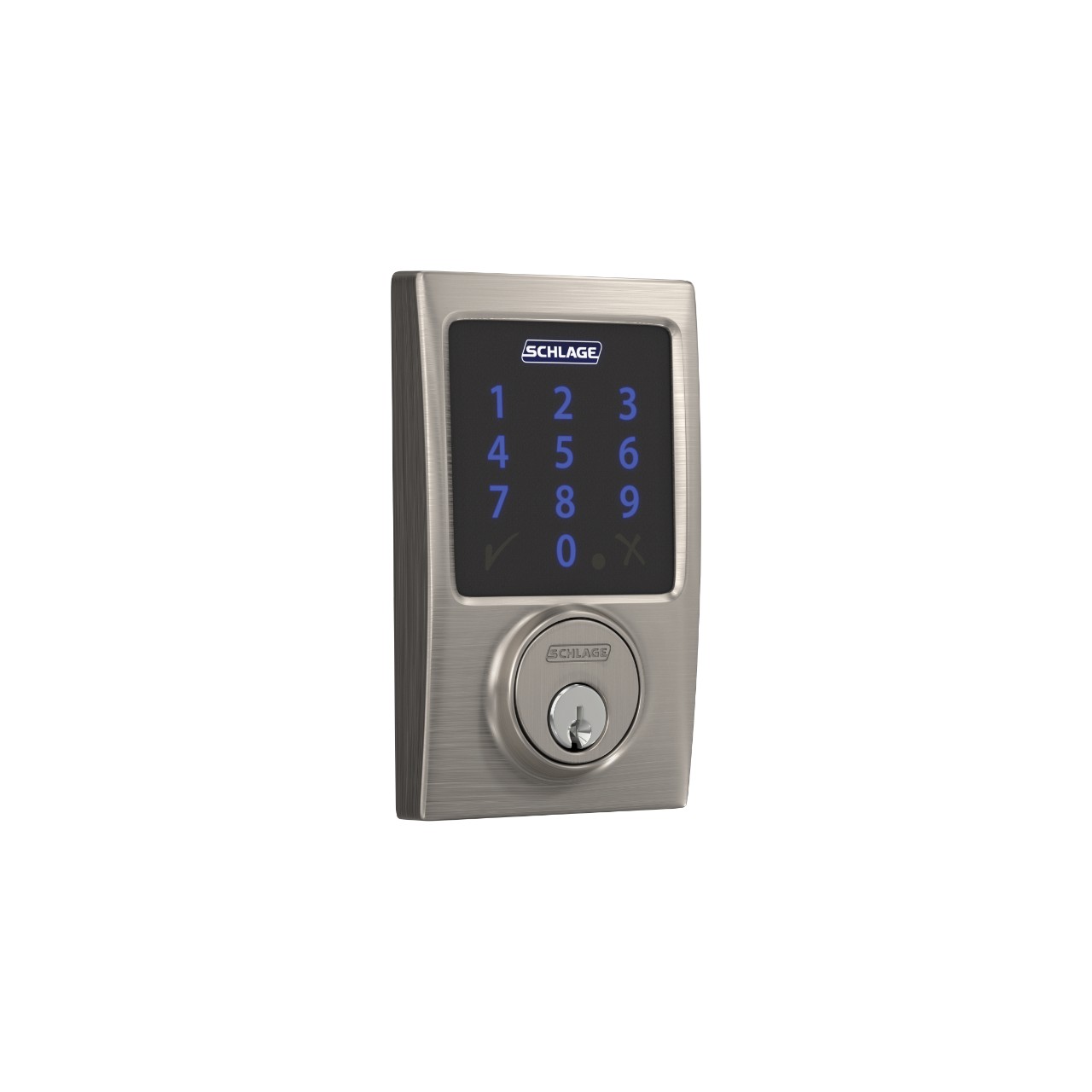
Credit: www.schlage.ca
Troubleshooting Tips
Installing the Schlage Connect Smart Deadbolt can be simple. But sometimes, issues happen. This section helps you fix common problems quickly. Clear steps make it easier to get your lock working right.
Common Installation Issues
One frequent problem is the lock not fitting the door. Check the door thickness and lock size. Another issue is the lock not turning smoothly. Make sure the latch and strike plate align well. Battery problems may cause the lock to act strange. Use fresh batteries and install them correctly. Finally, verify the lock is connected to your phone app if needed.
Resetting The Lock
Resetting the lock solves many issues. Find the reset button inside the lock. Press and hold it for about 10 seconds. The lock will beep or flash to show it reset. After that, you must set up the lock again. This clears old settings and errors. Use this step if the lock does not respond.
Contacting Support
Sometimes, you need help from experts. Schlage offers customer support for installation problems. Have your lock model and purchase details ready. Explain the problem clearly and what you tried. Support can guide you step-by-step or offer a replacement. Keep their contact info handy for future use.
Frequently Asked Questions
How Do I Install Schlage Connect Smart Deadbolt?
To install, remove your existing deadbolt first. Align the Schlage Connect hardware with the door holes. Secure it with screws and insert batteries. Follow the setup guide for programming your lock codes and connecting to smart home systems.
What Tools Are Needed For Installation?
You will need a Phillips screwdriver, a drill (optional), and batteries. Sometimes a tape measure helps to ensure proper alignment. Most installations require only basic tools, making the process quick and simple.
Can I Install Schlage Connect On Any Door?
Schlage Connect fits standard doors 1-3/8 to 2 inches thick. It works on both left and right-handed doors. Ensure your door has standard boreholes and backset measurements for compatibility.
How Do I Connect Schlage Connect To Wi-fi?
First, install the Schlage Connect deadbolt. Then use the Schlage Home app to connect the lock to your Wi-Fi network. Follow in-app instructions to complete the setup and enable remote access.
Conclusion
Installing the Schlage Connect Smart Deadbolt is simple and quick. Follow each step carefully to ensure proper setup. Double-check your work before finalizing the installation. This smart lock adds security and convenience to your home. Enjoy easy access with your phone or keypad.
Keep your home safe without complex tools or skills. Trust the process and feel confident using your new smart lock.


