Setting up your TV should be simple, right? But when it comes to hooking up the wall cable, you might feel stuck or unsure if you’re doing it right.
What if you could get it done quickly, without any confusing steps or extra hassle? In this guide, you’ll learn exactly how to connect your wall cable to your TV with clear, easy instructions. By the end, you’ll be ready to enjoy your favorite shows without delay.
Let’s make this setup smooth and stress-free for you. Keep reading—you’re closer than ever to perfect TV viewing!
Gather Required Tools
Gathering the right tools is the first step to connect a wall cable to your TV. Having these tools ready saves time and avoids frustration. It also ensures a smooth and safe setup process.
Most tools are simple and easy to find. Some might already be in your home.
Coaxial Cable
The coaxial cable carries the TV signal from the wall to your television. Choose a cable long enough to reach your TV without stretching. Look for one with good shielding to reduce signal loss.
Coaxial Cable Connector
This small piece attaches to the end of the coaxial cable. It screws onto the TV input and the wall outlet. Make sure it fits your cable type and TV model.
Coaxial Cable Stripper
Use this tool to strip the cable’s outer layer. It exposes the inner wire for connection. Proper stripping prevents signal problems and damage to the cable.
Screwdriver
A screwdriver helps tighten connectors or open TV panels if needed. A flathead or Phillips-head screwdriver usually works well. Keep it nearby for quick adjustments.
Tv User Manual
The manual guides you through your TV’s specific ports and settings. It helps identify the right input for the cable. Having it ready makes the process easier.
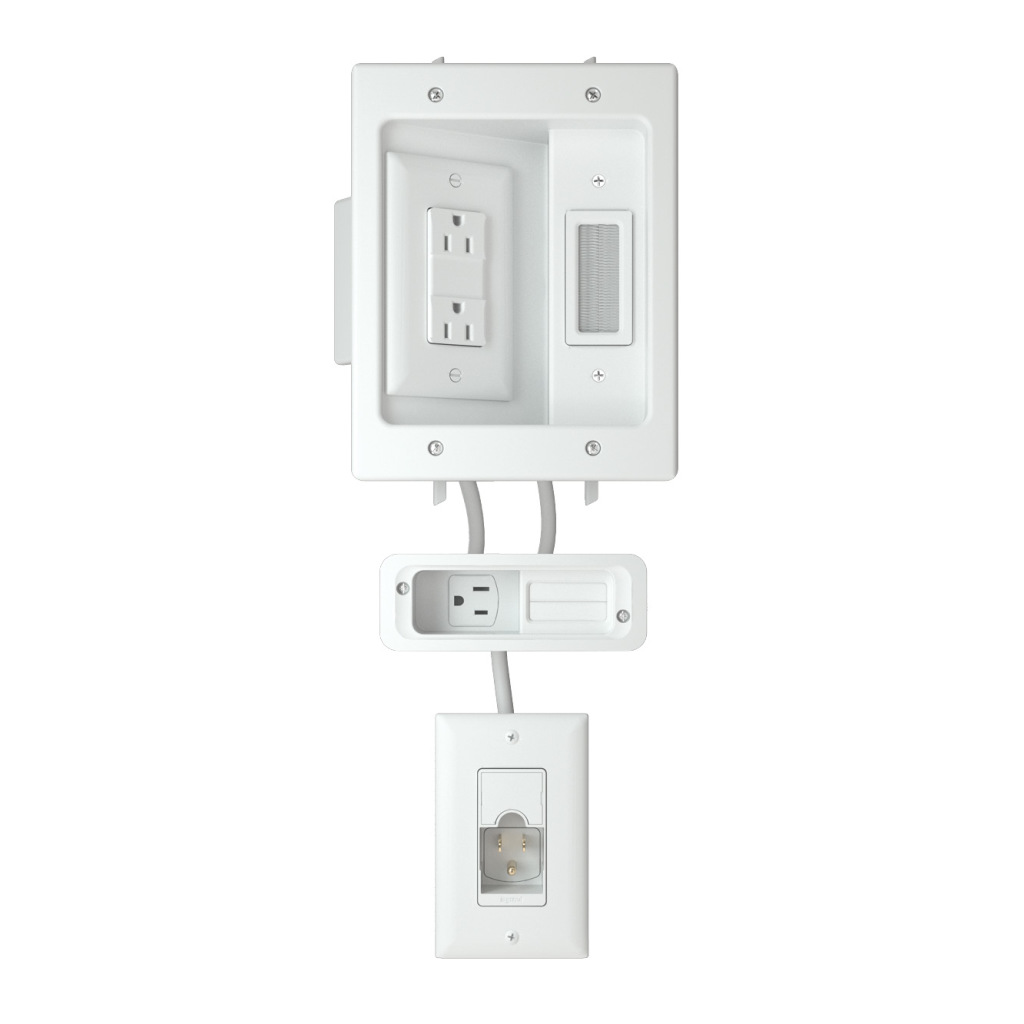
Credit: www.sanus.com
Locate Cable Input On Tv
Finding the cable input on your TV is the first step to connect the wall cable. This input is where the cable signal enters the TV. It allows you to watch channels through the cable service.
Most modern TVs have a designated cable input port. It looks different from other ports like HDMI or USB. Knowing its location helps you connect quickly and correctly.
Check The Back Of Your Tv
Look at the back panel of your TV. Most cable inputs are located there. The port is usually round with a small metal pin inside. It might be labeled as “Cable In” or “RF.”
Look On The Side Panels
Some TVs place the cable input on the side. This is common in slim or wall-mounted models. Check the sides carefully for a round port or label.
Identify The Correct Port
The cable input is a coaxial connector. It looks like a small circle with a pin in the middle. It is different from HDMI or AV ports. The label “Cable In” or “ANT” helps confirm it.
Prepare Wall Cable
Preparing the wall cable correctly is key for a smooth TV connection. This step ensures your TV gets the best signal possible. Taking time to prepare the cable can prevent future issues like signal loss or poor picture quality.
Check Cable Condition
Start by inspecting the wall cable carefully. Look for cuts, bends, or worn spots on the cable. Damaged cables can cause poor signal or no signal at all. Make sure the connectors at the ends are clean and not rusted. Replace the cable if you find any damage. A good cable gives a clear and stable picture on your TV.
Strip Cable Ends If Needed
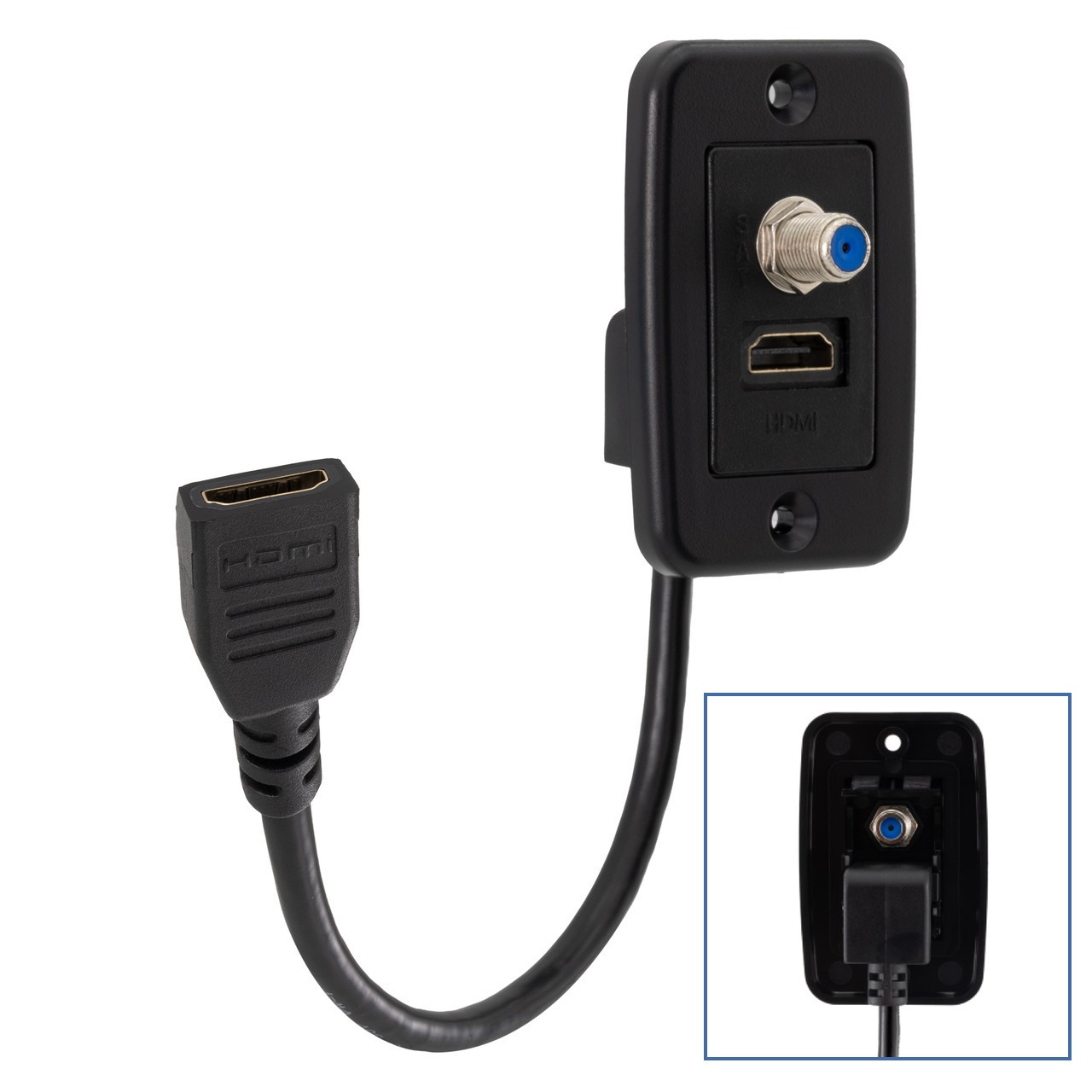
Sometimes the cable ends need stripping before connection. Use a cable stripper or a sharp knife to remove about half an inch of the outer jacket. Be careful not to cut the inner wires. Strip the insulation to expose the copper wire inside. This part connects to the TV or the wall plate. Proper stripping helps make a firm and secure connection.
Credit: recpro.com
Connect Cable To Tv
Connecting the cable to your TV is a simple step that brings your favorite shows to life. The process needs care to ensure a clear picture and steady signal. Follow these easy steps to get your TV ready for viewing.
Attach Coaxial Cable
Find the coaxial cable coming from your wall outlet. The end has a round metal connector with a pin in the middle. Align this connector with the TV’s cable input port. Gently push the cable end onto the port. Turn the connector clockwise to tighten it. Make sure it fits snugly but do not force it.
Secure Connection
Check that the cable is firmly attached to the TV port. Give it a slight tug to ensure it won’t come loose. Loose connections cause poor signal and flickering images. Keep the cable straight and avoid bending it sharply. This prevents damage to the wires inside.
Set Tv To Cable Input
Running a channel scan is an important step after connecting your wall cable to the TV. It helps your TV find all available channels. This process ensures you can watch free-to-air channels without missing any.
Most modern TVs offer two main ways to scan channels. You can either let the TV search automatically or set channels manually. Both methods help your TV store channels for easy access.
Automatic Channel Search
The automatic channel search is the easiest way to find channels. Your TV scans all frequencies and saves every channel it finds. This process takes a few minutes. During this time, do not turn off the TV or disconnect the cable.
To start an automatic scan, go to your TV’s settings menu. Look for options like “Channel Setup,” “Auto Program,” or “Scan Channels.” Select the option and wait until the scan completes. Once done, your TV will display the list of found channels.
Manual Channel Setup
Manual channel setup allows you to add specific channels. This is useful if you know a channel’s frequency or if the automatic scan misses some channels. You can enter channel numbers or frequencies manually.
Access the manual setup in your TV’s channel menu. Enter the channel frequency or number you want to add. Save the settings. Repeat this step for all channels you want to include. This method gives you more control over your channel list.
Run Channel Scan
Troubleshooting common issues helps fix problems fast. It saves time and makes TV watching better. Knowing simple fixes avoids frustration and confusion.
Check connections first. Loose or wrong cables cause most problems. Power cycle your TV and cable box. This resets the devices and clears errors.
No Signal Problems
No signal means the TV does not get any input from the cable. Check if the cable is firmly plugged into the TV and the wall outlet. Try using a different cable to see if the cable is faulty.
Make sure the TV is set to the right input source. Use the remote to select the cable input, often labeled HDMI or TV. Restart the cable box and TV by unplugging them for 30 seconds.
Poor Picture Quality
Picture quality can be blurry, fuzzy, or have strange colors. Check the cable for damage or bends. Replace the cable if it looks worn out.
Adjust the TV picture settings such as brightness, contrast, and sharpness. Sometimes, interference from other devices affects the picture. Move other electronics away from the TV and cable connections.

Credit: recpro.com
Frequently Asked Questions
How Do I Connect A Wall Cable To My Tv?
Locate the cable input on your TV’s back panel. Insert the wall cable connector firmly into the input. Ensure the connection is secure to avoid signal loss. Power on the TV and select the correct input source to start viewing.
What Tools Are Needed To Hook Up A Wall Cable?
Typically, no special tools are required. You may use a screwdriver to open TV panels if necessary. A cable stripper helps if you need to prepare the cable end. Most wall cables come ready to plug in directly.
Can I Connect Any Cable Type To My Tv?
No, your TV must support the cable type. Most TVs use coaxial cables for wall connections. Check your TV’s manual for supported cable types. Using the wrong cable can cause no signal or poor quality.
How To Fix No Signal After Connecting Wall Cable?
Check if the cable is firmly connected to the TV. Ensure the TV is set to the correct input channel. Inspect the cable for damage or loose connectors. Restart the TV and try rescanning channels if using antenna signals.
Conclusion
Connecting a wall cable to your TV is simple and quick. Just follow the steps carefully. Make sure the cable fits snugly into the TV’s port. Turn on your TV and check the signal. Adjust settings if needed. Doing this lets you watch your favorite shows easily.
No need to call a technician or feel confused. Take your time and enjoy clear picture and sound. Now, your TV is ready for hours of entertainment.