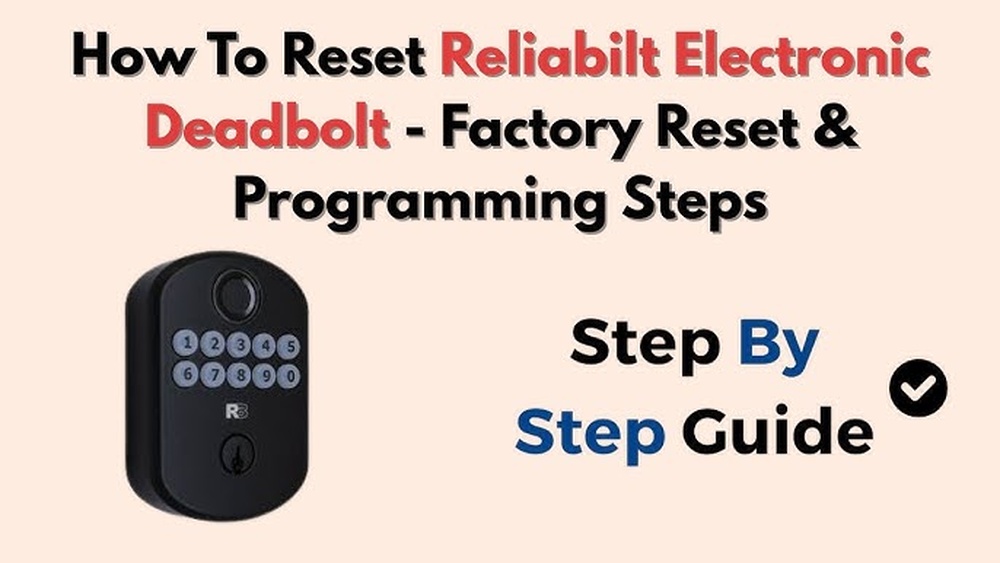
Struggling with your Reliabilt electronic deadbolt? Maybe it’s not responding, or you want to set a new code for better security.
Resetting your deadbolt doesn’t have to be confusing or time-consuming. In fact, with the right steps, you can have it working perfectly again in just minutes. Keep reading, and you’ll discover a simple, clear guide that puts you in control of your lock—making your home safer and your life easier.
Don’t let a tricky lock slow you down. Let’s get it reset together.

Credit: manuals.plus
Tools Needed
Before resetting your Reliabilt electronic deadbolt, gather the right tools. Having the correct tools makes the process faster and easier. It also helps avoid damage to the lock or door.
Most tools are common and easy to find. Check your home toolbox first. If any tool is missing, visit a local hardware store or order online.
Screwdriver
A screwdriver is essential for removing screws on the lock. Use a Phillips-head screwdriver for most Reliabilt models. Keep a flat-head screwdriver handy in case it fits better.
New Batteries
Fresh batteries are needed after reset. Use the correct size, usually AA or AAA. Old batteries can cause the lock to malfunction.
Small Paperclip Or Pin
A paperclip or pin helps press the reset button. Straighten the paperclip to reach the button inside the lock. This tool is simple but important.
Flashlight
A flashlight helps see small parts inside the lock. It works well in dim light or tight spaces. Good lighting reduces mistakes during reset.
User Manual
The user manual guides the reset steps. It shows the exact location of buttons and screws. Keep it nearby for quick reference.
Locate The Reset Button
Locating the reset button is the first step to reset your Reliabilt electronic deadbolt. The reset button allows you to clear old settings and program new codes quickly. Knowing its exact position saves time and avoids damage to the lock.
The reset button is usually small and recessed. It needs a pointed tool like a paperclip or pin to press it. Finding the right spot can be tricky without guidance.
Check The Interior Side Of The Deadbolt
Open your door and look at the inside part of the deadbolt. The reset button often hides behind the battery cover. Remove the cover gently to avoid breaking it.
Look Near The Battery Compartment
The reset button sits close to the batteries. After removing the cover, scan the area carefully. It may be a tiny hole or a small button labeled “Reset.”
Use A Flashlight For Better Visibility
Lighting helps to see small details clearly. Shine a flashlight inside the battery compartment. This makes spotting the reset button easier, especially in low light.
Consult The User Manual For Exact Location
The manual has a diagram showing the reset button’s spot. It guides you through finding and pressing it correctly. Keep the manual nearby for quick reference.
Prepare The Deadbolt
Preparing the deadbolt is the first step in resetting a Reliabilt electronic deadbolt. This step ensures the lock is ready to accept new settings without issues. Taking time to prepare helps avoid errors during the reset process.
Follow these simple steps carefully. They will make the reset process smooth and quick.
Locate The Battery Compartment
Find the battery compartment on the inside part of the lock. Usually, it is under the cover. Remove the cover gently to expose the batteries. This step is important to check the battery status before resetting.
Remove The Batteries
Take out all the batteries from the compartment. Removing batteries stops the lock from functioning temporarily. This allows you to reset the lock safely. Keep the batteries aside in a safe place.
Clear The Lock Memory
Press and hold the reset button inside the battery compartment. Hold it for about 10 seconds or until you see the LED light flash. This action clears previous settings from the lock’s memory. It prepares the lock for new programming.
Inspect The Deadbolt Mechanism
Check the deadbolt for any physical damage or dirt. Clean any dust or debris using a soft cloth. Ensure the bolt moves smoothly when you turn the knob. A clean, undamaged deadbolt works better after a reset.

Credit: www.youtube.com
Perform The Reset
Performing a reset on your Reliabilt electronic deadbolt is simple and fast. This process clears old codes and lets you set a new one. Follow these steps carefully to ensure your lock works perfectly again.
Press And Hold Reset
Start by locating the reset button on the inside part of the lock. Press and hold this button for about 10 seconds. You will hear a beep or see a light flash. This signal means the lock is ready for a new code.
Insert New Code
Next, enter your new access code on the keypad. Choose a code that is easy for you to remember but hard for others to guess. Press the lock or enter button to save the code.
Confirm Reset
Finally, test the new code to make sure it works. Lock and unlock the door using the new code several times. This confirms the reset was successful and your lock is secure.
Test The Deadbolt
Testing the Reliabilt electronic deadbolt after resetting is important. It ensures the lock works properly and keeps your home secure. This step confirms the reset process is complete and the deadbolt responds to your commands.
Follow these simple checks to test the deadbolt. Each step helps you find any issues before relying on the lock daily.
Check The Lock And Unlock Functions
Start by locking the door using the keypad or key. Listen for a clear click sound. Next, try unlocking it the same way. The bolt should move smoothly without sticking. This confirms the deadbolt reacts to your input.
Test The Battery Status
Low battery can cause problems with the deadbolt. Look for any warning lights or sounds. Replace the batteries if needed. Testing ensures the lock has enough power to operate reliably.
Verify The User Codes
Enter each user code you programmed after resetting. The deadbolt should unlock without delay. Incorrect codes must be rejected. This check guarantees only authorized users gain access.
Observe The Auto-lock Feature
If your deadbolt has auto-lock, test this feature. Close the door and wait for the lock to engage automatically. This function adds security by locking the door after a set time.
Test Manual Key Override
Use the manual key to lock and unlock the door. This backup method is vital if electronics fail. Make sure the key turns smoothly and operates the bolt correctly.
Troubleshooting Tips
Troubleshooting your Reliabilt electronic deadbolt can save time and stress. Simple issues often cause the lock to stop working properly. This guide covers common problems and easy fixes.
Battery Issues
Weak or dead batteries cause most problems with electronic deadbolts. Check the battery level first. Replace with fresh batteries of the correct type. Avoid mixing old and new batteries in the lock. Clean battery contacts with a dry cloth to ensure good connection.
Reset Not Working
Make sure you follow the reset steps exactly as described in the manual. Hold the reset button for the right amount of time. If the lock does not reset, remove batteries, wait 10 seconds, then reinsert and try again. Confirm the battery power is sufficient before resetting.
Lock Jam Problems
Jamming can happen due to dirt, misalignment, or mechanical failure. Inspect the lock and door alignment carefully. Clean the bolt and strike plate with a dry cloth. Lubricate moving parts with a silicone-based lubricant. If jamming continues, check for broken parts or contact support.
Maintenance Tips
Maintaining your Reliabilt electronic deadbolt is key to keeping it working well. Regular care prevents problems and extends the lock’s life. Simple steps can help your lock stay smooth and secure.
Cleaning The Lock Exterior
Use a soft cloth to wipe the lock surface. Avoid harsh chemicals that can damage the finish. Mild soap and water work best for removing dirt. Dry the lock fully to stop rust or corrosion.
Checking The Battery
Replace batteries every six months to avoid lock failure. Use fresh, high-quality batteries for better performance. Low battery signs include slow response or weak sounds. Keep spare batteries nearby for quick swaps.
Lubricating Moving Parts
Apply a small amount of silicone spray or graphite powder. Avoid oil-based lubricants as they attract dust and dirt. Focus on the keyhole and bolt areas. This keeps the lock turning smoothly without sticking.
Testing The Lock Regularly
Test your lock monthly to catch issues early. Check that the keypad, battery, and bolt work well. Reset the lock if you notice any glitches. Regular tests help you avoid lockouts and security problems.

Credit: www.lowes.com
Frequently Asked Questions
How Do I Reset A Reliabilt Electronic Deadbolt?
To reset, remove the battery cover and batteries. Press and hold the reset button for 10 seconds. Release it when the lock beeps. Reinstall batteries and cover. This restores factory settings and clears all codes.
What If My Reliabilt Deadbolt Reset Doesn’t Work?
Check battery power first; weak batteries can cause reset failure. Ensure you press the reset button firmly for 10 seconds. If it still fails, consult the user manual or contact Reliabilt support for help.
Can I Reset Reliabilt Deadbolt Without A Code?
Yes, resetting clears all stored codes. Use the physical reset button inside the lock. Press and hold it for 10 seconds until the lock beeps. This erases previous codes, allowing new programming without the old code.
How Often Should I Reset My Reliabilt Deadbolt?
Reset only when necessary, such as lost codes or security concerns. Frequent resets aren’t required and may cause inconvenience. Regular maintenance and battery replacement are more important for reliable operation.
Conclusion
Resetting your Reliabilt electronic deadbolt is simple and quick. Follow each step carefully to avoid mistakes. Keep your code safe and change it regularly for security. If the lock doesn’t work after resetting, check the batteries or try again. Regular maintenance helps your lock last longer and work better.
Now, you can feel more confident managing your Reliabilt deadbolt at home.