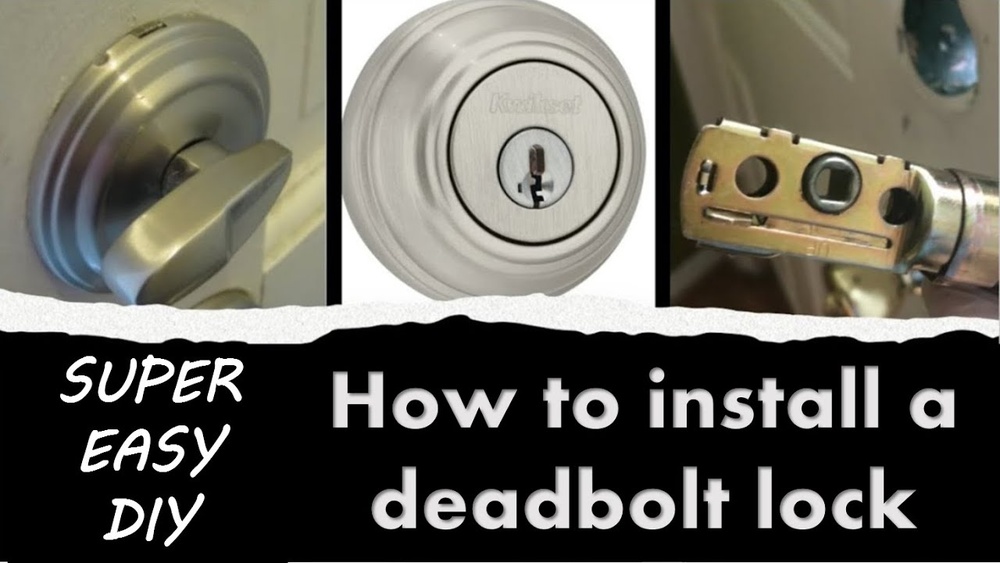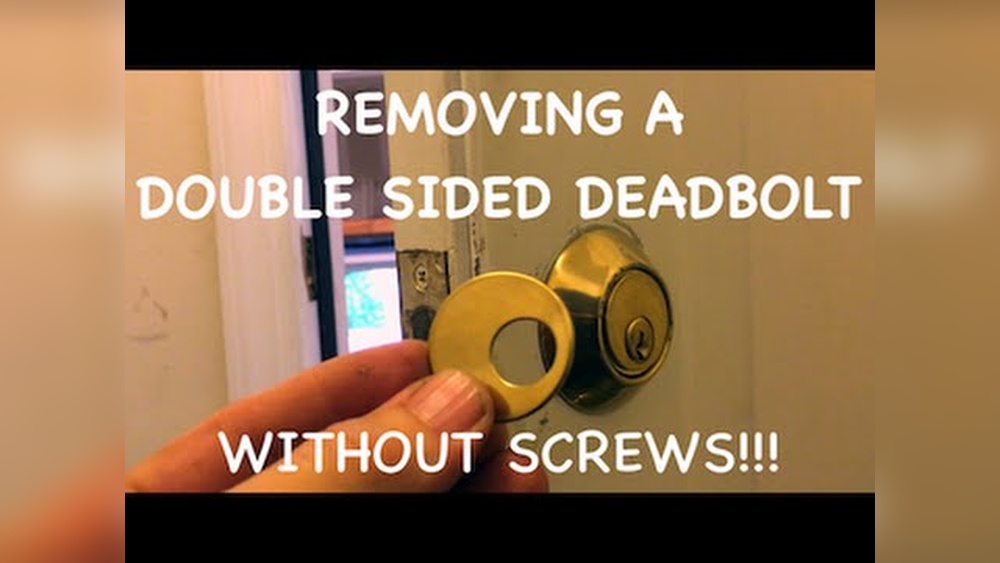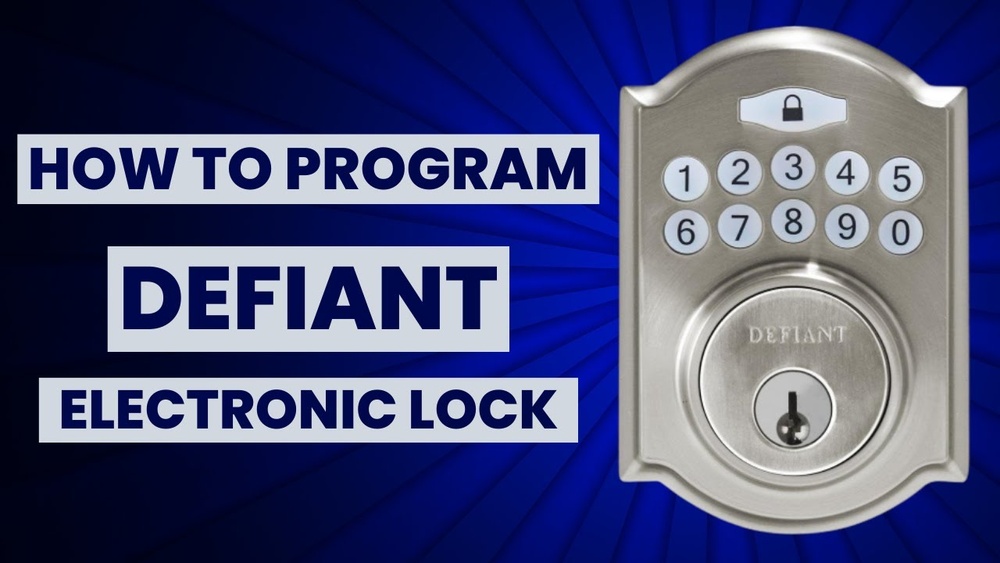
Are you ready to take control of your home’s security with your Defiant electronic deadbolt? Programming it might sound tricky, but with the right steps, you can set it up quickly and easily.
Imagine unlocking your door with just a simple code—no more fumbling for keys or worrying about lost copies. In this guide, you’ll discover exactly how to program your Defiant deadbolt, making your life safer and more convenient. Keep reading, and by the end, you’ll have full command over your lock, giving you peace of mind every time you come home.
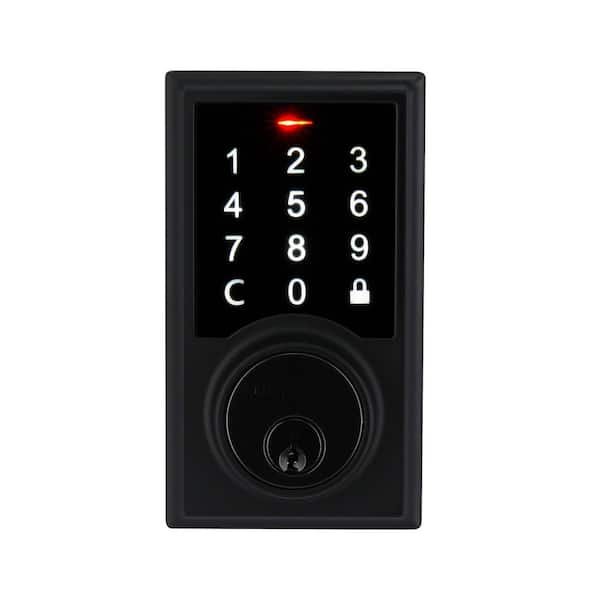
Credit: www.homedepot.com
Preparing Your Deadbolt
Preparing your Defiant electronic deadbolt is the first step to successful programming. This phase ensures your lock is ready and working correctly. Taking time here prevents problems later. Follow these simple steps carefully.
Gathering Tools And Materials
Start by collecting all needed tools. You may need a small screwdriver, fresh batteries, and the lock’s user manual. Having these ready saves time. Keep a flashlight nearby for better visibility. Organize everything on a flat surface. This helps avoid losing small parts during programming.
Checking Battery And Lock Status
Check the battery level of your deadbolt. Weak batteries can cause programming errors. Replace old batteries with new ones. Use the recommended battery type in the manual. Next, test the lock’s mechanical parts. Make sure the deadbolt moves smoothly. Listen for unusual sounds when turning the lock. If the lock sticks or feels stiff, fix this before programming.
Accessing Programming Mode
Accessing programming mode is the first step to customizing your Defiant electronic deadbolt. This mode allows you to add or remove user codes and change settings. Understanding how to enter programming mode saves time and prevents errors. Follow these simple steps to start programming your lock quickly and easily.
Locating The Programming Button
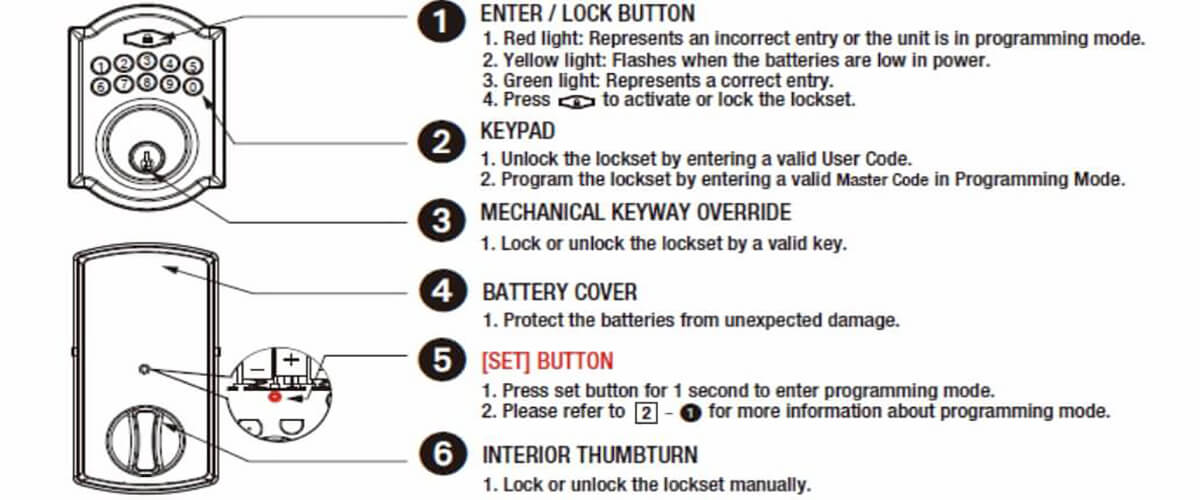
Open the battery cover on the inside of the lock. Look for a small button labeled “Program” or “P.” It is usually near the battery compartment. The button might be recessed, so use a small tool or your finger to press it. Knowing the button’s exact location is key to entering programming mode.
Entering Programming Mode
Press and hold the programming button for about 3 to 5 seconds. The lock will beep or flash a light to show it is in programming mode. Release the button once you hear the beep or see the light. Now, you can enter or change user codes. If the lock does not respond, check the batteries and try again.
Adding User Codes
Adding user codes to your defiant electronic deadbolt makes your home safer. It lets you control who can enter. Each user gets a unique code. This way, you know who used the lock and when.
Creating New User Codes
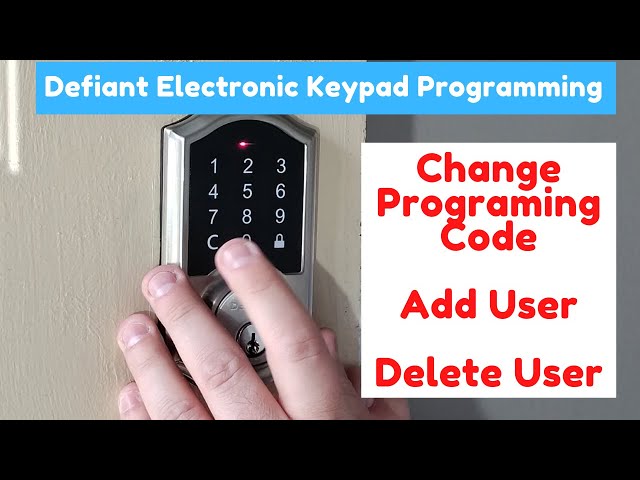
Start by pressing the programming button on the lock. Enter the master code to access settings. Choose the option to add a new user code. Type the new code carefully. Make sure it has the right number of digits. Avoid easy codes like 1234 or 0000. Confirm the code by entering it again. Your lock will beep to show success.
Saving And Confirming Codes
After entering the code, save it by pressing the lock button. Test the new code on the keypad. The lock should open smoothly. If it does not, repeat the steps. Always check the battery level before programming. Low power can cause errors. Keep a list of all active codes. Delete old or unused codes to stay secure.
Credit: www.youtube.com
Deleting User Codes
Deleting user codes from your Defiant electronic deadbolt keeps your home secure. It removes access for people who no longer need it. You can delete codes one by one or clear all at once. This helps you manage who can enter your home easily and safely.
Removing Individual Codes
Start by entering your programming code on the keypad. Press the button for deleting user codes. Enter the specific user code you want to remove. The lock will confirm the deletion with a beep. This process removes only the selected code, keeping others active.
Clearing All Codes
Enter your master programming code to begin. Press the button that clears all user codes. Confirm the action by pressing the appropriate key. The lock will beep to show all codes are deleted. This step resets the lock’s user access completely.
Setting Temporary Codes
Setting temporary codes on your Defiant electronic deadbolt helps control who enters your home. These codes only work for a set time. This feature is perfect for guests, cleaners, or deliveries. You keep your home secure while giving access when needed.
Creating Time-limited Access
Start by opening the deadbolt’s programming menu. Choose the option to add a new code. Enter the temporary code you want to use. Next, set the start and end time for the code’s use. This limits access to certain hours or days. Save the settings, and the code will work only during that time.
Managing Temporary Users
Keep track of all temporary codes in your system. Delete codes after their use ends. This stops unwanted access later. You can also edit time limits if plans change. Managing users this way keeps your lock secure. Regularly check and update codes for safety.
Adjusting Lock Settings
Adjusting the settings on your Defiant electronic deadbolt helps customize how it works. You can change features to fit your daily routine and security needs. These settings improve convenience and make the lock easier to use.
Changing Auto-lock Timer
The auto-lock timer controls how fast the door locks after closing. Set the timer to lock immediately or after a few seconds. This feature keeps your home secure without needing to lock the door yourself. To adjust, enter programming mode and find the auto-lock option. Use the keypad to set the time from 5 to 99 seconds. Save the setting before exiting programming mode. A shorter timer suits busy households, while a longer timer gives time to exit safely.
Configuring Sound And Alerts
Your lock can beep and alert you during different actions. Sounds confirm when the door locks, unlocks, or has a low battery. You can turn these sounds on or off based on your preference. Enter the settings menu through the keypad. Select the sound option and choose between silent, low, or high volume. Alerts help you know the lock’s status without checking it. Quiet mode is useful for nighttime or when you want less noise.
Troubleshooting Tips
Troubleshooting your Defiant electronic deadbolt can save time and stress. Small issues can stop the lock from working properly. Knowing basic tips helps fix problems quickly. This section covers easy ways to solve common problems.
Resetting The Deadbolt
Resetting the deadbolt clears errors and restores factory settings. Start by removing the battery cover. Take out the batteries for about 30 seconds. Put the batteries back in and close the cover. Press and hold the reset button until the lock beeps. This process resets all codes and settings. Use this step if the lock won’t respond or accepts no codes.
Common Errors And Fixes
Error messages often show on the lock’s keypad. A blinking red light means low battery. Replace batteries with fresh ones immediately. If the keypad does not light up, check battery connections. Codes not working? Make sure you enter them correctly. Clear any dust or dirt on the keypad. If the lock jams, lubricate the bolt with graphite powder. Avoid oil-based lubricants that may cause damage. For persistent issues, consult the manual or call support.
Credit: www.ilockey.com
Maintaining Your Deadbolt
Maintaining your electronic deadbolt keeps it working smoothly and extends its life. Regular care avoids common problems. It also ensures safety and convenience every day.
Battery Replacement
Check the battery level often. Low batteries cause the lock to fail or work slowly. Replace batteries at least once a year. Use fresh, high-quality batteries for best results. Follow the manufacturer’s instructions carefully to open the battery compartment. Insert batteries the right way to avoid damage.
Regular Cleaning And Care
Clean the deadbolt with a soft cloth. Remove dust and dirt from the keypad and keyhole. Avoid harsh chemicals that may damage the finish. Use mild soap and water if needed. Dry the lock completely after cleaning. Lubricate the moving parts with a silicone-based spray once or twice a year. This keeps the lock mechanism smooth and quiet.
Frequently Asked Questions
How Do I Program A Defiant Electronic Deadbolt?
To program a Defiant deadbolt, first enter programming mode using the master code. Then, follow the keypad prompts to add or delete user codes easily.
Can I Reset My Defiant Electronic Deadbolt?
Yes, you can reset it by holding the reset button inside the battery compartment. This erases all codes and restores factory settings.
How Many User Codes Can A Defiant Deadbolt Store?
Most Defiant deadbolts support up to 20 unique user codes. This allows multiple users to access the lock securely.
What Batteries Does A Defiant Electronic Deadbolt Use?
Defiant deadbolts typically use four AA alkaline batteries. Replace batteries promptly to ensure uninterrupted lock operation.
Conclusion
Programming your Defiant electronic deadbolt is simple and quick. Follow each step carefully to ensure success. Test the lock after programming to confirm it works well. Keep your code safe and share it only with trusted people. Regularly change your code for better security.
With these easy tips, your home stays safer every day. Enjoy peace of mind knowing your door is secured the right way.