Are you looking to take full control of your Schlage deadbolt? Programming your lock yourself can save you time and give you peace of mind knowing your home is secure exactly the way you want it.
Whether you want to add new access codes or change existing ones, this guide will walk you through every step clearly and simply. By the end, you’ll feel confident managing your Schlage deadbolt like a pro—no technical skills needed. Let’s get started and make your home safer today.
Preparing Your Schlage Deadbolt
Preparing your Schlage deadbolt is the first step to programming it correctly. This preparation ensures a smooth setup process. It also helps avoid common mistakes and saves time.
Before starting, gather all necessary tools and check the battery levels. Knowing your programming code is also important. These steps make programming easier and quicker.
Gathering Necessary Tools
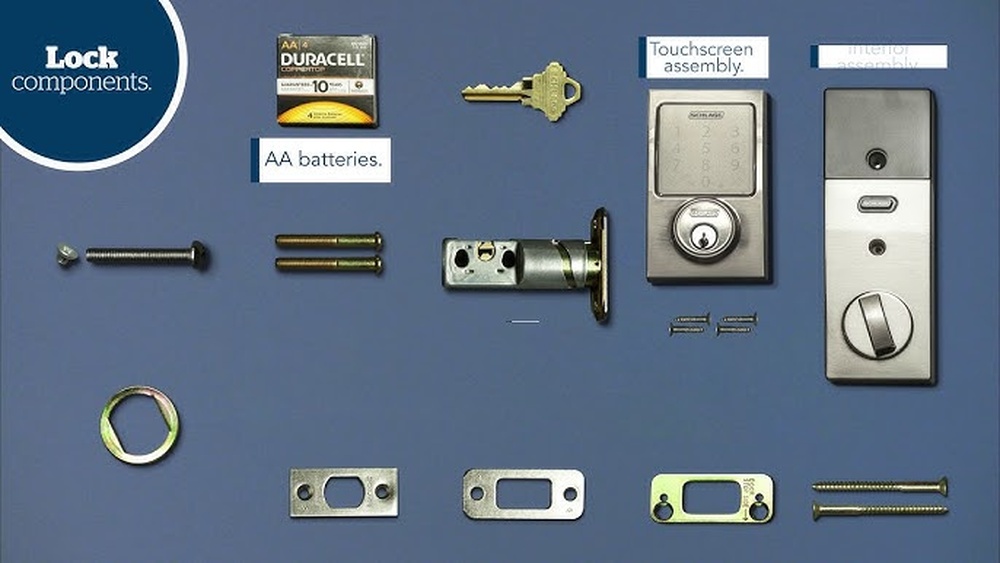
Collect simple tools like a small screwdriver and the user manual. A flashlight can help if you work in a dark area. Keep your smartphone nearby to take notes or photos if needed.
Checking Battery Levels
Open the battery cover on the inside of the deadbolt. Check if the batteries look old or weak. Replace them with fresh batteries for better performance. Low battery power can cause programming errors.
Locating The Programming Code
Find the unique programming code on the back of the keypad. It is usually on a sticker inside the battery compartment. Keep this code safe as you will need it for programming. Without it, you cannot add or change codes.
Accessing Programming Mode
Accessing programming mode is the first step to customize your Schlage deadbolt. This mode allows you to change settings like codes and lock behavior. You must enter a special programming code to start.
Follow each step carefully to avoid errors. A clear understanding helps you program your lock with confidence.
Entering The Programming Code
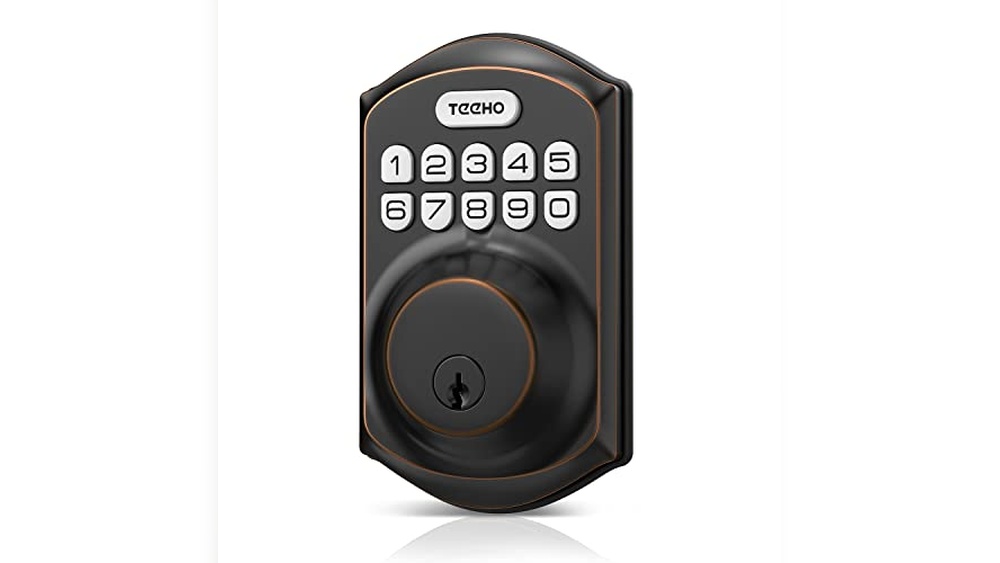
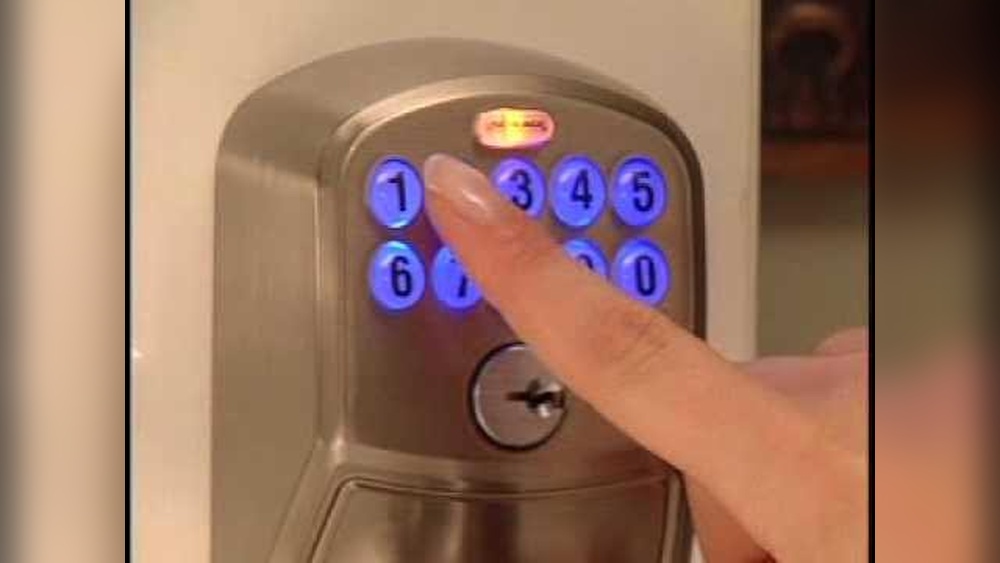
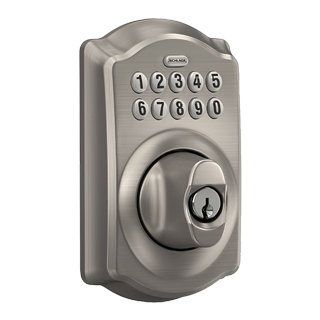
Find the keypad on your Schlage deadbolt. Press the Schlage button once. Enter the six-digit programming code using the keypad. You will hear a beep if the code is correct.
The programming code is on the back of the user guide or on the lock itself. Keep it safe. This code is different from your user codes.
Recognizing Successful Entry
After entering the code, listen for a long beep. The lock’s lights will flash green. This means you are in programming mode. If you hear a short beep or see a red light, the code was wrong.
Try entering the code again slowly. Avoid pressing wrong buttons. Once in programming mode, you can start making changes to your lock.
Adding User Codes
Adding user codes to your Schlage deadbolt lets you control who can enter your home. This feature is great for families or guests. You can create multiple codes and delete them anytime. Keep your home secure by managing these codes properly.
Choosing A Secure Code
Pick a code that is hard to guess. Avoid simple sequences like 1234 or 0000. Use a mix of numbers that only you know. Do not use birthdays or common patterns. A strong code keeps your home safe.
Steps To Add New Codes
Start by pressing the Schlage button on your lock. Enter your current programming code to access the menu. Press the number to add a new user code. Type the new code you want to add. Confirm by entering the code again. The lock will beep to confirm the code is saved.
Verifying Added Codes
Test the new code by locking your door. Enter the new user code on the keypad. The lock should open if the code works. If it does not, repeat the steps to add the code. Always check codes to avoid access issues.
Deleting User Codes
Deleting user codes on your Schlage deadbolt keeps your lock secure. It helps control who can enter your home. You can remove single codes or clear all codes at once. Both options are easy and quick.
Removing Individual Codes
Start by entering the programming code on the keypad. Press the “Delete” button or follow the lock’s instructions. Enter the user code you want to remove. Confirm the deletion by pressing the appropriate key. The lock will beep or flash to show success. This removes only the selected code, keeping others active.
Clearing All User Codes
Enter the programming code again to begin. Use the “Clear All” function on the keypad. Confirm your choice by pressing the required button. The lock will erase all saved user codes. This action resets your lock’s access permissions. You will need to add new codes afterward.
Changing Master Code
Changing the master code on your Schlage deadbolt is important for security. This code controls who can add or delete other codes. Keeping it updated helps protect your home from unwanted access. The process is simple and can be done in minutes.
Reasons To Update Master Code
Change the master code if you think someone knows it. This keeps your home safer. Change it after moving into a new home. Also, update it if you lose the code or share it with many people. Regular updates help maintain control over who can change codes.
Step-by-step Code Change Process
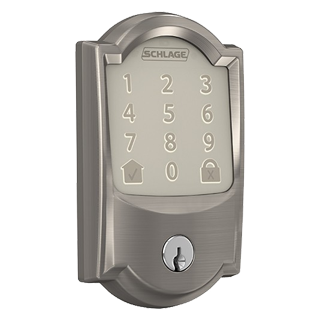
First, enter the current master code on the keypad. Press the Schlage button. Then press 3 to start the code change. Enter your new master code. It should be 6 to 8 digits long. Press the Schlage button again to save. Wait for the green light and beep. Your new master code is ready to use.
Credit: www.schlage.com
Troubleshooting Common Issues
Programming your Schlage deadbolt can sometimes cause issues. These problems are common and usually easy to fix. Knowing simple troubleshooting steps helps save time and frustration. This section covers key solutions for common deadbolt problems.
Resetting The Deadbolt
Resetting the deadbolt often fixes programming errors. Start by removing the battery cover. Press and hold the reset button inside for about 10 seconds. The lock’s lights will flash to show it is resetting. After reset, reprogram the lock codes from scratch. This clears past errors and restores normal function.
Battery Replacement Tips
Deadbolt malfunctions often happen due to low battery power. Use fresh alkaline batteries for best results. Remove the battery cover and take out old batteries. Insert new ones matching the correct polarity. Replace the cover securely. Test the lock after battery change to ensure proper operation.
Factory Reset Procedures
A factory reset erases all user codes and settings. It restores the deadbolt to original factory conditions. To do this, remove the battery cover and take out the batteries. Press and hold the reset button. While holding, reinsert the batteries and keep pressing for 10 seconds. Release the button when lights flash. The deadbolt is now factory reset and ready for new programming.
Maintenance Tips For Longevity
Keeping your Schlage deadbolt in good shape helps it last longer. Simple care steps avoid problems and keep it working smoothly. Follow these tips to maintain your lock well.
Regular Battery Checks
Check the battery often to prevent lock failure. Replace batteries once a year or when low. Weak batteries cause slow response and errors. Use fresh, high-quality batteries for best results.
Cleaning And Care
Clean your deadbolt regularly to remove dust and dirt. Use a soft cloth and mild soap. Avoid harsh chemicals that can damage the finish. Lubricate the moving parts with graphite powder, not oil.
Software Updates
Keep your lock’s software up to date for security and performance. Check the Schlage app or website for updates. Install updates as soon as they are available. Updated software fixes bugs and adds new features.

Credit: www.youtube.com
Credit: www.schlage.com
Frequently Asked Questions
How Do I Reset My Schlage Deadbolt?
To reset, remove the battery cover and take out the batteries. Press and hold the Schlage button, then insert batteries while holding the button. Release when the keypad lights flash. This resets to factory settings and clears all user codes.
What Is The Programming Code For Schlage Deadbolt?
The programming code is a unique 6-digit number found on the back of the keypad assembly. Use this code to add or delete user codes in the programming mode. Keep it confidential for security.
How Can I Add A New User Code To Schlage Deadbolt?
Enter the programming code, press the Schlage button, then press 1. Enter the new user code twice to confirm. The deadbolt will beep and flash to indicate successful programming.
Why Won’t My Schlage Deadbolt Program?
Check battery power; weak batteries often cause issues. Ensure you enter the correct programming code. Follow steps precisely. If problems persist, consult the user manual or contact Schlage support.
Conclusion
Programming your Schlage deadbolt is simple with the right steps. Follow each instruction carefully and take your time. Test your codes after programming to ensure they work well. Change codes regularly to keep your home safe. Remember, safety starts with you.
Enjoy the convenience of your smart lock every day. Stay secure and confident with your Schlage deadbolt.