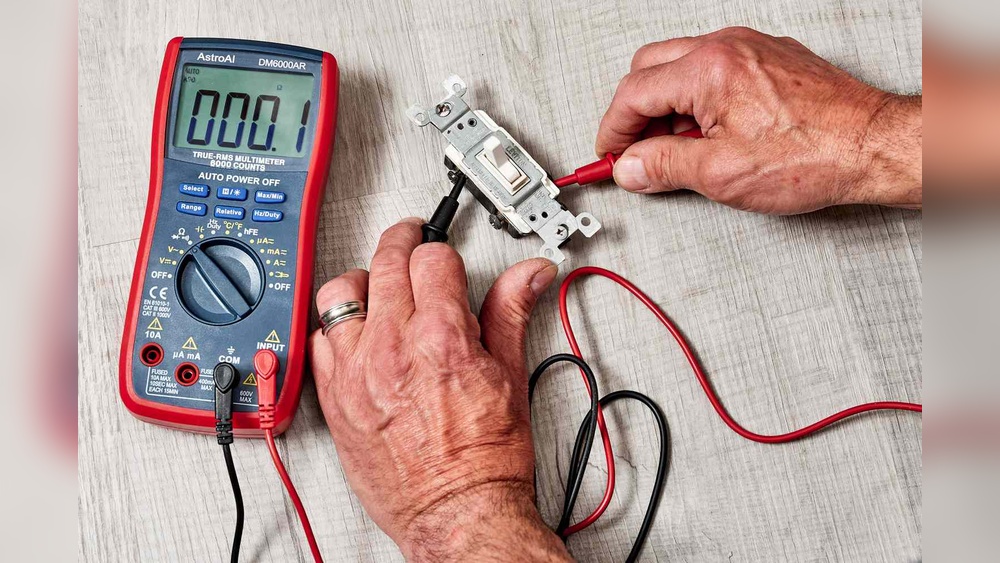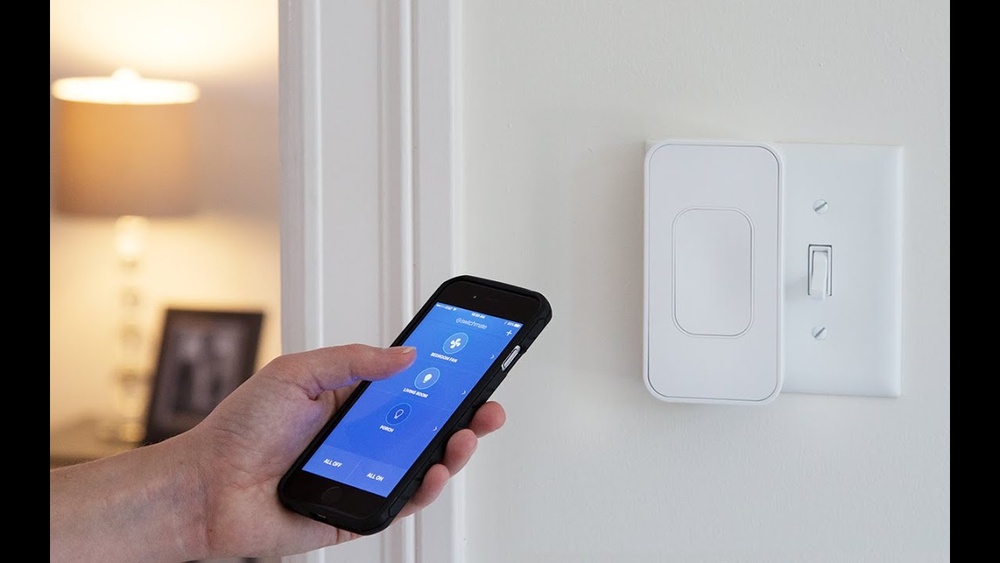
Imagine turning your lights on or off without leaving your seat. Sounds convenient, right?
You can control your light switch using just your phone, making your home smarter and your life easier. Whether you want to save energy, boost security, or simply enjoy the comfort of wireless control, this guide will show you exactly how to do it.
Ready to transform your home with just a few taps? Keep reading to discover simple steps anyone can follow.
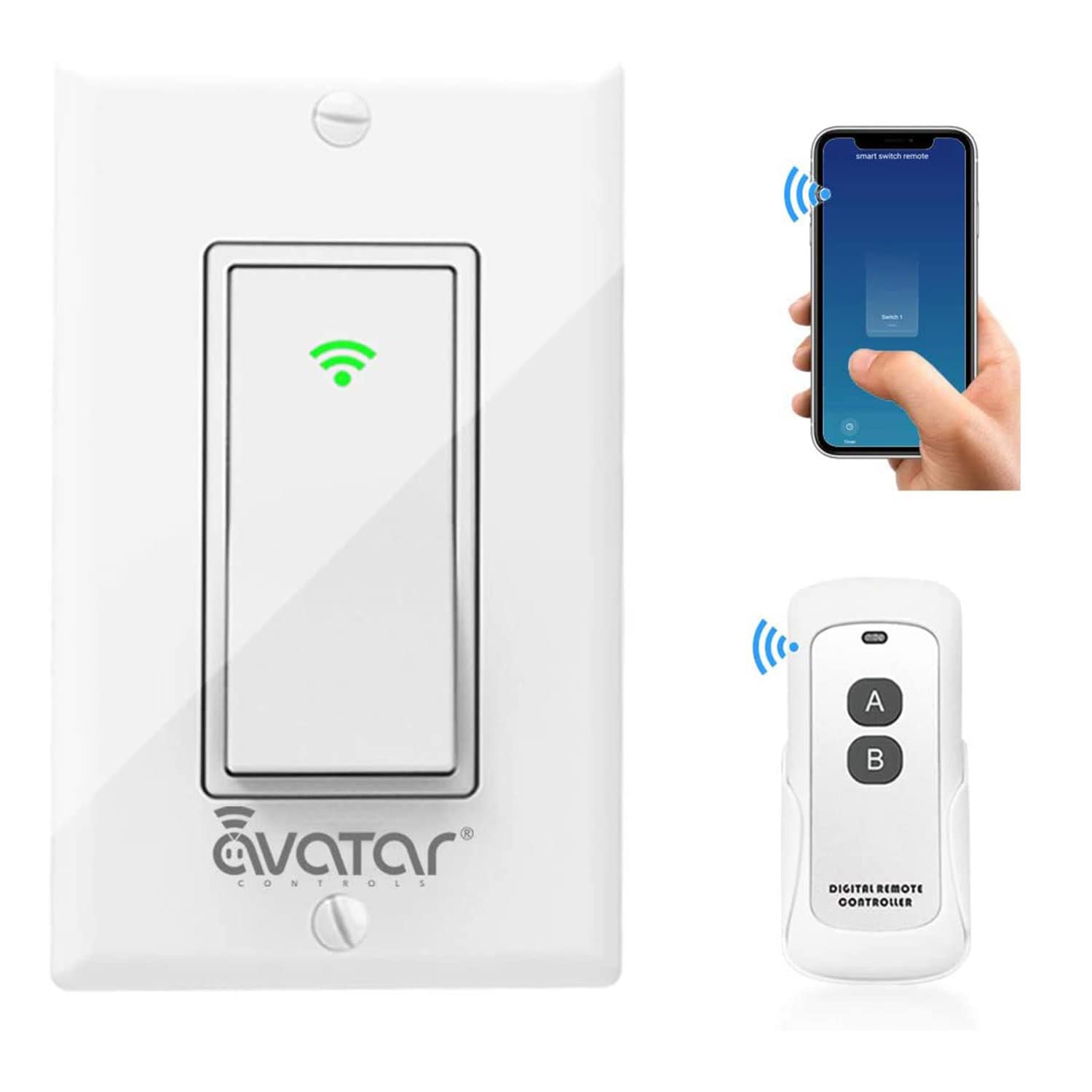
Credit: www.lowes.com
Choosing The Right Smart Switch
Choosing the right smart switch is key to controlling your lights with a phone. The correct switch makes your home smarter and easier to manage. It fits your lifestyle and tech setup. This section helps you pick the best smart switch for your needs.
Types Of Smart Switches
Smart switches come in various types. Some replace your existing wall switch. Others work as plug-in modules for lamps. You can find single switches for one light or multi-switch models. Choose the type that matches your home wiring and usage.
Compatibility With Home Systems
Check if the smart switch works with your home system. Some switches support popular platforms like Alexa, Google Home, or Apple HomeKit. Others connect only to their own apps. Pick a switch that fits your smart home setup for smooth control.
Wi-fi Vs. Bluetooth Options
Smart switches use Wi-Fi or Bluetooth to connect with your phone. Wi-Fi switches offer remote control from anywhere. Bluetooth switches work only nearby. Wi-Fi models need a strong home network. Bluetooth ones are easier to set up but less flexible.
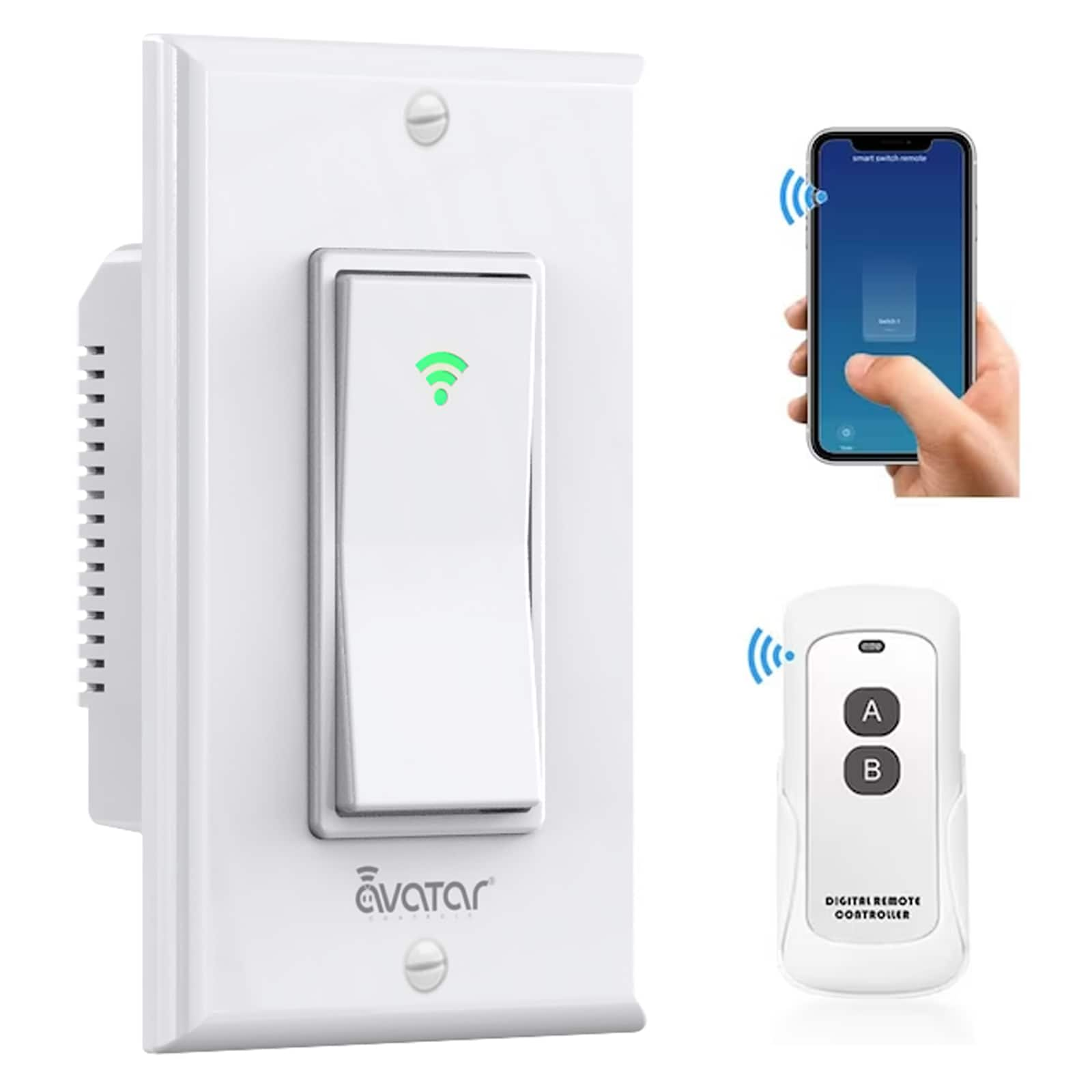
Credit: www.lowes.com
Setting Up Your Smart Switch
Setting up your smart switch is the first step to control lights with your phone. This process involves installing the switch and connecting it to your home Wi-Fi. Proper setup ensures smooth operation and helps avoid common problems. Follow these clear steps to get your smart switch ready quickly and safely.
Tools And Materials Needed
Gather all tools before starting. You need a screwdriver, voltage tester, wire stripper, and electrical tape. Have the smart switch and its manual close. A ladder might be helpful for high switches. Make sure your phone is ready for app installation too.
Step-by-step Installation
Turn off the power at the circuit breaker. Use the voltage tester to confirm no electricity flows. Remove the old switch by unscrewing it. Disconnect the wires carefully. Connect the smart switch wires to the matching wires in the wall. Screw the smart switch into the box. Turn on the power and test the switch manually. Download the switch app on your phone. Follow the app instructions to connect the switch to Wi-Fi. Name your switch for easy control.
Safety Precautions
Always switch off power before touching wires. Use a voltage tester to check power status. Avoid working in wet or damp places. Wear insulated gloves if available. Do not force wires or screws. If unsure, call a professional electrician. Keep the work area clear and well-lit. Follow all manufacturer safety guidelines.
Connecting The Switch To Your Phone
Connecting the light switch to your phone lets you control lights easily. It saves time and adds convenience. The process involves a few simple steps. Follow them carefully to avoid problems. First, you need the right app. Then, pair the switch with your phone. Finally, solve any connection issues if they appear.
Downloading The App
Start by finding the app for your light switch. Check the product manual for the app name. Go to the App Store or Google Play on your phone. Search for the app and download it. Make sure the app has good reviews and is updated. Open the app after installation to prepare for pairing.
Pairing The Device
Turn on the light switch and keep your phone nearby. Open the app and select the option to add a new device. Follow the on-screen instructions carefully. Usually, you must press a button on the switch to start pairing. Wait for the app to find the switch. Confirm the connection once the switch appears on your phone.
Troubleshooting Connection Issues
Sometimes, the phone does not connect to the switch right away. Check if the phone’s Bluetooth or Wi-Fi is turned on. Make sure the switch is powered and in pairing mode. Restart the app or your phone if needed. Move closer to the switch to improve signal strength. Reset the switch to factory settings if problems persist.

Credit: www.youtube.com
Customizing Controls And Settings
Customizing controls and settings lets you make your smart light switch truly yours. It helps save energy and makes your home smarter. You can control lights easily using your phone. Tailor the settings to fit your daily needs and routines.
Creating Schedules And Timers
Set specific times for your lights to turn on or off automatically. You can create schedules for morning, evening, or night. Timers help limit light use, saving electricity. This way, your lights work without needing to touch the switch.
Using Voice Assistants
Connect your smart light switch to voice assistants like Alexa or Google Assistant. Control lights with simple voice commands. It’s helpful when your hands are full or you are far from the switch. Voice control adds comfort and ease to your daily life.
Setting Up Scenes And Automations
Scenes let you control multiple lights with one tap. Choose brightness and color settings for different moods. Automations trigger actions based on time or other devices. For example, lights can turn on when you arrive home. These features make your lighting smarter and more fun.
Enhancing Smart Home Security
Controlling your light switch with a phone offers great convenience. It also brings new security challenges. Protecting your smart home is important for safety and peace of mind. Taking simple steps can reduce risks and keep your system safe.
Securing Your Network
Your home Wi-Fi is the base for smart devices. Use a strong password to stop intruders. Change default router settings immediately. Enable WPA3 or WPA2 encryption for better protection. Avoid using public Wi-Fi to control your lights. Secure network means safer smart devices.
Managing User Access
Only allow trusted users to control your light switch. Use apps that let you set permissions. Remove access for people who no longer need it. Create different access levels for family and guests. Managing users limits who can control your devices. This lowers the chance of misuse.
Regular Firmware Updates
Smart switches need software updates. These updates fix bugs and close security holes. Check for updates often and install them fast. Enable automatic updates if possible. Updated devices resist hacking better. Staying current keeps your smart home secure.
Common Problems And Solutions
Controlling your light switch with a phone can be very convenient. Still, some common problems may occur. Knowing these issues helps you fix them quickly and keep using your smart switch smoothly.
Switch Not Responding
The light switch may not respond to phone commands. This happens if the switch loses power or is not connected to Wi-Fi. Check if the switch has power and the Wi-Fi is working. Restart the switch by turning it off and on again. Make sure the switch is installed correctly and not damaged.
App Connectivity Issues
The phone app may fail to connect with the switch. This can happen due to poor internet or app glitches. Close the app and open it again. Update the app to the latest version. Restart your phone to reset the connection. Ensure your phone and switch use the same Wi-Fi network.
Power Fluctuations
Power changes can cause the switch to act weird or stop working. Use a voltage stabilizer to keep power steady. Check your home’s wiring for loose connections. Avoid using too many devices on one circuit. Power surges can damage the switch, so consider a surge protector.
Frequently Asked Questions
How Can I Control A Light Switch With My Phone?
You can control a light switch using smart switches or smart bulbs connected to your Wi-Fi. Use a compatible app to turn lights on or off remotely.
What Devices Do I Need To Control Lights Via Phone?
You need a smart light switch or smart bulb, a Wi-Fi network, and a smartphone with the switch’s app installed. Some setups may require a smart hub.
Is It Safe To Install Smart Light Switches Myself?
Yes, if you have basic electrical knowledge and follow safety guidelines. Always turn off power before installation. Otherwise, consider hiring a professional electrician.
Can I Control Multiple Light Switches From One Phone?
Yes, smart home apps let you control multiple switches simultaneously. You can group lights by room or function for easier management.
Conclusion
Controlling your light switch with a phone is simple and useful. You save time and energy by using your device. It adds comfort to your daily life. Just follow easy steps to connect your phone and switch. This smart setup fits well in any home.
Try it today and enjoy the convenience. Small changes can make a big difference. Brighten your space with just a tap. Technology helps make life easier and better.