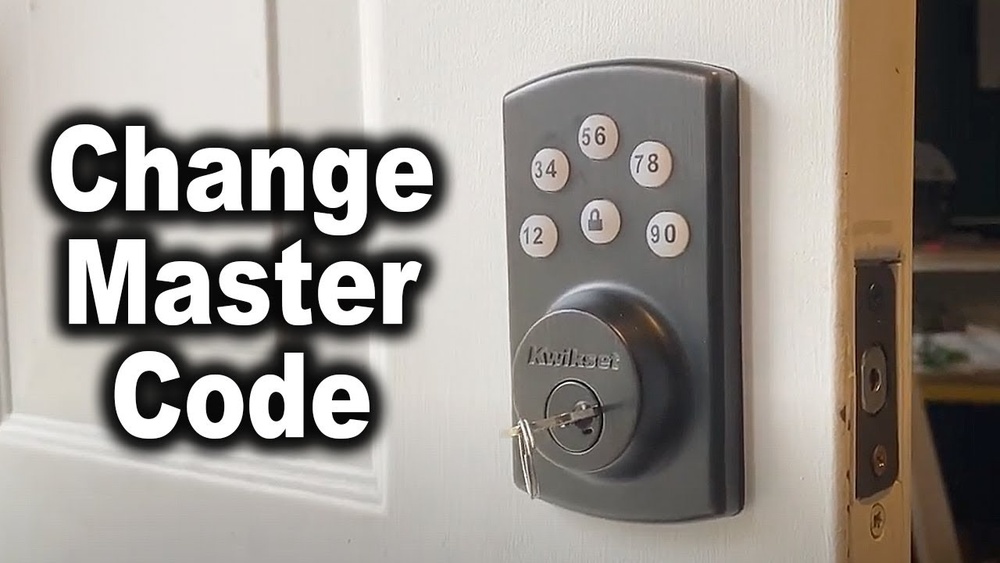
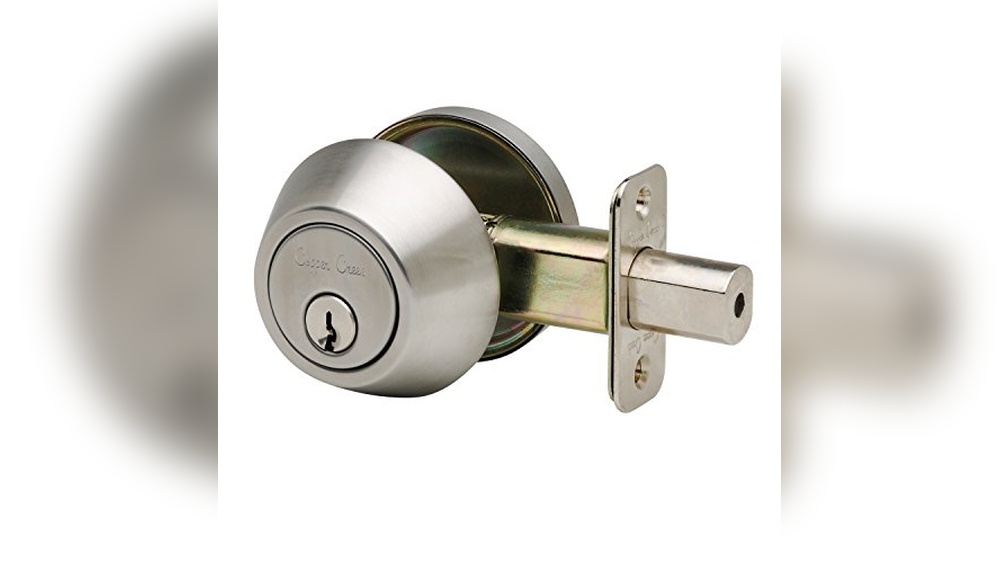
Have you ever found yourself locked out or struggling with your Brinks deadbolt lock? Resetting it might seem tricky, but it doesn’t have to be.
In this guide, you’ll discover simple, step-by-step instructions to reset your Brinks deadbolt quickly and safely. Whether you want to change your code for extra security or need to fix a malfunction, this article will make the process clear and easy.
Keep reading, and you’ll be back in control of your lock in no time.

Credit: brinkslocks.com
Brinks Deadbolt Lock Features
The Brinks deadbolt lock offers reliable security for homes and offices. It combines strong materials with smart design to protect your property. These locks are easy to use and provide peace of mind. Many models come with features that enhance safety and convenience.
Brinks deadbolt locks fit various doors and needs. They often include keyless entry options and sturdy keys. Some models have anti-pick and anti-drill technology. These features help prevent unauthorized access. The locks are built to last and resist wear.
Types Of Brinks Deadbolt Locks
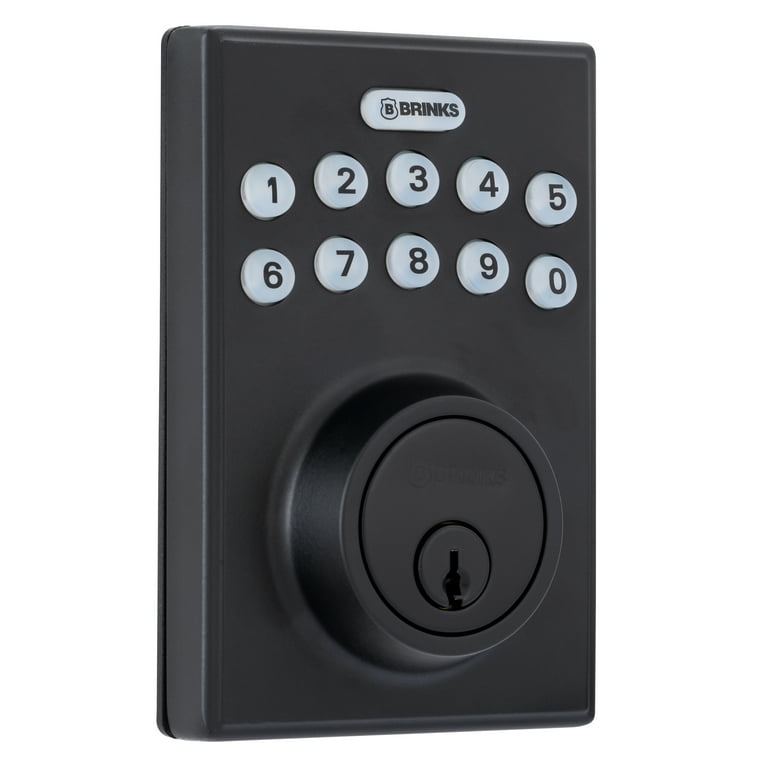
Brinks offers several deadbolt lock types. Mechanical locks use traditional keys and pins. Electronic locks have keypads for code entry. Smart locks connect to phones for remote control. Each type suits different security needs. Choose based on your door and lifestyle.
Common Reasons To Reset
Resetting a Brinks deadbolt lock may be necessary. Lost keys or forgotten codes require a reset. Upgrading security or changing users also calls for it. Sometimes, the lock malfunctions and needs resetting. A reset restores proper function quickly and safely.
Tools Needed For Reset
Resetting a Brinks deadbolt lock requires a few basic tools. These tools help you open the lock and set a new code easily. Having the right items ready saves time and avoids frustration during the reset.
Gathering the proper tools makes the process smooth. No need for special equipment. Most tools are common and simple to use.
Flathead Screwdriver
A flathead screwdriver is essential. It helps remove screws on the lock’s faceplate. A medium size fits most Brinks deadbolt locks. This tool lets you access the lock’s internal parts quickly.
Small Phillips Screwdriver
A small Phillips screwdriver is needed for smaller screws. Some Brinks models use these screws inside. It helps loosen parts without damaging the lock.
Reset Tool Or Paperclip
Use the reset tool that comes with the lock. It fits into the reset hole easily. If lost, a straightened paperclip works as a substitute. This tool presses the reset button inside the lock.
New Batteries (optional)
Sometimes, changing batteries is a good idea during reset. Fresh batteries ensure the lock works well after reset. Most Brinks deadbolts use AA or AAA batteries. Check your model before buying replacements.
Step-by-step Reset Process
Resetting your Brinks deadbolt lock is simple. Follow these steps carefully to reset and set new codes. This guide helps you through each stage clearly and quickly.
Removing The Lock From The Door
Start by opening the door. Locate the screws on the interior side of the lock. Use a screwdriver to remove these screws. Gently pull the lock off the door. Keep screws safe for reassembly.
Accessing The Reset Button
Look at the back of the lock’s interior panel. Find the small reset button, usually near the battery compartment. You may need a small tool to press the button. Press carefully to avoid damage.
Performing The Reset
Press and hold the reset button for about 10 seconds. Release the button when you hear a beep or see a light flash. This means the lock has reset. The lock now clears all previous codes.
Reprogramming New Codes
Enter the default master code found in your manual. Follow the lock’s instructions to add new user codes. Test each code to confirm it works properly. Replace the lock on the door using the screws removed earlier.
Tips For Setting Secure Codes
Setting a secure code for your Brinks deadbolt lock is essential for home safety. A strong code keeps unwanted people out. It also gives you peace of mind.
Here are some simple tips to create and keep a safe code.
Choosing Strong Combinations
Pick codes with numbers that are hard to guess. Use at least four digits for better security. Mix numbers in a way that is not easy to remember. Avoid using your birth year or simple sequences like 1234.
Try random numbers or a mix that only you understand. Changing your code regularly also helps keep your lock safe.
Avoiding Common Patterns
Do not use patterns like repeating digits or straight lines on the keypad. Codes like 1111 or 2580 are easy to guess. Avoid using parts of your phone number or address.
Steer clear of patterns that many people use. These are the first ones thieves try. Instead, choose unique combinations that do not follow a visible pattern.
Troubleshooting Reset Issues
Resetting a Brinks deadbolt lock usually works smoothly. Sometimes, problems may appear during the reset process. Troubleshooting reset issues helps you fix these problems fast. Understanding common problems saves time and avoids frustration.
Lock Not Responding
The lock may not respond to button presses or codes. Check if the batteries are dead or low. Replace the batteries with new ones and try again. Make sure the battery contacts are clean and touching well. Reset the lock by pressing the reset button with a small tool. If the lock still does not respond, try a power cycle by removing and reinserting batteries. Sometimes, the lock needs a few seconds to reboot after power is restored.
Code Not Accepted
Entering the reset code might fail if the code is wrong. Double-check the code from your user manual or setup guide. Codes are case-sensitive, so enter them exactly as shown. Clear the keypad and enter the code slowly and carefully. If the code is correct but not accepted, try resetting the lock again. Make sure you follow the reset steps exactly. Sometimes, the lock may have a temporary glitch that fixes with a fresh reset. If problems persist, consult the Brinks support for help.

Credit: www.youtube.com
Maintaining Your Brinks Deadbolt
Maintaining your Brinks deadbolt is key to keeping it secure and working well. Simple care steps help avoid problems and extend the lock’s life. Regular checks and cleaning keep the deadbolt smooth and reliable.
Regular Battery Replacement
The Brinks deadbolt runs on batteries. Weak batteries can cause the lock to fail. Change batteries every six months to keep it powered. Use fresh, high-quality batteries for best results. Check the battery indicator on the lock often. Replace batteries immediately if the lock signals low power.
Cleaning And Care
Dust and dirt can block the lock’s mechanism. Clean the deadbolt with a soft, dry cloth. Avoid using water or harsh chemicals on the lock. Lubricate the lock once a year with a silicone-based spray. This keeps the internal parts moving smoothly. Keep the keyhole free from debris for easy use.
Credit: www.walmart.com
Frequently Asked Questions
How Do I Reset My Brinks Deadbolt Lock?
To reset your Brinks deadbolt lock, remove the battery cover, press the reset button, and hold it for 10 seconds. Reinstall the batteries, then set a new code following the manufacturer’s instructions. This restores factory settings and clears old codes.
What Tools Are Needed To Reset Brinks Deadbolt Locks?
You typically need no special tools to reset a Brinks deadbolt lock. Just a screwdriver to open the battery cover and access the reset button. Batteries may need replacement during the reset process for smooth operation.
Can I Reset My Brinks Lock Without The Master Code?
Yes, you can reset the Brinks deadbolt without the master code by using the physical reset button inside the lock. This erases all existing codes and restores factory defaults, allowing you to set new access codes.
How Long Does It Take To Reset A Brinks Deadbolt Lock?
Resetting a Brinks deadbolt lock usually takes under 5 minutes. The process includes removing the battery cover, pressing the reset button, and programming a new code. It’s quick and straightforward for most users.
Conclusion
Resetting your Brinks deadbolt lock is simple and quick. Follow each step carefully for the best results. This helps keep your home safe and secure. You can change your code anytime you want. No need to call a locksmith or pay extra.
Regular updates to your lock code improve security. Keep your instructions handy for future use. Stay confident knowing you control your lock settings. Taking control of your deadbolt lock is easy to do.