Imagine turning your lights on or off without leaving your couch. Sounds convenient, right?
Controlling your light switch from your phone can make your daily routine easier and add a touch of smart living to your home. Whether you want to save energy, boost security, or simply enjoy the ease of remote control, this guide will show you exactly how to do it.
Keep reading, and you’ll discover simple steps to transform your ordinary lights into smart lights—no complicated tech skills needed!
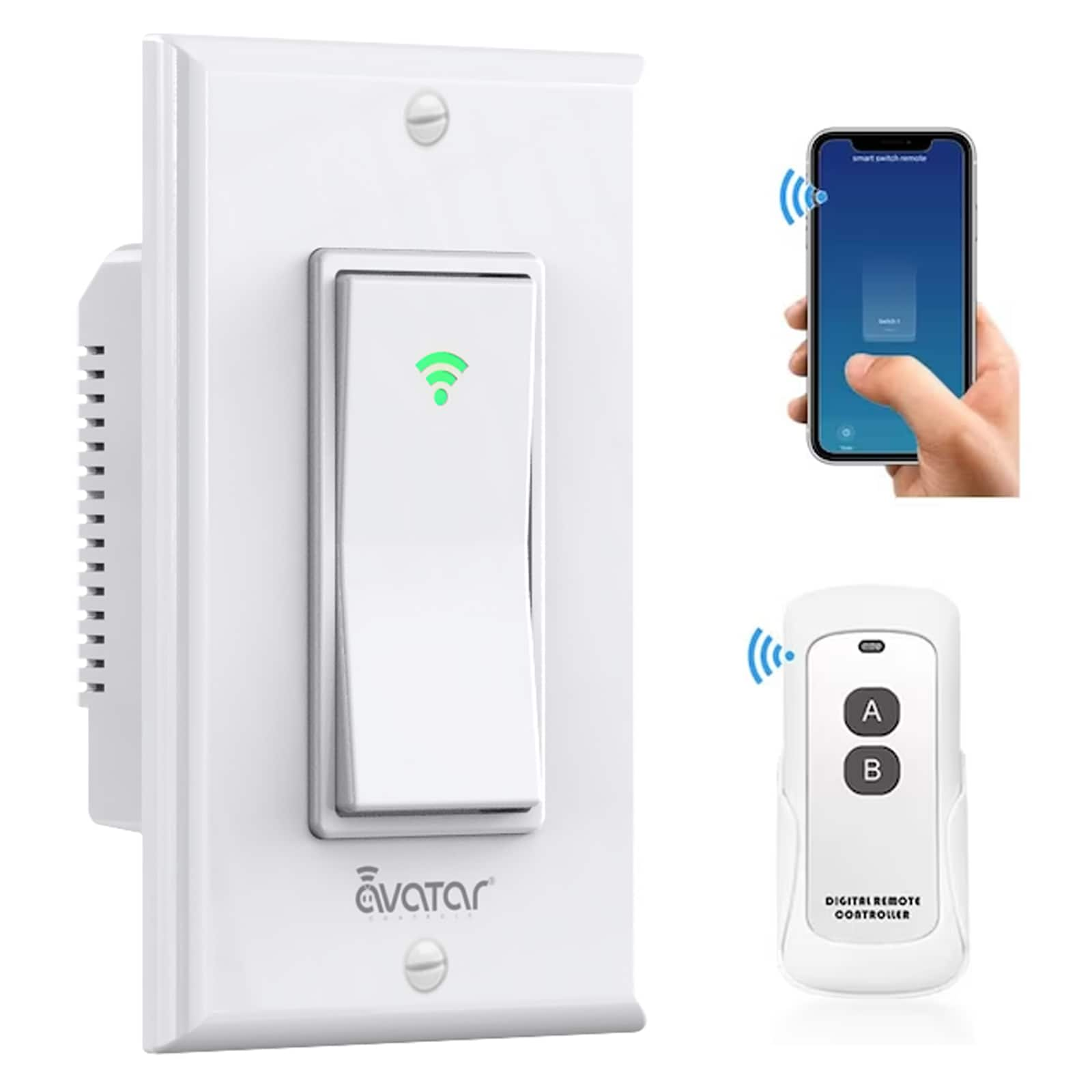
Credit: www.lowes.com
Smart Light Switch Basics
Smart light switches let you control home lighting with your phone. They replace regular switches and connect to your Wi-Fi. This lets you turn lights on or off from anywhere. You can also set schedules and create moods easily.
Understanding the basics helps you choose the right switch for your needs. Here are key points about types, how they work, and their benefits.
Types Of Smart Switches
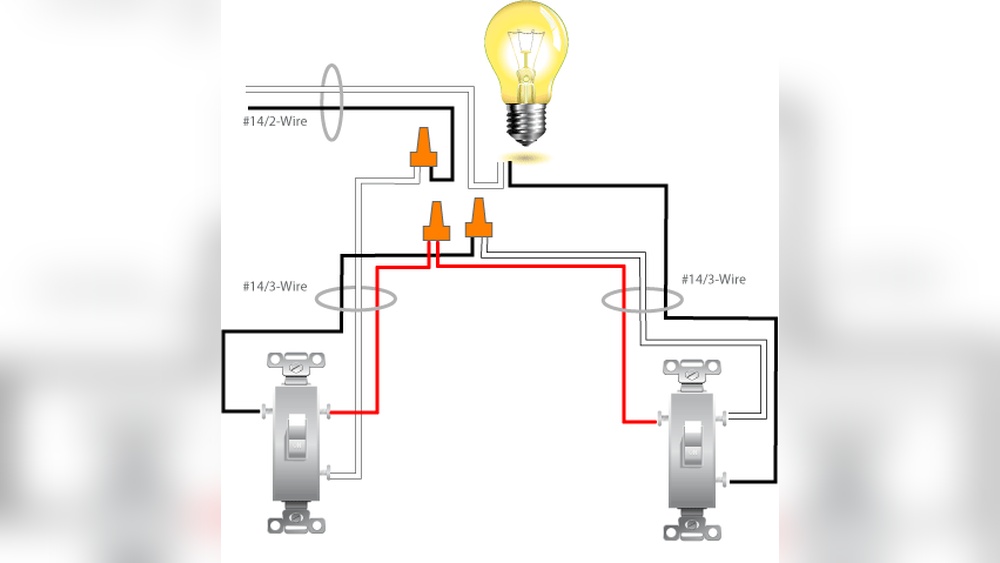
There are several types of smart switches. The most common are single-pole and three-way switches. Single-pole switches control one light from one place. Three-way switches control one light from two places. Some smart switches include dimming options. Others work with voice assistants like Alexa or Google Home.
How They Work
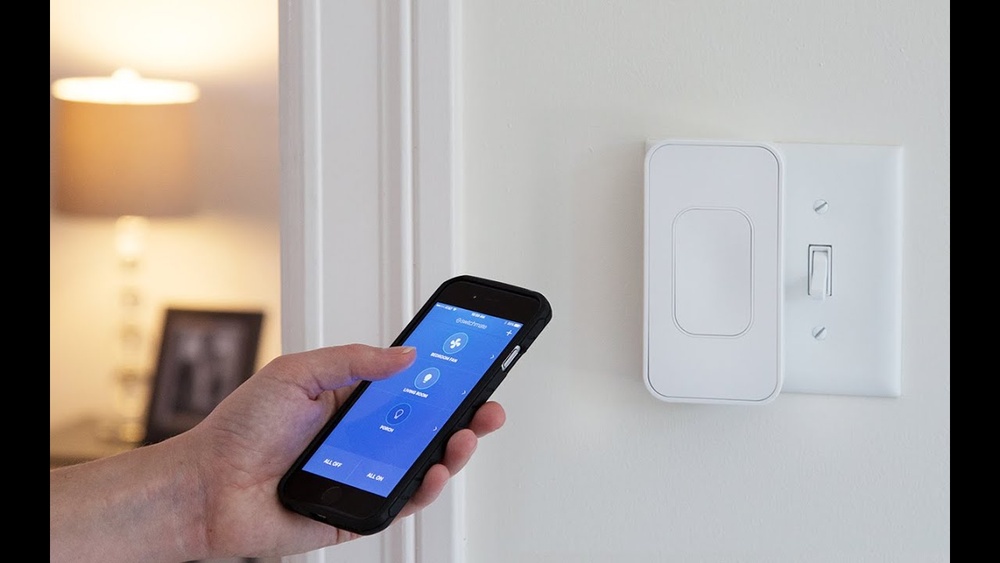
Smart switches connect to your home Wi-Fi network. You control them through an app on your phone. The app sends commands to the switch. The switch then turns the light on or off. Some switches use Bluetooth or Zigbee instead of Wi-Fi. They still offer remote control and automation features.
Benefits Of Smart Switches
Smart switches save energy by allowing timed lighting. You avoid leaving lights on by mistake. They improve home security by simulating presence. You can control lights without leaving your seat. These switches also add convenience and comfort to your daily life.
Choosing The Right Switch
Choosing the right switch is the first step to control your lights from your phone. It affects how well your system works. The switch must fit your home and your needs. Picking the right one saves money and avoids problems later.
Compatibility With Home Wiring
Check your home wiring before buying a smart switch. Some switches need a neutral wire. Older homes may not have this wire. Without it, the switch might not work correctly. Look at your current switch or ask an electrician. Choose a switch that matches your wiring setup.
App And Voice Assistant Support
Choose a switch that works with your phone app. The app should be easy to use and reliable. Also, check if the switch supports voice assistants like Alexa or Google. Voice control adds convenience. It lets you control lights without touching your phone.
Budget Considerations
Smart switches come in different price ranges. Decide how much you want to spend. More expensive switches often have extra features. But basic models still offer good remote control. Balance cost with features you need. Avoid paying for functions you won’t use.
Setup Requirements
Setting up control of your light switch from your phone needs some basic tools and conditions. You must prepare your home network and gather essential equipment. Safety steps are also key before starting any installation.
These setup requirements help ensure smooth and safe operation. The following sections explain each part clearly.
Wi-fi And Network Needs
A stable Wi-Fi connection is essential. Your phone and smart switch must connect to the same network. A 2.4 GHz Wi-Fi band usually works best for smart devices. Check that your router is near the light switch location. This helps avoid weak signals or disconnections.
Make sure your internet speed is good enough. Slow internet can delay command response. Also, keep your router firmware updated. This improves security and device compatibility.
Required Tools
You need a compatible smart light switch. Choose one that works with your phone’s app. Also, get a screwdriver and voltage tester. The voltage tester ensures the power is off before you start. A ladder may be needed if the switch is high on the wall.
Smartphone or tablet is required to install and control the switch. Download the official app from your device’s app store. A user manual helps with wiring and setup steps.
Safety Precautions
Always turn off the main power before handling electrical wiring. Use a voltage tester to confirm no electricity flows. Wear insulated gloves for added protection. Avoid working in wet or damp conditions.
Follow the smart switch manufacturer’s instructions carefully. If unsure about wiring, ask a professional electrician. Safety prevents accidents and damage to your devices.
Step-by-step Installation
Installing a smart light switch lets you control lights through your phone. Follow these clear steps to replace your old switch with a smart one. The process is safe and simple with the right approach.
Turning Off Power
Start by switching off the power at your home’s circuit breaker. This step is very important to avoid electric shock. Use a voltage tester on the switch wires to confirm no electricity flows.
Removing Old Switch
Remove the switch cover with a screwdriver. Unscrew the old switch from the wall box carefully. Take note of how wires connect to the switch for later.
Wiring The Smart Switch
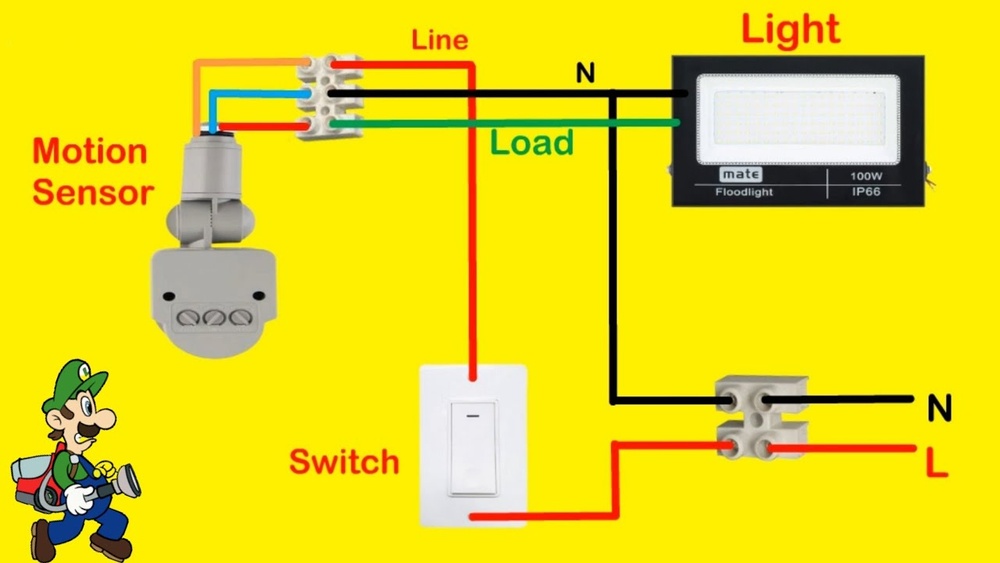
Connect the wires to the new smart switch following its instructions. Match wire colors: black to black, white to white, and ground wire to green or bare copper. Tighten the screws to hold wires firmly.
Securing And Testing
Push the smart switch into the wall box gently. Screw it in place and attach the cover plate. Turn on the power at the breaker. Test the switch by using the phone app and the wall switch.
Connecting To Your Phone
Connecting your light switch to your phone is the first step to control your lights remotely. It makes your home smarter and saves energy. Follow these simple steps to link your phone to the switch. This guide helps you set up quickly and easily.
Downloading The App
Start by downloading the app designed for your smart switch. Find it in the Google Play Store or Apple App Store. Check the switch manual for the exact app name. Use a stable internet connection to avoid interruptions during download. Install the app and open it to prepare for pairing.
Pairing The Switch
Turn on your light switch and keep it near your phone. Open the app and select the option to add a new device. Follow the on-screen instructions to find your switch. The app will search for the switch via Bluetooth or Wi-Fi. Confirm the connection once the switch appears on your phone screen.
Configuring Settings
After pairing, customize your switch settings in the app. Set a name for easy identification, like “Living Room Light.” Adjust schedules to automate turning the light on or off. Enable notifications to get alerts about your switch status. Save your settings to start controlling your light from your phone.

Credit: www.youtube.com
Using Voice Control
Using voice control to manage your light switches makes your home smarter and easier to use. Speaking a command turns lights on or off without touching a phone or switch. It saves time and is very convenient, especially when your hands are full or you are far from the switch.
Voice control works by linking your smart light switch to a voice assistant. You just say simple commands like “Turn on the living room light.” The assistant does the rest. Setting up is quick and fits any home setup.
Setting Up With Alexa
To use Alexa, first connect your smart switch to Wi-Fi. Download the Alexa app on your phone. Open the app and add a new device. Select your light switch brand and follow the steps. Alexa finds your switch and links it to your account. Test it by saying, “Alexa, turn on the lights.” Your switch should respond immediately.
Using Google Assistant
Google Assistant works well with many smart switches. Start by installing the Google Home app. Add your light switch as a new device. Choose the brand from the list and sign in if needed. Link your accounts to allow control. Try saying, “Hey Google, switch off the bedroom light.” Your command will control the switch instantly.
Other Voice Platforms
Other voice platforms like Apple HomeKit or Samsung SmartThings also support smart switches. For Apple devices, use the Home app to add your switch. Follow the instructions to pair it. Samsung SmartThings requires the SmartThings app for setup. After linking, use voice commands through Siri or Bixby. These platforms offer similar ease and control for your lights.
Troubleshooting Tips
Controlling your light switch from your phone is very convenient. Sometimes, problems may stop it from working properly. Troubleshooting these issues helps you get control back fast. This guide covers common problems and easy fixes.
Connection Issues
Check if your phone and switch are on the same Wi-Fi network. A different network can block control. Restart your router to clear network glitches. Move closer to the router to improve signal strength. Ensure your internet is working well. A weak or no internet connection stops the switch from responding.
App Problems
Make sure the app is updated to the latest version. Older versions may have bugs. Close the app fully and reopen it. This refreshes the connection. Clear the app cache from your phone settings. Sometimes, cached data causes errors. If the app still fails, uninstall and reinstall it.
Switch Malfunctions
Check the switch’s power source. Loose wires or no power stops it from working. Reset the switch by turning it off and on again. Follow the manual for reset instructions. If the switch feels hot or damaged, avoid using it. Contact the manufacturer for support or replacement.
Advanced Features
Advanced features make controlling your light switch from your phone more useful. These features add convenience and help save energy. They let you set your lights to work exactly how you want. Explore the key options below to get the most from your smart lights.
Scheduling Lights
Set your lights to turn on or off at specific times. This helps create routines for morning or bedtime. You can program lights to match your daily schedule. It keeps your home lit only when needed. Scheduling adds comfort and saves electricity.
Remote Access
Control your lights from anywhere using your phone. Turn lights on before you arrive home. Switch them off if you forget before leaving. Remote access gives peace of mind and flexibility. It works through your home Wi-Fi or mobile data.
Energy Monitoring
Track how much power your lights use with energy monitoring. See which lights consume the most electricity. Use this data to reduce waste and cut your bills. Energy monitoring encourages smart habits and efficient use. It helps make your home greener and cheaper to run.
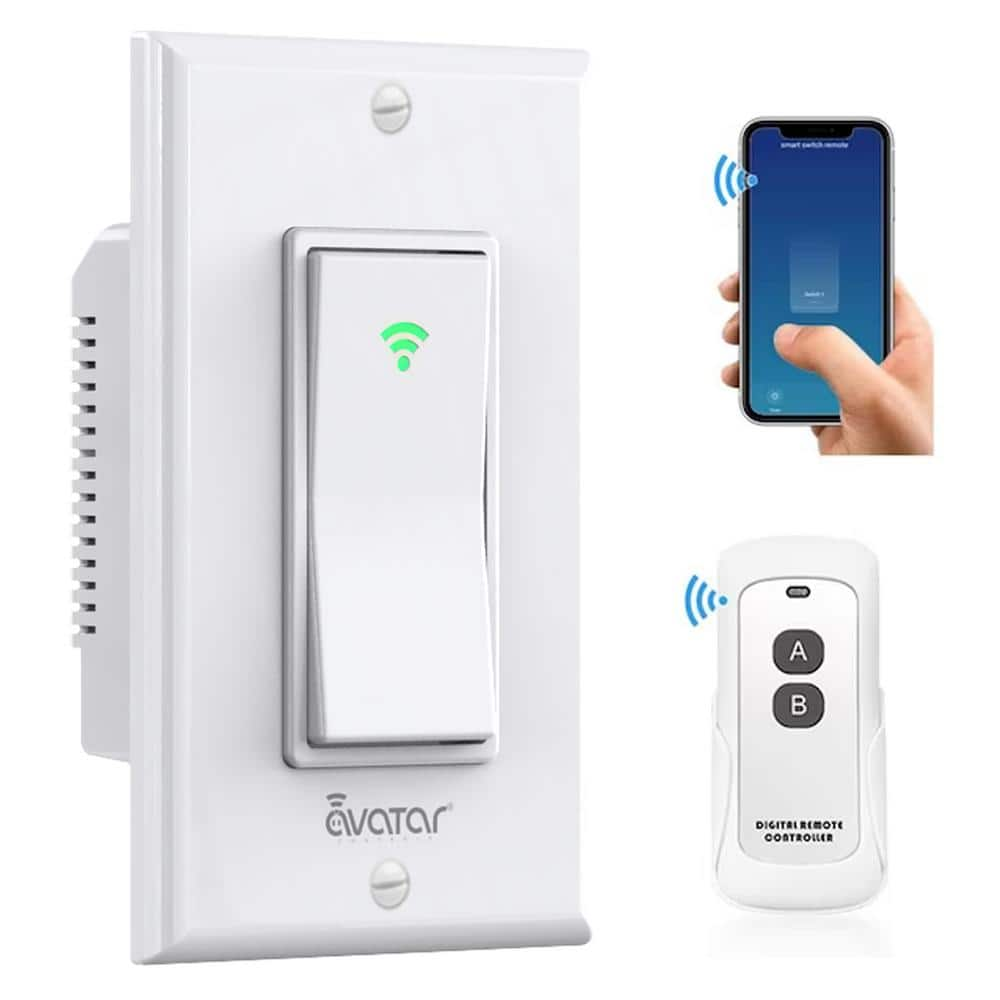
Credit: www.homedepot.com
Frequently Asked Questions
How Can I Control A Light Switch From My Phone?
You can control a light switch from your phone using smart switches or smart bulbs. Connect them to your Wi-Fi and use their app to turn lights on or off remotely.
What Devices Are Needed For Phone-controlled Light Switches?
You need smart light switches or smart bulbs, a Wi-Fi network, and a smartphone with the corresponding app installed. Some setups may require a smart home hub for compatibility.
Is It Safe To Install Smart Light Switches Myself?
Yes, but only if you have basic electrical knowledge. Always turn off power before installation. Otherwise, hire a professional electrician to ensure safety and proper setup.
Can I Control Multiple Light Switches From One Phone?
Yes, most smart home apps allow you to control multiple switches. You can group lights by room or function and control them individually or together through one phone.
Conclusion
Controlling your light switch from a phone makes life easier. You can turn lights on or off from anywhere. This saves energy and adds comfort to your home. Setting up the system takes just a few steps. Many apps offer simple controls and useful features.
Stay connected to your home even when you are away. Try this smart option and enjoy the convenience. Small changes can bring big improvements to daily life. Why not give it a try today?