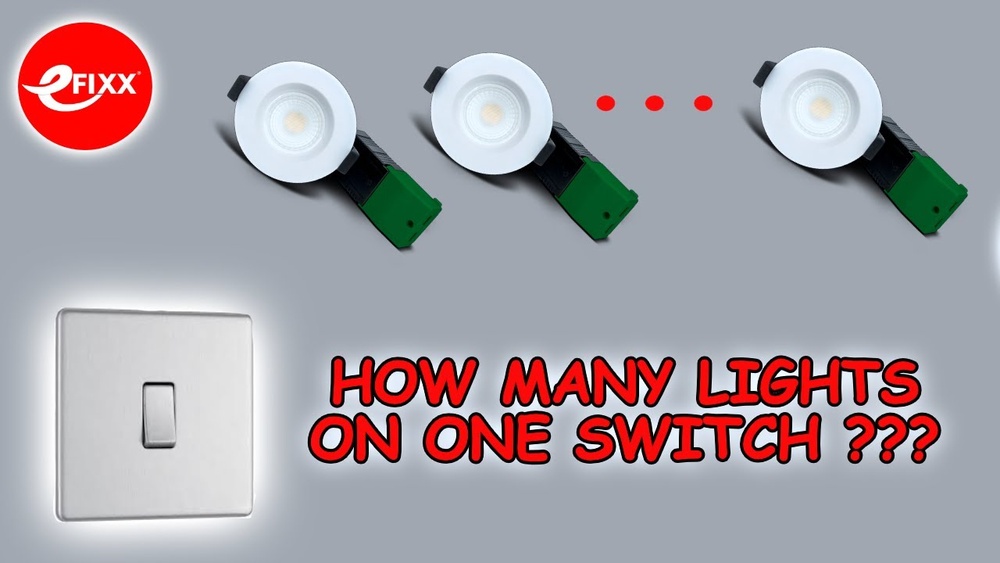
Imagine turning your lights on or off without even getting up. Sounds convenient, right?
Whether you want to save energy, add a touch of smart technology to your home, or simply make your life easier, learning how to control your light switch remotely can change the way you live. In this guide, you’ll discover simple steps and practical tips to take full control of your lighting from anywhere.
Ready to transform your home with just a tap on your phone? Keep reading to unlock the secret to effortless lighting control.
Benefits Of Remote Light Control
Remote light control offers many benefits for everyday life. It lets you turn lights on or off without being near the switch. This technology makes managing your home easier and smarter. It also helps save energy and improve safety. Here are some key advantages of controlling lights remotely.
Convenience And Accessibility
Control lights from anywhere in your home or outside. No need to get up or find a switch in the dark. Use a smartphone or voice command to manage your lighting. It is especially helpful for people with mobility issues. Scheduling lights to turn on or off fits your daily routine perfectly.
Energy Efficiency
Remote control helps reduce electricity waste. Turn off lights that are left on by mistake. Set timers to avoid using lights during daylight hours. Smart lighting adjusts brightness based on need. This lowers your energy bills and is good for the environment.
Enhanced Security
Simulate presence when you are away from home. Turn lights on and off to deter burglars. Control outdoor lighting to keep your property safe. Receive alerts if lights turn on unexpectedly. Remote control adds a layer of protection for your family and belongings.
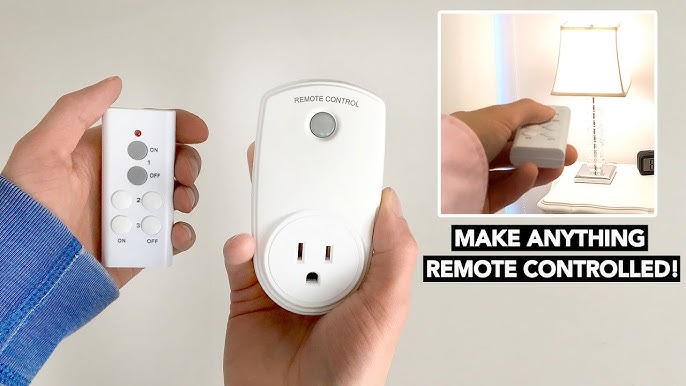
Credit: www.youtube.com
Types Of Smart Light Switches
Smart light switches allow remote control of your home lighting. They bring convenience and energy savings. Different types exist, each with unique features. Understanding them helps choose the right one for your needs.
Wi-fi Enabled Switches
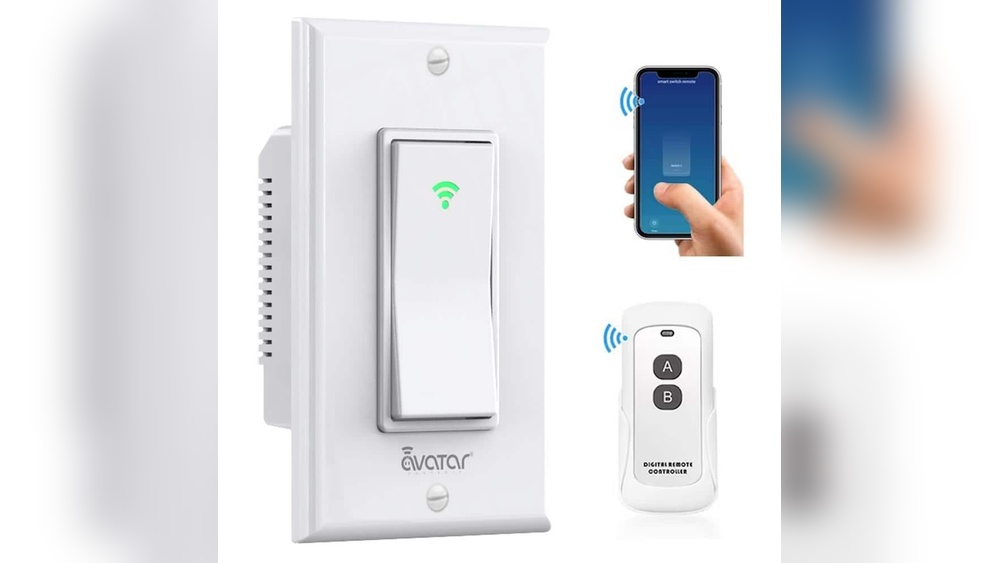
Wi-Fi enabled switches connect directly to your home internet. Control lights from anywhere using a smartphone app. No extra hub or device needed. They support voice commands through assistants like Alexa or Google. Setup is simple and fast for most users.
Zigbee And Z-wave Switches
Zigbee and Z-Wave switches use special wireless protocols. They require a hub to connect with your home network. These switches create a mesh network for better range. They are reliable and secure. Ideal for larger homes with many smart devices.
Bluetooth Light Switches
Bluetooth light switches connect directly to your phone nearby. No internet or hub is necessary. Control lights within a limited range, typically a few meters. Easy to install and cost-effective. Great for single rooms or small spaces.
Choosing The Right Smart Switch
Choosing the right smart switch is key to controlling lights remotely. The right switch fits your home’s wiring and works well with your devices. It should match your budget and smart home setup. Picking carefully saves time and money.
Compatibility With Existing Wiring
Check your home’s wiring before buying a smart switch. Some switches need a neutral wire. Older homes may not have one. Choose a switch that works with your wiring. This avoids costly rewiring or installation problems.
Integration With Smart Home Systems
Pick a switch that connects easily with your smart home system. Many switches support Alexa, Google Assistant, or Apple HomeKit. Integration lets you control lights by voice or app. It also helps with automation and routines.
Budget Considerations
Smart switches come in many price ranges. Decide how much you want to spend. Higher prices may offer more features or better quality. Look for a switch that fits your budget and needs. Avoid overspending on features you won’t use.
Credit: xyzcreativeworks.com
Installation Steps For Smart Switches
Installing a smart switch lets you control your lights remotely with ease. The process is straightforward, but careful steps ensure success. Follow the instructions below to install your smart switch safely and correctly.
Safety Precautions
Turn off power at the breaker before starting. Use a voltage tester to confirm no electricity flows. Wear insulated gloves to protect yourself. Never touch wires with bare hands. Keep the work area dry and clear of clutter. Follow all local electrical codes for safety.
Tools And Materials Needed
Gather a screwdriver, wire stripper, voltage tester, and electrical tape. Have your smart switch and its instruction manual ready. Use a ladder if the switch is high on the wall. Keep a flashlight nearby in case of poor lighting. A small container helps keep screws organized.
Wiring And Setup
Remove the old switch cover and unscrew the switch. Identify the line, load, neutral, and ground wires. Connect the smart switch wires to the matching house wires. Use wire nuts to secure all connections tightly. Mount the smart switch into the wall box. Turn on power and test the switch. Follow the app instructions to complete setup.
Configuring Remote Control
Configuring remote control for your light switch lets you manage lighting with ease. This setup connects your switch to your home network or hub. After that, you can control lights from your phone or by voice. Let’s explore the key steps to get started.
Connecting To Wi-fi Or Hub
First, connect the light switch to your Wi-Fi network or smart home hub. Use the switch’s app or manual for specific instructions. Ensure your network is stable and the switch is nearby the router. A strong connection helps avoid delays or disconnections.
Some smart switches require a hub. If yours does, plug the hub into your router. Then, pair the switch with the hub using the app. This step creates a secure link between your devices.
Using Mobile Apps
Download the official app for your smart switch. Open the app and follow the setup wizard. Create an account if needed. The app lets you turn lights on or off remotely. You can also set schedules or timers for automatic control.
Many apps offer easy controls with simple buttons and sliders. Some allow grouping multiple switches for one command. This feature saves time and adds convenience.
Voice Control Setup
Enable voice control to operate lights hands-free. Connect your smart switch app to a voice assistant like Alexa, Google Assistant, or Siri. Use the assistant’s app to link your accounts. Then, discover your devices for voice commands.
Try commands like “Turn on the living room light” or “Dim bedroom lights.” Voice control adds comfort and quick access to your lighting.
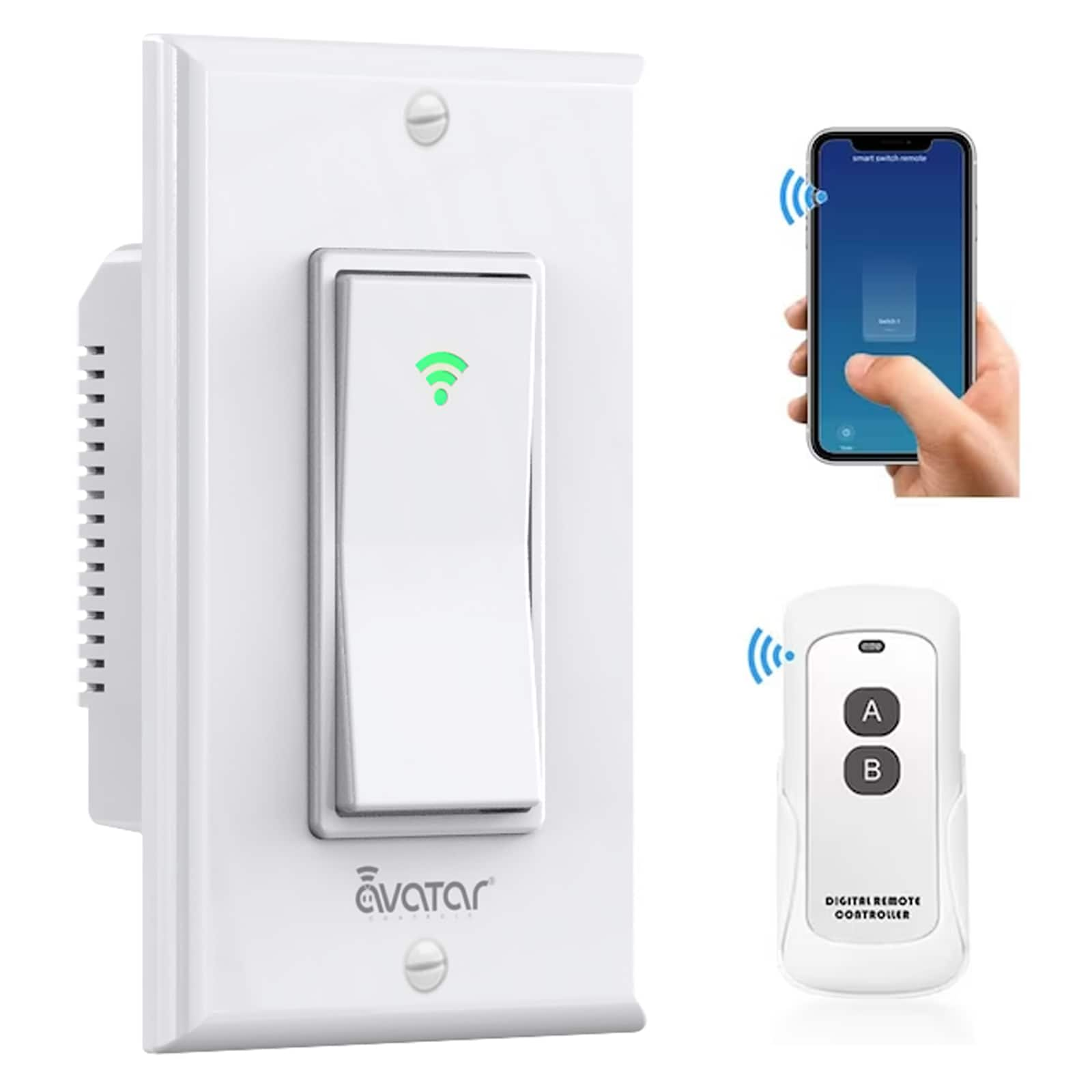
Credit: www.lowes.com
Troubleshooting Common Issues
Controlling a light switch remotely can be very convenient. Still, some problems might stop it from working right. This section helps you fix common issues fast. Follow these steps to get your switch working again.
Connectivity Problems
Check your Wi-Fi signal. Weak signals cause connection drops. Move your router closer to the switch if needed. Restart your router to refresh the network. Make sure your switch supports your Wi-Fi band. Some work only on 2.4 GHz networks.
Switch Not Responding
Power off the switch, then turn it back on. This simple step can reset the device. Check the wiring to see if it is loose or damaged. Confirm the switch is compatible with your home system. Test the switch manually to see if it works without the app.
App Configuration Errors
Open the app and check for updates. Outdated apps may fail to connect properly. Reinstall the app to clear any bugs or glitches. Verify the switch is added correctly in the app settings. Make sure you use the right login details for the app.
Expanding Your Smart Lighting System
Expanding your smart lighting system makes your home more convenient and efficient. You can control many lights from one place. This helps save energy and time. It also creates a cozy atmosphere in your rooms.
Start small and grow your system step by step. Each new device adds value. You get more control and options for your lights. Let’s explore how to expand your smart lighting setup easily.
Adding More Switches
Adding more smart switches lets you control lights in many rooms. Each switch connects to your main system. You can use your phone or voice to turn lights on or off. This makes it easy to control lights anywhere in your home. Choose switches that work with your current system. This avoids connection problems. Installing more switches spreads smart control through your house.
Integrating With Other Devices
Smart lights work well with other smart devices. Connect your lights to sensors, cameras, or smart speakers. Sensors can turn lights on when you enter a room. Cameras can trigger lights if they detect movement. Speakers let you control lights using voice commands. Integration helps your home react automatically to your needs. It makes your living space more comfortable and safe.
Creating Automation Routines
Automation routines let your lights follow set rules. For example, lights can turn off at bedtime. They can turn on at sunset or when you arrive home. You create routines using your smart app. This saves effort and energy. Your lights work without you touching a switch. Automation makes your home smarter and easier to live in.
Frequently Asked Questions
How Can I Control My Light Switch Remotely?
You can control your light switch remotely using smart switches or Wi-Fi-enabled devices. These connect to your smartphone via apps, allowing on/off control from anywhere.
What Devices Are Needed For Remote Light Control?
A smart light switch or smart plug, a stable Wi-Fi connection, and a compatible smartphone app are essential for remote control.
Is Remote Light Switching Safe And Secure?
Yes, remote light switches use encrypted connections and password protection to ensure secure control and prevent unauthorized access.
Can I Control Multiple Light Switches Remotely?
Yes, most smart home apps support controlling multiple switches simultaneously or individually from a single smartphone interface.
Conclusion
Controlling your light switch remotely makes life easier and safer. You save time by turning lights on or off from anywhere. It also helps lower your electricity bills by avoiding waste. Many options exist, from smart switches to apps. Choose one that fits your home and budget.
Start small and enjoy the convenience step by step. Remote control lighting adds comfort and control to daily life. Give it a try and see the difference yourself.