Are you happy with your current deadbolt but want to make it more secure or modern? You don’t have to replace the entire lock to get an upgrade.
Keeping your deadbolt while improving its performance can save you time, money, and hassle. You’ll discover simple, effective ways to boost your deadbolt’s security and style without losing what you already trust. Ready to make your door safer and smarter?
Let’s dive in.

Credit: www.amazon.com
Benefits Of Keeping Your Deadbolt
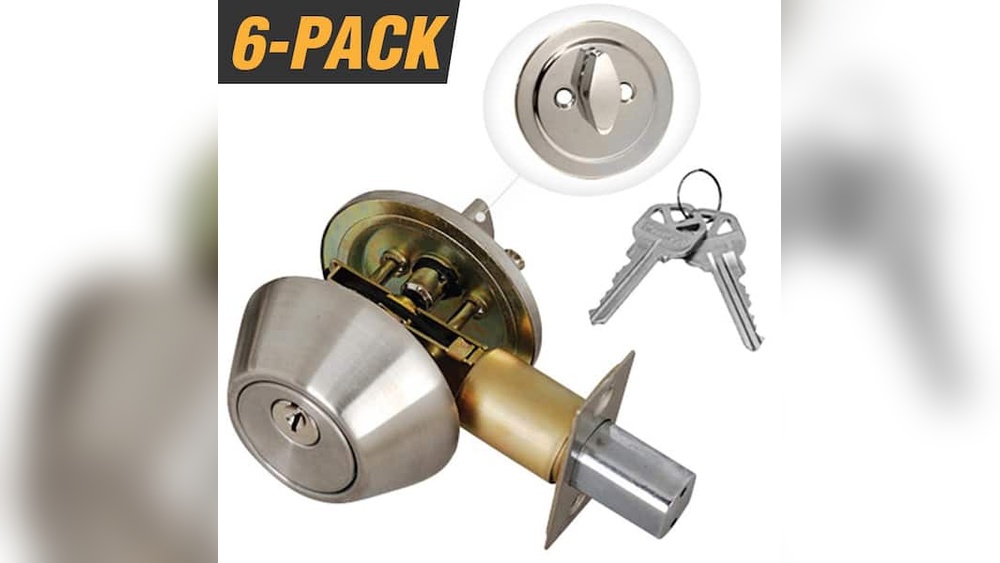
Keeping your deadbolt while upgrading your door security has many benefits. It lets you improve safety without losing what already works well. A deadbolt is a strong lock with a long history of protecting homes. Upgrading does not mean removing it. Instead, you can add features and keep the trusted lock.
This approach saves time, money, and effort. It also makes sure your door stays secure with a familiar lock. Here are some key benefits of keeping your deadbolt when you upgrade.
Durability And Reliability
Deadbolts are made to last many years. They resist force and tough weather. This makes them very reliable for home security. Most deadbolts use strong metal that does not break easily. Keeping your deadbolt keeps this trusted strength in place. You do not lose security by upgrading other parts of your door.
Cost-effective Security
Replacing a deadbolt can be expensive. Keeping it lowers the total cost of upgrades. You avoid buying a new lock and paying for installation. Upgrades that fit your existing deadbolt save money. This approach gives good security for less cost. It also reduces waste by reusing what still works.
Easy Integration With Smart Devices
Many smart lock systems work with existing deadbolts. You can add smart features without removing your lock. This includes keyless entry and remote control. Your deadbolt stays as the strong core lock. The smart device adds convenience and modern functions. This keeps your door secure and up to date.
Choosing Smart Deadbolt Add-ons
Choosing smart deadbolt add-ons lets you keep your current lock while adding modern features. It saves money and keeps your door familiar. You can control your lock with a phone or keypad. This upgrade adds convenience and improves security.
Selecting the right add-on depends on your needs. Some options replace the whole lock, while others work with your existing deadbolt. Understanding the differences helps you pick the best choice.
Smart Locks Vs. Smart Controllers
Smart locks replace your current deadbolt with a new one. They offer built-in technology like keypads and Bluetooth. Smart controllers attach to your existing deadbolt. They let you control the lock remotely without changing the lock itself. Controllers are easier to install and often cost less.
Features To Look For
Choose add-ons with features that fit your lifestyle. Keypad entry offers easy access without keys. Remote control lets you lock or unlock from anywhere. Some models include auto-locking for extra safety. Check for battery life and alerts for low power. Voice control is useful for hands-free operation.
Compatibility With Existing Deadbolt
Not all smart add-ons fit every deadbolt. Check if the device works with your lock’s size and style. Some controllers need specific brands or types. Make sure the add-on does not interfere with your lock’s manual use. Proper fit ensures smooth operation and long-lasting use.
Installing Smart Security Accessories
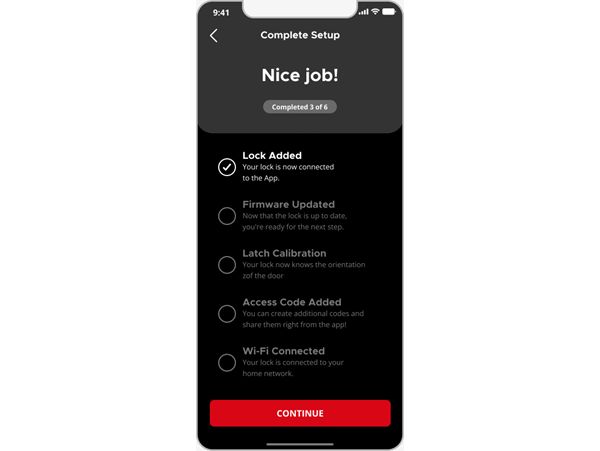
Installing smart security accessories can improve your deadbolt without replacing it. These devices add convenience and extra safety. They work with your current lock, making your home smarter and safer. You can control access and get notifications right from your phone. Here are some popular options to consider.
Keyless Entry Pads
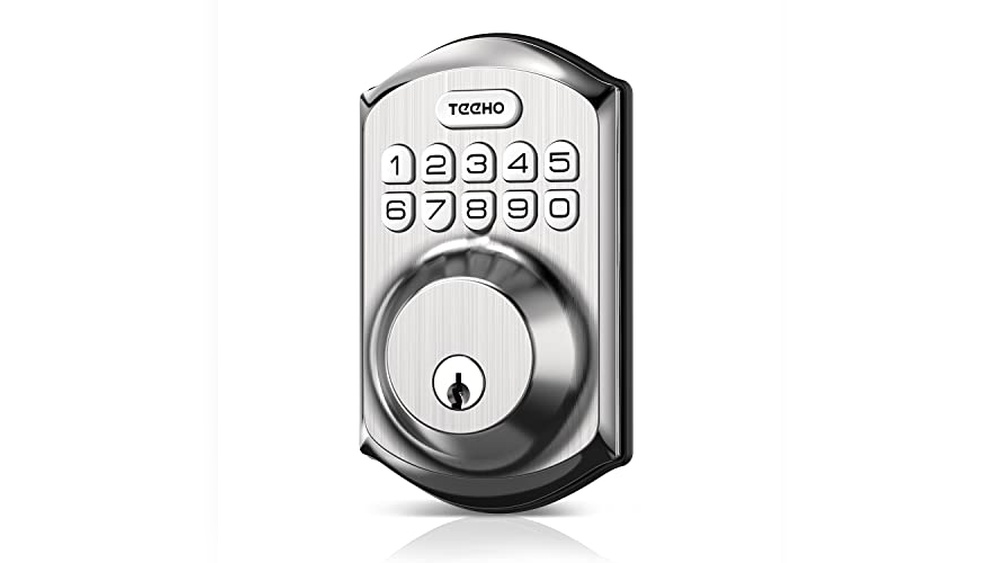
Keyless entry pads let you enter a code instead of a key. They attach near your deadbolt and connect to it. You can give family or friends a code to unlock the door. This means no more lost or copied keys. Some models allow you to change codes easily for more security.
Bluetooth And Wi-fi Modules
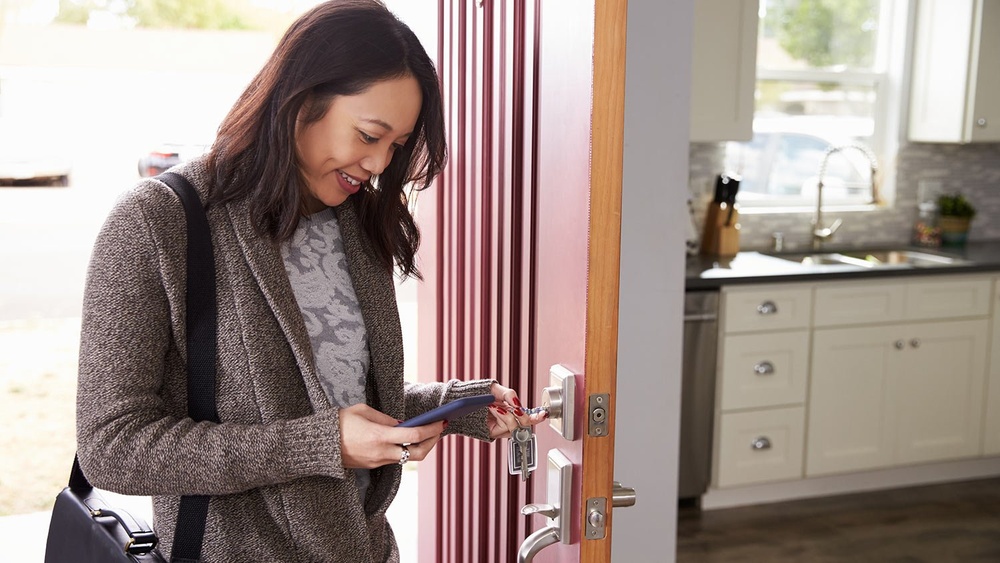
Bluetooth and Wi-Fi modules connect your deadbolt to your smartphone. They let you lock or unlock the door remotely. You can check if the door is locked from anywhere. Some modules work with voice assistants for hands-free control. This technology keeps your deadbolt smart and easy to use.
Door Sensors And Alerts
Door sensors detect when your door opens or closes. They send alerts to your phone for added awareness. This helps you monitor entry without being home. Some sensors work with alarms to warn against forced entry. Simple to install, they boost your door’s security instantly.
Credit: www.kwikset.com
Enhancing Security With Smart Home Systems
Upgrading your deadbolt with smart home systems boosts your home’s security significantly. Smart technology adds convenience and control without removing your existing lock. You can keep the deadbolt you trust and add new features for safety. These systems work well with your current setup and bring modern benefits.
Integrating With Voice Assistants
Smart deadbolts connect easily with voice assistants like Alexa or Google. You can lock or unlock your door using simple voice commands. This feature helps when your hands are full or you are far from the door. Voice control makes managing your lock fast and easy.
Remote Monitoring And Control
Remote control allows you to check your door’s status anywhere. Use your smartphone to lock or unlock your deadbolt from a distance. This is useful when you need to let someone in while away. Alerts notify you if the lock is used or tampered with.
Automation And Scheduling
Set your smart deadbolt to lock or unlock automatically at certain times. You can create schedules based on your daily routine. This reduces the risk of forgetting to lock your door. Automation adds peace of mind and saves time every day.
Maintaining Your Upgraded Deadbolt
Maintaining your upgraded deadbolt keeps it working smoothly and safely. Regular care helps avoid problems and extends its life. Simple steps ensure your lock stays reliable and easy to use.
Regular Battery Checks
Check the battery every month. A low battery can cause the deadbolt to stop working. Replace the battery right away to avoid lockouts. Use the type of battery recommended by the manufacturer.
Software Updates
Keep the deadbolt’s software updated. Updates improve security and fix bugs. Check for updates in the app or device settings. Install updates as soon as they are available.
Troubleshooting Common Issues
Look for common problems like slow response or failure to lock. Reset the lock if it acts strangely. Clean the lock and check for any damage. Contact support if issues continue after basic fixes.
Balancing Security And Convenience
Balancing security and convenience is key when upgrading your deadbolt. You want strong protection without making daily use hard. Smart upgrades offer features that keep your home safe and make access simple.
These options help control who enters your home. You can choose how and when people get in. This balance ensures safety and ease for everyone.
Customizing Access Permissions
Set specific access rules for different users. Family members get full entry at all times. Guests or workers can have limited access hours. This control helps keep your home secure and organized.
Temporary Access Codes
Create one-time or short-term codes for visitors. Perfect for delivery people or house sitters. These codes expire automatically to prevent misuse. Temporary codes add flexibility without risking security.
Emergency Lock Override
Have a backup plan for emergencies. Some deadbolt upgrades offer override keys or apps. This feature lets you enter quickly during urgent situations. It keeps safety high without locking you out.

Credit: www.codelocks.us
Frequently Asked Questions
How Can I Upgrade My Deadbolt Without Replacing It?
You can upgrade by adding a smart lock conversion kit. This enhances security without removing your existing deadbolt. It’s cost-effective and easy to install, keeping your current lock’s hardware intact while adding modern features like remote access.
Is It Possible To Keep My Deadbolt And Add Smart Features?
Yes, many smart lock adapters fit over your existing deadbolt. They allow keyless entry and remote control without changing the lock. This preserves your deadbolt’s look while upgrading functionality, improving convenience and security simultaneously.
What Are The Benefits Of Upgrading Without Replacing A Deadbolt?
Upgrading saves money and time by avoiding full lock replacement. It keeps your door’s original hardware and appearance. Plus, you gain advanced features like app control, notifications, and better security without complicated installations.
Can I Improve Deadbolt Security Without Professional Help?
Absolutely. Many upgrade kits are DIY-friendly with clear instructions. These kits include smart features and enhanced locking mechanisms. Doing it yourself saves costs and allows quick improvements to your door’s security.
Conclusion
Upgrading your deadbolt does not mean replacing it entirely. You can keep the lock you trust while adding new features. Choose compatible parts that improve security and ease of use. Small changes can make a big difference in safety. Stay smart and protect your home without extra cost.
This approach keeps things simple and effective. Take control of your security with smart upgrades today.