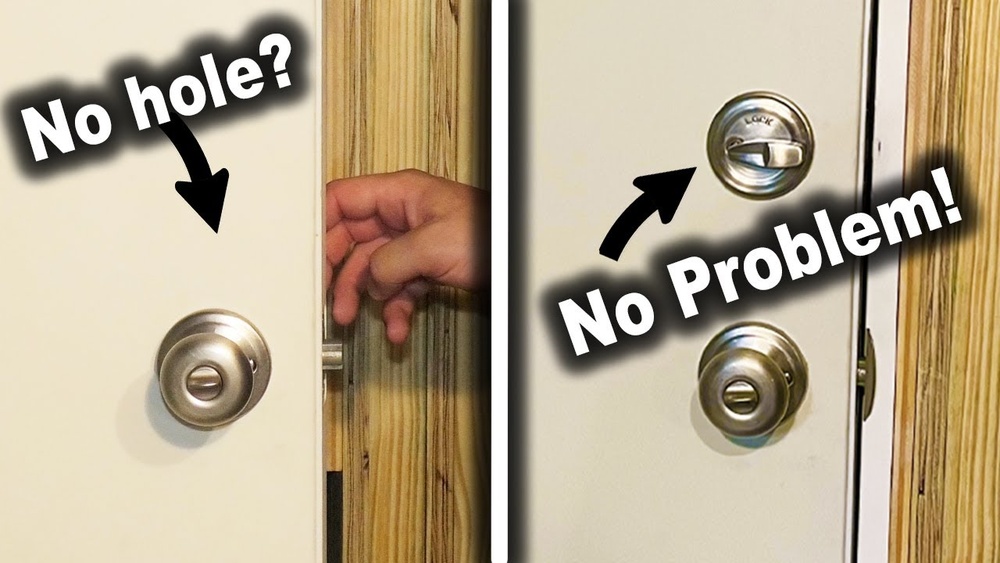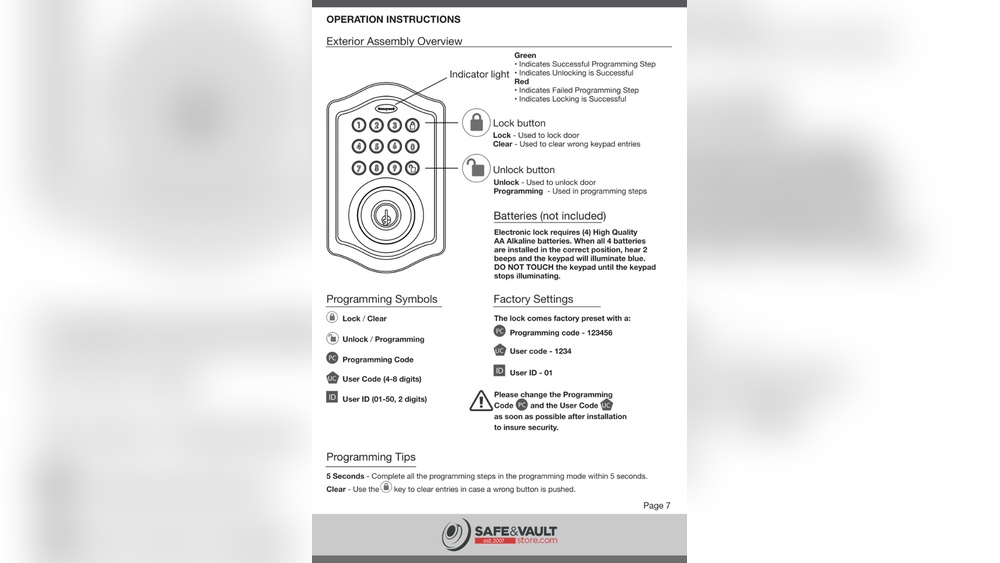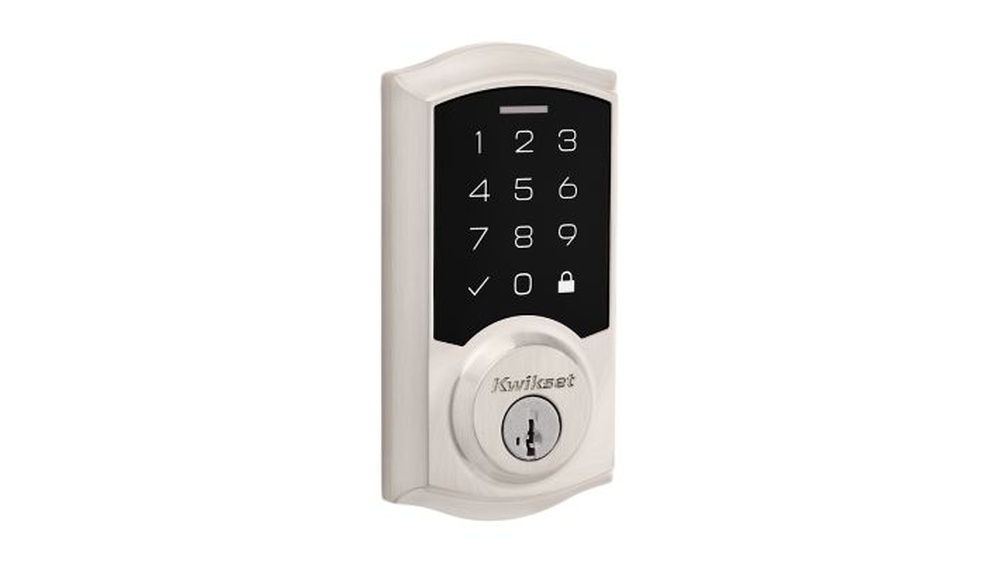
Locked out or just unsure how to use your Kwikset electronic deadbolt? You’re not alone.
These smart locks are designed to keep you safe, but when it comes to unlocking them, things can get confusing fast. What if the keypad isn’t working? Or you forgot the code? Don’t worry—this guide will walk you through simple, clear steps to unlock your Kwikset electronic deadbolt quickly and easily.
By the end, you’ll feel confident handling your lock in any situation. Keep reading to regain control of your door and your peace of mind.

Credit: www.youtube.com
Kwikset Electronic Deadbolt Basics
Kwikset electronic deadbolts offer a modern way to secure your home. They use digital codes instead of traditional keys. These locks bring convenience and better control over who enters your home.
Understanding the basics helps you use the lock correctly and troubleshoot issues. It also prepares you to manage codes and battery changes easily.
Types Of Kwikset Deadbolts
Kwikset makes several electronic deadbolt models. Some have keypads on the outside for code entry. Others include smart features like app control or voice assistant compatibility.
Popular types include the SmartCode series and Halo locks. Each type suits different needs, from simple code access to full smart home integration.
Key Features To Know
Most Kwikset electronic deadbolts have easy-to-use keypads. They store multiple user codes for family or guests. Some models include auto-lock, locking the door after a set time.
Many use batteries, so knowing how to replace them is important. Backup keys are usually available in case of electronic failure. Some locks also have alarms for added security.
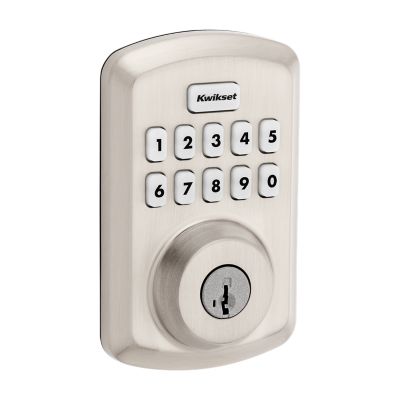
Credit: www.kwikset.com
Tools Needed For Unlocking
Having the right tools is important for opening a Kwikset electronic deadbolt safely. Different tools help with different lock parts. Knowing what tools to use can save time and avoid damage.
This section explains the basic tools you will need. It also covers safety tips to follow during the process.
Essential Tools
A small screwdriver set is useful. Both flathead and Phillips screwdrivers work well. These help remove the lock cover or battery panel.
A reset tool or a paperclip can press small buttons inside the lock. This tool helps reset or bypass the lock system.
Needle-nose pliers come in handy. They can grip small parts or wires gently without breaking them.
Sometimes, a small flashlight is necessary. It lights up dark areas inside the lock for better visibility.
Safety Precautions
Wear safety glasses to protect your eyes from dust and small parts. This prevents injury during the work.
Keep your hands dry and clean. This reduces slipping and accidental damage to the lock.
Work slowly and carefully. Rushing may harm the lock or cause injury.
Always check if you have permission to work on the lock. Unauthorized attempts can lead to legal trouble.
Step-by-step Unlocking Process
Unlocking a Kwikset electronic deadbolt is simple with clear steps. Knowing each method helps you open the door quickly. This guide explains how to unlock using the keypad, the manual key, and by replacing the battery. Follow these easy steps to get inside without stress.
Using The Keypad
Start by waking up the keypad. Press any button to activate it. Enter your 4 to 8-digit code slowly and carefully. Wait for a green light or a beep. This signal means the door is unlocked. Turn the handle to open the door. If the code is wrong, try again. After three wrong attempts, the keypad locks for 30 seconds.
Manual Key Override
Find the keyhole on the deadbolt. It is usually hidden under a cover. Slide the cover aside gently. Insert your physical key into the keyhole. Turn the key clockwise until you hear a click. This action releases the lock. Turn the door handle to open. Keep the key handy for emergencies.
Battery Replacement Method
Low battery may stop the keypad from working. Locate the battery cover on the inside of the door. Slide or lift the cover to open it. Remove old batteries carefully. Use fresh AA alkaline batteries. Insert them with correct polarity. Close the cover securely. Test the keypad by entering your code. The lock should respond immediately.
Troubleshooting Common Issues
Electronic deadbolts like Kwikset offer great convenience. Sometimes, small issues can stop them from working. Knowing common problems helps you fix them quickly. This section covers signs of a dead battery, keypad issues, and mechanical jams. Follow these tips to get your lock working again fast.
Dead Battery Signs
Your Kwikset lock may stop working if the battery dies. The keypad might not light up. You could hear clicking sounds without the lock moving. Sometimes, the lock beeps or flashes red. These are clear signs the battery needs replacing. Use fresh batteries to keep your lock running smoothly.
Keypad Malfunctions
The keypad can fail to respond or register the wrong code. Dirt or moisture might cause this problem. Clean the keypad gently with a dry cloth. Reset the lock by removing and reinserting the batteries. Check if the buttons feel stuck or hard to press. These small steps often fix keypad issues quickly.
Mechanical Jam Fixes
The lock’s bolt may get stuck and not move smoothly. Dust, dirt, or rust can cause the jam. Spray a small amount of lubricant into the keyhole and bolt area. Try turning the lock slowly back and forth. Avoid forcing the lock too hard to prevent damage. Regular cleaning helps prevent mechanical jams from happening.
Preventive Tips To Avoid Lockouts
Lockouts can cause stress and waste time. Avoiding them is easier with simple steps. Keep your Kwikset electronic deadbolt working well and ready to use.
Regular Maintenance
Clean the lock and keypad regularly. Dust and dirt can stop the lock from working. Check for loose screws or parts. Fix small problems early to avoid bigger issues.
Backup Key Strategies
Keep a backup key in a safe place. Share it with a trusted family member or friend. This helps if the electronic part fails or the battery dies. Always know where your backup key is.
Battery Check Routine
Check the battery every month. Replace it before it runs out. Low battery can stop the lock from working. Use fresh batteries and carry spares at home.

Credit: www.youtube.com
Frequently Asked Questions
How Do I Unlock A Kwikset Electronic Deadbolt?
To unlock a Kwikset electronic deadbolt, enter your programmed code on the keypad. Then, press the lock or unlock button. The deadbolt will retract, allowing you to open the door.
What If I Forget My Kwikset Electronic Deadbolt Code?
If you forget your code, use the physical key to unlock the deadbolt. You can also reset the lock and program a new code following the user manual.
Can I Unlock Kwikset Electronic Deadbolt Remotely?
Yes, if your Kwikset deadbolt supports smart home integration, you can unlock it using a compatible app on your smartphone or voice assistant.
How To Unlock Kwikset Deadbolt During Power Failure?
Kwikset electronic deadbolts use batteries, so during power failure, the lock still works. Replace batteries if lock becomes unresponsive to keypad input.
Conclusion
Unlocking a Kwikset electronic deadbolt is simple with the right steps. Follow the instructions carefully for safe access. Keep your code secure and update it often. Always check the battery to avoid lockouts. Practice these tips to use your lock with ease.
Stay calm and take your time. This way, you can manage your lock confidently every day.