You want to keep your home safe and secure, and knowing how to lock your Schlage keypad deadbolt is a simple but powerful step. Imagine this: you’re rushing out the door, juggling bags and keys, and all you have to do is press a few buttons to lock up.
No fumbling, no hassle. In this guide, you’ll discover the easy way to use your Schlage keypad deadbolt, so you can protect your home with confidence. Keep reading to learn how to make your lock work for you every time.
Credit: www.homedepot.com
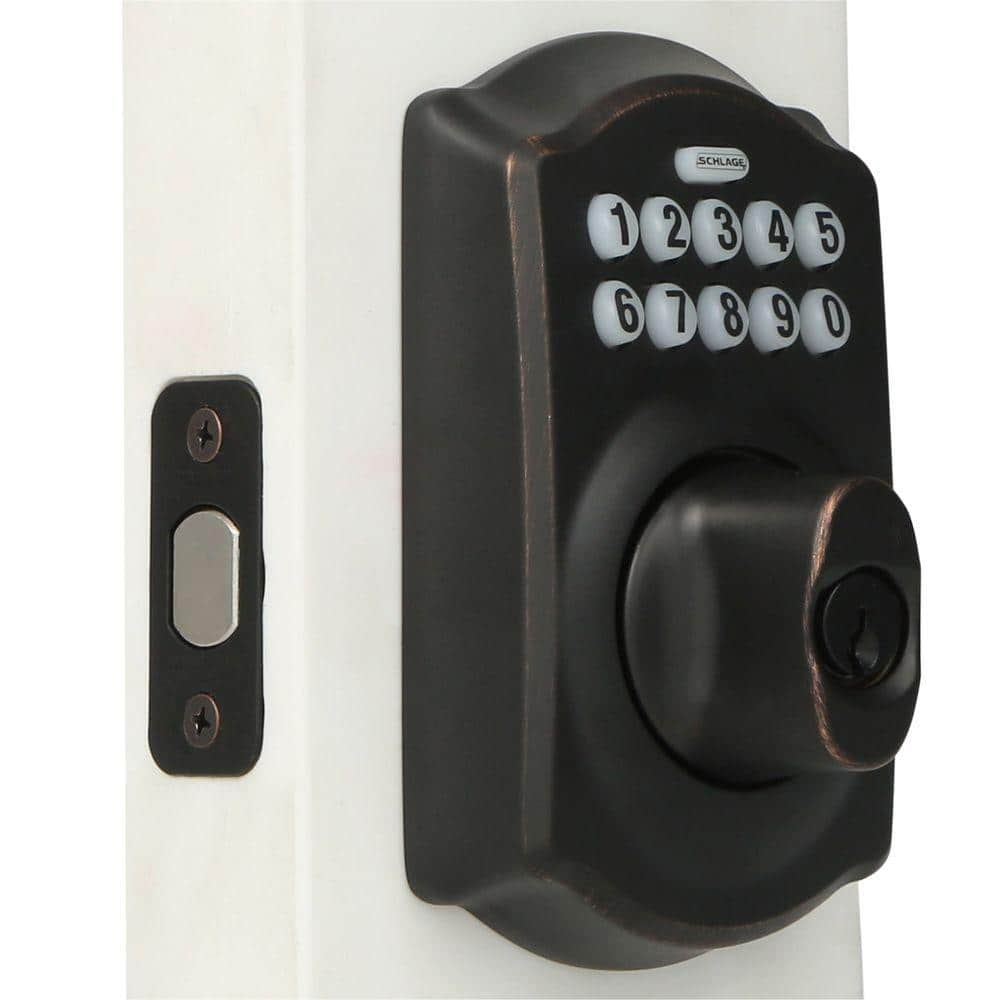
Choosing The Right Schlage Keypad Deadbolt
Choosing the right Schlage keypad deadbolt helps protect your home and family. A good lock offers security and ease of use. It fits your door and matches your lifestyle. Understanding the options makes the choice simple and clear.
Types Of Schlage Keypad Deadbolts
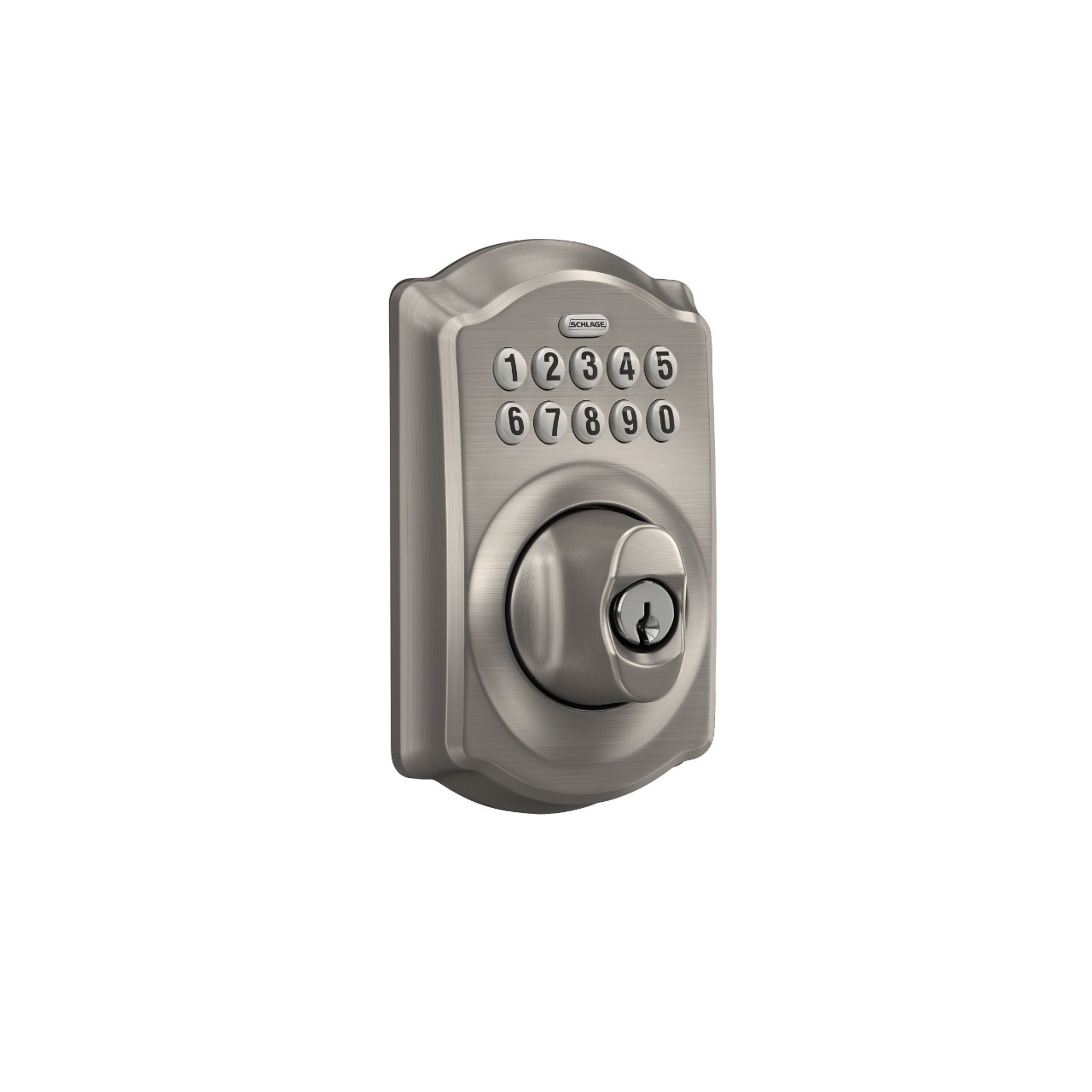
Schlage offers several keypad deadbolt types. The most common are the Schlage Sense, Schlage Encode, and Schlage Connect. Each model suits different needs and budgets. Schlage Sense works with Apple HomeKit. Schlage Encode connects to Wi-Fi for remote access. Schlage Connect uses Z-Wave technology for smart home systems. Choose a type that fits your home’s setup and your tech comfort.
Features To Consider
Look for features that match your daily habits. Keypad size and button layout affect ease of use. Some locks offer fingerprint resistance and backlit keys for night use. Check if the lock supports multiple user codes for family or guests. Battery life matters for uninterrupted security. Some models send alerts when batteries run low. Also, consider the lock’s finish and design to match your door.
Credit: www.schlage.com
Installing Your Schlage Keypad Deadbolt
Installing your Schlage keypad deadbolt is a straightforward process. This guide helps you set up the lock quickly and securely. You will need some tools and clear steps to complete the job. Follow the instructions carefully to ensure your deadbolt works properly.
Tools Needed
- Phillips screwdriver
- Flathead screwdriver
- Measuring tape
- Drill with bits (if new holes are needed)
- Pencil for marking
- Level (optional but helpful)
Step-by-step Installation
- Remove the old lock from your door.
- Check the door thickness and backset to match the new deadbolt.
- Place the latch into the door edge and secure it with screws.
- Attach the exterior keypad to the door, aligning the tailpiece through the latch.
- Connect the interior assembly to the tailpiece on the inside of the door.
- Secure the interior and exterior parts with screws.
- Install batteries and test the keypad and lock function.
- Adjust the strike plate on the door frame if needed.
- Test locking and unlocking with the keypad several times.
Setting Up Your Access Codes
Setting up access codes is key for your Schlage keypad deadbolt. Codes control who can enter your home. You can create a main code and many user codes. Each code gives secure, easy access without a key.
Follow simple steps to set up your codes. This keeps your home safe and convenient. Learn how to create codes that work for you.
Creating Master Codes
The master code controls all other codes. Start by entering programming mode on your keypad. Press the Schlage button and enter the default master code. Then, follow the voice or screen prompts.
Choose a new master code with 6 to 8 digits. Avoid easy numbers like 123456. Save the new master code carefully. This code lets you add or delete user codes later.
Adding User Codes
After setting the master code, add user codes for family or friends. Enter programming mode using the master code. Select the option to add a new user code.
Pick a code with 4 to 8 digits. Make it different from the master code. Assign a name or number to each user code if your model allows. This helps track who uses the code.
Test each user code to ensure it works correctly. You can delete or change user codes anytime using the master code.
Credit: www.schlage.com
Locking The Deadbolt Manually
Locking a Schlage keypad deadbolt manually is simple and quick. It gives you control over your door’s security without relying on electronics. This method works well in daily use or during power failures. Understanding how to lock the deadbolt manually is key for easy home security management.
Using The Keypad
To lock the deadbolt using the keypad, press the Schlage button. The lock will beep, and the deadbolt will extend automatically. This action secures your door instantly. No need to use a key or turn a knob.
The keypad is easy to use and fast. Make sure the door is fully closed before pressing the button. This ensures the lock works correctly. You can lock the door from outside with just a code and a press.
Using The Physical Key
Insert the physical key into the keyhole on the lock’s exterior. Turn the key clockwise to extend the deadbolt. This locks the door securely without using the keypad.
This method is helpful if the keypad is not working. It also works during battery failure or electronic issues. Always keep your physical key in a safe place for easy access.
Locking The Deadbolt Automatically
Locking the Schlage keypad deadbolt automatically adds ease and security. It removes the need to lock the door manually every time. This feature helps prevent accidental unlocks and keeps your home safe.
Many Schlage models come with an auto-lock feature. This feature locks the deadbolt after a set time. You can adjust the timing to fit your lifestyle.
Auto-lock Features
The auto-lock feature activates the deadbolt after a delay. This delay time ranges from a few seconds to several minutes. It ensures the door locks behind you without extra effort.
This feature works even if the door is closed softly. It reduces the chances of leaving the door unlocked by mistake. It is especially useful for busy households and frequent comings and goings.
Adjusting Auto-lock Settings
Adjusting the auto-lock timer is simple. Use the Schlage keypad to enter the settings menu. Follow the instructions in the user manual to find the auto-lock option.
You can set the delay time or turn off auto-lock completely. Choose a time that suits your daily routine. Shorter delays add security but may feel rushed for some users.
Once set, test the auto-lock to ensure it works as expected. Adjust again if necessary for the best balance of convenience and safety.
Troubleshooting Common Issues
Troubleshooting common issues with your Schlage keypad deadbolt is simple. Most problems arise from basic causes. Fixing them usually takes just a few steps. Knowing these tips saves time and keeps your door secure.
Keypad Not Responding
Check if the keypad lights up when pressed. No light often means dead batteries. Dirt or moisture can block the keys. Clean the keypad with a dry cloth. Press each button firmly. Reset the lock by removing the battery and waiting 10 seconds. Reinstall the battery and test again. If it still does not respond, try a different battery type or contact support.
Battery Replacement Tips
Use fresh alkaline batteries for best performance. Avoid rechargeable batteries as they may not work well. Replace all batteries at the same time. Open the battery cover gently to avoid damage. Note the battery direction before removing old ones. Clean battery contacts with a dry cloth before inserting new batteries. Replace batteries once you notice slow keypad response or weak sounds. Proper battery care extends the lock’s life and reliability.
Maintaining Your Schlage Deadbolt
Maintaining your Schlage keypad deadbolt helps it work smoothly for years. Proper care prevents problems and keeps your home secure. Simple steps can make a big difference in the lock’s performance.
Regular Cleaning
Clean the keypad and lock body regularly. Use a soft cloth to wipe away dust and dirt. Avoid harsh chemicals that can damage the finish. Keep the keyhole free from debris. This helps the lock operate without sticking.
Firmware Updates
Check for firmware updates often. Updates improve security and fix bugs. Use the Schlage app to find and install updates. Keeping the firmware current ensures your lock stays safe and reliable.
Frequently Asked Questions
How Do I Lock A Schlage Keypad Deadbolt Manually?
To lock manually, simply press the Schlage button on the keypad. The deadbolt will engage automatically, securing your door instantly.
Can I Lock The Schlage Keypad Deadbolt Remotely?
Yes, if your Schlage keypad deadbolt supports smart home integration, you can lock it remotely via its mobile app.
What Should I Do If The Keypad Won’t Lock?
Check the batteries first; weak batteries often cause issues. If the problem persists, reset the lock or consult the manual.
Is It Secure To Rely On Keypad Locking Only?
Yes, Schlage keypad deadbolts offer high security with encrypted codes and tamper alarms for enhanced protection.
Conclusion
Locking a Schlage keypad deadbolt is simple and quick. Follow the steps carefully to secure your door every time. Practice a few times to feel confident using the keypad. Keep your code private to protect your home. Regularly check the batteries to avoid lock issues.
This small effort helps keep your family safe and your belongings secure. A reliable lock brings peace of mind without any hassle. Give it a try today and enjoy the ease of keyless security.