Are you ready to upgrade your home security with a Schlage electronic deadbolt but don’t know where to start? Installing this smart lock yourself is easier than you think, and it could save you time and money.
Imagine unlocking your door without fumbling for keys and having full control over who enters your home—all from your phone. In this guide, you’ll find simple, step-by-step instructions that anyone can follow. Keep reading, and by the end, you’ll have a strong, reliable lock that gives you peace of mind every time you come home.
Credit: fixthisbuildthat.com
Choose The Right Deadbolt
Choosing the right Schlage electronic deadbolt is the first step in securing your home. The right lock fits your door and meets your security needs. It also matches your lifestyle and technology preferences.
Knowing the types and features of Schlage deadbolts helps you make a smart choice. This guide explains what to look for before installation.
Types Of Schlage Electronic Deadbolts
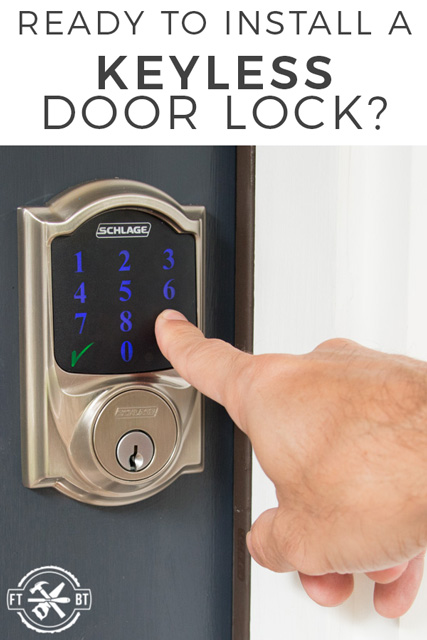
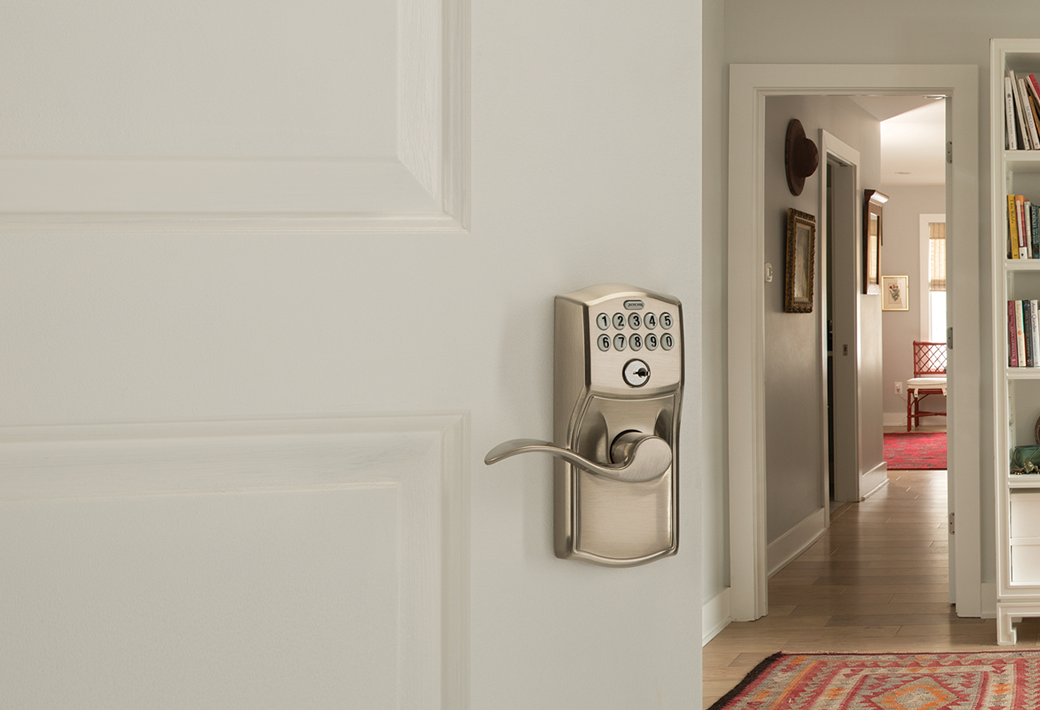
Schlage offers several electronic deadbolt models. The key types include keyless locks and keypad locks. Keyless locks use Bluetooth or Wi-Fi to open via a phone app. Keypad locks require a code entered on a numeric pad.
Some models combine both features, allowing multiple ways to unlock. You can use a traditional key as a backup. Each type suits different needs and budgets.
Features To Consider
Look for features that fit your daily routine. Consider if you want remote access to lock or unlock doors. Battery life is important for uninterrupted security. Check if the lock alerts you about low battery or tampering.
Think about user codes. Some models allow many unique codes for family or guests. Easy installation and compatibility with your door size matter too. Choose a lock with strong materials for durability.
Gather Necessary Tools
Before installing a Schlage electronic deadbolt, gather all tools needed. This step saves time and makes the process smooth. Having everything ready prevents interruptions and keeps you focused.
Prepare your workspace to ensure safety and comfort. A clean, well-lit area helps avoid mistakes and lost parts.
Tools List
- Phillips screwdriver
- Flathead screwdriver
- Drill with drill bits
- Tape measure
- Pencil or marker
- Chisel (optional)
- Level
- Batteries (usually AA or AAA)
Preparing Your Workspace
Choose a flat surface near your door for easy access. Good lighting helps see small parts clearly. Remove clutter from the area to avoid losing screws.
Place a cloth or small container to hold screws and components. This prevents them from rolling away or getting lost.
Remove Existing Deadbolt
Removing the existing deadbolt is the first step to install your new Schlage electronic deadbolt. This step is important to ensure the new lock fits well and works properly. Take your time to remove the old hardware carefully. This helps avoid damage to your door.
Steps To Remove Old Hardware
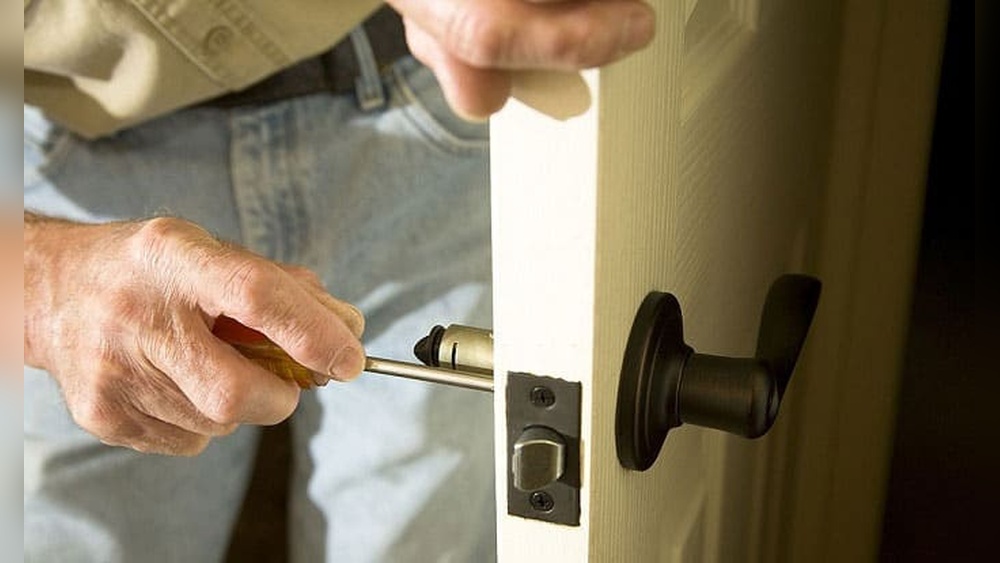
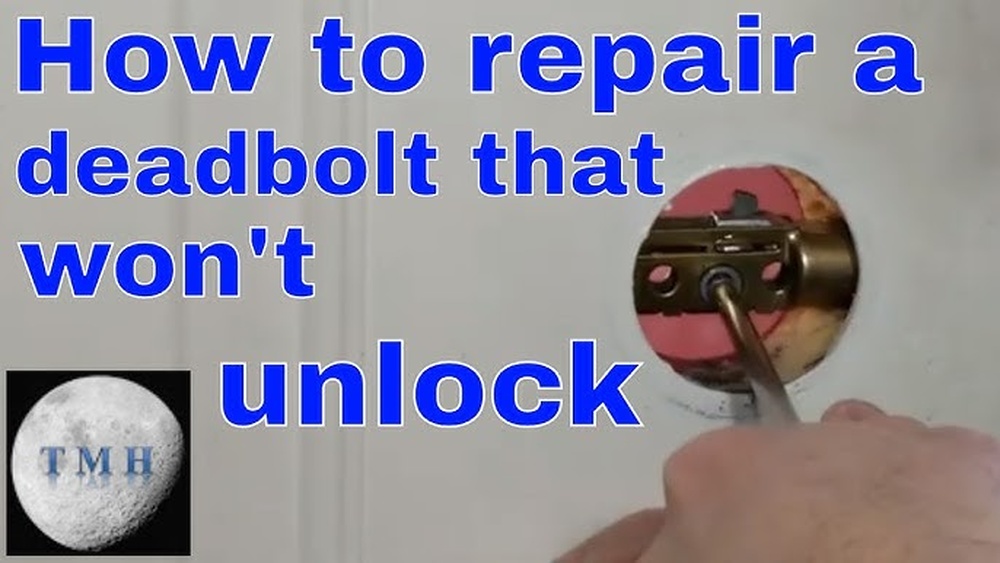
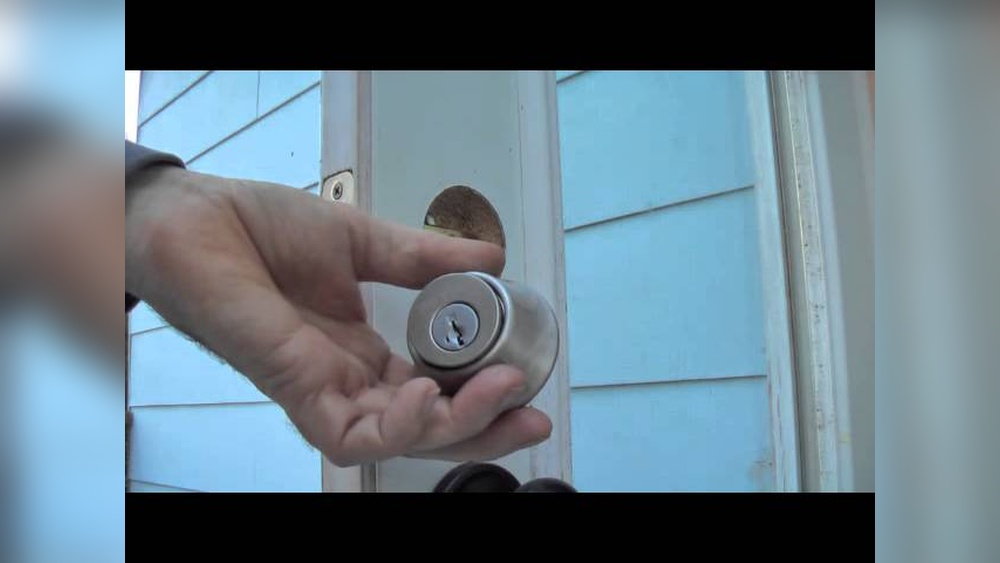
Start by locating the screws on the interior side of the door. Use a screwdriver to remove these screws. Keep the screws safe for later use or disposal. Pull both the interior and exterior parts of the deadbolt away from the door. Remove the latch mechanism from the edge of the door by unscrewing it. Take out all pieces and clean the area to prepare for the new lock.
Tips For Door Preparation
Check the door edges for any damage or rough spots. Sand down any rough areas to create a smooth surface. Wipe the door clean to remove dust and dirt. Make sure the hole for the latch is clear and free from debris. Measure the hole size to confirm it matches the new deadbolt. Proper door preparation helps your new lock fit perfectly and work smoothly.
Credit: www.schlage.com
Install The New Deadbolt
Installing a Schlage electronic deadbolt is straightforward with the right steps. This part covers how to install the new deadbolt correctly. Proper installation ensures your lock works smoothly and keeps your home safe.
Positioning The Deadbolt
Start by placing the deadbolt on the door edge. Align it so the bolt fits into the hole perfectly. The bolt should slide easily when you move it. Make sure the faceplate sits flat against the door. Mark screw holes using a pencil for accuracy. Check that the bolt is fully retracted before moving forward.
Securing The Interior And Exterior Units
Next, attach the exterior keypad and interior thumb turn. Feed the connecting cable through the door hole carefully. Align both units so the screws match the holes. Tighten the screws evenly to avoid misalignment. Do not overtighten; the lock must move freely. Check that the thumb turn operates the bolt smoothly before finishing.
Connect The Electronics
Connecting the electronics is a crucial step in installing your Schlage electronic deadbolt. It ensures the lock functions properly and responds to your commands. This section guides you through installing the batteries and synchronizing the lock components.
Installing Batteries
Start by opening the battery compartment on the interior side of the lock. Insert the batteries in the correct direction, following the symbols inside the compartment. Use fresh alkaline batteries for the best performance. Close the battery cover securely to protect the electronics. Check if the lock powers on by pressing a button. A light or sound usually confirms the power connection.
Synchronizing The Lock Components
After installing the batteries, align the interior and exterior parts of the lock. Make sure the tailpiece fits into the slot on the interior assembly. Hold the lock components firmly together. Press the program button to start synchronization. The lock may beep or flash to indicate success. Test the keypad and thumb turn to confirm proper syncing. This step ensures smooth electronic communication within the lock.
Program The Lock
Programming your Schlage electronic deadbolt is a key step for securing your home. It lets you control who can enter by setting up unique codes. This step also allows you to use the Schlage app for easy management. Follow the instructions below to program your lock quickly.
Setting Up User Codes
Start by entering the programming code found in your manual. Press the Schlage button and then the number 1. Enter the new user code, usually 4 to 8 digits. Press the Schlage button again to save the code. Repeat this for each new user you want to add. Make sure each code is unique to avoid confusion.
Using The Schlage App
Download the Schlage app from the App Store or Google Play. Connect your lock to the app via Bluetooth. Create an account or log in to your existing one. Use the app to add or delete user codes easily. The app also shows lock status and activity history. This helps you manage access even when away from home.
Test The Lock
Testing the lock is a key step after installing your Schlage electronic deadbolt. It ensures the lock works correctly and keeps your home secure. This step helps you find any issues before you finish the setup.
Manual Operation Check
Start by testing the lock manually. Turn the thumbturn inside to lock and unlock the door. Make sure it moves smoothly without sticking. Check the bolt extends fully into the door frame. Try opening the door from the outside with the key. The key should turn easily and lock or unlock the door.
Electronic Functionality Test
Next, test the electronic features of your Schlage deadbolt. Enter your programmed code on the keypad. The lock should respond quickly and open the door. Check if the keypad lights up when touched. Test any additional functions like auto-lock or alarm settings. Replace the batteries if the lock does not respond well. This test confirms your lock’s digital parts work as expected.
Troubleshooting Tips
Installing a Schlage electronic deadbolt is usually simple. Yet, some issues can happen. Knowing common problems helps fix them fast. This section shares key tips to solve common errors during setup.
Common Installation Issues
Check the lock alignment first. Misaligned parts stop the deadbolt from working. Make sure the latch fits the door frame hole. Tighten all screws but avoid over-tightening.
Sometimes, the keypad does not respond. This often means wiring is loose or battery is low. Verify the lock’s wiring and test battery power. Also, confirm the lock is programmed correctly.
Battery And Connectivity Problems
Low battery causes many electronic lock issues. Replace batteries with fresh ones regularly. Use the recommended battery type for best results.
Wireless locks may lose connection. Keep the lock close to your Wi-Fi or hub. Remove objects that block signals. Reset the lock if it won’t connect.

Credit: www.youtube.com
Frequently Asked Questions
How Do I Install A Schlage Electronic Deadbolt?
First, remove your old deadbolt. Align the Schlage deadbolt with the door holes. Secure the lock with screws. Follow the manual to install batteries and program the lock.
What Tools Are Needed For Schlage Deadbolt Installation?
You need a Phillips screwdriver, tape measure, and pencil. A drill may be required for new holes. Check the Schlage manual for specific tool recommendations.
How Do I Program My Schlage Electronic Deadbolt?
After installation, press the Schlage button. Enter the programming code. Follow the instructions to add user codes. Test the lock to ensure proper programming.
Can I Install A Schlage Deadbolt On Any Door?
Yes, but your door should be 1-3/8” to 1-3/4” thick. The door edge must have a standard bore hole. Check compatibility before purchasing.
Conclusion
Installing a Schlage electronic deadbolt is simple and quick. Follow each step carefully, and you will secure your door in no time. This lock adds convenience and safety to your home. No special tools or skills are needed. Take your time, and double-check your work.
Enjoy the peace of mind from a well-installed deadbolt. Your home will feel safer every day. Keep the manual handy for future reference or troubleshooting. This small project can make a big difference.